
Inngangur
The School Smart 90525 LED Clock is designed for high visibility, featuring large 4-inch digits. It displays time, calendar, and temperature, and includes a remote control for convenient operation. This clock is powered by an AC adapter and has a battery backup feature. It also includes a dual-buzzer alarm with a snooze function.
1. Uppsetning
1.1 Upptaka
- Fjarlægðu alla íhluti varlega úr umbúðunum.
- Verify that all items are present: LED clock unit, AC power adapter, and remote control.
1.2 Rafmagnstenging
- Locate the DC input port on the back of the clock.
- Connect the AC power adapter to the DC input port.
- Plug the AC power adapter into a standard electrical outlet. The clock display should illuminate.

Mynd: Aftan view of the School Smart LED Clock, illustrating the power input, battery compartment, and the included remote control and AC adapter.
1.3 Uppsetning varaafls
The clock requires 3 AAA batteries (not included) for backup power. These batteries maintain time settings during a power outage but do not power the display.
- Opnaðu rafhlöðulokið aftan á klukkunni.
- Settu í 3 AAA rafhlöður og gætið þess að þær snúi rétt (+/-).
- Lokaðu rafhlöðuhólfinu.
1.4 Veggfesting
Klukkan er hönnuð til að festast á vegg.
- Identify a suitable location on a wall, ensuring it is near a power outlet.
- Use appropriate hardware (screws, anchors - not included) to secure the clock to the wall using the mounting slots on the back.
2. Rekstur
2.1 Fjarstýring yfirview
The included remote control allows for convenient adjustment of settings from a distance. Ensure the remote has working batteries (typically 2 AAA, not included) and is pointed towards the clock's sensor.
Image: The remote control for the School Smart LED Clock, shown alongside the clock's rear panel.
2.2 Stilling á tíma og dagsetningu
Use the remote control to set the current time and date.
- Ýttu á SETJA button on the remote control. The display will enter setting mode.
- Notaðu UP og NIÐUR arrows to adjust the flashing digit.
- Ýttu á SETJA again to move to the next digit or setting (e.g., hours, minutes, year, month, day).
- Þegar allar stillingar eru réttar skaltu ýta á HÆTTA or MODE button to save and exit setting mode.
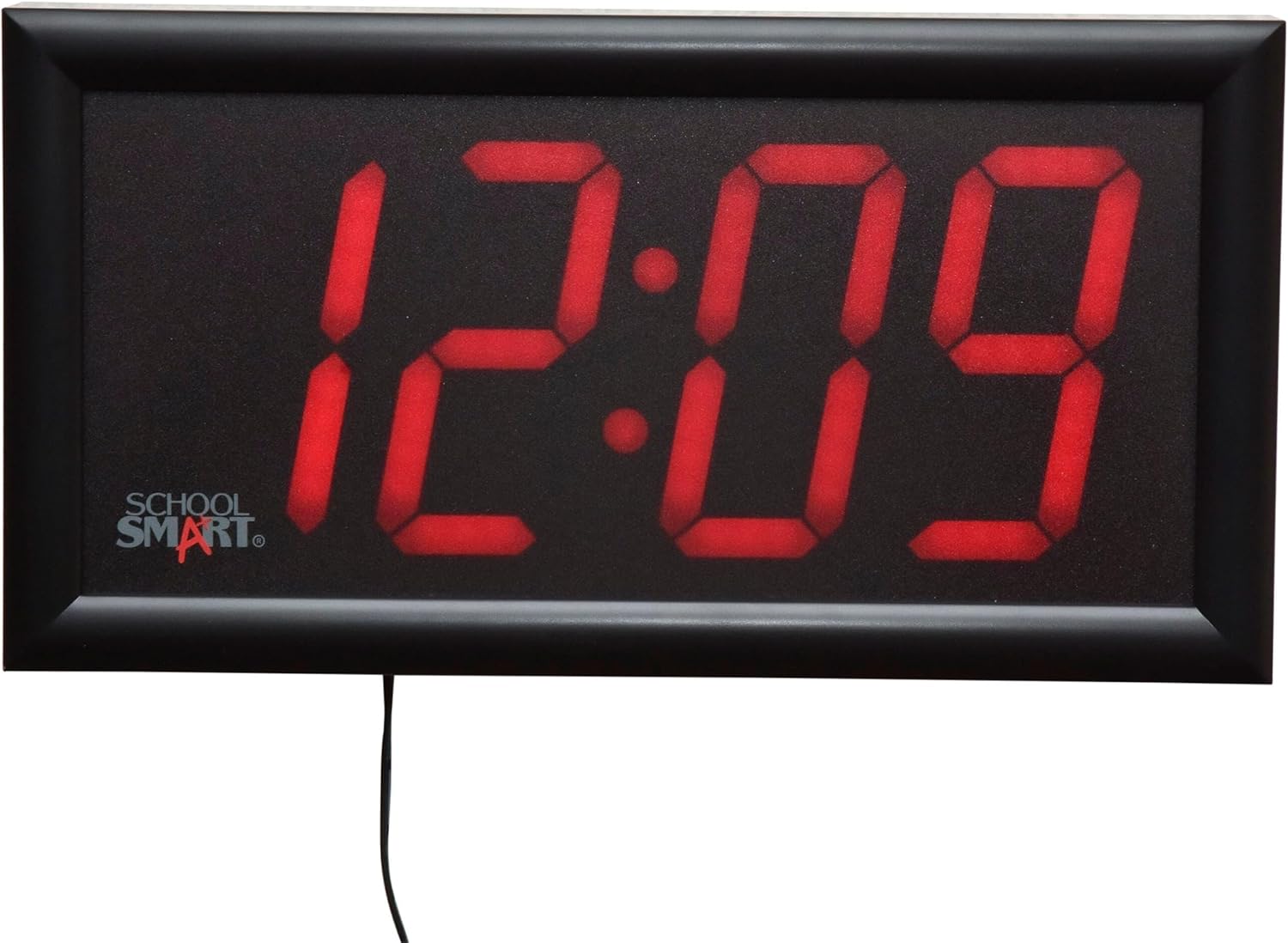
Image: The School Smart LED Clock displaying the time 12:09.

Image: The School Smart LED Clock displaying the date 10-1.
2.3 Viðvörunaraðgerð
The clock features a dual-buzzer alarm with a 9-minute snooze function.
- Ýttu á VÖRUN button on the remote to enter alarm setting mode.
- Notaðu UP og NIÐUR arrows to set the desired alarm time.
- Ýttu á VÖRUN again to confirm and activate the alarm. An alarm icon may appear on the display.
- Þegar vekjarinn hringir ýtirðu á BLUGA button on the remote for a 9-minute delay.
- To turn off the alarm, press any other button on the remote or the VÖRUN hnappinn aftur.
2.4 Hitastigsskjár
The clock can display the current temperature.
- The clock automatically cycles through time, date, and temperature displays.
- To manually switch to temperature display, press the MODE button on the remote until the temperature is shown.

Image: The School Smart LED Clock displaying 70.4 degrees Fahrenheit.
2.5 Birtustig skjásins
The School Smart 90525 LED Clock features high-visibility red digits. While there is no direct brightness adjustment control, its design ensures clear readability in various environments. Consider placement in areas where its brightness is suitable for the intended use.
3. Viðhald
3.1 Þrif
- Taktu klukkuna úr sambandi við rafmagn áður en hún er þrifin.
- Þurrkaðu af skjánum og casing með mjúkum, þurrum klút.
- Do not use abrasive cleaners, solvents, or spray directly onto the clock.
3.2 Skipt um rafhlöðu
Replace the 3 AAA backup batteries annually or if the clock fails to retain time settings during a power interruption.
- Opnaðu rafhlöðuhólfið aftan á klukkunni.
- Fjarlægðu gömlu rafhlöðurnar og fargaðu þeim á réttan hátt.
- Insert new 3 AAA batteries, observing correct polarity.
- Lokaðu rafhlöðuhólfinu.
4. Bilanagreining
- Klukkan kveikir ekki á sér eða skjárinn er auður:
Ensure the AC power adapter is securely plugged into both the clock and a working electrical outlet. Check if the outlet has power. - Clock not retaining time during power outage:
Verify that 3 AAA backup batteries are installed correctly and are not depleted. Replace batteries if necessary. - Fjarstýringin svarar ekki:
Check the batteries in the remote control and replace them if needed. Ensure there are no obstructions between the remote and the clock's sensor. Point the remote directly at the clock. - Viðvörun hringir ekki:
Confirm that the alarm time is set correctly and the alarm function is activated (look for an alarm icon on the display). - Incorrect time or date displayed:
Follow the instructions in Section 2.2 to reset the time and date using the remote control.
5. Tæknilýsing
| Eiginleiki | Forskrift |
|---|---|
| Gerðarnúmer | 090525 |
| Skjár Tegund | Stafræn LED |
| Talnahæð | 4 tommur |
| Mál (L x B x H) | 13 x 7 x 1.75 tommur (u.þ.b.) |
| Aflgjafi | Rafmagns millistykki |
| Afritun rafhlöðu | 3 x AAA rafhlöður (fylgir ekki) |
| Aðgerðir | Time, Date, Temperature, Dual Alarm, Snooze |
| Eftirlitsaðferð | Fjarstýring |
| Gerð uppsetningar | Veggfesting |
6. Ábyrgð og stuðningur
For warranty information or technical support, please refer to the product packaging or contact School Smart customer service directly. Keep your purchase receipt for warranty claims.