
1. Inngangur
This manual provides detailed instructions for the installation, operation, and troubleshooting of the Syba SD-MPE40056 2 Port Mini PCIe to SATA III Controller Card. This card is designed to expand your system's storage capabilities by adding two SATA III ports via a Mini PCI-Express slot. It utilizes the AsMedia ASM1061 chipset to deliver high-speed data transfer rates up to 6.0Gbps.
2. Innihald pakka
Vinsamlegast gangið úr skugga um að allir hlutir séu til staðar og í góðu ástandi þegar pakkinn er opnaður:
- Mini PCI-Express SATA Controller Card
- Notendahandbók (þetta skjal)
- Driver ökumanns
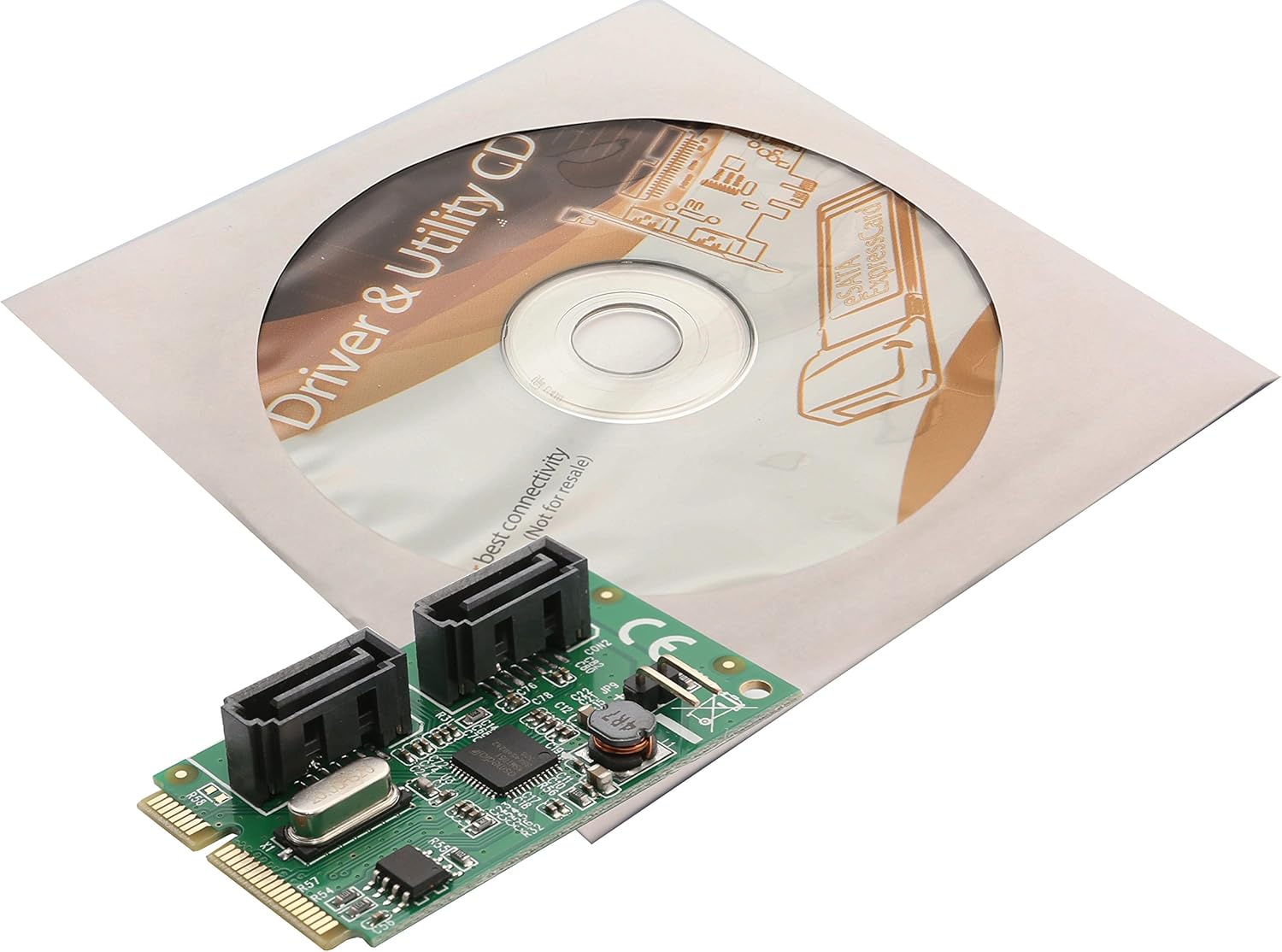
Image: The Syba Mini PCIe SATA III Controller Card shown alongside its included Driver & Utility CD.
3. Vöru lokiðview
The Syba SD-MPE40056 is a compact expansion card designed to add two internal SATA III ports to systems equipped with a Mini PCI-Express slot. It is ideal for expanding storage in small form factor PCs, industrial computers, or other compatible devices. The card features two standard SATA data connectors and a Mini PCIe interface for connection to the motherboard.

Mynd: Ofan frá og niður view of the Syba Mini PCIe SATA III Controller Card, showing the two SATA ports and the main chipset.
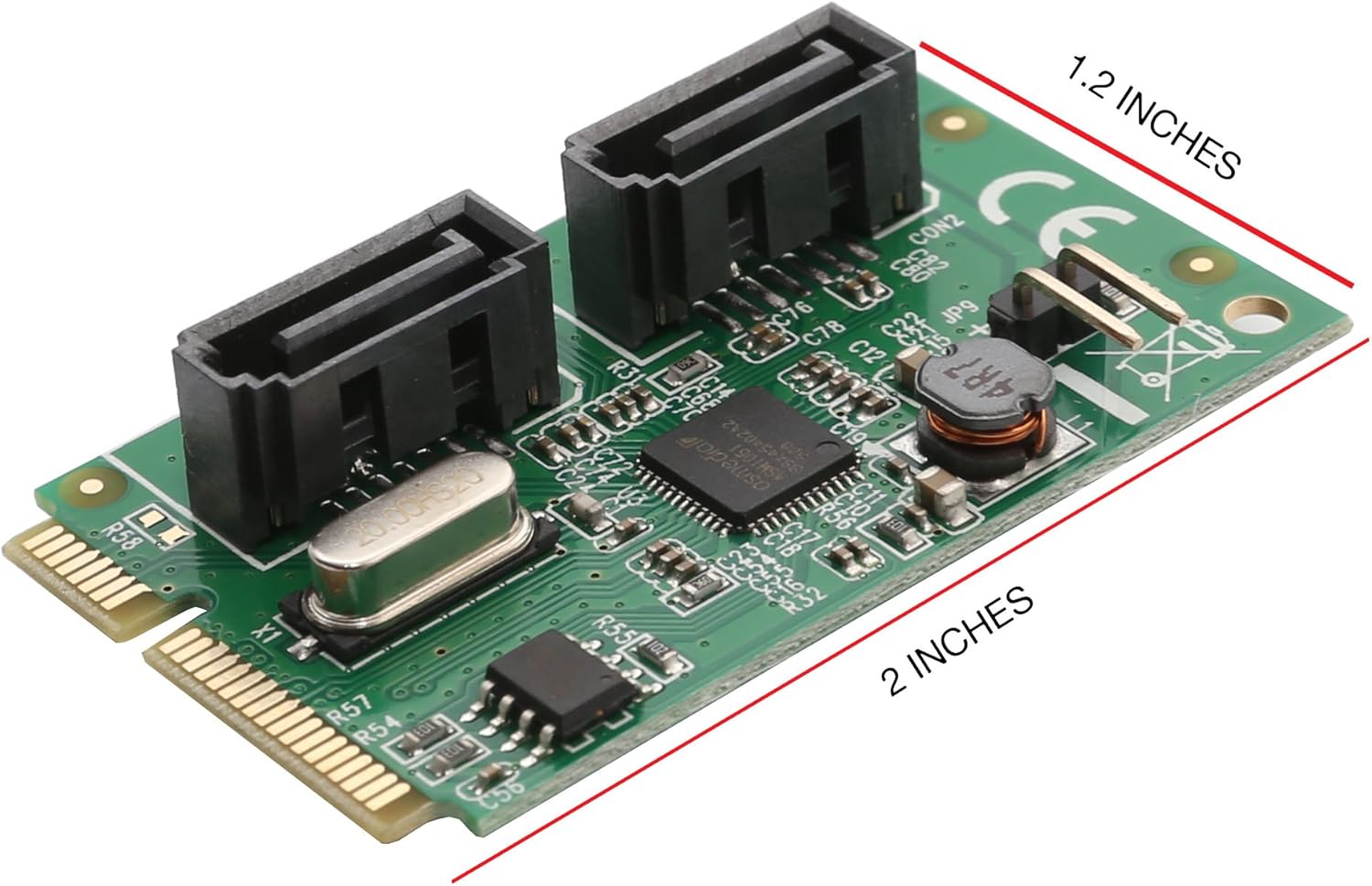
Image: The Syba Mini PCIe SATA III Controller Card with dimensions labeled, indicating its compact size of approximately 2 inches by 1.2 inches.
4. Eiginleikar
- Compliant with Serial ATA AHCI (Advanced Host Controller Interface) Specification Revision 1.0.
- Compatible with Full-Mini (F1) card Type form Factor.
- Supports SATA 3.0 transfer rates up to 6Gbps.
- Supports Native Command Queue (NCQ) for optimized performance.
- Supports Port Multiplier for connecting multiple SATA devices to a single host port (if supported by connected devices).
- PCI-Express 2.0 Base Specification Compliant.
- Designed for Mini-PCIe slots; not compatible with standard PCIe slots.
5. Kerfiskröfur
- Available Mini PCI-Express slot (Full-Mini F1 type).
- Operating System: Windows (various versions), macOS, or Linux.
- SATA data cables for connecting storage devices.
- Power cables for SATA storage devices.
6. Uppsetningarhandbók
Follow these steps to properly install the Syba SD-MPE40056 controller card into your system:
- Slökkva á kerfinu: Slökktu alveg á tölvunni þinni og taktu rafmagnssnúruna úr sambandi við vegginnstunguna.
- Opið undirvagn: Opnaðu tölvukassann til að komast að móðurborðinu.
- Locate Mini PCIe Slot: Identify an available Mini PCI-Express slot on your motherboard. Ensure it is a Full-Mini (F1) type slot. Note: This card is not designed for standard PCIe slots.
- Settu inn kort: Carefully align the gold contacts of the Syba Mini PCIe SATA card with the Mini PCIe slot. Gently push the card into the slot until it is fully seated.
- Öruggt kort: Secure the card with the appropriate screw (typically a #4 screw, often not included with the card) to prevent it from dislodging.
- Tengja SATA tæki: Connect your SATA storage devices (HDDs, SSDs) to the SATA ports on the controller card using SATA data cables. Ensure power cables are also connected to your storage devices.
- Loka undirvagni: Lokaðu tölvukassanum og tengdu rafmagnssnúruna aftur.
- Kveikja á kerfi: Kveiktu á tölvunni þinni.
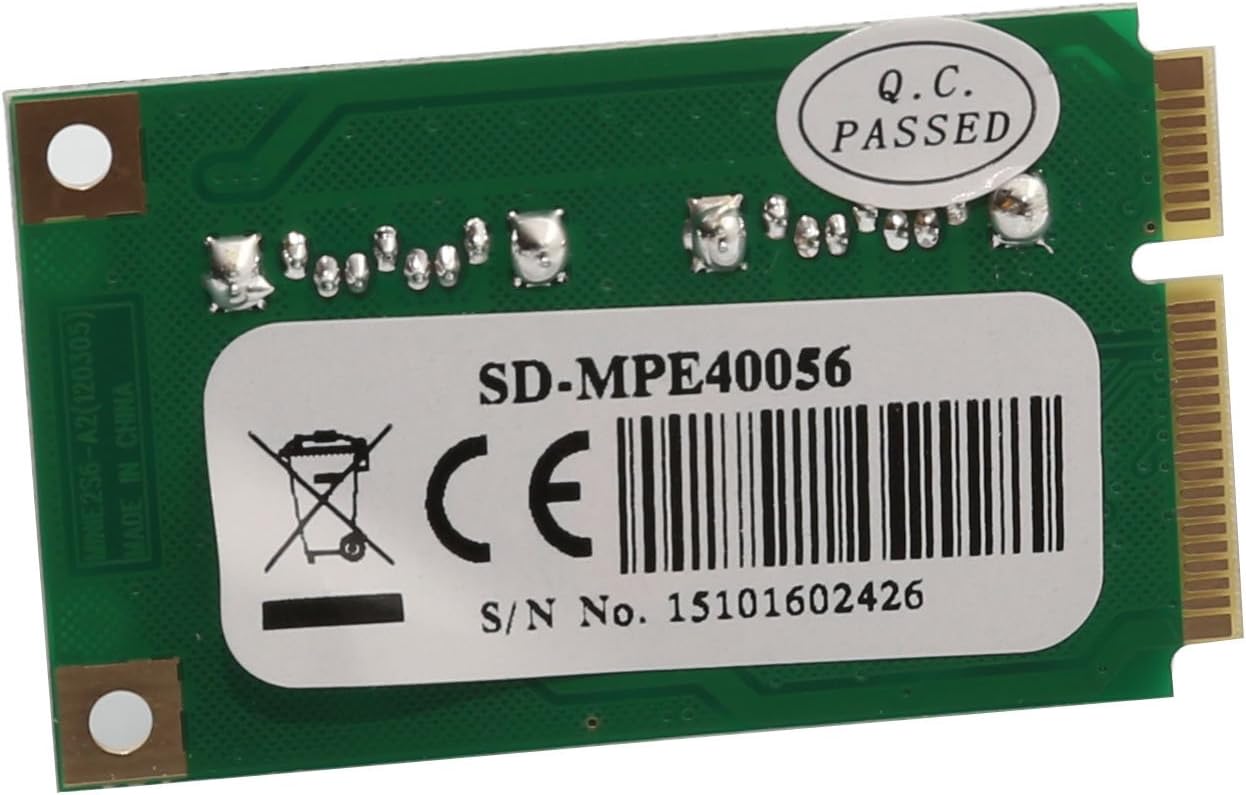
Mynd: Aftan view of the Syba Mini PCIe SATA III Controller Card, showing the model number SD-MPE40056 and serial number 15101602426 on a label.
7. Notkunarleiðbeiningar
Once the card is physically installed and the system is powered on, the operating system should detect the new hardware. For most modern operating systems (Windows, macOS, Linux), the card may be recognized automatically, and generic drivers might be installed. If not, manual driver installation will be required (refer to Section 8).
After successful driver installation, any connected SATA devices will appear in your operating system's Disk Management (Windows) or equivalent utility. You may need to initialize, partition, and format new drives before they can be used.
The card supports SATA 3.0 speeds (up to 6Gbps), Native Command Queuing (NCQ), and Port Multiplier functionality, enhancing the performance and flexibility of your connected storage devices.
8. Uppsetning bílstjóra
While many operating systems offer native support, for optimal performance or if the card is not automatically recognized, you may need to install the drivers manually.
- Settu inn geisladiskinn fyrir bílstjóra: Settu meðfylgjandi bílstjóra-geisladisk í ljósleiðara tölvunnar.
- Locate Drivers: Navigate to the appropriate folder on the CD for your operating system (e.g., Windows, macOS, Linux).
- Keyra uppsetningarforrit: Execute the driver setup file (e.g., `setup.exe` for Windows) and follow the on-screen instructions.
- Manual Installation (if needed): If an automatic installer is not available or fails, you may need to use your operating system's Device Manager (Windows) or equivalent to manually update the driver for the unrecognized SATA controller. Point the driver update utility to the driver files on the CD.
- Endurræsa kerfið: Eftir uppsetningu bílstjórans skaltu endurræsa tölvuna til að tryggja að allar breytingar taki gildi.
If you do not have an optical drive, you may be able to download the latest drivers from the Syba official website by searching for model SD-MPE40056.
9. Bilanagreining
- Kort ekki greint:
- Ensure the card is fully seated in the Mini PCIe slot.
- Verify that the Mini PCIe slot is enabled in your system's BIOS/UEFI settings (e.g., if it shares resources with a wireless card slot).
- Confirm it's a Mini PCIe slot, not a standard PCIe slot.
- Check for any known compatibility issues with your specific motherboard model (some Intel D525 platforms, for example, may require specific pin modifications or BIOS updates).
- SATA Drives Not Recognized:
- Ensure SATA data and power cables are securely connected to both the card and the drives.
- Verify that the drives themselves are functional.
- Install the correct drivers for the controller card (refer to Section 8).
- Check your system's BIOS/UEFI settings to ensure SATA controllers are enabled.
- For new drives, ensure they are initialized, partitioned, and formatted in your operating system's Disk Management utility.
- Hægur árangur:
- Ensure you are using SATA 3.0 compatible drives and cables.
- Verify that the correct drivers are installed and functioning.
- Check for other system bottlenecks (e.g., CPU usage, RAM).
- Physical Fit Issues (e.g., in laptops):
- The card's SATA ports may be too tall for some compact laptop chassis. Ensure adequate clearance before attempting to close the case.
- Consider using low-profile or L-shaped SATA cables if space is extremely limited.
10. Tæknilýsing
| Gerðarnúmer | SD-MPE40056 |
| Vörumerki | Syba |
| Flísasett | AsMedia ASM1061 |
| Viðmót | Mini PCI-Express 2.0 (1-Lane) |
| SATA tengi | 2 x SATA III (6Gbps) |
| Gagnaflutningshraði | Allt að 6 Gbps á hverja tengingu |
| Stýrikerfi | Windows, macOS, Linux |
| Mál (LxBxH) | 5.6 x 4.4 x 1.2 inches (Product Dimensions) / Approx. 2 x 1.2 inches (Card dimensions) |
| Þyngd hlutar | 2.4 aura |
| Vélbúnaðarviðmót | PCI Express x1 |
| Samhæf tæki | Desktop (systems with Mini PCIe slots) |
11. Viðhald
The Syba SD-MPE40056 controller card is a low-maintenance component. To ensure its longevity and optimal performance:
- Halda hreinu: Periodically clean the interior of your computer case to prevent dust buildup on the card and other components, which can lead to overheating. Use compressed air for this purpose.
- Rétt meðhöndlun: Always handle the card by its edges to avoid touching the components or gold contacts. Static electricity can damage electronic components.
- Örugg uppsetning: Ensure the card remains securely fastened in its slot to prevent intermittent connections.
- Hugbúnaðaruppfærslur: Keep your operating system and drivers updated to benefit from performance improvements and bug fixes.
12. Ábyrgð og stuðningur
Syba products typically come with a manufacturer's warranty. Based on available information, this product may include a 3-year warranty. Please refer to the warranty information provided with your purchase or visit the official Syba websíðuna fyrir nýjustu og ítarlegustu ábyrgðarskilmála.
For technical support, driver downloads, or further assistance, please visit the Syba official website or contact their customer service department. When contacting support, please have your product model number (SD-MPE40056) and purchase information readily available.