
Meta 301-00171-01
Oculus Quest All-in-one VR Gaming Headset – 128GB User Manual
Model: 301-00171-01 | Brand: Meta
Inngangur
The Oculus Quest is an all-in-one virtual reality gaming system designed for immersive experiences without the need for a PC or external sensors. This manual provides essential information for setting up, operating, maintaining, and troubleshooting your Oculus Quest headset and controllers.
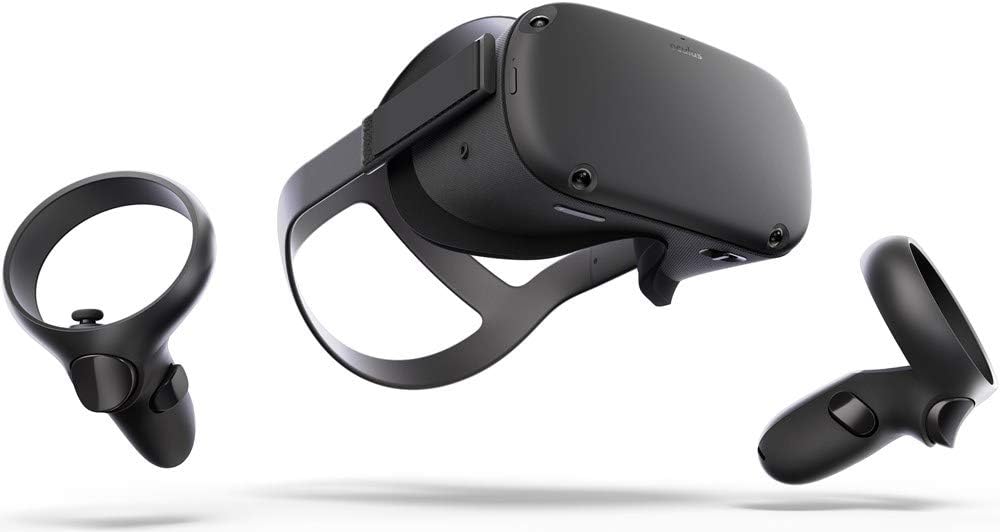
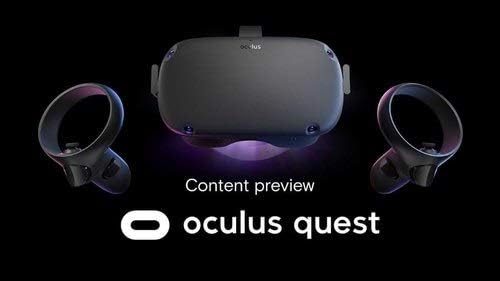
Image: The Oculus Quest headset and its two accompanying Touch controllers, showcasinglæsilegri hönnun þeirra.
Hvað er í kassanum
Your Oculus Quest package includes the following components:
- Oculus Quest Headset (128GB)
- Oculus Touch Controllers (2)
- USB-C hleðslusnúra
- Rafmagns millistykki
- AA Batteries (2, for controllers)
- Gleraugu Spacer
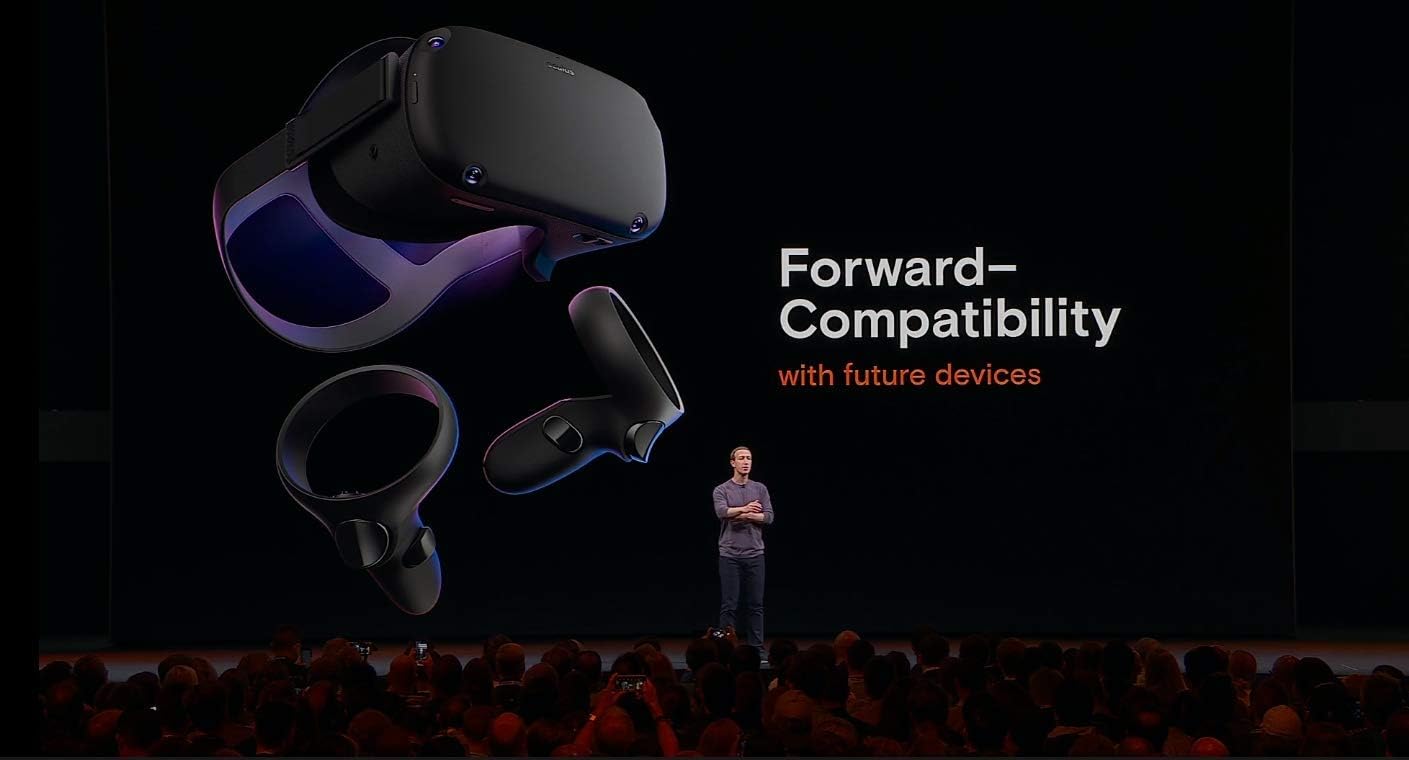
Image: All included components of the Oculus Quest system, neatly arranged for inspection.
Uppsetning
- Hleðdu heyrnartólið: Connect the USB-C charging cable to the headset and the power adapter, then plug it into a wall outlet. The LED indicator on the headset will show charging status.
- Insert Batteries into Controllers: Open the battery compartment on each Oculus Touch controller and insert the provided AA batteries, ensuring correct polarity.
- Upphafleg uppsetning í gegnum farsímaforrit: Download the Oculus mobile app on your smartphone. Follow the on-screen instructions to pair your headset, connect to Wi-Fi, and create or log in with your Facebook account.
- Stilla heyrnartólspassun: Place the headset on your head. Adjust the top strap and side straps for a snug yet comfortable fit. Ensure the display is clear and centered. If you wear glasses, insert the included glasses spacer before wearing the headset.
- Set Up Guardian System: The Guardian system helps you define your play space and avoid obstacles. Follow the prompts in VR to draw your boundary. You can choose between Stationary (sitting/standing in one spot) or Roomscale (moving around a larger area).
Notkunarleiðbeiningar
Að nota heyrnartólið
- Kveikt/slökkt: Press and hold the power button on the side of the headset for a few seconds to turn it on or off.
- Navigating the Home Environment: Once powered on, you will enter the Oculus Home environment. Use your Touch controllers to interact with menus, launch applications, and browse content.
- Adjusting IPD: The Interpupillary Distance (IPD) slider at the bottom of the headset allows you to adjust the lens spacing to match your eye distance for optimal clarity.
Using the Touch Controllers
The Oculus Touch controllers provide intuitive interaction within VR. Each controller features:
- Analog Stick: Fyrir hreyfingu og siglingar.
- Face Buttons (A/B/X/Y): Fyrir aðgerðir í leiknum og valmyndir.
- Kveikjuhnappur: Typically used for grabbing or firing.
- Grip Button: For gripping objects.
- Oculus Button: Press to open the universal menu or recenter your view.
- Valmyndarhnappur: Used for in-app menus.
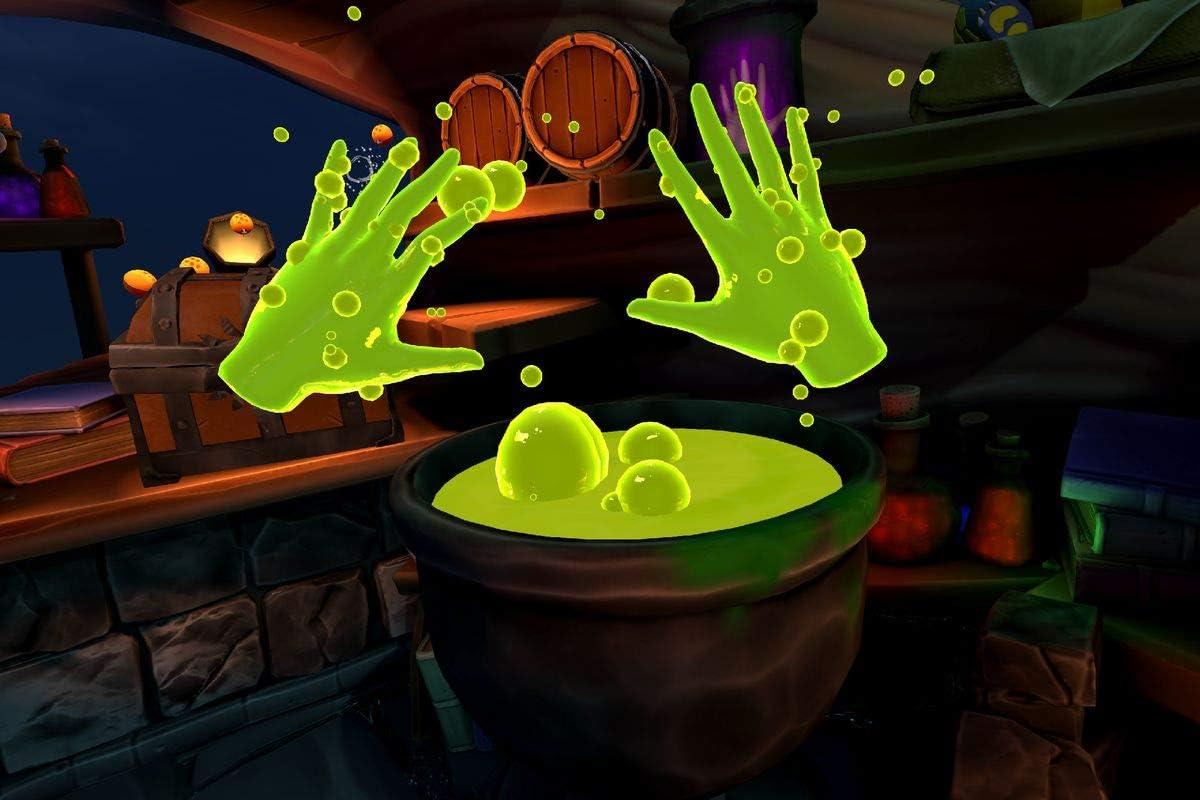
Image: A user demonstrating the proper way to wear the Oculus Quest headset and hold the Touch controllers during gameplay.
Mynd: Fyrrverandiample of in-game interaction, showing virtual hands with glowing effects above a cauldron, demonstrating the immersive experience.
Viðhald
- Þrif á linsunum: Use a dry microfiber cloth specifically designed for lenses. Wipe gently from the center outwards in a circular motion. Do not use liquid cleaners, alcohol, or abrasive cloths.
- Cleaning the Headset and Controllers: Notaðu þurrt eða örlítið damp non-abrasive cloth. Avoid getting moisture into any openings.
- Geymsla: Store your Oculus Quest in a cool, dry place away from direct sunlight. Prolonged exposure to sunlight can damage the lenses and display.
- Umhirða rafhlöðu: Til að hámarka endingu rafhlöðunnar skaltu forðast að tæma heyrnartólið alveg oft. Hladdu það reglulega.
Úrræðaleit
| Vandamál | Möguleg lausn |
|---|---|
| Ekki er kveikt á höfuðtólinu | Ensure the headset is fully charged. Press and hold the power button for at least 10 seconds for a hard reset. |
| Controllers not pairing/tracking | Check controller batteries. Re-pair controllers via the Oculus mobile app. Ensure your play space has adequate lighting. |
| Blurry vision/display | Adjust the headset's fit and IPD slider. Clean the lenses with a microfiber cloth. |
| Guardian system issues | Redraw your Guardian boundary. Ensure your play space is well-lit and free of reflective surfaces. |
| Hljóðvandamál | Check volume settings in VR. Ensure headphones (if used) are properly connected. |
Tæknilýsing
- Fyrirmyndarheiti: 301-00171-01
- Geymsla: 128GB
- Stærðir: 14.7 x 9.1 x 5 tommur
- Þyngd hlutar: 1.1 pund
- Tengingar: Bluetooth, WiFi
- Stýrikerfi: Byggt á Android
- Innifalið íhlutir: Headset, 2 Touch Controllers, USB-C Cable, Power Adapter, 2 AA Batteries, Glasses Spacer
- Framleiðandi: Oculus (Brand: Meta)
- Fyrsta fáanlegt: 10. janúar 2019
Ábyrgð og stuðningur
For detailed warranty information and customer support, please refer to the official Meta (Oculus) webvefsíðu eða hafðu samband við þjónustuver þeirra beint. Geymdu kaupkvittunina þína vegna ábyrgðarkröfu.
Netúrræði og algengar spurningar eru í boði til að aðstoða við algengar fyrirspurnir og fá ráð um ítarlegri notkun.
Ask a question about this manual
Ask about setup, troubleshooting, compatibility, parts, safety, or missing instructions. Manuals+ will review the question and use this page’s manual context to help answer it.