1. Inngangur
Thank you for choosing the Generic VRG Pro X7 VR Headset. This device transforms your smartphone into an immersive virtual reality viewer, allowing you to enjoy 3D movies, games, and VR applications. This manual provides essential information for safe and optimal use of your VR headset.

The VRG Pro X7 VR Headset, a device designed for immersive virtual reality experiences using a smartphone.
2. Hvað er í kassanum
Vinsamlegast athugið innihald pakkans til að ganga úr skugga um að allir hlutir séu til staðar:
- VR Glasses Headset
- VR Controller (AAA battery not included)
- Notendahandbók á ensku (þetta skjal)
- Hreinsunarklút
3. Uppsetningarleiðbeiningar
3.1 Samhæfni við snjallsíma
The VRG Pro X7 VR Headset is designed for smartphones with screen sizes between 5 and 7 inches. It is compatible with most Android and iPhone models.
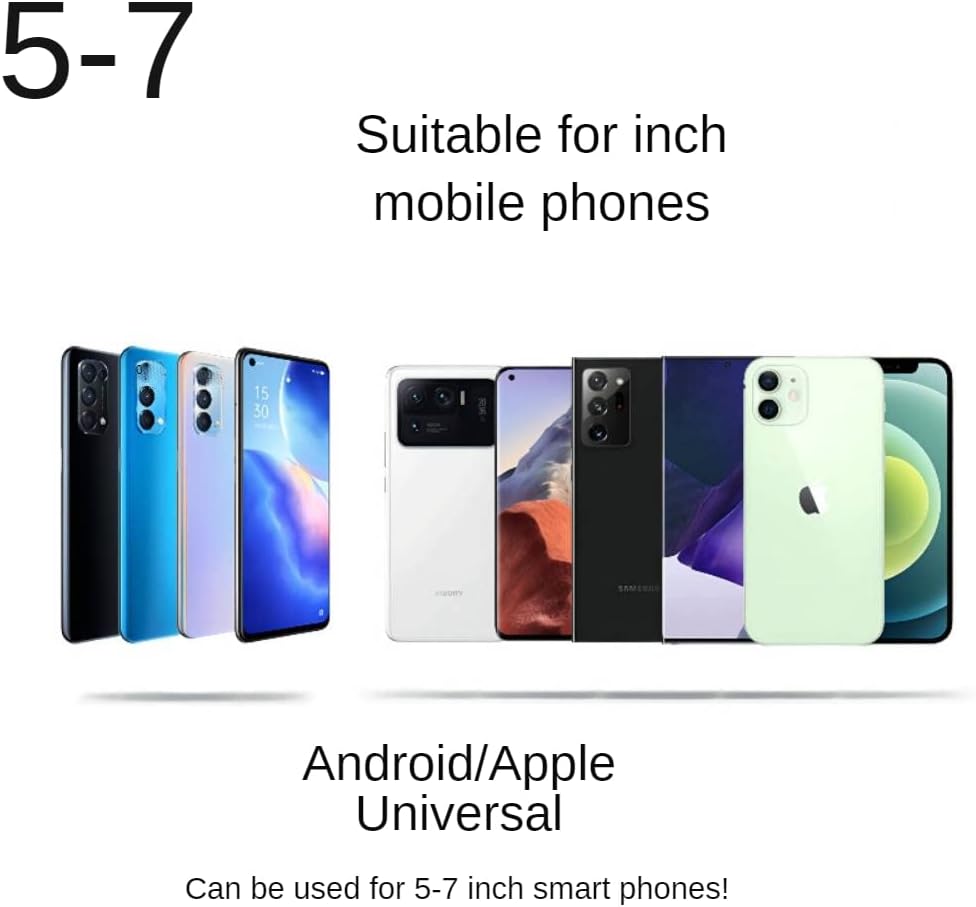
The VRG Pro X7 VR Headset is compatible with a wide range of smartphones, including Android and iPhone models, with screen sizes between 5 and 7 inches.
3.2 Að setja snjallsímann í tækið
- Opnaðu framhliðina á VR gleraugunum.
- Pull out the detachable smartphone tray.
- Place your smartphone securely into the tray, ensuring it is centered. For optimal viewing, ensure your smartphone is displaying VR content (left-right format) before inserting.
- Slide the tray back into the headset and close the front cover.
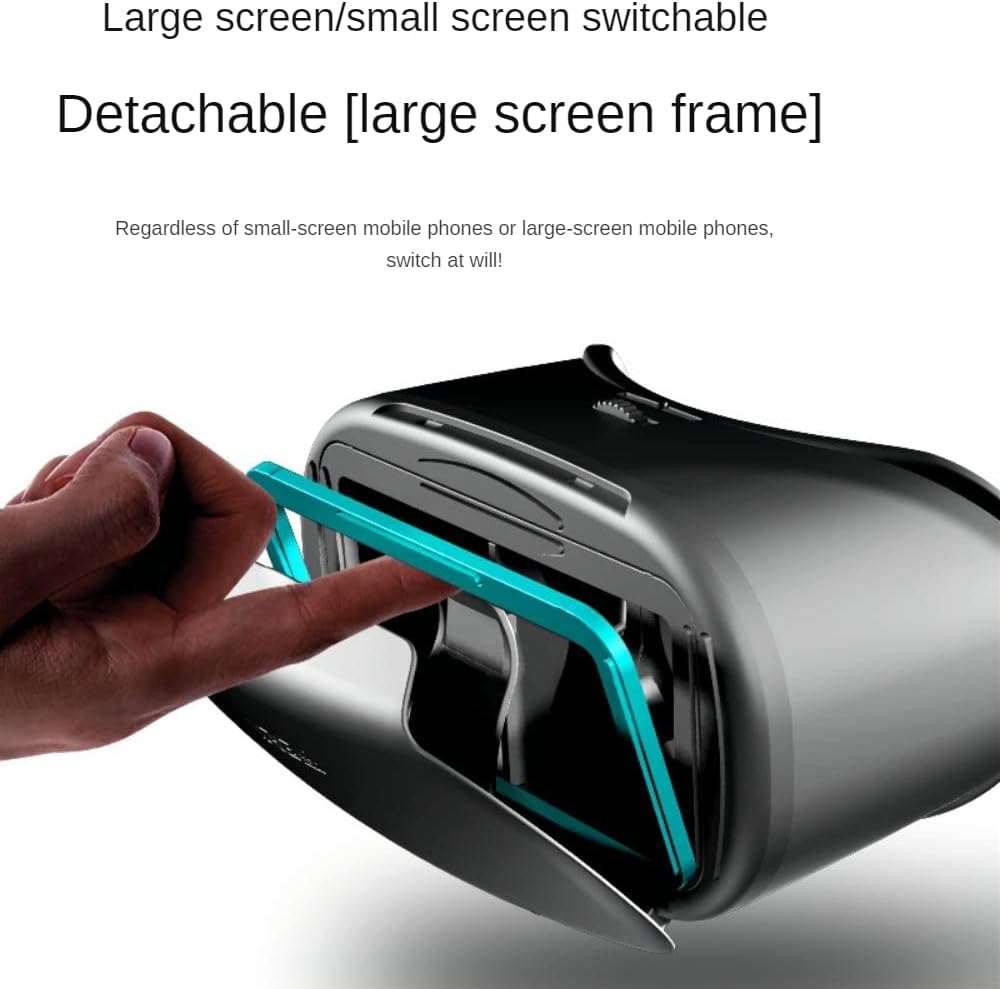
The VRG Pro X7 features a detachable frame for inserting smartphones, accommodating both large and small screen sizes.
3.3 Stilling heyrnartólsins
- Höfuðband: Adjust the ergonomic head strap to fit comfortably and securely around your head.
- Pupil Distance (PD): Use the adjustment wheel on the top of the headset to align the lenses with your pupils for a clear image.
- Focal Distance (FD): Use the adjustment wheels on the sides of the headset to bring the image into sharp focus.
- Independent Eye Adjustment: The VRG Pro X7 supports separate adjustment for the left and right eye, which is beneficial for users with different vision requirements or myopia up to 800 degrees. Adjust each lens individually until the image is clear for both eyes.
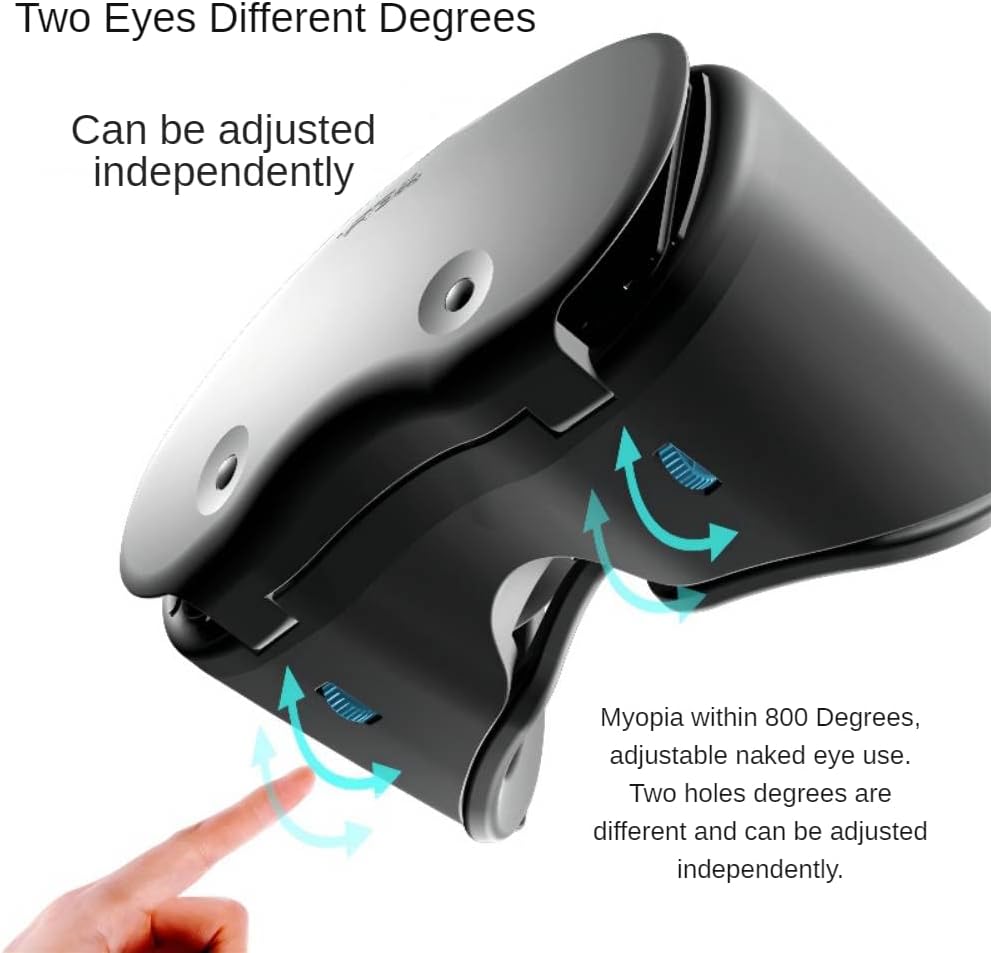
The VRG Pro X7 VR Headset allows for independent adjustment of lenses for each eye, supporting users with myopia up to 800 degrees for comfortable naked eye use.
3.4 Uppsetning stjórnanda
The included VR controller requires AAA batteries (not included). Insert the batteries according to the polarity markings inside the controller. Refer to the separate controller manual for specific pairing and usage instructions.
4. Notkunarleiðbeiningar
4.1 Finding VR Content
To begin your VR experience, you will need VR-compatible content on your smartphone:
- VR Apps: Leitaðu að "VR" in your smartphone's app store (Apple App Store or Google Play Store) to find a variety of VR games and applications.
- VR Videos: Many 3D and VR videos are available on platforms like YouTube. Leitaðu að "VR videos" or "3D videos" and ensure the video is in a side-by-side (left-right) format for VR viewing.
4.2 Notkun heyrnartólsins
- Launch your chosen VR application or video on your smartphone.
- Insert your smartphone into the headset as described in Section 3.2.
- Wear the headset and adjust the head strap for comfort.
- Adjust the Pupil Distance and Focal Distance until the image is clear and comfortable for your eyes.
- Use the VR controller (if applicable) to interact with the VR content.
4.3 Helstu eiginleikar
- Improved Definition: The VRG Pro X7 features enhanced lenses for a clearer visual experience.
- Wide Field of View: Enjoy an expansive 120-degree field of view fyrir upplifun sem gefur frá sér innblástur.
- Létt hönnun: The headset is designed to be lightweight for extended comfortable use.
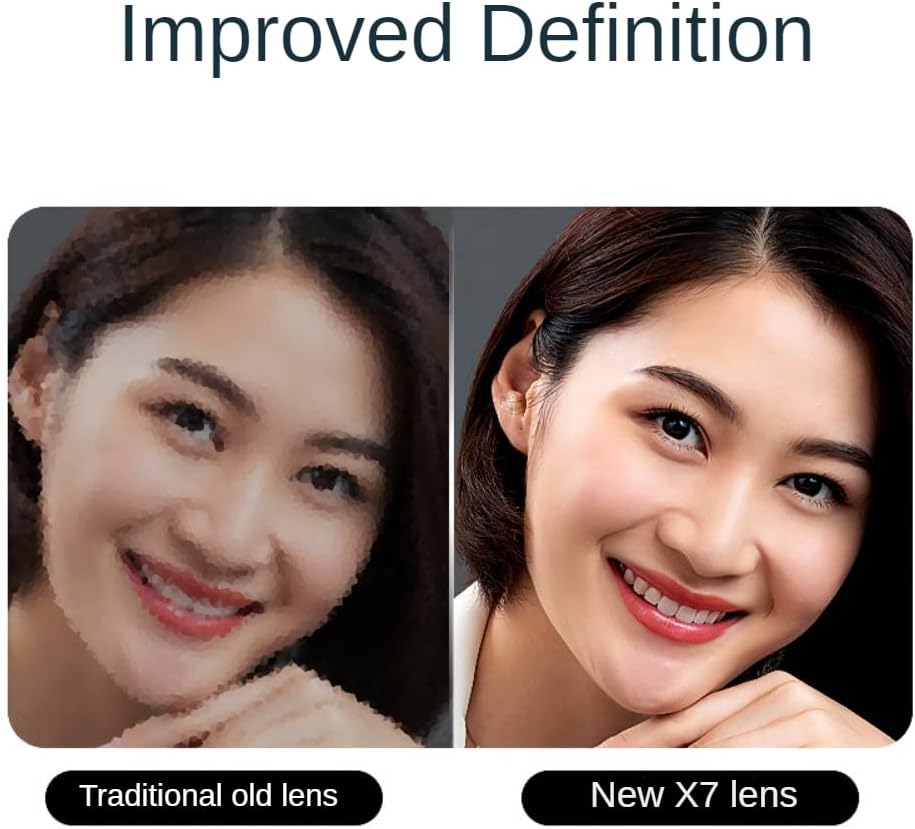
The VRG Pro X7 features new lenses that offer improved definition compared to traditional VR lenses, enhancing visual clarity.
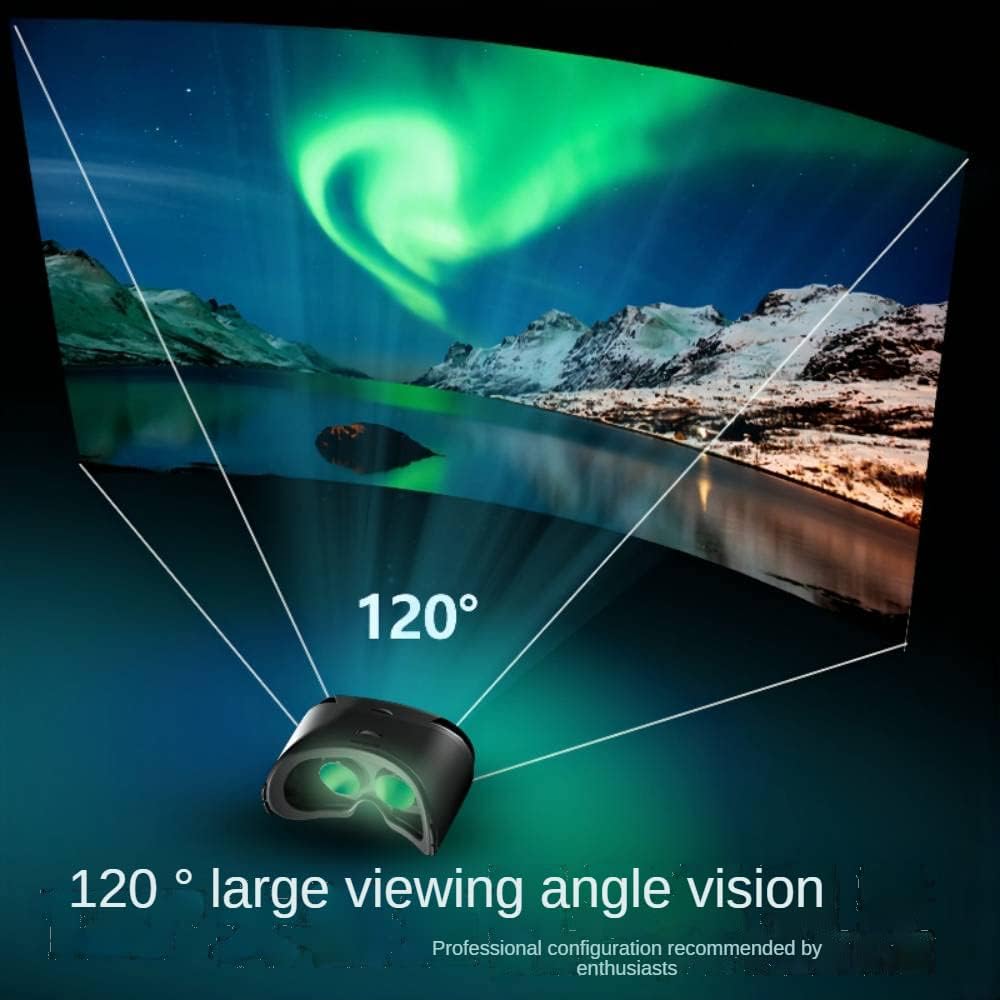
Experience an expansive 120-degree field of view with the VRG Pro X7 VR Headset, providing an immersive visual experience.
5. Viðhald
5.1 Þrif
- Linsur: Use the provided cleaning cloth or a soft, dry microfiber cloth to gently wipe the lenses. Do not use liquid cleaners or abrasive materials, as this may damage the lens coating.
- Heyrnartólslíkami: Wipe the exterior of the headset with a soft, slightly damp klút. Forðist að raki komist inn í op.
- Face Pad: The leather face pad can be gently wiped with a damp klút. Gakktu úr skugga um að það sé alveg þurrt fyrir notkun.
5.2 Geymsla
Store the VR headset in a cool, dry place away from direct sunlight and extreme temperatures. Keep it free from dust and scratches when not in use.
6. Bilanagreining
- Óljós mynd: Adjust the Pupil Distance (PD) and Focal Distance (FD) wheels until the image is clear. Ensure your smartphone screen is clean and displaying VR content correctly.
- Óþægindi: Re-adjust the head strap for a more comfortable fit. Ensure the headset is not too tight.
- Stjórnandi svarar ekki: Check if the controller has fresh AAA batteries and is properly paired with your smartphone (refer to controller manual).
- No VR Content: Ensure you have downloaded VR-specific applications or are playing side-by-side 3D videos.
7. Tæknilýsing
| Eiginleiki | Forskrift |
|---|---|
| Gerðarnúmer | X7 |
| Mál | 7.09 x 5.31 x 3.94 tommur (18 cm x 13.5 cm x 10 cm) |
| Þyngd hlutar | 9.2 aura (260g) |
| Samhæf tæki | Smartphones (5-7 inch screen) |
| Svið af View (FOV) | Hiti 95-120 stig |
| Tegund linsu | High-definition spherical surface (optical friendly) |
| Fókusstilling | 37.5-46.5mm (Fixed focal) |
| Myopia Support | Within 800 degrees (adjustable naked eye use) |
| Efni | Premium ABS, Plastic, PU Leather |
| Tengitækni | Wireless (for controller) |
| Stýrikerfi | Android (compatible), iOS (compatible) |
8. Stuðningur
If you encounter any issues or have questions regarding your Generic VRG Pro X7 VR Headset, please contact customer support. We are available to assist you.