Inngangur
This manual provides detailed instructions for the Parsonver LW45 Smart Watch. Please read this guide thoroughly to understand the watch's functions, setup, and maintenance, ensuring optimal performance and longevity of your device.
Innihald pakka
Þegar pakkinn er opnaður skal ganga úr skugga um að allir hlutir séu til staðar:
- Parsonver LW45 snjallúr
- Hleðslusnúra
- Notendahandbók
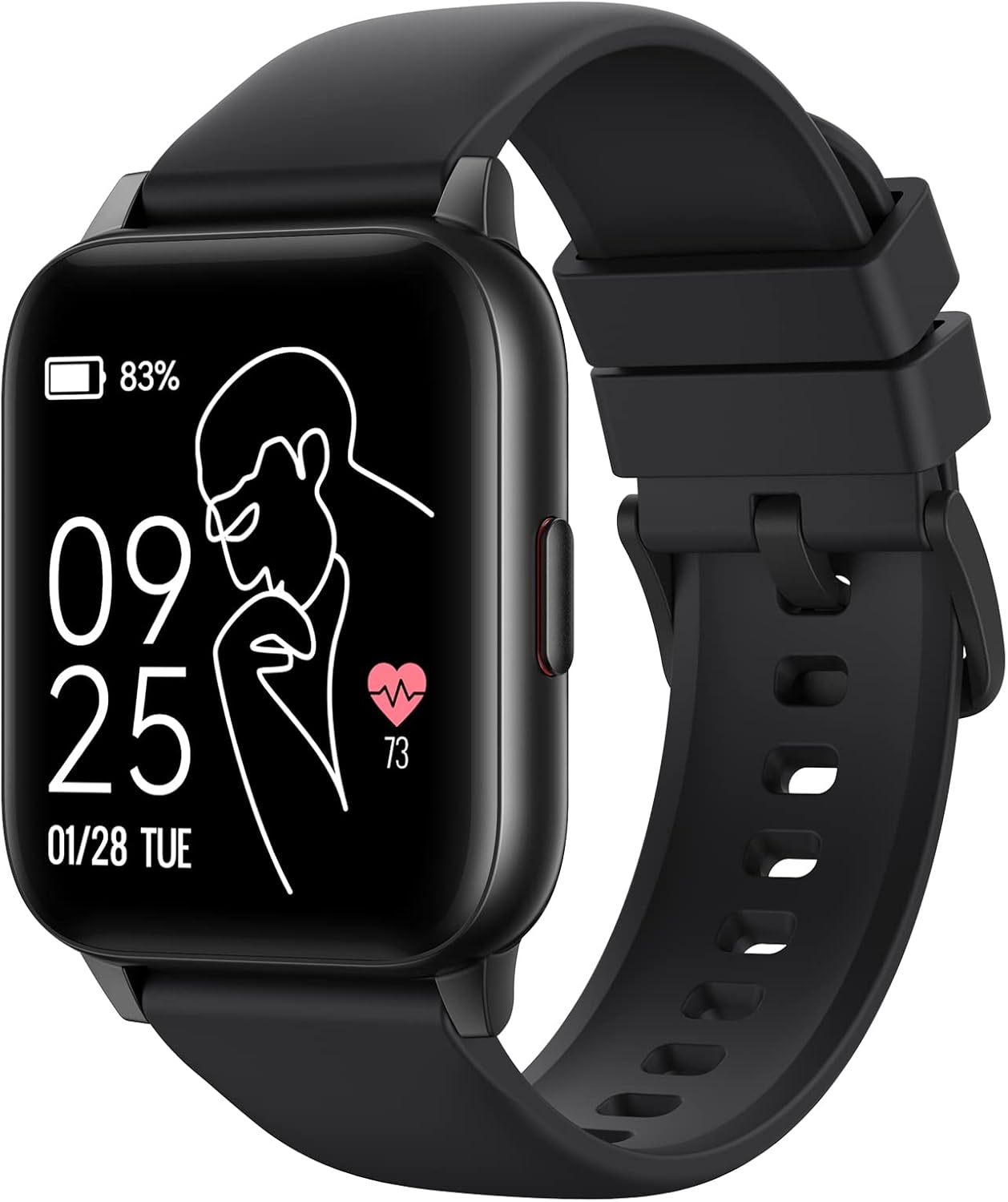
Image: The Parsonver LW45 Smart Watch, black model, displaying time and health metrics.
Uppsetningarleiðbeiningar
1. Hleður tækið
Before initial use, fully charge the smart watch. Connect the charging cable to the charging port on the back of the watch and to a USB power source. The watch display will indicate charging status.
2. Uppsetning og pörun appa
- Download the official Parsonver app from your smartphone's app store (compatible with iOS 10.0/Android 5.0 or above).
- Gakktu úr skugga um að kveikt sé á Bluetooth á snjallsímanum þínum.
- Opnaðu appið og fylgdu leiðbeiningunum á skjánum til að búa til reikning eða skrá þig inn.
- Select "Add Device" or similar option within the app to search for your LW45 Smart Watch.
- Staðfestu pörunarbeiðnina bæði í snjallsímanum þínum og úrinu.
Athugið: The watch connects via Bluetooth 5.0. Maintain proximity between the watch and your smartphone for a stable connection.

Image: A smartphone displaying the Parsonver app, illustrating the device connection process.
Notkunarleiðbeiningar
Grunnleiðsögn
- Snertiskjár: Strjúktu til vinstri/hægri, upp/niður til að fletta í gegnum valmyndir og fá aðgang að eiginleikum. Ýttu til að velja.
- Hliðarhnappur: Ýttu á til að fara aftur á heimaskjáinn eða vekja tækið.
Íþróttastillingar
The LW45 Smart Watch features 16 default sports modes. Over 100 additional sports modes can be customized and added via the companion app. These include activities such as walking, running, cycling, swimming, yoga, and strength training.
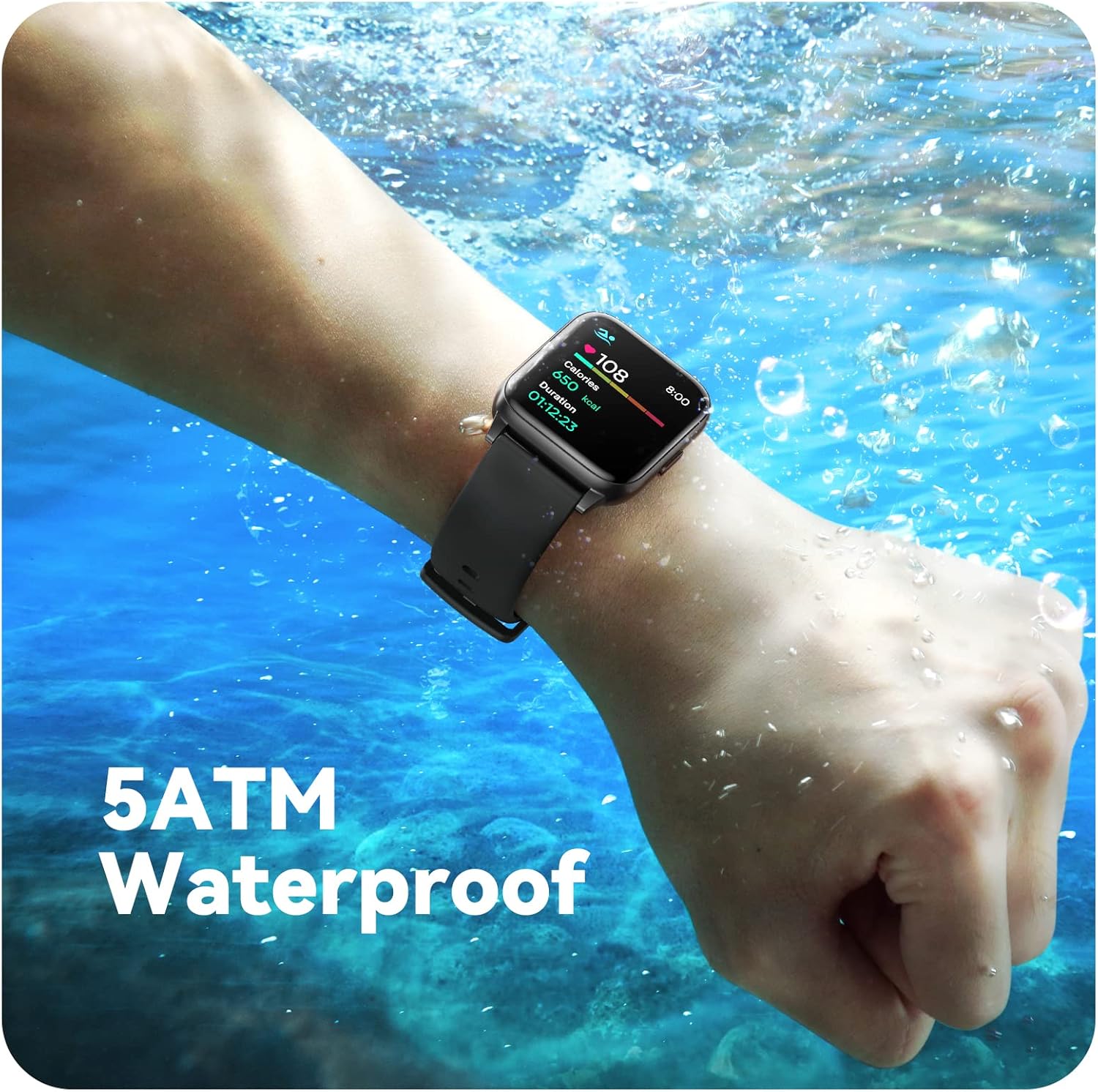
Image: A person engaged in soccer, wearing the smart watch, demonstrating its use during sports activities.

Image: A smartphone screen displaying a wide selection of sports modes within the Parsonver application.
Heilbrigðiseftirlit
- Hjartsláttartíðni: Provides 24/7 real-time heart rate data.
- Súrefniseftirlit í blóði: Mælir súrefnismagn í blóði.
- Svefnmæling: Automatically monitors sleep patterns, including deep sleep, light sleep, and awake times (from 9:00 PM to 12:00 PM the next day).
- Hydration and Sedentary Alerts: The watch can provide reminders for hydration and prolonged inactivity.
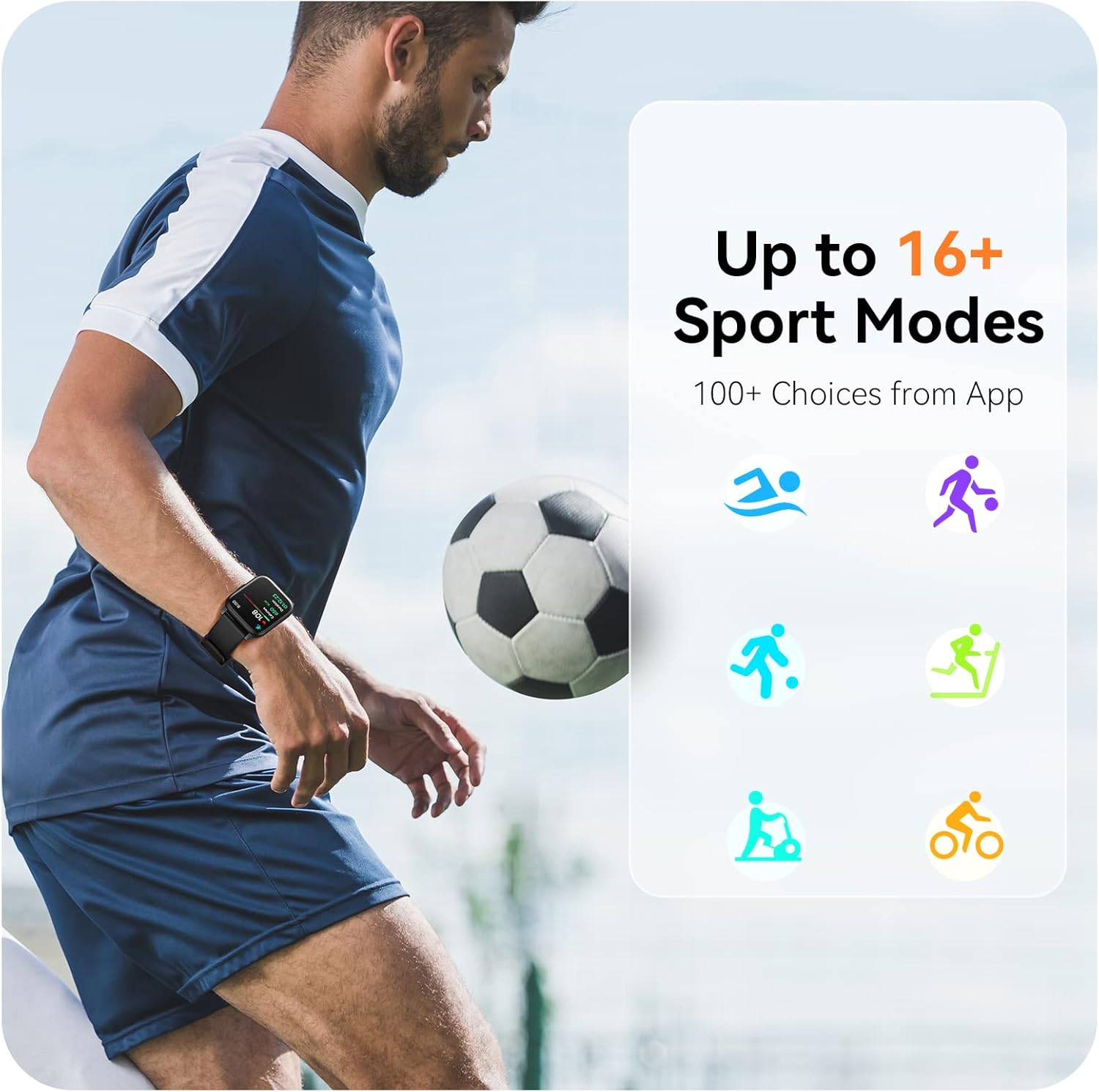
Image: A man running, with the smart watch on his wrist showing real-time fitness data.

Image: A person sleeping, with the smart watch tracking sleep and displaying data on a connected phone.
Tilkynningar
Receive notifications for incoming calls, SMS messages, emails, and alerts from social media applications (WhatsApp, LinkedIn, Instagram, Twitter) when connected to your smartphone. You can reject calls directly from the watch, but cannot answer or reply to messages.
Image: The smart watch screen showing icons for different types of notifications.
Viðbótaraðgerðir
The 1.69-inch high-definition touch screen provides access to various features:
- Veðurspár
- Vekjaraklukka
- Tímamælir og skeiðklukka
- Fjarstýring myndavélar
- Stjórnun á spilun tónlistar
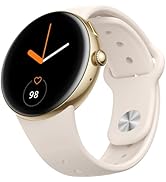
Image: The smart watch screen showing a weather forecast display.
Sérsniðin
Personalize your watch experience:
- Horfa á andlit: Choose from a variety of pre-installed watch faces or download more via the app.
- Custom Backgrounds: Set your own photos as watch face backgrounds through the app.
- Time and Unit Formats: Adjust time display (12/24 hour) and measurement units (Metric/Imperial, Celsius/Fahrenheit) in the app settings.
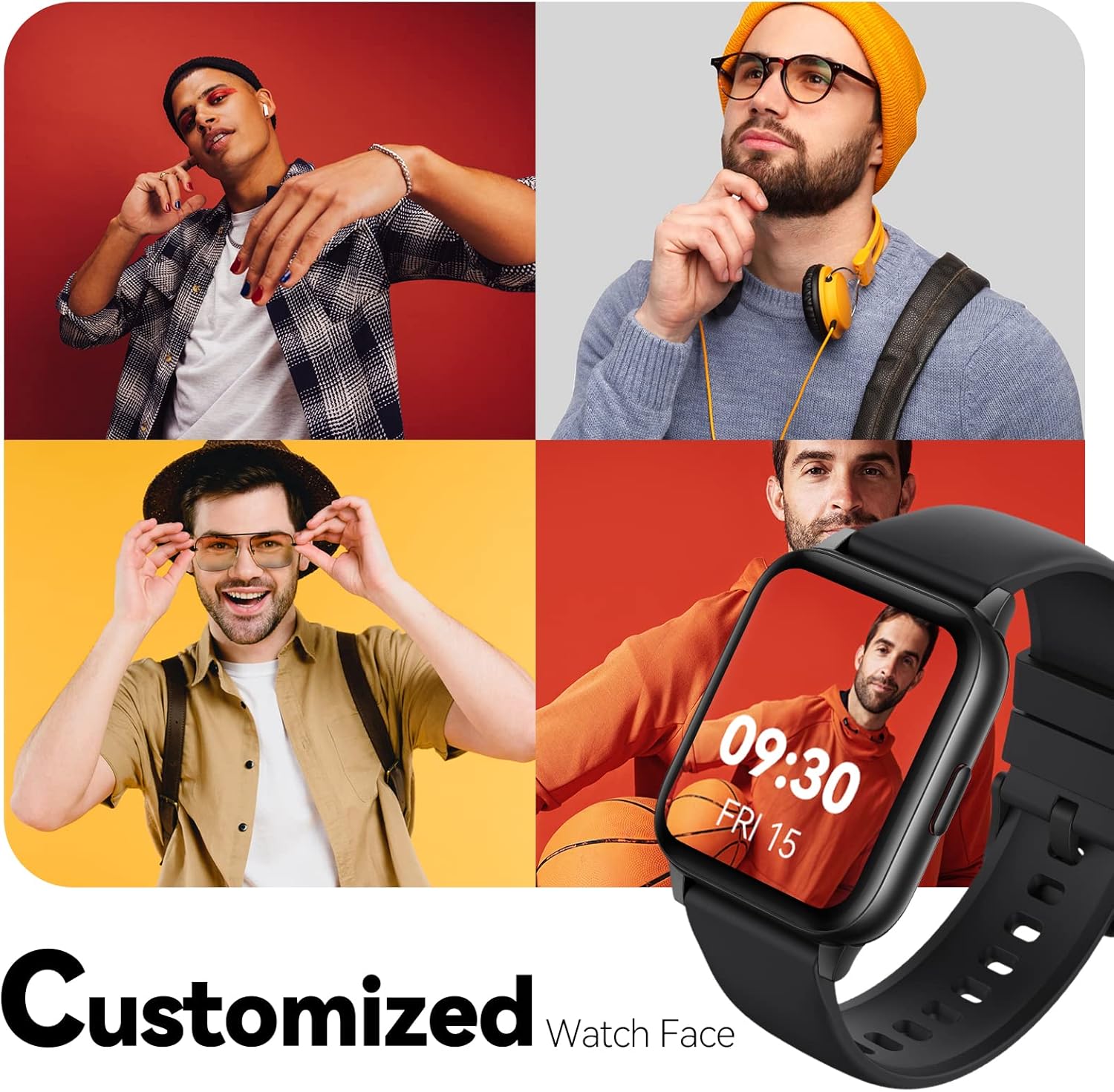
Image: Multiple watch face designs shown on the smart watch, highlighting customization.

Image: A visual guide demonstrating how to adjust time formats, units, and customize watch faces via the companion app.
Vatnsþol
The Parsonver LW45 Smart Watch is rated 5ATM waterproof, meaning it is water-resistant up to 50 meters. This allows for use during swimming, showering, and in various weather conditions like rain or snow. Mikilvægt: Ekki ýta á neina takka á meðan úrið er á kafi í vatni.

Image: The smart watch submerged in water, illustrating its 5ATM waterproof capability.
Viðhald
- Þrif: Þrífið úrið og ólina reglulega með mjúkum, þurrum klút. Notið örlítið þurran klút fyrir þrjósk óhreinindi.amp klút og mildri sápu, skolið síðan og þerrið vandlega.
- Hleðsla tengiliðir: Haltu hleðslutengjunum á bakhlið úrsins hreinum og lausum við rusl til að tryggja rétta hleðslu.
- Geymsla: Geymið úrið á köldum og þurrum stað þegar það er ekki í notkun.
- Forðastu efni: Ekki láta úrið komast í snertingu við sterk efni, leysiefni eða hreinsiefni, þar sem þau geta skemmt efnin.
Úrræðaleit
| Útgáfa | Möguleg lausn |
|---|---|
| Úrið kveiknar ekki á sér eða hleðst ekki | Ensure the charging cable is securely connected to both the watch and a working USB power source. Clean the charging contacts. Try a different USB port or adapter. |
| Ekki tókst að para við snjallsíma | Ensure Bluetooth is enabled on your phone. Restart both the watch and phone. Make sure the watch is within Bluetooth range. Check if other Bluetooth devices are interfering. Uninstall previous watch apps if present. |
| Tilkynningar ekki mótteknar | Verify that notification permissions are enabled for the Parsonver app in your phone's settings. Ensure the watch is connected via Bluetooth. Check app settings for specific notification toggles. |
| Inaccurate step count or sleep data | Ensure the watch is worn snugly on your wrist. Calibrate the watch through the app if available. Note that some activities (like driving) might register as steps. Sleep tracking is active from 9:00 PM to 12:00 PM the next day. |
Tæknilýsing
| Eiginleiki | Smáatriði |
|---|---|
| Nafn líkans | LW45 |
| Skjástærð | 1.69 tommur |
| Vatnsþol | 5ATM (allt að 50 metra) |
| Þyngd | 40 grömm |
| Samhæfni stýrikerfis | iOS 10.0/Android 5.0 or above |
| Tengingar | Bluetooth 5.0 |
| Rafhlöðugeta | 300 milljóniramp Klukkutímar |
| Geymslugeta minni | 128 MB |
| GPS | Í gegnum snjallsíma |
| Innifalið íhlutir | Snjallúr |
Stuðningur og ábyrgð
For technical assistance or warranty inquiries, please contact Parsonver customer service. Refer to the product packaging or the official Parsonver websíðu fyrir nýjustu tengiliðaupplýsingar.
Netfang þjónustuvers: support@parsonver.com

Image: The official Parsonver brand logo.
Image: A graphic indicating 24/7 online customer support availability.
Mikilvægar öryggisupplýsingar
- Ekki reyna að taka í sundur eða breyta úrinu.
- Keep the watch away from extreme temperatures.
- Consult a medical professional before starting any new exercise regimen, especially if you have pre-existing health conditions. The health monitoring features are for informational purposes and not for medical diagnosis.
- Fargið tækinu og rafhlöðu þess samkvæmt gildandi reglum.