
1. Inngangur
Þakka þér fyrir kaupinasing the BYINTEK R17 Pro Portable Smart 3D DLP Projector. This manual provides essential information for safe and effective use of your device. Please read it thoroughly before operation and retain it for future reference.
The BYINTEK R17 Pro is a versatile portable projector featuring Android 9.0 OS, 4K decoding support, 3D capabilities, and a built-in battery, making it ideal for various entertainment and presentation needs. It also supports multiple languages including English, Russian, Arabic, Korean, Japanese, French, German, Italian, Spanish, Chinese, Vietnamese, Polish, and Traditional Chinese.
2. Öryggisupplýsingar
- Ekki horfa beint í linsuna á skjávarpanum þegar ...amp er á.
- Keep the projector away from water or other liquids to prevent electric shock.
- Ekki loka fyrir loftræstiop til að koma í veg fyrir ofhitnun.
- Notið aðeins rafmagnsmillistykkið sem framleiðandinn lætur í té.
- Forðastu að setja skjávarpann á óstöðugt yfirborð.
- Ekki reyna að taka skjávarpann í sundur eða gera við hann sjálfur. Hafðu samband við hæft þjónustufólk.
- Geymið skjávarpann á köldum, þurrum stað þegar hann er ekki í notkun.
3. Innihald pakka
Vinsamlegast athugið innihald pakkans við upptöku til að ganga úr skugga um að allir hlutir séu til staðar:
- BYINTEK R17 Pro Projector
- Rafmagns millistykki
- Fjarstýring
- Notendahandbók (þetta skjal)
- HDMI snúra (getur verið mismunandi eftir svæðum)

Mynd: Nákvæm hlið view of the BYINTEK R17 Pro projector, highlighting its compact and portable design.
4. Uppsetningarleiðbeiningar
4.1 Kveikt/slökkt
- Tengdu rafmagn: Plug the power adapter into the projector's DC input port and then into a power outlet.
- Kveikt á: Press the power button on the projector or the remote control. The indicator light will turn on.
- Slökkva á: Ýttu aftur á rofann. Staðfestu slökkvun ef beðið er um það.
4.2 Staðsetning og vörpun
Position the projector on a stable, flat surface. Ensure there are no obstructions in front of the lens. The ideal projection distance ranges from 1 to 8 meters, producing a screen size of 30 to 300 inches.
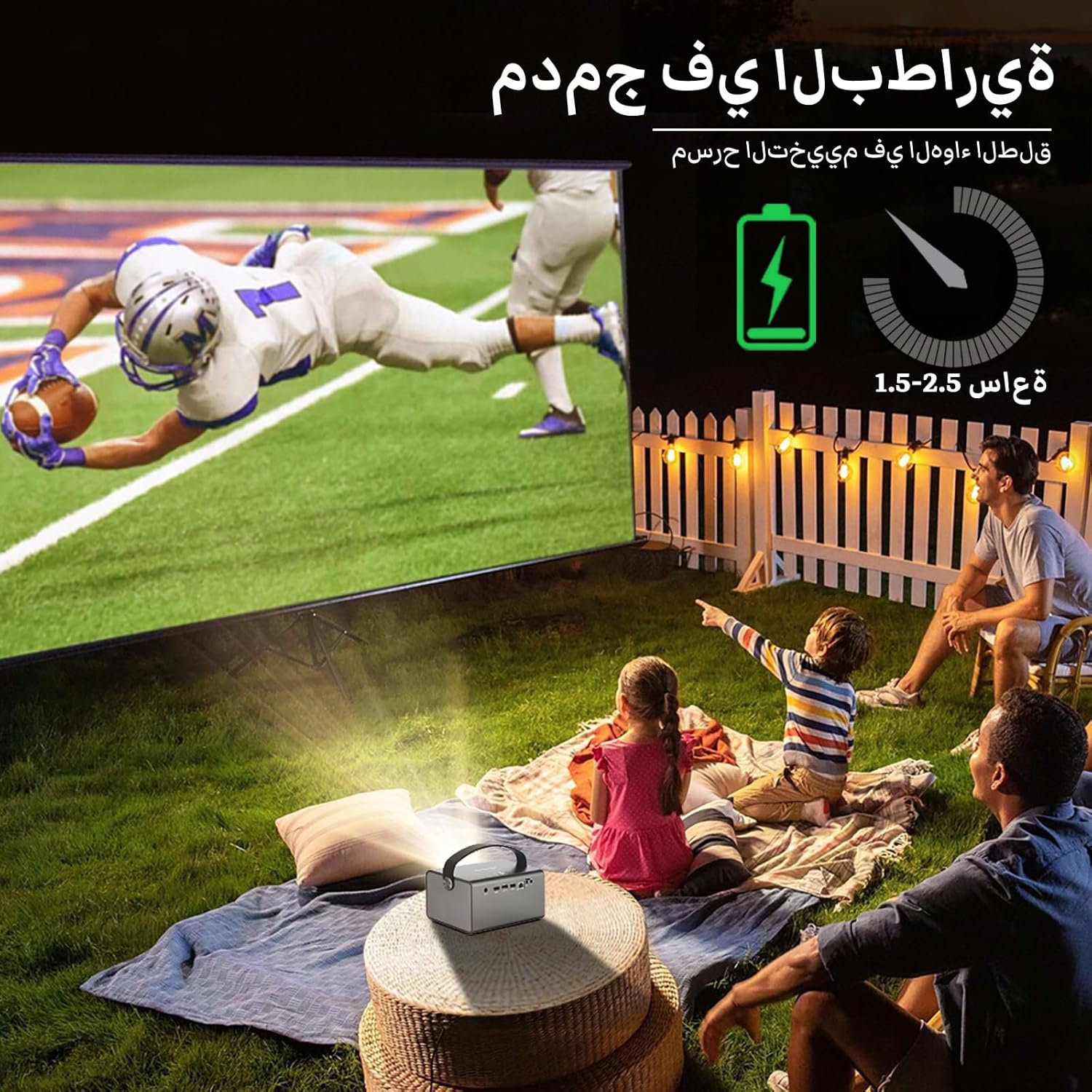
Image: The BYINTEK R17 Pro projector in an outdoor setting, demonstrating its portable use for entertainment. The image shows a football game projected onto a large screen, with people watching comfortably. This highlights the projector's battery life and suitability for outdoor events.
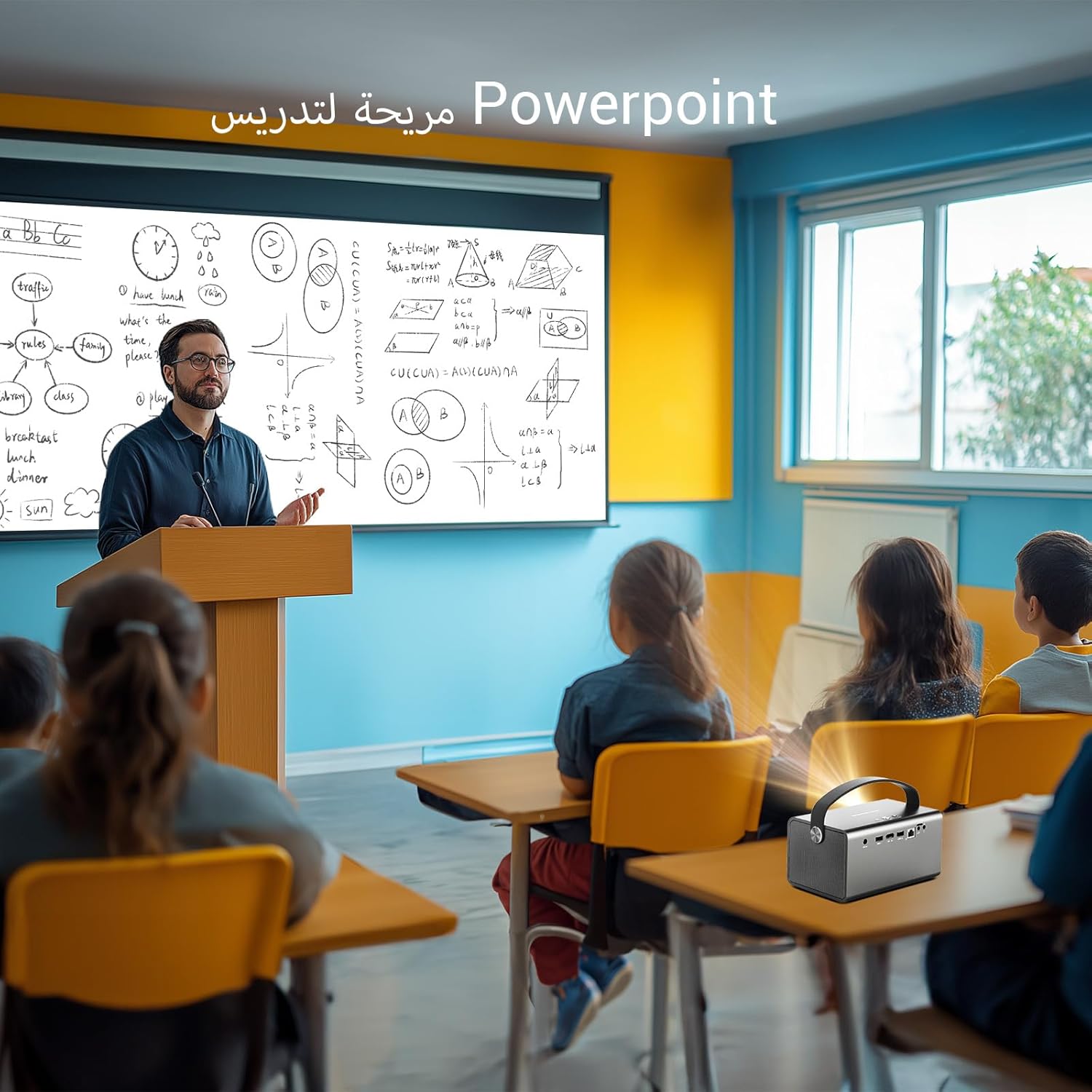
Image: The BYINTEK R17 Pro projector being used in a classroom to display a PowerPoint presentation. This illustrates its utility for educational purposes and presentations in various environments.
4.3 Fókus og leiðrétting á lykilþráðum
- Rafmagns fókus: Use the remote control to adjust the focus until the image is clear.
- Sjálfvirk keystone leiðrétting: The projector supports automatic vertical keystone correction.
- Handvirk keystone leiðrétting: For side projections or specific adjustments, use the manual keystone correction feature via the settings menu. This includes corner keystone correction.
5. Rekstur
5.1 Að vafra um Android 9.0 kerfið
The BYINTEK R17 Pro runs on Android 9.0, providing a smart interface. Use the remote control or a connected air mouse to navigate through menus, launch applications, and adjust settings.
- Heimaskjár: Access pre-installed apps and system settings.
- App Store: Download additional applications for streaming, productivity, or gaming.
- Stillingar: Configure Wi-Fi, Bluetooth, display, sound, and other system preferences.
5.2 Spilun margmiðlunar
The projector supports various media formats and sources:
- USB geymsla: Connect a USB drive or SSD (up to 32GB) to play videos, music, or view myndir.
- Straumspilun á netinu: Use pre-installed or downloaded streaming apps via Wi-Fi.
- 3D efni: The projector supports Blu-ray 3D. Ensure your 3D content and glasses are compatible.

Image: A couple enjoying a Blu-ray 3D movie projected by the BYINTEK R17 Pro. The image showcases the projector's ability to display immersive 3D content with vivid colors.
5.3 Screen Mirroring (Wi-Fi Display)
Mirror your smartphone, tablet, or computer screen wirelessly to the projector using Airplay, Miracast, or DLNA (Eshare app is pre-installed).
- Gakktu úr skugga um að bæði tækið þitt og skjávarpinn séu tengd við sama Wi-Fi netið.
- Open the Eshare app on the projector.
- On your mobile device, activate screen mirroring (e.g., Airplay for iOS, Smart View/Screen Cast for Android).
- Veldu skjávarpann af listanum yfir tiltæk tæki.

Image: The BYINTEK R17 Pro projector wirelessly displaying a racing game from a smartphone. This demonstrates the screen mirroring feature for gaming and mobile content.
6. Tengingar
The BYINTEK R17 Pro offers multiple connectivity options:
- HDMI2.0: Connect external devices like game consoles (e.g., PS4), computers, Blu-ray players, or TV boxes. Supports up to 4K input.
- USB 2.0 / USB 3.0: For connecting USB storage devices, external mice, game controllers, or 2.4GHz air mice.
- Hljóðútgangur: Tengdu ytri hátalara eða heyrnartól fyrir aukið hljóð.
- Þráðlaust net (2.4 GHz/5 GHz): For internet access and wireless screen mirroring.
- Bluetooth 5.0: For connecting Bluetooth speakers, headphones, or other compatible accessories.
7. Viðhald
7.1 Þrif á linsunni
Notið mjúkan, lólausan klút sem er sérstaklega hannaður fyrir sjónlinsur. Notið ekki slípiefni eða of mikið afl, þar sem það getur rispað linsuna.
7.2 Þrif á skjávarpanum
Wipe the exterior of the projector with a soft, dry cloth. Avoid using chemical cleaners that may damage the finish.
7.3 Geymsla
When not in use for extended periods, store the projector in its original packaging or a protective case in a cool, dry, dust-free environment.
8. Bilanagreining
| Vandamál | Möguleg orsök | Lausn |
|---|---|---|
| Engin mynd sýnd | Power not connected; input source incorrect; lens cap on. | Check power connection; select correct input source (HDMI, USB, etc.); remove lens cap. |
| Myndin er óskýr | Focus not adjusted; projector too far/close. | Adjust electric focus using the remote; reposition the projector within optimal distance. |
| Myndin er brengluð (trapisulaga) | Leiðrétting á lykilsteini þarf. | Use auto or manual keystone correction in settings. |
| Ekkert hljóð | Volume too low; external speakers not connected/configured; audio output muted. | Increase volume; check external speaker connection; unmute audio. |
| Vandamál með Wi-Fi tengingu | Incorrect password; out of range; router issues. | Verify password; move closer to router; restart router and projector. |
| Skjávarpinn slokknar óvænt | Ofhitnun; lítil rafhlaða. | Ensure ventilation is clear; charge the battery or connect to power. |
9. Tæknilýsing
| Eiginleiki | Smáatriði |
|---|---|
| Vörumerki | BYINTEK |
| Fyrirmynd | R17 Pro |
| Léttvél | TI 0.47 inch DMD WVGA |
| Ljósgjafi | OSRAM RGB 3LED |
| Létt líf | 50,000 klst |
| Birtustig | 750 ANSI lumen |
| Andstæðuhlutfall | 10,000:1 |
| Innfæddur upplausn | 1280 x 800 (supports up to 4K input) |
| Hlutfall | 16:10 / 16:9 / 4:3 |
| Utan ás | 100% |
| Kasthlutfall | 1.2:1 |
| Vörpustærð | 30 - 300 tommur |
| Myndvarpsfjarlægð | 1 - 8 metrar |
| Fókusstilling | Electric Motor Focus |
| Aðdráttur | Remote Electric Zoom |
| Leiðrétting á hljómsteini | Auto/Manual Vertical, Manual Corner |
| Stýrikerfi | Android 9.0 |
| CPU | MTK Contex A53 Quad-core |
| GPU | Mali-G52 |
| vinnsluminni | 2GB DDR3 |
| ROM | 32GB EMMC |
| Wi-Fi | Tvöfalt band 2.4 GHz / 5 GHz |
| Bluetooth | Bluetooth 5.0 |
| Wi-Fi skjár | Airplay, Miracast, DLNA (Eshare pre-installed) |
| Rafhlaða | Built-in 11.1V 5200mAh (15600mAh equivalent) Lithium-ion, 1.5-2.5 hours life |
| Hátalarar | 2 x 5W stereó hátalarar |
| Inntakshöfn | HDMI 2.0 (supports 4K input), USB 2.0, USB 3.0 |
| Úttakshöfn | Hljóðútgangur |
| Vörumál | 19.3 x 12.3 x 10 cm |
| Þyngd hlutar | 2.34 kg |
| Sérstakir eiginleikar | Auto Focus, Built-in Wi-Fi Receiver, Built-in 3D Display, Portable, Built-in Speaker |
10. Ábyrgð og stuðningur
BYINTEK products come with a standard manufacturer's warranty. Please refer to the warranty card included in your package for specific terms and conditions. For technical support, service, or warranty claims, please contact BYINTEK customer service or visit the official BYINTEK websíða.
BYINTEK has a service center in Saudi Arabia to provide professional after-sales service. For more information, please visit the BYINTEK Store on Amazon.