
1. Inngangur
This manual provides comprehensive instructions for the LENVII D7800 Desktop Automatic 2D Barcode Scanner. Please read this manual carefully before using the product to ensure proper operation and to maximize its performance and lifespan. Keep this manual for future reference.
2. Öryggisupplýsingar
- Ekki láta skannann verða fyrir vatni eða miklum raka.
- Avoid dropping the scanner from heights exceeding 1.2 meters to prevent damage, despite its anti-shock design.
- Ekki reyna að taka í sundur eða gera við skannann sjálfur. Leitið til hæfs þjónustuaðila.
- Haldið skannglugganum hreinum til að tryggja bestu mögulegu afköst.
- Avoid direct eye exposure to the scanner's light source.
3. Innihald pakka
Gakktu úr skugga um að allir hlutir séu til staðar í pakkanum:
- LENVII D7800 Desktop Automatic 2D Barcode Scanner
- USB snúra (innbyggð)
- Notendahandbók (þetta skjal)

Mynd 3.1: Package contents including the scanner, USB cable, and user manual.
4. Vöru lokiðview
4.1 Helstu eiginleikar
- Handfrjáls hönnun: Omnidirectional scanning for 1D, 2D, and QR codes.
- CCD Scanning Technology: Capable of reading barcodes from mobile phone and computer screens, as well as damaged, blurred, distorted, colorful, or reflective barcodes.
- Plug and Play: No driver installation required.
- Breið samhæfni: Works with Windows XP/7/8/10, Mac OS, and Linux operating systems.
- Stillanlegt höfuð: Features a 15° adjustable head for flexible scanning angles.
- Anti-shock Design: Hannað til að þola fall úr allt að tveggja metra hæð.
4.2 Mál
The scanner has compact dimensions suitable for desktop use.

Mynd 4.1: Framan og hliðin view of the LENVII D7800 scanner with dimensions indicated.
4.3 Anti-shock Design
The LENVII D7800 is designed for durability, capable of withstanding accidental drops from a height of 1.2 meters without affecting its functionality.

Mynd 4.2: Illustration of the scanner's anti-shock capability.
5. Uppsetning
5.1 Tenging skannans
- Place the LENVII D7800 scanner on a stable, flat surface.
- Connect the integrated USB cable from the scanner to an available USB port on your computer (desktop or laptop).
- The scanner will power on automatically and initiate the "Plug and Play" process.

Mynd 5.1: The scanner connected to various devices, demonstrating its plug-and-play functionality.
5.2 Bílstjóri uppsetning
The LENVII D7800 is a plug-and-play device. No additional drivers or software installation is required for basic operation. Your operating system (Windows, Mac OS, Linux) will automatically recognize the device.
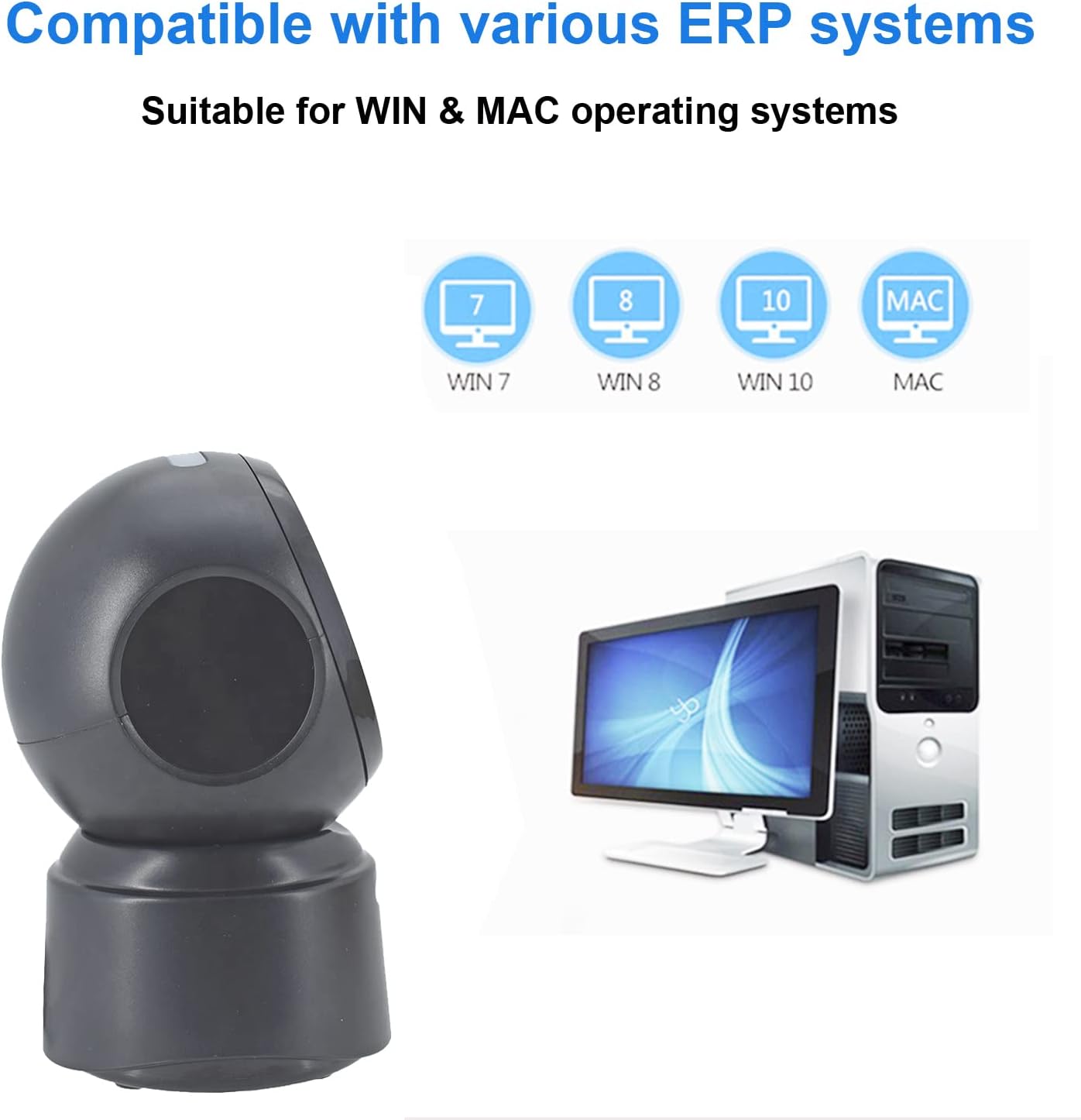
Mynd 5.2: Compatibility with various operating systems.
6. Notkunarleiðbeiningar
6.1 Grunnskönnunaraðferð
The D7800 scanner operates in an automatic, hands-free mode. Once connected, it is ready to scan.
- Gakktu úr skugga um að skanninn sé tengdur við tölvuna þína og kveikt á honum.
- Present the barcode to the scanning window. The scanner will automatically detect and read the barcode.
- A successful scan is typically indicated by an audible beep and/or a visual confirmation (e.g., LED indicator).
- The scanned data will be transmitted to your computer as keyboard input.
6.2 Scanning Barcode Types
The scanner supports a wide range of 1D, 2D, and QR codes, including those that are less than perfect.
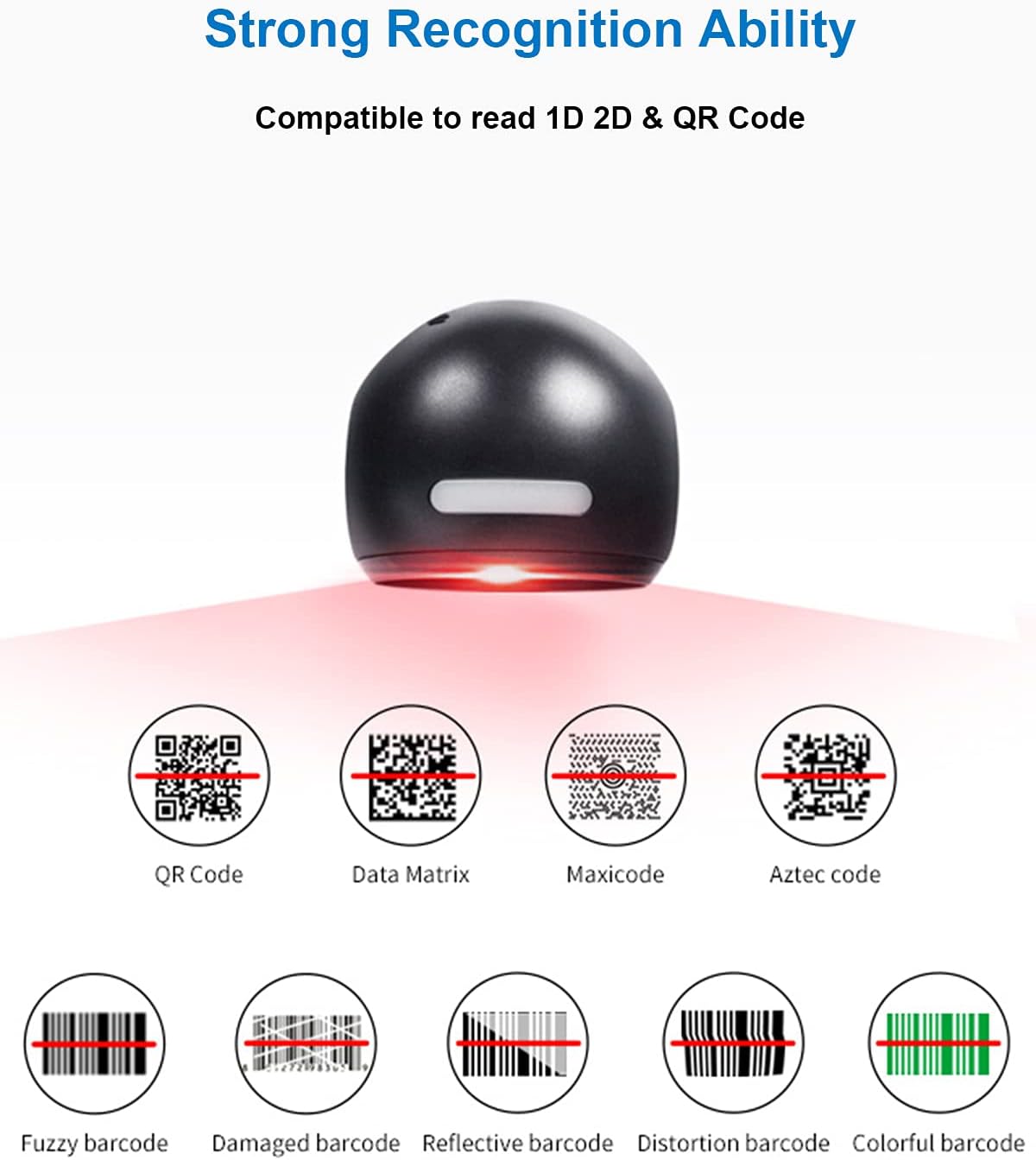
Mynd 6.1: Examples of various barcode types and conditions the scanner can recognize.
6.3 On-Screen Barcode Scanning
The D7800 is capable of scanning barcodes directly from digital displays, such as smartphones, tablets, and computer monitors.

Mynd 6.2: The scanner reading a barcode from a digital screen. ExampStrikamerkið: 1234567890
6.4 Umsóknarsviðsmyndir
The LENVII D7800 is suitable for various environments requiring efficient barcode scanning.
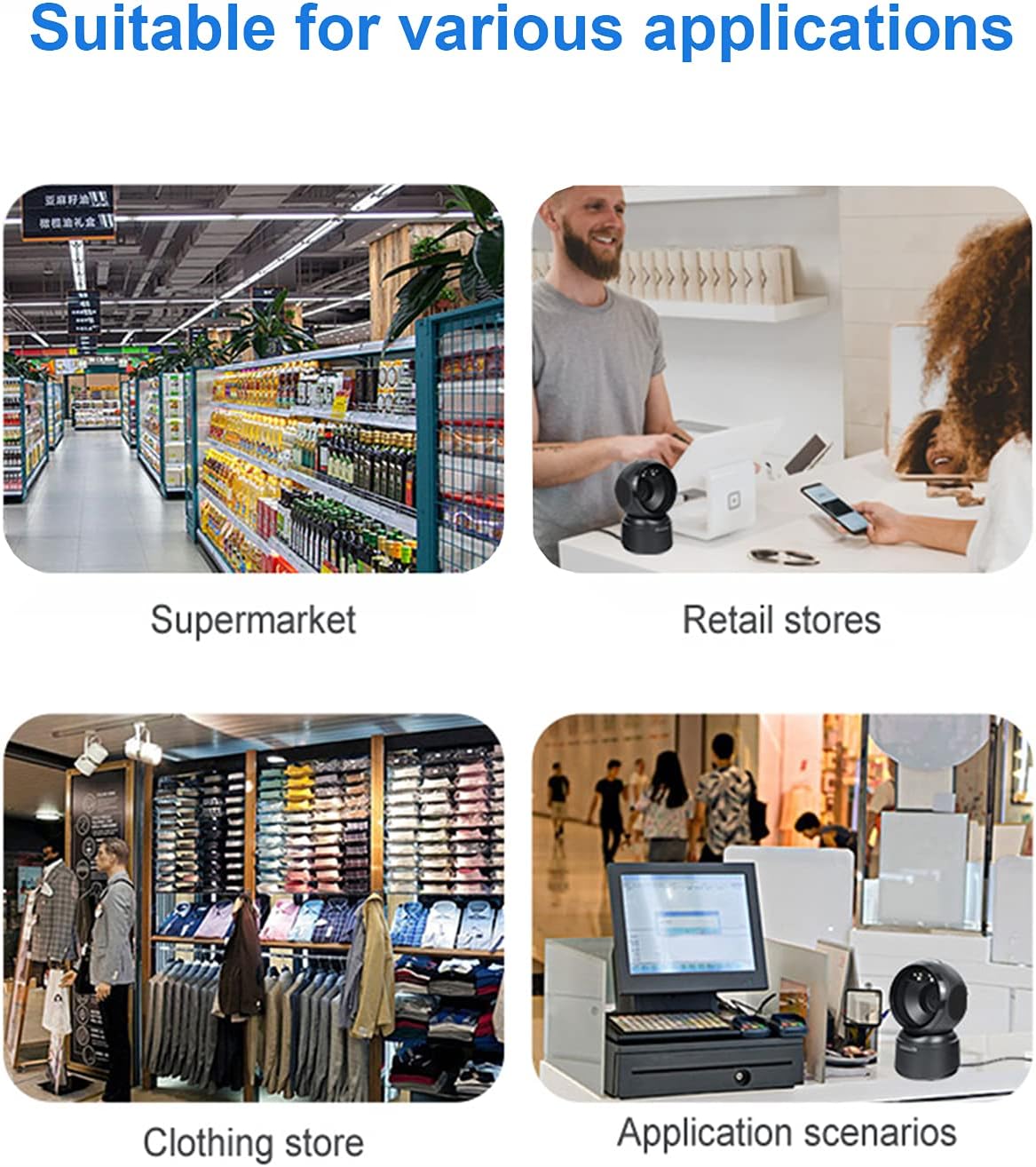
Mynd 6.3: Common application environments for the scanner.
7. Viðhald
7.1 Þrif á skannanum
- Ensure the scanner is disconnected from the power source before cleaning.
- Notið mjúkan, þurran og lólausan klút til að þurrka ytra byrði skannans.
- Fyrir skönnunargluggann skal nota linsuhreinsiklút eða mjúkan klút sem er létt þurrkuð.ampened with a mild, non-abrasive cleaning solution. Avoid spraying cleaners directly onto the scanner.
- Do not use harsh chemicals, solvents, or abrasive materials, as these can damage the scanner's surface or scanning window.
7.2 Geymsla
When not in use, store the scanner in a cool, dry place, away from direct sunlight and extreme temperatures. The maximum storage temperature is 60°C (140°F).
8. Bilanagreining
| Vandamál | Möguleg orsök | Lausn |
|---|---|---|
| Skanninn kviknar ekki á. | USB-snúra ekki rétt tengd eða biluð USB-tengi. | Ensure the USB cable is securely connected. Try a different USB port on your computer. |
| Skanninn les ekki strikamerki. |
|
|
| Skönnuð gögn eru röng eða ófullkomin. |
|
|
Ef vandamálið heldur áfram eftir að þessar lausnir hafa verið prófaðar, vinsamlegast hafið samband við þjónustuver.
9. Tæknilýsing
| Eiginleiki | Smáatriði |
|---|---|
| Fyrirmynd | D7800 |
| Tegund | 2D CMOS hlerunarbúnaðar strikamerkjaskanni |
| Tengingaraðferð | USB |
| Mál (B x H x D) | 84 mm x 140.2 mm x 90.1 mm (u.þ.b. 3.31 x 5.52 x 3.55 tommur) |
| Þyngd | 230 g (u.þ.b. 0.51 pund) |
| Efni | ABS |
| Litur | Svartur |
| Ljósgjafi | 617nm LED (miðari); 6500K LED (lýsing) |
| Myndskynjari | 640 * 480 CMOS |
| Örgjörvi | ARM 32-bita |
| Skannahraði | 200 sinnum / s |
| Kraftur | DC 5V |
| Núverandi | 400mA ±5% |
| Samhæft stýrikerfi | Windows XP/7/8/10, Mac OS, Linux |
| 1D Code Support | EAN-8, EAN-13, Codabar, CODE 39, CODE 93, CODE 128, China Post, GS1-128, UPC-A, UPC-E, ISBN/ISSN, ISBT, Interleaved 2 of 5, Standard 2 of 5, Matrix 2 of 5, Industrial 2 of 5, MSI, RSS, ITF14, Telepen, etc. |
| 2D/QR Code Support | Ör-QR kóði, gagnafylki, PDF417, ör-PDF417, Maxicode, Aztec, Hanxin o.s.frv. |
| Hámarks geymsluhitastig | 60°C (140°F) |
10. Ábyrgð og stuðningur
10.1 Upplýsingar um ábyrgð
LENVII products are covered by a limited warranty against defects in materials and workmanship. Please refer to the warranty card included with your product or contact LENVII customer support for specific warranty terms and conditions.
10.2 Þjónustuver
For technical assistance, troubleshooting, or product inquiries, please contact LENVII customer support. Contact information can typically be found on the product packaging or the official LENVII websíða.