
1. Inngangur
This manual provides detailed instructions for the installation, operation, and maintenance of your Real HD A-Series 16 Channel PoE IP Camera System. This system includes the ARN-1610S 4K H.265 NVR and 12 ANV-L7012R 4MP IP Dome Weatherproof Cameras. Please read this manual thoroughly before using the product to ensure proper setup and functionality.
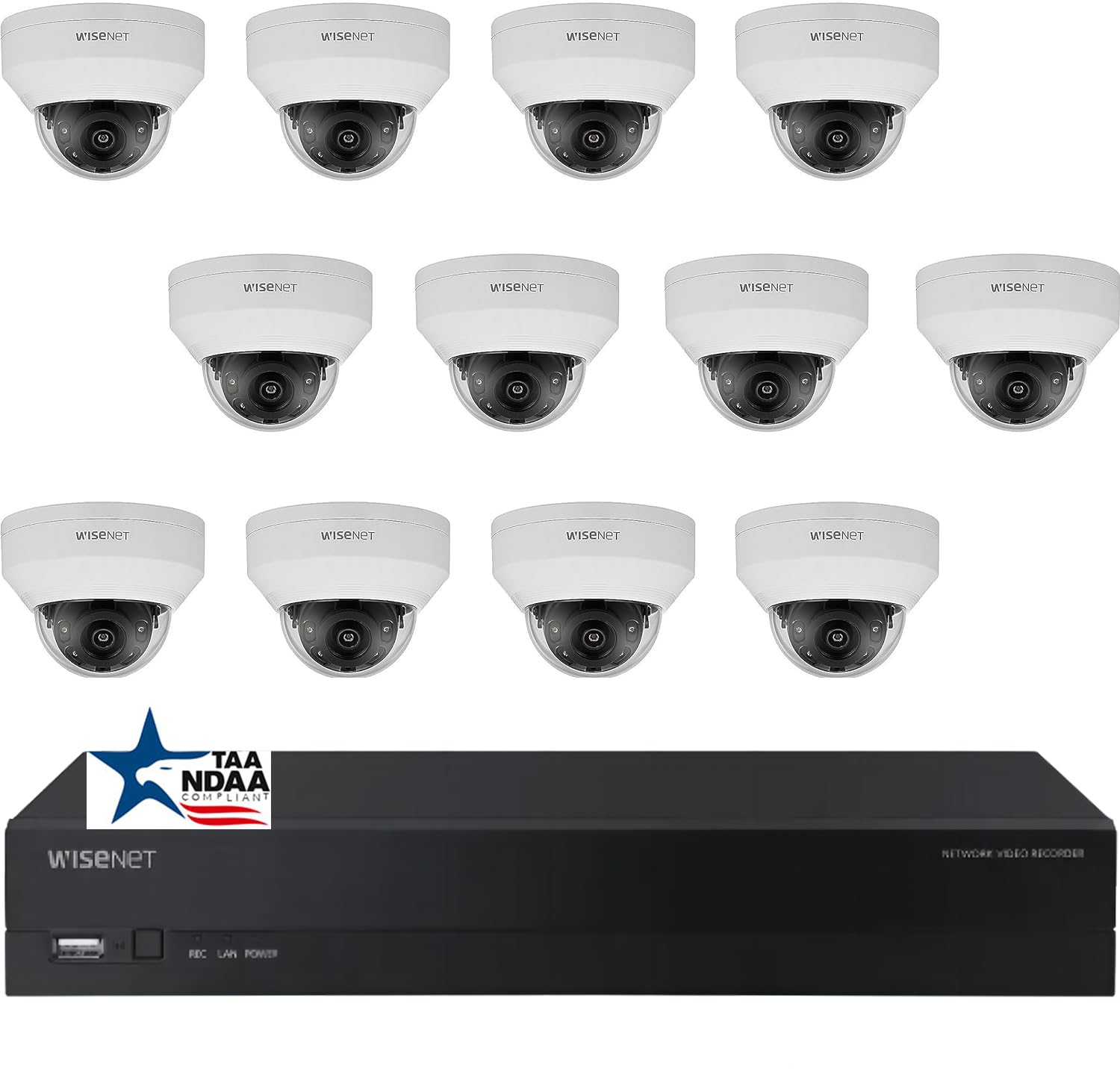
Mynd: Yfirview of the Real HD A-Series 16 Channel PoE IP Camera System, showing the NVR and dome cameras.
2. Öryggisupplýsingar
Fylgið alltaf grunnöryggisráðstöfunum þegar þessi vara er notuð til að draga úr hættu á eldsvoða, raflosti og meiðslum á fólki. Geymið þessa handbók til síðari viðmiðunar.
- Notið aðeins straumbreytinn sem tilgreindur er fyrir þetta tæki.
- Do not expose the NVR to rain or moisture.
- Ensure proper ventilation for the NVR to prevent overheating.
- Ekki reyna að taka í sundur eða breyta vörunni.
- Uppsetningin ætti að vera framkvæmd af hæfu starfsfólki ef þú ert óviss um einhver skref.
3. Innihald pakka
Gakktu úr skugga um að allir hlutir sem taldir eru upp hér að neðan séu í pakkanum þínum. Ef einhverjir hlutir vantar eða eru skemmdir skaltu hafa samband við söluaðila.
- 1 x ARN-1610S 16 Channel PoE NVR with 4TB HDD
- 12 x ANV-L7012R 4MP IP Dome Weatherproof Cameras
- Straumbreytir fyrir NVR
- USB mús
- Flýtileiðarvísir
- Festingarskrúfur og tappi fyrir myndavélar
Athugið: Ethernet cables for connecting cameras to the NVR are not included and must be purchased separately.
4. Uppsetning
4.1 NVR yfirview

Mynd: Framan view of the ARN-1610S NVR, showing LED indicators and USB ports.

Mynd: Aftan view of the ARN-1610S NVR, displaying PoE ports, VGA, HDMI, LAN, and power input.
4.2 myndavél lokiðview

Mynd: Framan view of the ANV-L7012R 4MP IP Dome Camera.
4.3 Kerfistenging
Follow these steps to connect your NVR and cameras:
- Connect Monitor/TV: Connect a monitor or TV to the NVR's HDMI or VGA port. For optimal performance, a 1080P monitor/TV is recommended.
- Tengja mús: Stingdu meðfylgjandi USB mús í eina af USB tengjum NVR tækisins.
- Tengja myndavélar: Connect the IP cameras to the NVR's PoE ports using Ethernet cables. The NVR provides power and data through these ports.
- Connect Router (Optional for Remote Access): Connect the NVR's LAN port to your network router using an Ethernet cable for remote viewing getu.
- Tengdu rafmagn: Stingdu straumbreyti NVR-tækisins í NVR-tækið og síðan í rafmagnsinnstungu.

Image: Connection diagram illustrating how to connect the NVR to a monitor, mouse, cameras, router, and power source.
4.4 Mobile App Setup (Wisenet Mobile)
To access your surveillance system remotely, download the Wisenet Mobile app:
- Scan the QR code below with your smartphone or tablet.
- Download and install the Wisenet Mobile app from Google Play Store or Apple App Store.
- Follow the in-app instructions to add your NVR by scanning the QR code displayed on the NVR's monitor interface.

Image: QR codes for downloading the Wisenet Mobile app from Google Play og Apple App Store.
5. Notkunarleiðbeiningar
5.1 NVR Interface Basics
Upon powering on, the NVR will boot up and display the live view from connected cameras. Use the USB mouse to navigate the on-screen menus. Right-click to access the main menu, which includes options for live view, playback, recording settings, system configuration, and more.
5.2 Upptökustillingar
NVR styður ýmsar upptökustillingar:
- Stöðug upptaka: Skrár allan sólarhringinn.
- Upptaka hreyfiskynjunar: Tekur aðeins upp þegar hreyfing greinist í myndavélinni view.
- Áætluð upptaka: Upptökur á ákveðnum tímum dags eða vikunnar.
- Upptaka viðvörunar: Records when an alarm event (e.g., sensor trigger) occurs.
Configure these settings in the NVR's menu under Record > Schedule or Event > Motion Detection.
5.3 Advanced Image Features
Your cameras are equipped with advanced image processing features to enhance video quality:
- WDR (Wide Dynamic Range): Balances extremely bright and dark areas in the same scene to provide clear images.
- 3DNR (3D Digital Noise Reduction): Minnkar myndsuð, sérstaklega við litla birtu, fyrir skýrari myndbönd.
- BLC (Backlight Compensation): Improves the visibility of objects in front of a strong backlight.
- Snjall IR: Automatically adjusts the intensity of the infrared LEDs to prevent overexposure of objects close to the camera, ensuring clear night vision.

Image: Visual comparison demonstrating the effects of WDR, 3DNR, and BLC on video quality.

Image: Comparison illustrating the improved clarity and balanced illumination provided by Smart IR compared to ordinary IR night vision.
6. Viðhald
6.1 Þrif
- Myndavélar: Hreinsið myndavélarlinsuna reglulega með mjúkum klút.amp klút. Forðist slípiefni.
- NVR: Keep the NVR free from dust. Ensure ventilation openings are not blocked.
6.2 vélbúnaðaruppfærslur
Athugaðu framleiðanda website periodically for firmware updates. Firmware updates can improve performance, add new features, or fix bugs. Follow the instructions provided with the firmware update carefully.
6.3 Stjórnun harðdisks
The NVR is equipped with a 4TB surveillance-grade hard drive. The system is configured to overwrite the oldest recordings when the hard drive is full. You can adjust recording retention settings in the NVR menu.
7. Bilanagreining
| Vandamál | Möguleg orsök | Lausn |
|---|---|---|
| Engin myndbönd birtast á skjánum | Loose cable connection, incorrect input source, NVR not powered on. | Check HDMI/VGA cable, ensure monitor is on correct input, verify NVR power. |
| Myndavélin sýnir ekki myndband | Ethernet cable issue, camera not powered, camera fault. | Check Ethernet cable connection to NVR PoE port, try a different port/cable. |
| Ekki er hægt að fá aðgang að NVR fjartengt | NVR not connected to router, network configuration issues, app setup error. | Ensure NVR is connected to router, check network settings on NVR, re-add NVR to mobile app. |
| Léleg nætursjón | Dirty lens, IR obstruction, camera placement. | Clean camera lens, ensure no objects are blocking the IR illuminators, adjust camera angle. |
8. Tæknilýsing
ARN-1610S NVR
- Rásir: 16 Channel PoE
- Myndbandsþjöppun: H.265
- Myndbandsúttak: 4K (3840 x 2160 pixlar)
- Geymsla: 4TB Surveillance Hard Drive (Pre-installed)
- USB tengi: 2
- Vélbúnaðarviðmót: Ethernet
- Stýrikerfi: Hanwha A Series NVR OS
- Aflgjafi: Rafmagn með snúru
- Stærðir: 18 x 20 x 16 tommur
ANV-L7012R IP Dome Camera
- Upplausn: 4MP (2560 x 1440 pixlar)
- Linsa: 2.8mm fast linsa
- Svið af View: 100° Horizontal Field of View (HFoV), 108° Viewí horn
- Night Vision Range: Allt að 65 fet
- Veðurþétt einkunn: IP67
- Sérstakir eiginleikar: Night Vision, Built-in Microphone, WDR, 3DNR, BLC, Smart IR
- Rekstrarhitastig: -30 °C til 60 °C (-22 °F til 140 °F)
- Optísk skynjaratækni: CMOS
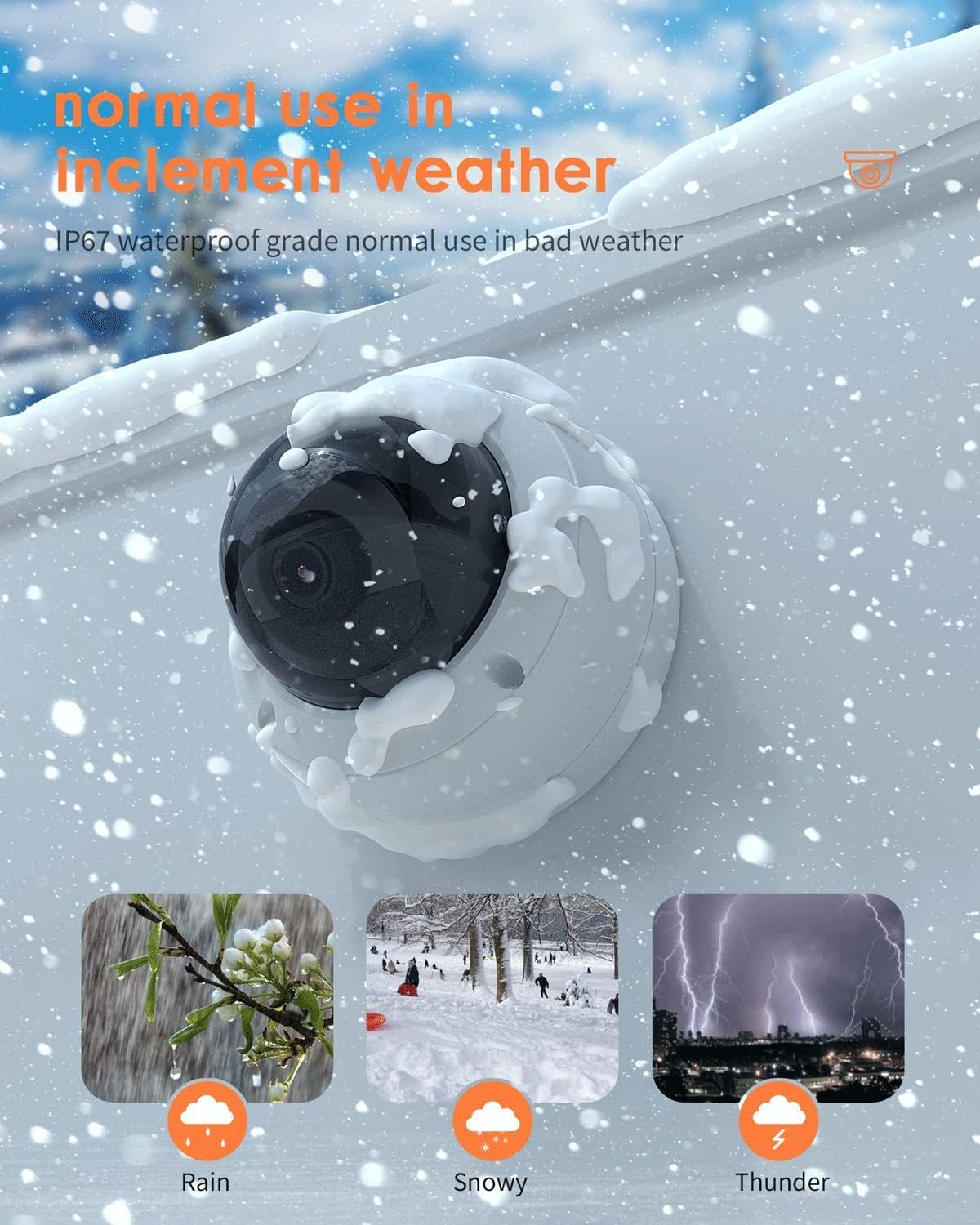
Image: The ANV-L7012R camera demonstrating its IP67 weatherproof capability in various conditions including rain, snow, and thunder.
9. Ábyrgð og stuðningur
9.1 Upplýsingar um ábyrgð
This product comes with a standard manufacturer's warranty. Please refer to the warranty card included in your package or visit the Real HD official webvefsíðunni til að fá ítarlegri ábyrgðarskilmála. Geymið kaupkvittunina sem sönnun fyrir kaupum vegna ábyrgðarkröfu.
9.2 Tæknileg aðstoð
If you encounter any issues that cannot be resolved using the troubleshooting guide, please contact Real HD customer support. Contact information can be found on the Real HD websíðuna eða í umbúðum vörunnar.