
1. Yfirview
The BoxWave DirectSync PD Cable is a 10-foot USB-C to USB-C cable designed for efficient power delivery and high-speed data transfer. It supports up to 100 Watts of Power Delivery (PD), making it suitable for charging a wide range of devices, including laptops, tablets, and smartphones. The cable features a durable braided nylon construction and reinforced strain reliefs to ensure longevity and reliable performance.
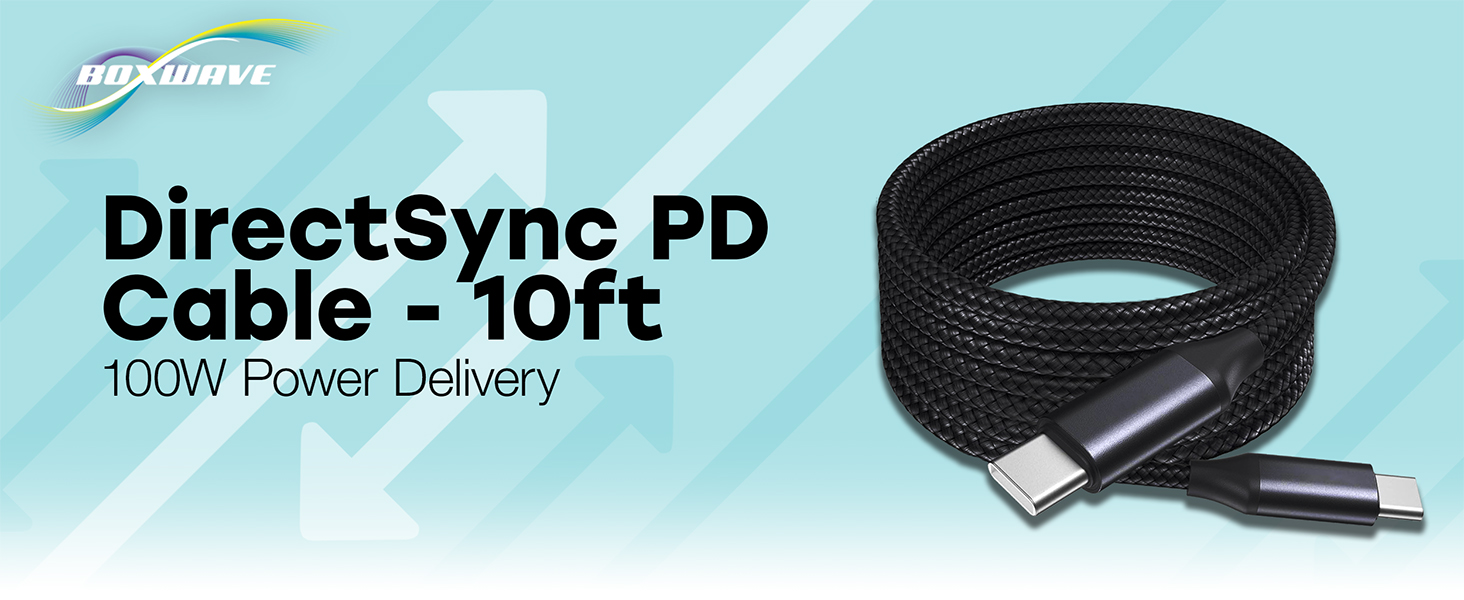
Image: The BoxWave DirectSync PD Cable, highlighting its 10-foot length and 100W Power Delivery capability.
2. Uppsetning
Setting up your DirectSync PD Cable is straightforward. This cable is designed for universal compatibility with USB-C enabled devices.
- Þekkja höfn: Ensure your charging adapter and device both have USB-C ports.
- Tengdu við aflgjafa: Plug one end of the DirectSync PD Cable into a compatible USB-C power adapter or a computer's USB-C port.
- Tengjast tæki: Plug the other end of the cable into your device's USB-C port.
- Staðfestu tengingu: Tækið þitt ætti að gefa til kynna að það sé í hleðslu eða tengt við gagnaflutning.

Image: A visual representation of the DirectSync PD Cable connected to a laptop and a smartphone, illustrating simultaneous charging and data synchronization.
3. Notkunarleiðbeiningar
The DirectSync PD Cable offers dual functionality for both charging and data transfer.
3.1 Hleðsla tækisins
Connect the cable as described in the Setup section. The cable supports up to 100W Power Delivery, allowing for rapid charging of compatible devices. Charging speed will depend on your power adapter's output and your device's charging capabilities.
3.2 Háhraða gagnaflutningur
When connected to a computer, the DirectSync PD Cable facilitates high-speed data transfers up to 480Mbps. This allows you to sync files, photos, and videos between your device and computer efficiently while simultaneously charging.

Image: The DirectSync PD Cable connected to a laptop, illustrating its capability for high-wattage power delivery.
4. Viðhald
To ensure the longevity and optimal performance of your BoxWave DirectSync PD Cable, follow these maintenance guidelines:
- Forðastu skarpar beygjur: While the braided nylon is durable, avoid extreme bending or kinking, especially near the connectors.
- Hreinsuð tengi: Periodically inspect and gently clean the USB-C connectors with a dry, soft cloth to remove dust or debris.
- Rétt geymsla: When not in use, coil the cable loosely. Avoid tightly wrapping it around objects or pulling it taut.
- Meðhöndlaðu með varúð: Gríptu alltaf í tengihausinn þegar þú stingur snúrunni í samband eða tekur hana úr sambandi, frekar en að toga í snúruna sjálfa.

Image: Detail of the cable's durable nylon braided exterior.

Mynd: Nærmynd view of the reinforced rubberized strain relief at the connector, designed to prevent fraying.
5. Bilanagreining
If you encounter issues with your DirectSync PD Cable, refer to the following common problems and solutions:
- Tæki hleðst ekki:
- Gakktu úr skugga um að báðir endar snúrunnar séu vel tengdir við aflgjafann og tækið þitt.
- Verify that your power adapter is functioning correctly and provides sufficient power for your device.
- Test the cable with another compatible device or power source to rule out issues with the cable itself.
- Athugaðu hvort hleðslutengi tækisins sé fyrir eða skemmd.
- Hægur hleðsluhraði:
- Confirm that your power adapter supports Power Delivery (PD) and provides adequate wattage (e.g., 100W for maximum speed).
- Ensure your device also supports fast charging via USB-C PD.
- Forðist að nota tækið mikið á meðan það hleðst, þar sem það getur hægt á ferlinu.
- Gagnaflutningsvandamál:
- Ensure the cable is connected directly between your device and computer, bypassing any hubs or adapters that might not support data transfer.
- Check your device's settings to ensure data transfer mode is enabled (e.g., 'File Transfer' or 'MTP').
- Endurræstu bæði tækið og tölvuna.
- Prófaðu aðra USB-C tengi á tölvunni þinni.
6. Tæknilýsing
| Eiginleiki | Smáatriði |
|---|---|
| Vörumerki | BoxWave |
| Tegund tengis | USB gerð C |
| Gerð kapals | USB |
| Kraftafhending | Allt að 100W |
| Gagnaflutningshraði | 480Mbps |
| Lengd snúru | 10 fet (um það bil 3 metrar) |
| Efni | Braided Nylon Alloy |
| Litur | Jet Black |
| Tengi kyn | Karlkyns til karlkyns |
| Sérstakur eiginleiki | Braided, Strain Relief |
| Þyngd hlutar | 6 aura |
7. Ábyrgð og stuðningur
BoxWave products are designed for quality and reliability. For specific warranty information regarding your DirectSync PD Cable, please refer to the packaging or the official BoxWave website. If you require technical assistance or have questions about your product, please contact BoxWave customer support through their official channels. Support contact information can typically be found on the product packaging or on the BoxWave websíða.
Stuðningur á netinu: Visit the BoxWave webvefsíða fyrir algengar spurningar, greinar um stuðning og möguleika á að hafa samband.
Stuðningur við tölvupóst: Vísað er til vöruskjölanna til að finna netfang þjónustuversins.