
Inngangur
This manual provides instructions for the proper use and maintenance of your BoxWave AllReader SD Card Reader. Please read this manual thoroughly before using the device to ensure optimal performance and longevity. The AllReader SD Card Reader is designed to facilitate easy file transfer between various devices and SD/microSD cards.
Vara lokiðview
The BoxWave AllReader SD Card Reader is a compact device featuring multiple interfaces for broad compatibility with various electronic devices. It supports both standard SD cards and microSD cards.
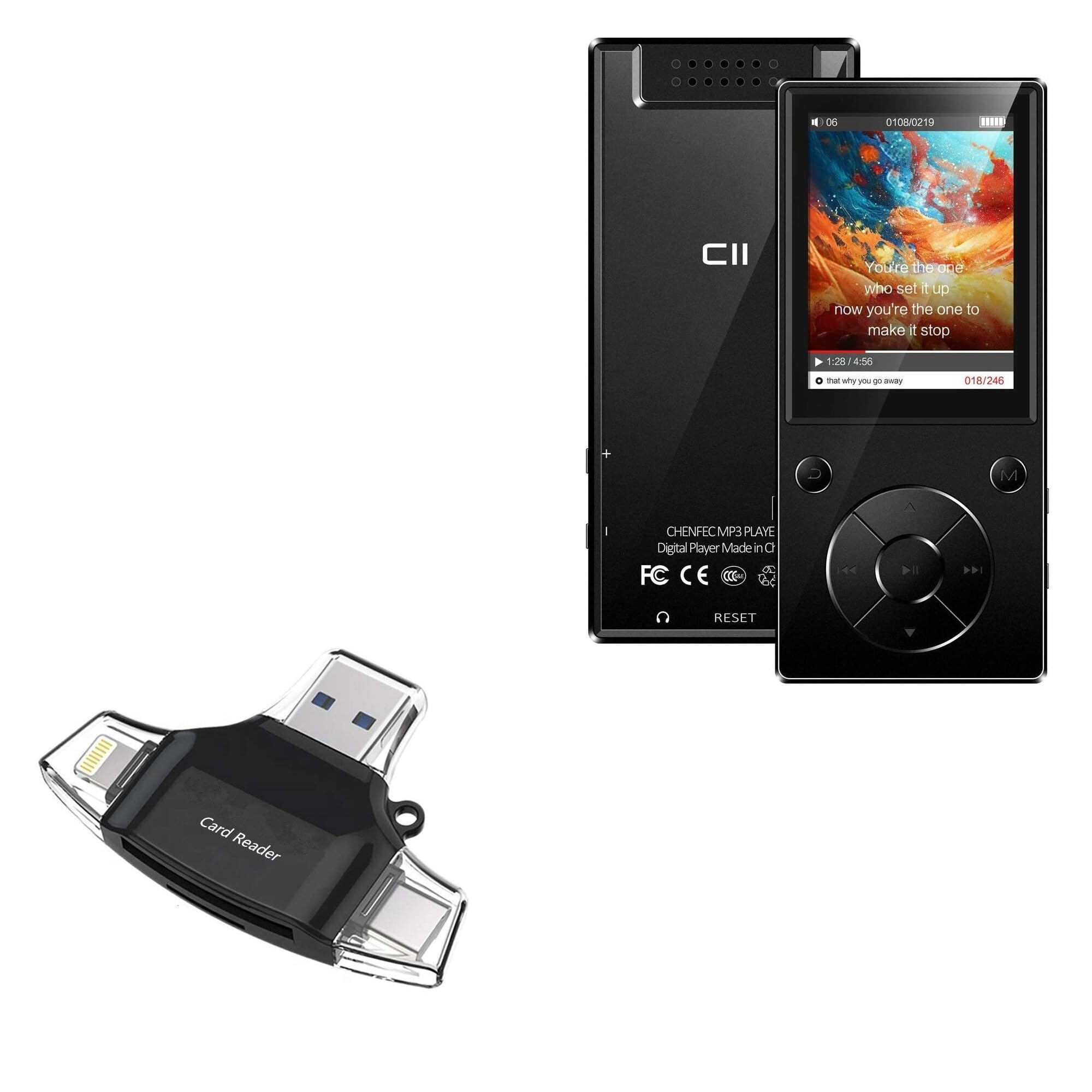
Image: The BoxWave AllReader SD Card Reader, showing its compact design and various connectors.
Helstu eiginleikar:
- Four Interfaces: Equipped with USB-C, USB-A, Micro-USB, and Apple (Lightning) connectors for wide device compatibility.
- Auðvelt File Flutningur: Enables direct transfer of files between memory cards and connected devices.
- Plug and Play: No drivers or software installation required for most operating systems.
- Fyrirferðarlítil hönnun: Small and portable for convenient use on the go.
- Stuðningur við minniskort: Compatible with both SD and microSD card formats.

Mynd: Ítarleg view of the four integrated interfaces: USB-A, USB-C, Apple (Lightning), and Flip-out Micro USB.
Uppsetning
- Settu minniskort í: Gently insert your SD or microSD card into the appropriate slot on the AllReader SD Card Reader until it clicks into place. Ensure the card is inserted in the correct orientation.
- Tengjast tæki: Select the appropriate connector (USB-C, USB-A, Micro-USB, or Apple Lightning) for your host device (e.g., smartphone, tablet, laptop, desktop PC). Plug the AllReader into your device's port.
- Tækjaþekking: Your device should automatically detect the card reader and the inserted memory card. A notification or file browser window may appear, indicating that the storage is ready for access.
Athugið: For some mobile devices, you may need to use a file management application to browse the contents of the connected memory card.

Image: The AllReader with an SD card inserted, connected to a tablet, illustrating the setup for file flytja.
Notkunarleiðbeiningar
Flytur Files:
- Ensure the AllReader is properly connected to your device and the memory card is inserted.
- Opnaðu tækið þitt file manager or photo gallery application.
- Locate the external storage device, typically labeled as "USB Storage," "SD Card," or similar.
- Browse to the desired files á minniskortinu.
- Veldu files þú vilt flytja.
- Use the "Copy" or "Move" function within your device's file framkvæmdastjóri til að flytja files to your device's internal storage or another connected storage.
- Til að flytja files from your device to the memory card, reverse the process: select files from your device's storage and copy/move them to the external storage (memory card).

Image: The AllReader connected to various devices including smartphones, tablets, laptops, and desktop PCs, demonstrating its versatility for file flytja.
Safely Removing the Device:
Before disconnecting the AllReader from your computer, always safely eject the device through your operating system's options (e.g., "Safely Remove Hardware" on Windows, "Eject" on macOS). For mobile devices, ensure no file Flutningar eru virkir áður en þeir eru teknir úr sambandi.
Viðhald
- Þrif: Notið mjúkan, þurran klút til að þrífa ytra byrði kortalesarans. Forðist að nota fljótandi hreinsiefni eða leysiefni.
- Geymsla: Store the AllReader in a cool, dry place away from direct sunlight and extreme temperatures.
- Meðhöndlun: Avoid dropping the device or subjecting it to strong impacts. Do not force memory cards or connectors into slots.
- Umhirða tengis: Keep the connectors free from dust and debris. If necessary, use a soft brush or compressed air to clean them.
Úrræðaleit
| Vandamál | Möguleg lausn |
|---|---|
| Tæki ekki þekkt. |
|
| Get ekki fengið aðgang files á minniskortinu. |
|
| Hægur file flutningshraða. |
|
Tæknilýsing
- Fyrirmyndarheiti: AllReader SD-kortalesari
- Vörumerki: BoxWave
- Tengi: USB-C, USB-A, Micro-USB, Apple (Lightning)
- Kortasamhæfi: SD, microSD
- Litur: Jet Black
- Þyngd hlutar: 6 aura
- ASIN: B0CNSDX7WD
- Dagsetning fyrst í boði: 13. nóvember 2023
Ábyrgð og stuðningur
For warranty information and technical support, please refer to the official BoxWave webvefsíðu eða hafðu samband við þjónustuver þeirra beint. Geymdu kaupkvittunina vegna ábyrgðarkröfu.
BoxWave Customer Service: www.boxwave.com/support