
Inngangur
The Majority Naga 80 Sound Bar is designed to enhance your home audio experience with powerful 140W peak output and 2.1 channel sound. Featuring advanced 3D surround sound technology and a built-in subwoofer, it delivers rich, clear audio for movies, gaming, and music. This manual provides detailed instructions for setup, operation, and maintenance of your sound bar.

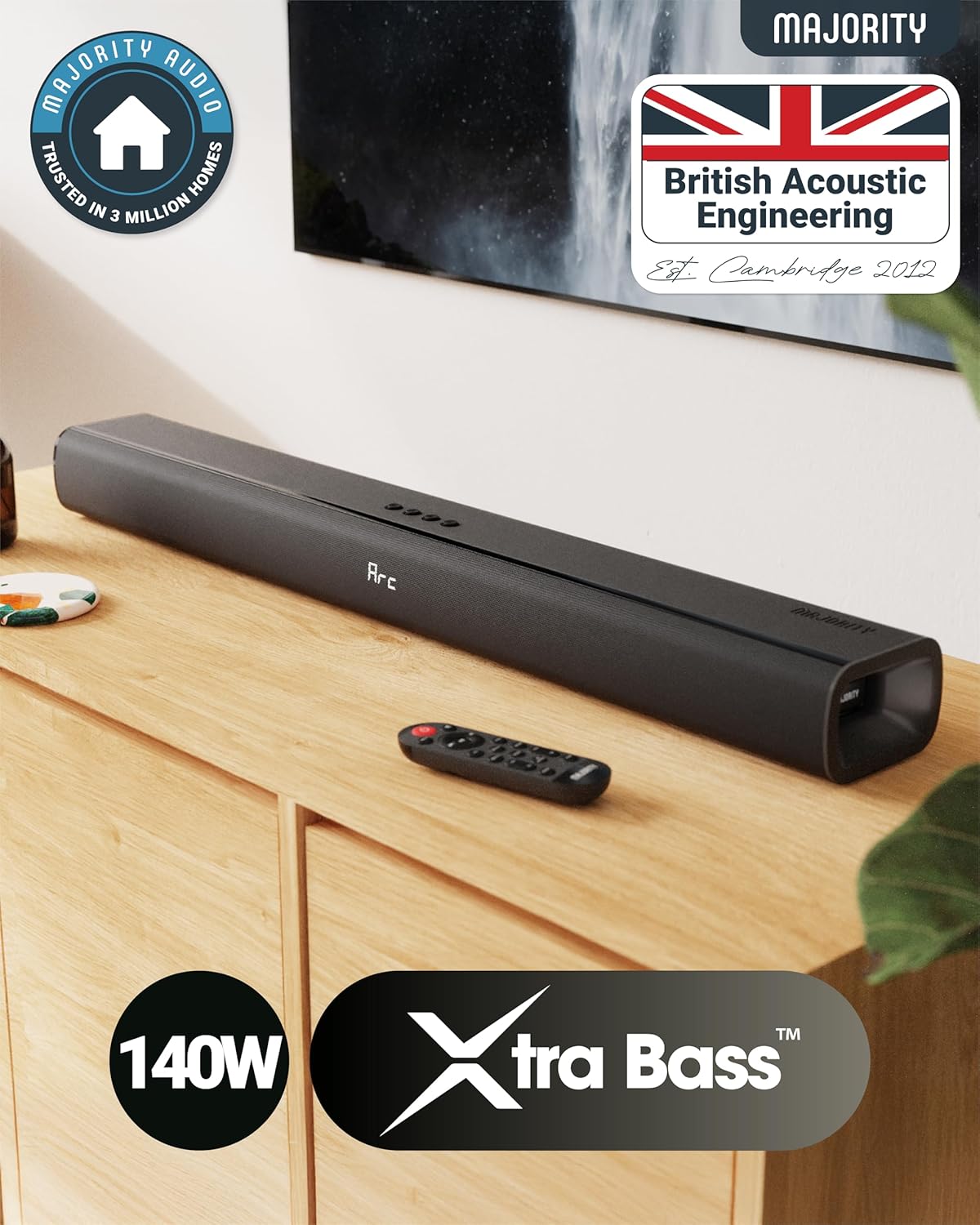
The Naga 80 TV Soundbar delivers powerful, high-quality sound to elevate your home entertainment.
Hvað er í kassanum
Please check the contents of your package carefully. If any items are missing or damaged, contact customer support.
- Naga 80 hljóðstikan
- Notendahandbók
- Fjarstýring
- Veggfestingar
- HDMI, AUX, and Power cables
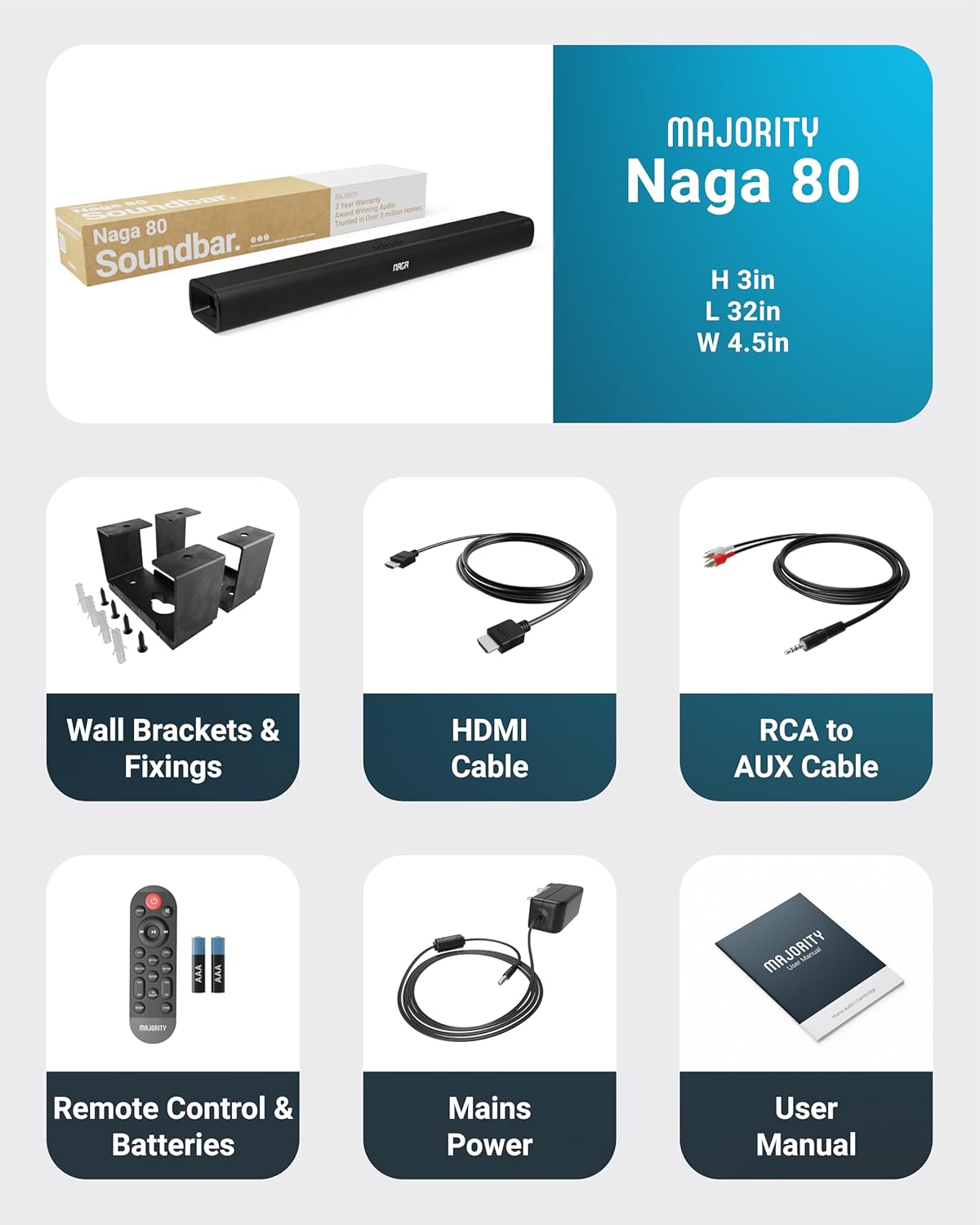
All items included in the Naga 80 Sound Bar package.
Uppsetning
Tengist við rafmagn
- Ensure the sound bar is placed on a stable surface or securely wall-mounted.
- Connect the power adapter to the DC 24V input port on the back of the sound bar.
- Stingdu straumbreytinum í innstungu.
Hljóðtengingar
The Naga 80 Sound Bar offers multiple connectivity options for your devices:
- HDMI ARC: Connect an HDMI cable from the sound bar's ARC port to your TV's HDMI ARC port for high-quality audio and TV remote control integration.
- Optical In: Use an optical cable to connect to your TV or other audio source for digital audio transmission.
- AUX inn: Connect devices using the 3.5mm AUX cable for analog audio input.
- USB: Settu inn USB-lykil til að spila hljóð files directly from the sound bar.
- Bluetooth: Pair your smartphone, tablet, or other Bluetooth-enabled devices wirelessly.
Mikilvægt: If you experience buzzing or static sound when using HDMI or Optical connections, adjust your TV's audio output settings to PCM (Pulse Code Modulation).

Rear panel connections of the Naga 80 Sound Bar.
Bluetooth pörun
- Press the 'Input' button on the sound bar or remote control until 'BT' appears on the display.
- On your device (smartphone, tablet), enable Bluetooth and search for 'Naga 80'.
- Select 'Naga 80' to pair. A confirmation sound will indicate successful pairing.
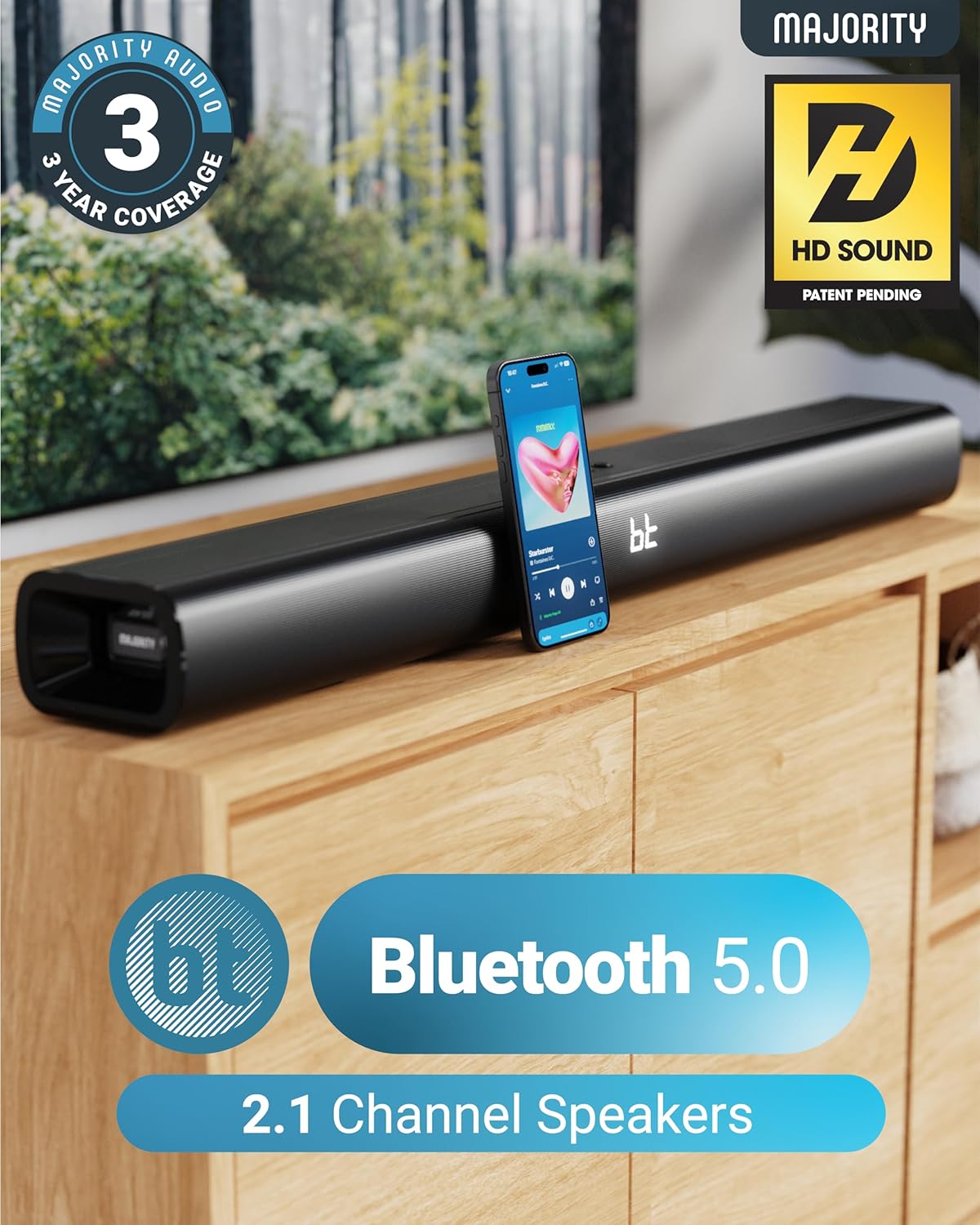
The Naga 80 Sound Bar supports Bluetooth 5.0 for wireless audio streaming.
Notkunarleiðbeiningar
Fjarstýringaraðgerðir
The included remote control allows full command over your sound bar's features:
- Kraftur: Turn the sound bar on or off.
- Inntak: Cycle through input sources (HDMI ARC, Optical, AUX, USB, Bluetooth).
- Bindi +/-: Stilltu aðalhljóðstyrkinn.
- Spila/gera hlé, sleppa lögum: Control media playback in Bluetooth or USB mode.
- Hljóðstillingar: Select between Movie, Music, and Dialog modes.
- Bass +/- (BA+/-): Stilla bassastig.
- Treble +/- (TR+/-): Stilla diskantstig.
- 3D On/Off: Activate or deactivate 3D surround sound.
- Endurstilla: Reset audio settings to default.
- Par: Hefja Bluetooth-pörun.
The remote control provides comprehensive control over your sound bar.
Hljóðstillingar
Optimize your audio experience with dedicated sound modes:
- Kvikmyndaháttur: Enhances cinematic sound effects and dialogue for an immersive movie-watching experience.
- Tónlistarstilling: Veitir jafnvægið hljóðgæðifile suitable for various music genres.
- Samræðustilling: Prioritizes vocal clarity, making conversations easier to understand, especially in TV shows or news broadcasts.
Aðlaga bassa og diskant
You can fine-tune the bass and treble levels to your preference using the remote control. Both settings can be adjusted from -4 to +4, with 0 being the default. Use the 'BA+/-' buttons for bass and 'TR+/-' buttons for treble.
Uppsetning og staðsetning
Veggfesting
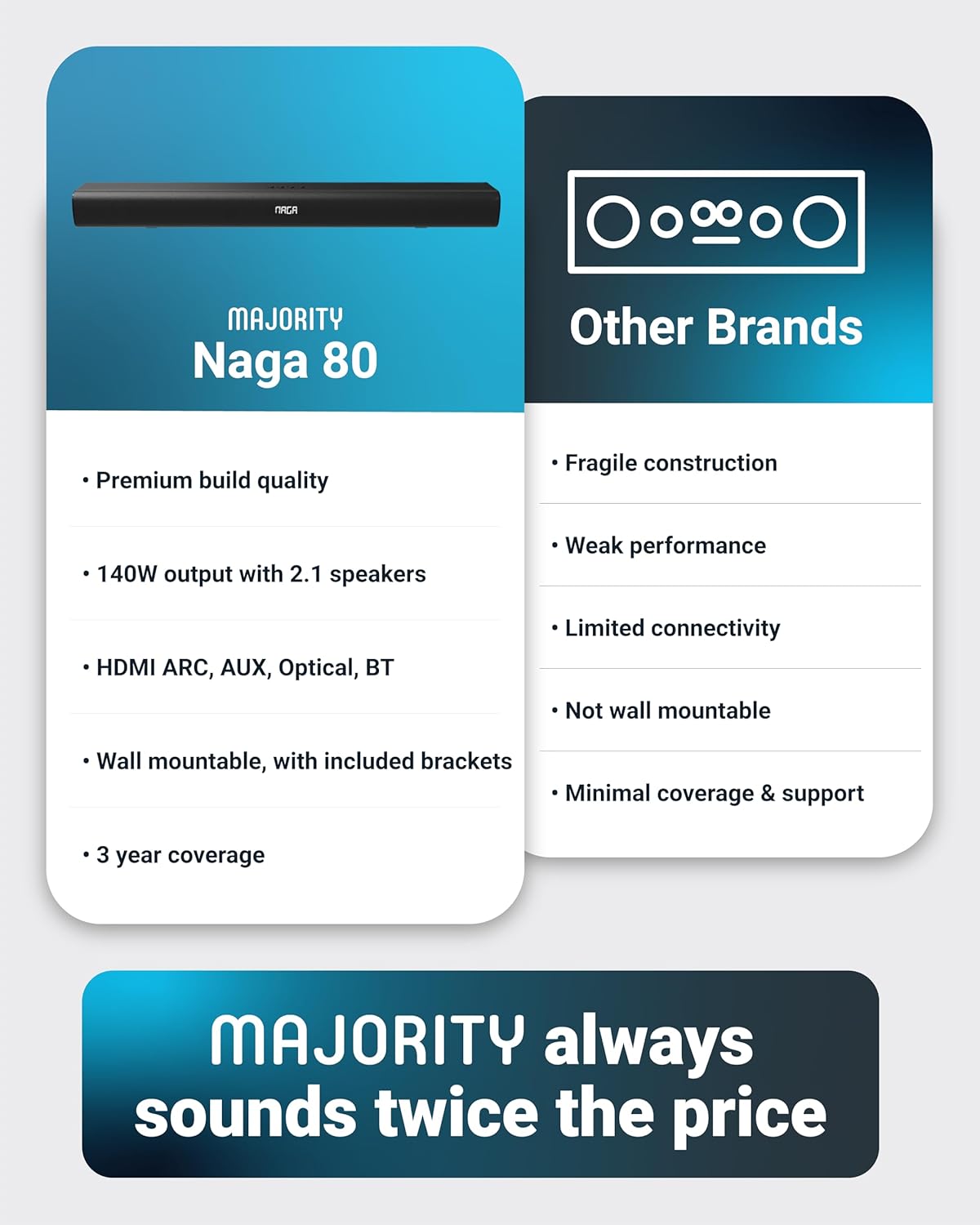
The Naga 80 Sound Bar can be wall-mounted for a clean, space-saving setup. Use the included wall brackets and fixings. Ensure the mounting surface is sturdy enough to support the sound bar's weight (4.3 pounds).
Wall mount brackets for secure installation.
Tæknilýsing
| Eiginleiki | Forskrift |
|---|---|
| Nafn líkans | Naga 80 |
| Tegund hátalara | Soundbar |
| Hámarksúttaksstyrkur hátalara | 140 Watt |
| Surround Sound Channel Stilling | 2.1 |
| Tengitækni | Bluetooth, HDMI, Optical, AUX, USB |
| Þráðlaus samskiptatækni | Bluetooth |
| Bluetooth svið | 10 metrar |
| Eftirlitsaðferð | Fjarstýring |
| Vörumál | 31.8" D x 4.6" B x 3.06" H |
| Þyngd hlutar | 4.3 pund |
| Efni | Plastic (Enclosure), Metal (Subwoofer) |
| Innifalið íhlutir | HDMI, AUX and Power cables, Naga 80 Soundbar, Remote, User Manual, Wall Brackets |
| Rafhlöður | 2 AAA rafhlöður nauðsynlegar (fylgir með) |
| Gerð uppsetningar | Veggfesting |
Viðhald
To ensure the longevity and optimal performance of your Majority Naga 80 Sound Bar, follow these maintenance guidelines:
- Þrif: Use a soft, dry cloth to wipe the exterior of the sound bar. Avoid using abrasive cleaners, waxes, or solvents.
- Loftræsting: Ensure proper ventilation around the sound bar to prevent overheating. Do not block any ventilation openings.
- Geymsla: Ef hljóðstöngin er geymd í langan tíma skal aftengja hana frá rafmagninu og geyma hana á köldum, þurrum stað.
Úrræðaleit
Ef þú lendir í vandræðum með hljóðstöngina þína skaltu skoða eftirfarandi algeng vandamál og lausnir:
- Enginn kraftur: Ensure the power cable is securely connected to both the sound bar and a working power outlet. Check if the power adapter is functioning correctly.
- Ekkert hljóð: Verify the correct input source is selected on the sound bar. Check all audio cables for secure connections. Ensure the volume is not muted or set too low on both the sound bar and your connected device.
- Buzzing/Static Sound (HDMI/Optical): Adjust your TV's HDMI/Optical audio output settings to PCM. Some TVs may default to other formats that are not compatible with the sound bar.
- Bluetooth pörunarvandamál: Ensure the sound bar is in Bluetooth pairing mode. Turn off and on Bluetooth on your device, then try pairing again. Move your device closer to the sound bar to ensure it's within range (10 meters).
- Fjarstýring virkar ekki: Check the batteries in the remote control and replace them if necessary (2 AAA batteries). Ensure there are no obstructions between the remote and the sound bar.
Ábyrgð og stuðningur
The Majority Naga 80 Sound Bar comes with a 3 ára framlengd ábyrgð upon registration. For warranty registration, technical support, or further assistance, please visit the official Majority websíðuna eða hafðu samband við þjónustuver þeirra.
For more information and to register your product, visit: www.majority.co.uk