
1. Vöru lokiðview
The FlyEagle Astronaut Galaxy Projector is a versatile 4-in-1 device designed to enhance your living space. It functions as a galaxy projector, a night light lamp, a white noise machine, and a Bluetooth speaker. This device projects stunning nebula effects and twinkling green stars, transforming any room into a cosmic oasis. Its unique astronaut design features a magnetically connected head for 360° rotation, allowing flexible projection angles onto walls, ceilings, or other flat surfaces. The removable rocket base and poseable arm also make it a decorative ornament.
Key features include 10 stunning nebula effects, adjustable brightness and flow speed, 15 soothing white noise options, a built-in Bluetooth 5.1 HIFI speaker with rhythm mode, and a timer function for automatic shut-off.

Image: The FlyEagle Astronaut Galaxy Projector illuminating a child's bedroom with vibrant nebula and star patterns. The image also shows the remote control and a smartphone displaying the control app.
2. Hvað er innifalið
Vinsamlegast staðfestið að allir íhlutir séu til staðar í pakkanum:
- Galaxy Projector (Astronaut unit with rocket base)
- Fjarstýring
- Type-C USB snúru
- Notendahandbók (þetta skjal)
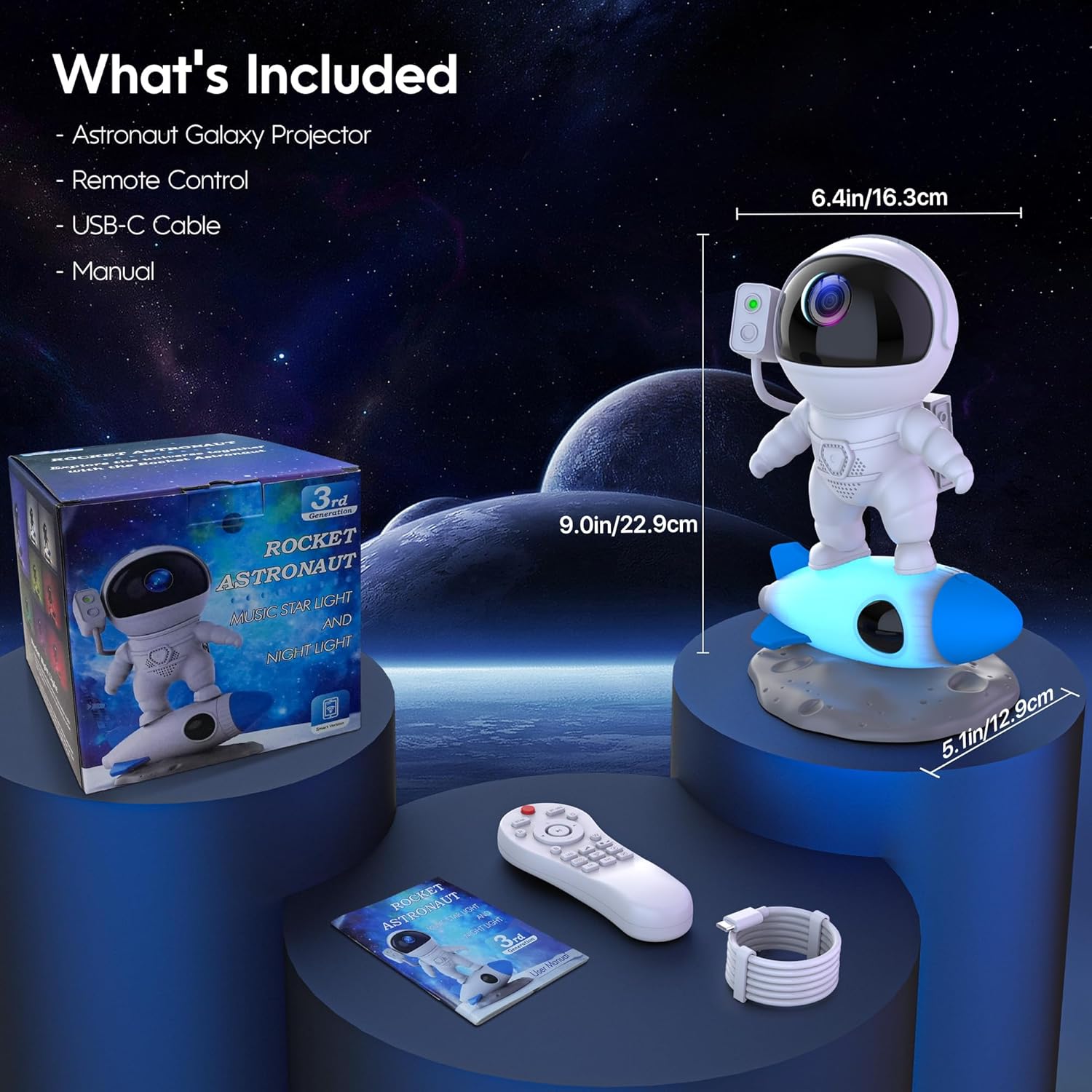
Image: A visual representation of the package contents, showing the astronaut projector, its packaging box, the remote control, a USB-C cable, and the user manual.
3. Uppsetningarleiðbeiningar
- Taka upp tækið: Carefully remove the Astronaut Galaxy Projector and all accessories from the packaging.
- Assemble the Astronaut: The astronaut's head is magnetically connected to its body. Ensure it is securely attached. The astronaut stands on a removable rocket base.
- Rafmagnstenging: Connect the provided Type-C USB cable to the projector's power input port and plug the other end into a compatible USB power adapter (not included) or a USB port on a computer/power bank. The projector requires 5 Volts (DC) and operates at 10 Watt-hours.
- Staðsetning: Place the projector on a stable, flat surface. For optimal projection coverage, consider placing it on the floor or a low table to maximize the spread of the galaxy effects across your ceiling and walls.
4. Notkunarleiðbeiningar
4.1 Eftirlitsaðferðir
The Astronaut Galaxy Projector offers three convenient ways to control its functions:
- Hnappastýring: Basic functions can be controlled directly using the buttons located on the projector unit.
- Fjarstýring: The included remote control provides comprehensive control over all features, including power, light modes, brightness, speed, white noise, and timer settings.
- APP stjórnun: For advanced customization and ease of use, download the "Smart Night Light APP" (or similar specified app in the manual) on your smartphone. Connect the projector via Bluetooth for full control.

Image: An illustration demonstrating the three ways to control the projector: using a smartphone app, the physical remote control, and the buttons on the astronaut unit itself.
4.2 Vörpun
The projector combines 10 stunning nebula effects with twinkling green stars. You can adjust the visual experience:
- Nebula Effects: Choose from various colors and patterns.
- Stjörnuvörpun: Activate or deactivate the green star projection.
- Birtustig: Adjust the intensity of the projection (4 levels available).
- Flow Speed: Control the movement speed of the nebula effects (4 levels: Stop, Slow, Moderate, Fast).
- 360° snúningur: The astronaut's head can be rotated 360 degrees to direct the projection to any desired angle.

Image: The projector creating a vibrant nebula and star display on a ceiling, with an overlay showing the 10 captivating nebula effects and controls for 4 brightness levels and 4 flow speeds.
4.3 Hljóðeiginleikar
- Bluetooth hátalari: The built-in Bluetooth 5.1 HIFI speaker allows you to play your favorite music or audio from a connected device. Pair your smartphone or tablet with the projector via Bluetooth.
- Rhythm Mode: When activated, the star and nebula projections will synchronize and dance to the beat of the music, enhancing the atmosphere.
- Hvítur hávaði: The projector includes 15 soothing white noise options, such as summer night, ocean waves, forest birds, twinkle star, rivulet, rain, lullaby, and campfire. These sounds can aid relaxation and sleep.
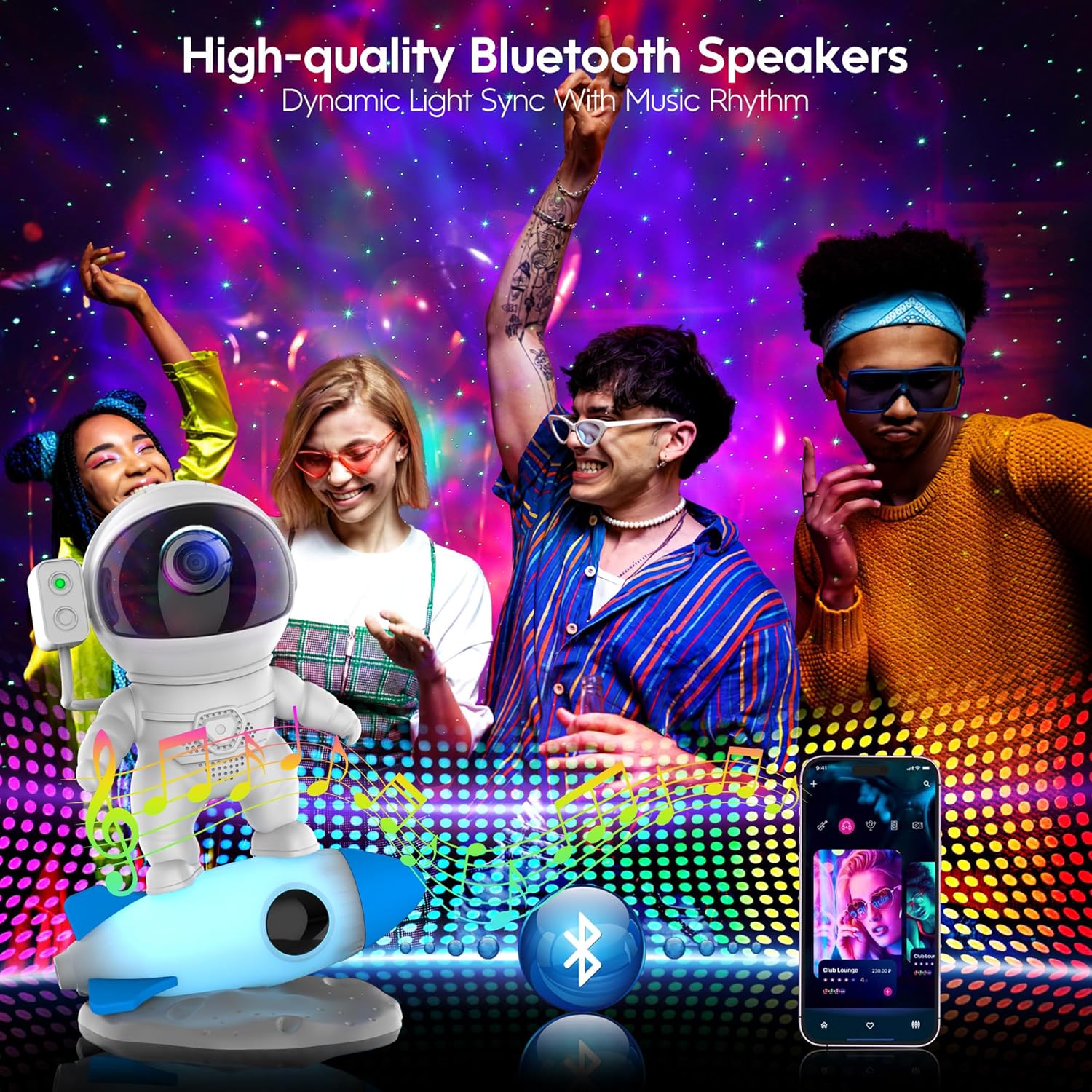
Image: A group of people enjoying music in a room illuminated by the projector's lights, highlighting the high-quality Bluetooth speakers and dynamic light sync with music rhythm.
4.4 Tímamæliraðgerð
Set a timer for the projector to automatically turn off after a specified duration. Available timer settings typically include 1, 2, or 4 hours. This feature is ideal for bedtime use.
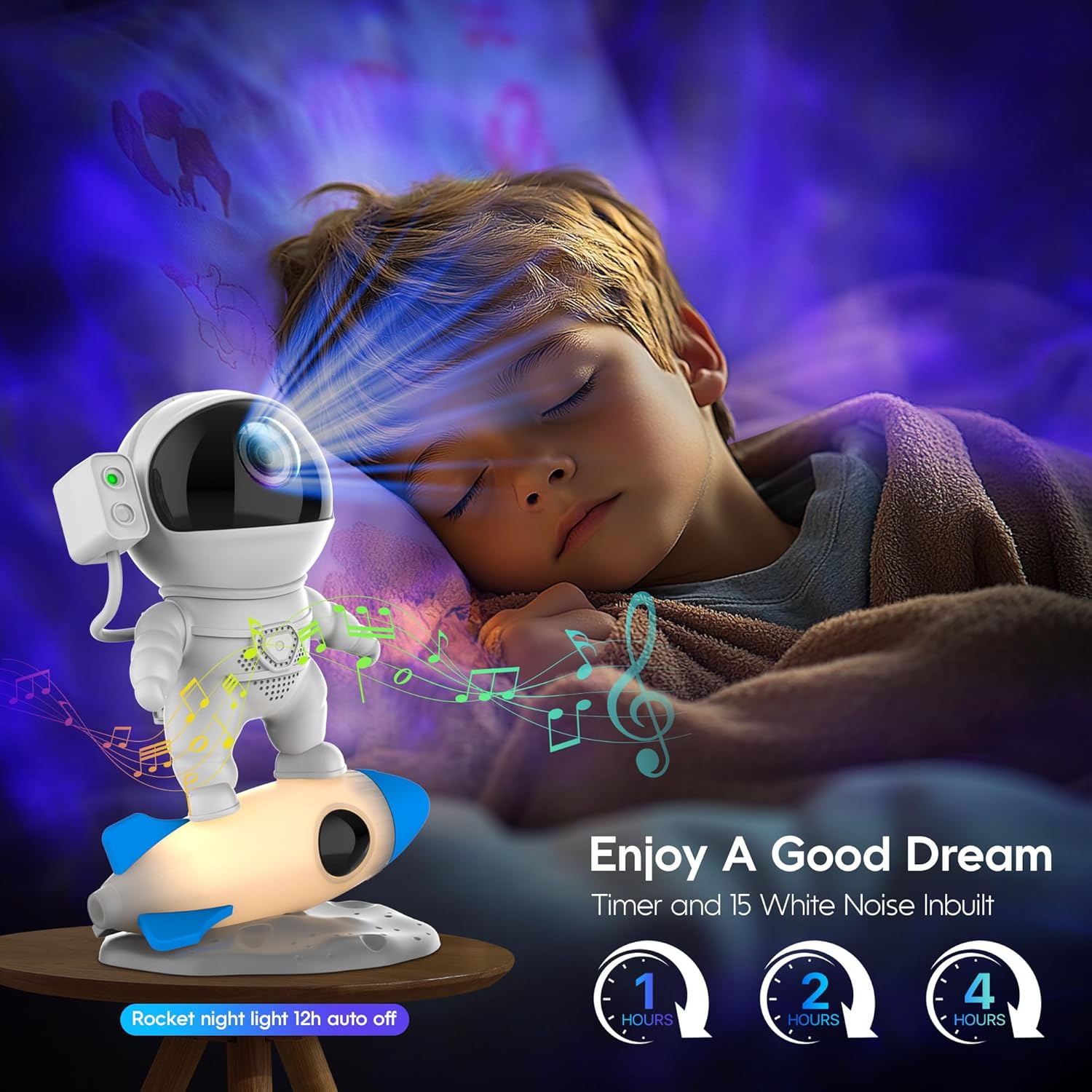
Image: A child sleeping in a room illuminated by the projector, emphasizing the timer function and the 15 built-in white noise options for a good dream.
5. Viðhald
To ensure the longevity and optimal performance of your Astronaut Galaxy Projector, follow these maintenance guidelines:
- Þrif: Use a soft, dry cloth to wipe the exterior of the projector. Do not use abrasive cleaners, solvents, or harsh chemicals, as these may damage the surface or internal components.
- Linsuumhirða: Gently clean the projection lens with a microfiber cloth to remove dust or smudges. Avoid touching the lens directly with your fingers.
- Geymsla: Þegar skjávarpinn er ekki í notkun í langan tíma skal geyma hann á köldum, þurrum stað, fjarri beinu sólarljósi og miklum hita.
- Forðastu vatn: The projector is not waterproof. Keep it away from water and high humidity environments to prevent damage.
6. Bilanagreining
| Vandamál | Möguleg orsök | Lausn |
|---|---|---|
| Skjávarpinn kveikir ekki á sér. | Engin aflgjafi; laus kapaltenging. | Ensure the USB cable is securely connected to both the projector and a working power source. Try a different USB adapter or port. |
| Stars or nebula effects are not visible/working. | Feature deactivated; internal malfunction. | Check remote/app settings to ensure star/nebula projection is enabled. If the issue persists after checking settings, contact customer support. |
| Fjarstýringin svarar ekki. | Rafhlaða lág/dauð; hindrun; utan seilingar. | Replace the remote control battery. Ensure there are no obstructions between the remote and the projector. Operate within the recommended range. |
| Projector makes a ringing/buzzing noise. | Motor noise during rotation; internal component vibration. | Some minimal motor noise may be present during nebula rotation. If the noise is excessive or disruptive, try adjusting the flow speed or contact customer support. |
| Vandamál með Bluetooth-tengingu. | Tæki ekki í pörunarham; truflun. | Ensure the projector is in Bluetooth pairing mode. Turn off and on Bluetooth on your device. Move closer to the projector and away from other electronic devices. |
7. Tæknilýsing
| Eiginleiki | Smáatriði |
|---|---|
| Nafn líkans | BL-HJ07 |
| Vörumerki | FlyEagle |
| Vörumál | 16.3 cm D x 12.9 cm B x 22.9 cm H (6.41" Þ x 5.06" B x 9.01" H) |
| Þyngd hlutar | 1.5 pund (0.68 kg) |
| Efni | Akrýlónítríl bútadíen stýren (ABS) |
| Tegund ljósgjafa | LED |
| Hvaðtage | 10 Watt-stundir |
| Voltage | 5 volt (DC) |
| Eftirlitsaðferð | Remote, Button, APP |
| Sérstakir eiginleikar | Dimmable, Timer, Bluetooth Speaker, White Noise |
| Inni/úti notkun | Innandyra |
| Vatnsþolsstig | Ekki vatnsheldur |
8. Ábyrgð og stuðningur
The FlyEagle Astronaut Galaxy Projector comes with a 1 árs ábyrgð frá kaupdegi. Þessi ábyrgð nær yfir framleiðslugalla og bilanir við eðlilega notkun.
For technical support, warranty claims, or any questions regarding your product, please contact FlyEagle customer service through the retailer where you purchased the product or refer to the contact information provided in the product packaging.
Vinsamlegast geymið kaupkvittunina til staðfestingar á ábyrgðinni.