
1. Inngangur
The Nillkin TW004 Wireless Earbuds are designed for audio playback and communication, featuring Bluetooth 5.0 connectivity, CVC noise cancellation, and IPX5 water resistance. This manual provides instructions for proper setup, operation, and maintenance of your earbuds.
2. Innihald pakka
Vinsamlegast staðfestu að allir hlutir séu í pakkanum þínum:
- Nillkin TW004 Wireless Earbuds (Left and Right)
- Hleðslutaska
- USB hleðslusnúra
- Margar stærðir af eyrnatöppum (S, M, L)
- Notendahandbók

Image: Nillkin TW004 Wireless Earbuds and Charging Case, illustrating key features such as excellent sound quality, Apt-X audio decoding, CVC noise cancellation, Qualcomm 5.0, TWS Plus, mini compact design, 13 hours playtime, and IPX5 water-resistance.
3. Vörueiginleikar
- Bluetooth 5.0: Veitir stöðuga og skilvirka þráðlausa tengingu.
- CVC Noise Cancellation: Eykur skýrleika símtala með því að draga úr umhverfishljóði.
- Apt-X High Audio Decoding: Delivers lossless sound quality with minimal transmission delay.
- IPX5 vatnsþol: Protects against sweat and light splashes, suitable for sports.
- Snertistjórnun: Innsæisstýringar fyrir tónlistarspilun og símtalsstjórnun.
- Fyrirferðarlítil og létt hönnun: Ergonomic fit for comfortable and stable wearing.
- Lengri endingartími rafhlöðu: Up to 13 hours of continuous earphone use, with additional charges from the case.

Image: A banner displaying the Nillkin TW004 Wireless Earbuds and charging case, highlighting features such as excellent sound quality, Apt-X audio decoding, CVC noise cancellation, Qualcomm 5.0, TWS Plus, mini compact design, 13 hours playtime, and IPX5 water-resistance.
4. Uppsetning
4.1 Hleðsla eyrnatólanna og hulstrsins
Before first use, fully charge the earbuds and the charging case. Connect the provided USB charging cable to the charging case and a power source. The indicator lights on the case will show the charging status. Ensure the earbuds are properly seated in the charging slots inside the case.

Image: Nillkin TW004 Earbuds and charging case displaying Bluetooth V5.0, 13 hours continuous earphone use, 52 hours with charging box, 50 days standby time, 500mAh charging box battery, and 4-5 times earphone charging capacity.
4.2 Automatic Power On and Pairing
Once removed from the charging case, the earbuds will automatically power on and enter pairing mode. On your device (e.g., smartphone), enable Bluetooth and search for 'Nillkin TW004' in the list of available devices. Select it to connect. A voice prompt will confirm successful pairing.
Video: An official product video demonstrating the automatic power-on and pairing process of the Nillkin TW004 Wireless Earbuds when removed from their charging case.
4.3 Að nota eyrnatólin
Choose the ear tips that provide the most comfortable and secure fit for your ears. Insert the earbuds into your ear canals and gently twist them to ensure a snug fit. A proper fit is essential for optimal sound quality and noise isolation.

Image: A person wearing a Nillkin TW004 earbud, demonstrating the mini body design and stable fit in the ear. The image emphasizes the ergonomic and invisible design, with a weight of only 5.6g per earphone, suitable for human auricle.

Image: Illustration showing small (S), medium (M), and large (L) ear tips, indicating options for a customized and stable fit for the Nillkin TW004 earbuds.
5. Notkunarleiðbeiningar
5.1 Snertistýringar
The Nillkin TW004 earbuds feature touch-sensitive controls on the outer surface of each earbud. Refer to the following table for common functions:
| Aðgerð | Virka |
|---|---|
| Einn smellur (vinstri/hægri) | Spila / gera hlé á tónlist, svara / ljúka símtali |
| Tvísmella (hægri) | Næsta lag |
| Tvísmella (vinstri) | Fyrra lag |
| Langt ýta (vinstri/hægri) | Hafna símtali, virkja raddaðstoðarmann |
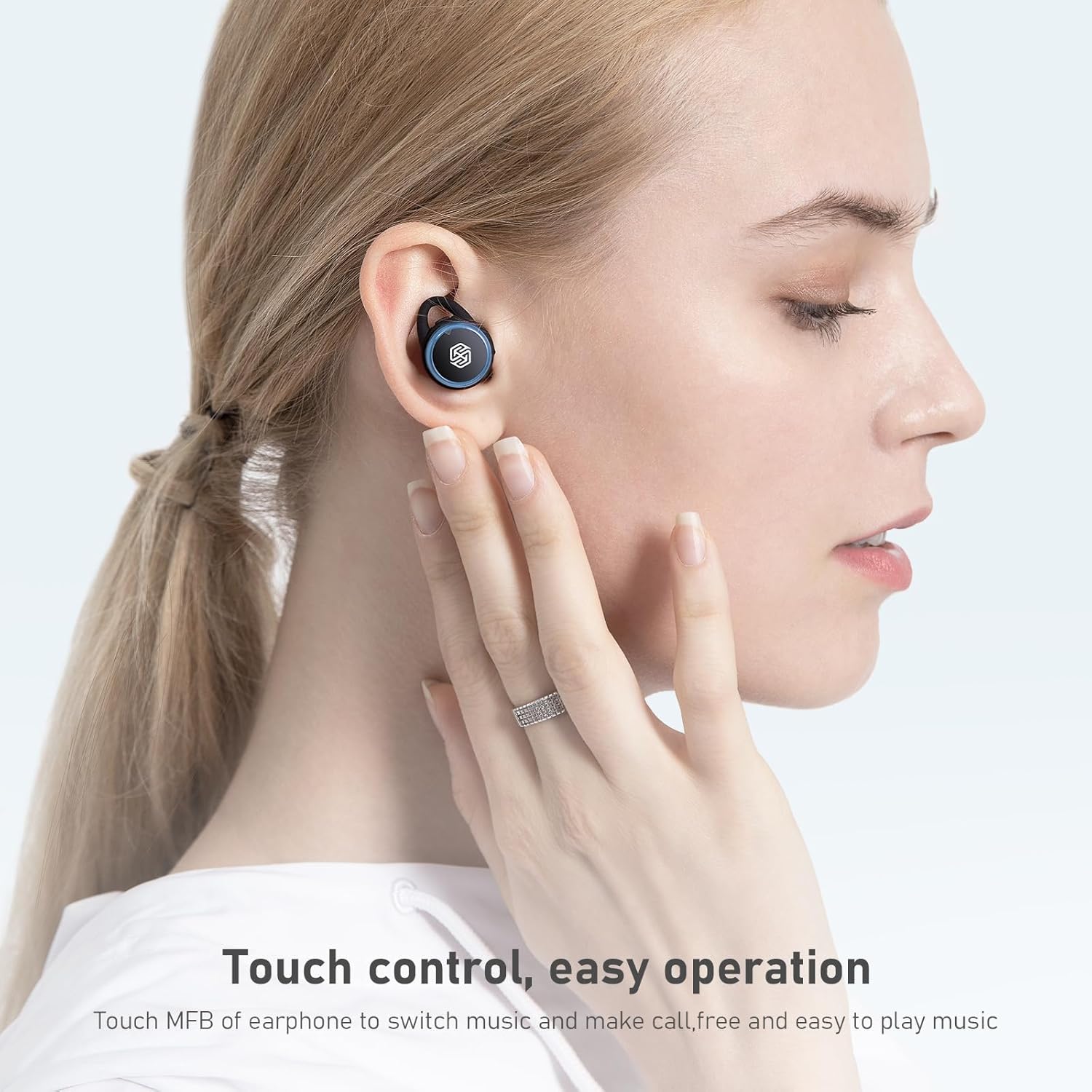
Image: A hand demonstrating touch control on a Nillkin TW004 earbud, illustrating the ease of operation for switching music and managing calls.
5.2 Kveikt/slökkt
- Kveikt á: Eyrnatólin kvikna sjálfkrafa þegar þau eru tekin úr hleðsluhulstrinu.
- Slökkva á: Settu eyrnatólin aftur í hleðsluhulstrið til að slökkva sjálfkrafa á þeim og hefja hleðslu.
6. Viðhald
6.1 Þrif
Hreinsið eyrnatólin og hleðsluhulstrið reglulega til að tryggja bestu mögulegu virkni og hreinlæti.
- Notið mjúkan, þurran og lólausan klút til að þurrka eyrnatappa og hleðsluhulstur.
- Fjarlægið eyrnatappana og þrífið þá með mildri sápu og vatni. Gangið úr skugga um að þeir séu alveg þurrir áður en þið setjið þá aftur á.
- Hreinsið hleðslutengurnar bæði á eyrnatólunum og innan í hulstrinu varlega með þurrum bómullarpinna.
6.2 Geymsla
Þegar eyrnatólin eru ekki í notkun skal geyma þau í hleðsluhulstrinu til að vernda þau fyrir ryki, skemmdum og til að halda þeim hlaðnum.

Image: Nillkin TW004 earbuds with water droplets on their surface, illustrating their IPX5 waterproof rating, suitable for sports and protection against sweat and rain.
7. Bilanagreining
If you encounter issues with your Nillkin TW004 Wireless Earbuds, refer to the following common solutions:
- Eyrnatól parast ekki:
Ensure both earbuds are fully charged. Place them back in the case, then remove them to re-enter pairing mode. Delete 'Nillkin TW004' from your device's Bluetooth list and attempt to pair again. - Ekkert hljóð úr öðrum eyrnatólinu:
Check if both earbuds are charged. Try resetting the earbuds by placing them in the charging case and then taking them out. Ensure they are properly paired as a stereo pair. - Hleðsluhylki hleðst ekki:
Verify the USB cable is securely connected to both the case and the power source. Try a different charging cable or power adapter. - Léleg hljóðgæði:
Ensure the earbuds are properly seated in your ears with the correct size ear tips. Move closer to your connected device to avoid interference. - Snertistýringar svara ekki:
Ensure your fingers are clean and dry. Try cleaning the touch surface of the earbuds.
8. Tæknilýsing
| Eiginleiki | Smáatriði |
|---|---|
| Gerðarnúmer | TW004 (GO TW004) |
| Bluetooth útgáfa | 5.0 |
| Eftirlitsaðferð | Snerta |
| Vatnsþol | IPX5 |
| Spilunartími heyrnartóla | Allt að 13 klukkustundir (samfellt) |
| Heildarspilunartími (með hulstri) | Allt að 65 klst |
| Hleðsluhylki Rafhlaða | 500mAh |
| Hljóðafkóðun | Apt-X |
| Noise Cancellation | CVC |
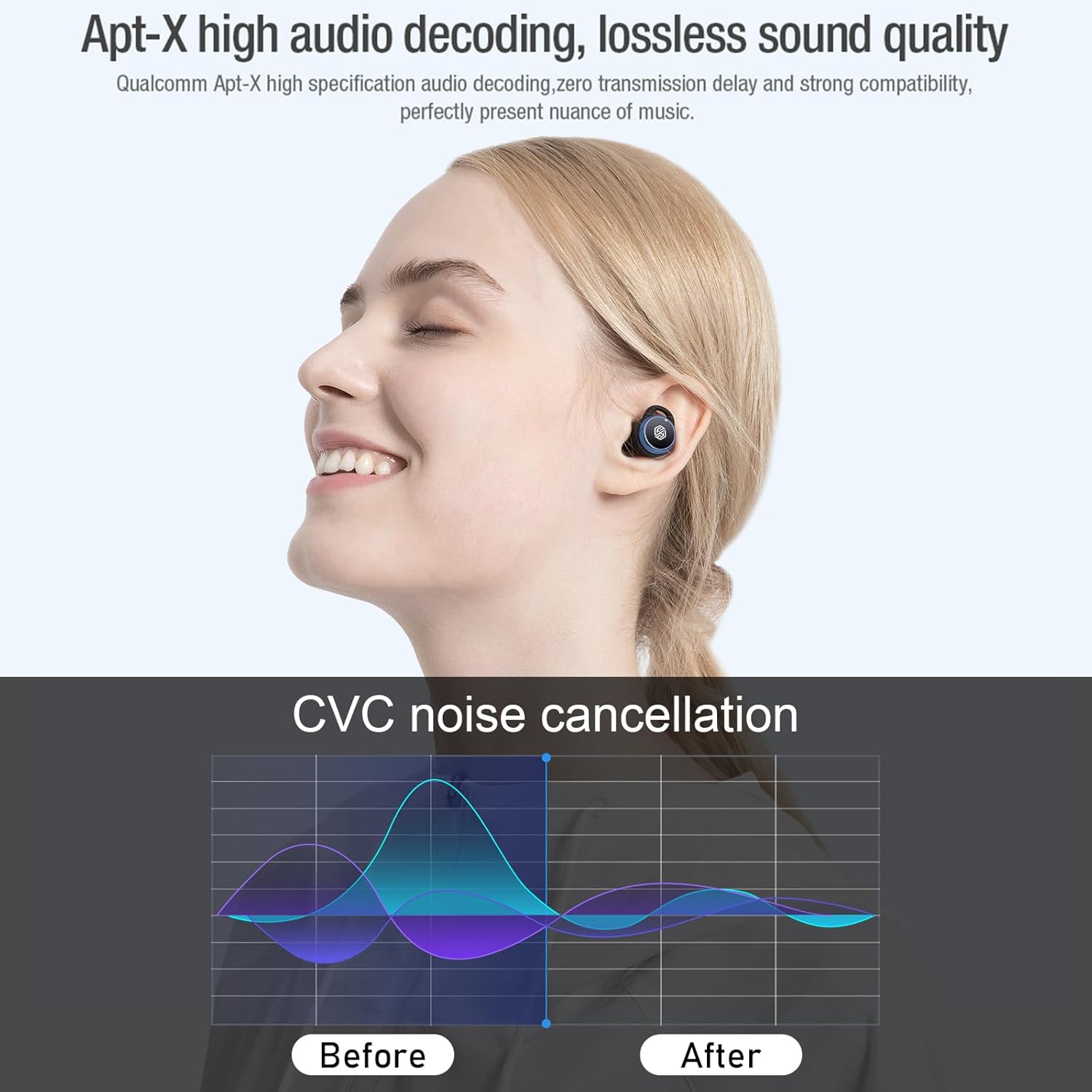
Image: Nillkin TW004 earbud illustrating Apt-X high audio decoding for lossless sound quality and a graph demonstrating CVC noise cancellation effectiveness before and after.
9. Ábyrgð og stuðningur
Nillkin products are manufactured to high quality standards. For warranty information, technical support, or customer service inquiries, please refer to the warranty card included in your product packaging or visit the official Nillkin webvefsíða. Geymið kaupkvittunina sem sönnun fyrir kaupunum.