
Bmax X15 Pro
Notendahandbók fyrir Bmax X15 Pro 15.6 tommu fartölvu
Gerð: X15 Pro
1. Inngangur
This manual provides essential information for setting up, operating, and maintaining your Bmax X15 Pro 15.6-inch laptop. Please read this manual thoroughly to ensure proper use and to maximize the performance and longevity of your device.

Image: The Bmax X15 Pro laptop displaying the Windows 11 Pro operating system, highlighting its Intel N95 processor, 16GB RAM, 512GB SSD, and 1920x1080 FHD display.
2. Hvað er í kassanum
Upon unpacking your Bmax X15 Pro laptop, please verify that all the following items are included:
- 1 x BMAX MaxBook X15 Pro Intel N95 Notebook Computer
- 1 x 12V/3A DC straumbreytir
- 1 x Multi-Language User Manual
3. Vöru lokiðview
3.1. Efnislegir íhlutir og tengi
Familiarize yourself with the various ports and components of your laptop for optimal connectivity and usage.

Mynd: Hlið view of the Bmax X15 Pro laptop illustrating the placement of its various ports, including Micro SD, USB 3.0, Headset jack, HDMI, and Power input.
- Vinstri hlið: Micro SD slot, 2x USB 3.0 ports, 3.5mm Headset jack.
- Hægri hlið: Power input, HDMI port, 1x USB 3.0 port, Security Lock slot.
3.2. Lyklaborð og snertiflötur
The laptop features a full-size keyboard with large keycaps and a large touchpad supporting multi-touch gestures for efficient navigation and input.

Mynd: Ofan frá view of the Bmax X15 Pro laptop's full-size keyboard and large touchpad, highlighting its ergonomic design for comfortable use.
4. Uppsetning
4.1. Fyrsta ræsing og hleðsla
- Connect the provided DC power adapter to the laptop's power input port and a wall outlet.
- Leyfðu fartölvunni að hlaðast í að minnsta kosti 30 mínútur áður en hún er notuð í fyrsta skipti, eða þar til rafhlöðuvísirinn sýnir nægilega hleðslu.
- Ýttu á rofann sem er staðsettur á lyklaborðinu til að kveikja á fartölvunni.
- Follow the on-screen instructions to complete the Windows 11 Pro setup process.
5. Notkunarleiðbeiningar
5.1. Orkustjórnun
- Kveikt á: Ýttu á rofann.
- Svefnhamur: Lokaðu lokinu eða ýttu stutt á rofann.
- Lokaðu: Smelltu á Start hnappinn, síðan á Power > Shutdown.
- Endurræsa: Smelltu á Start hnappinn, síðan á Power > Endurræsa.
5.2. Display Usage
The 15.6-inch FHD IPS display offers a 180° convertible design, allowing for flexible viewing angles and collaborative use.

Image: The Bmax X15 Pro laptop shown in its 180-degree lay-flat configuration, demonstrating its versatility for sharing and collaboration.
5.3. Tengingar
The laptop supports various wireless and wired connections:
- Wi-Fi: Dual-band Wi-Fi 5 (802.11ac/a/b/g/n) for fast internet access.
- Bluetooth: Bluetooth 5.0 for connecting wireless peripherals.
- HDMI: Tengist við ytri skjái eða skjávarpa.
- USB 3.0: Three ports for high-speed data transfer with external devices.
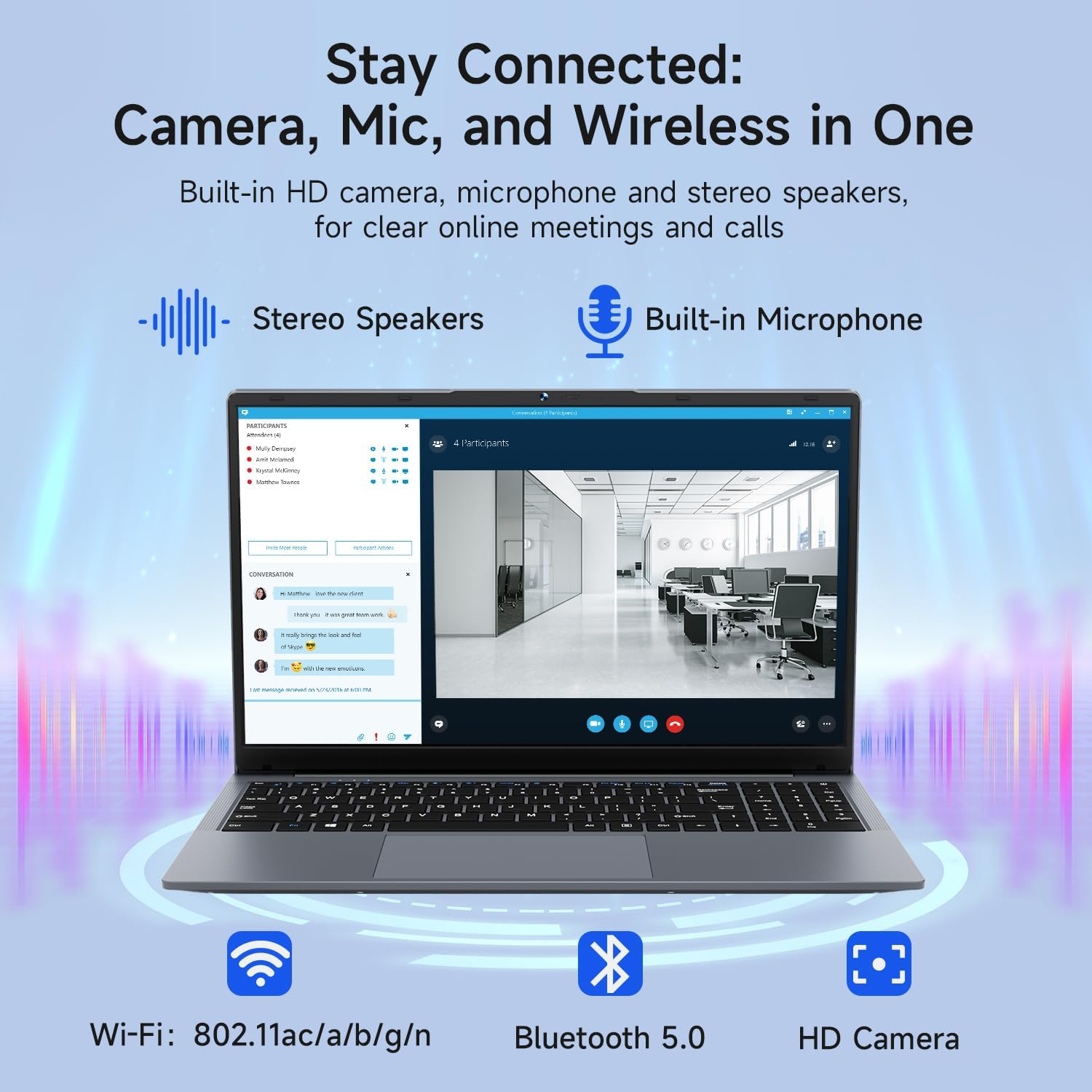
Image: The Bmax X15 Pro laptop with icons representing its integrated Wi-Fi, Bluetooth 5.0, and HD camera capabilities, emphasizing its comprehensive connectivity for communication.
6. Geymsla og afköst
The Bmax X15 Pro is equipped with robust components for efficient performance and ample geymsla.
6.1. Örgjörvi
Powered by the Intel Celeron N95 Quad-Core Processor (up to 3.4GHz), featuring 4 cores and 4 threads with a 6MB cache, ensuring efficient performance for various tasks.

Image: A graphic detailing the Intel 12th Gen Processor N95, showing its 3.40GHz Turbo Frequency, 6MB Cache, 15W Power Consumption, and 4 cores/4 threads, alongside performance benchmarks.
6.2. Minni og geymsla
The laptop includes 16GB DDR4 RAM and a 512GB SSD, providing substantial storage capacity and enabling efficient multitasking. An M.2_SATA 2280 expansion slot is available for additional storage.

Image: A visual representation of the Bmax X15 Pro laptop's internal components, highlighting its 16GB memory, 512GB high-speed SSD, and an accessible M.2 2280 expansion slot for storage upgrades.
7. Skjáeiginleikar
Experience clear and vibrant visuals with the 15.6-inch FHD 1920x1080 IPS display, featuring a slim bezel design and 180° viewing horn.

Image: A graphic illustrating the Bmax X15 Pro laptop's display features, including its 15.6-inch IPS FHD screen, 1920x1080 resolution, 5.7mm ultra-narrow bezel, and 180° lay-flat design.
8. Kælikerfi
The laptop incorporates intelligent fans and dual copper heat pipes to ensure rapid heat dissipation, maintaining optimal performance and preventing overheating during extended use.

Image: An internal diagram of the Bmax X15 Pro laptop, highlighting its dual copper heat pipes and silent smart fan, illustrating the efficient and quiet cooling system.
9. Rafhlöðustjórnun
The laptop is powered by a 51.3Wh battery, providing up to 6-8 hours of usage on a single charge, depending on usage patterns.
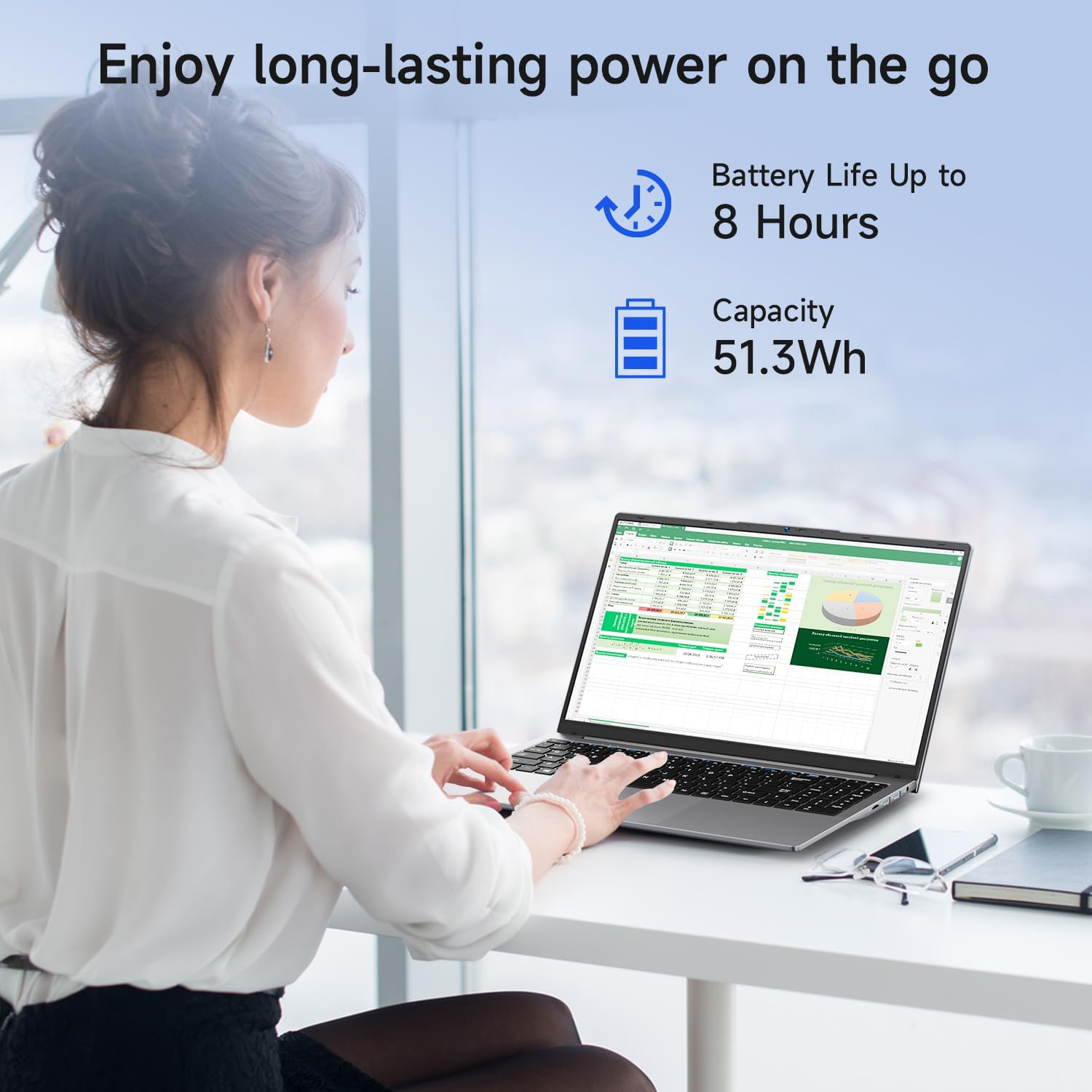
Image: A woman working on the Bmax X15 Pro laptop, with an overlay indicating a battery life of up to 8 hours and a capacity of 51.3Wh, emphasizing its long-lasting power.
10. Viðhald
Rétt viðhald tryggir langlífi og bestu mögulegu afköst fartölvunnar.
- Þrif: Notið mjúkan, lólausan klút til að þrífa skjáinn og ytra byrði tækisins. Forðist sterk efni.
- Loftræsting: Gakktu úr skugga um að loftræstiop séu laus við hindranir til að koma í veg fyrir ofhitnun.
- Hugbúnaðaruppfærslur: Uppfærðu stýrikerfið og rekla reglulega til að viðhalda öryggi og afköstum.
- Umhirða rafhlöðu: Avoid fully discharging the battery frequently. Store the laptop in a cool, dry place if not used for extended periods.
11. Bilanagreining
This section addresses common issues you might encounter with your Bmax X15 Pro laptop.
- Tölvan kveikir ekki á sér: Gakktu úr skugga um að straumbreytirinn sé vel tengdur og að rafhlaðan sé nægilega hlaðin. Prófaðu aðra innstungu.
- Vandamál með skjáinn: Ef skjárinn er auður skaltu prófa að tengja utanaðkomandi skjá til að athuga hvort vandamálið sé í skjá fartölvunnar. Stilltu birtustillingarnar.
- Vandamál með Wi-Fi tengingu: Gakktu úr skugga um að Wi-Fi sé virkt í Windows stillingum. Endurræstu leiðina og fartölvuna. Athugaðu hvort uppfærðir Wi-Fi reklar séu til staðar.
- Hæg frammistaða: Lokaðu óþarfa forritum. Athugaðu hvort spilliforrit séu til staðar. Gakktu úr skugga um að nægilegt pláss sé laust á SSD disknum.
12. Tæknilýsing
| Eiginleiki | Forskrift |
|---|---|
| Stærð skjástærðar | 15.6 tommur |
| Skjáupplausn | 1920 x 1080 dílar |
| Hámarks skjáupplausn | 1920x1080 pixlar |
| Örgjörvi | 3.4 GHz Celeron (Intel N95 Quad-Core) |
| vinnsluminni | 16 GB DDR4 |
| Minnishraði | 2666 MHz |
| Harður diskur | 512 GB SSD diskur (PCIE x 4 tengi) |
| Grafískur hjálpargjörvi | Intel UHD grafík |
| Skjákort Ram Stærð | 8 GB (innbyggt) |
| Þráðlaus gerð | 2.4 GHz Radio Frequency, 5 GHz Radio Frequency, 802.11a/b/g/n/ac, Bluetooth 5.0 |
| Fjöldi USB 3.0 tengi | 3 |
| Meðal endingartími rafhlöðu (í klukkustundum) | 4-8 Hours (51.3Wh) |
| Stýrikerfi | Windows 11 Pro |
| Þyngd hlutar | 3.57 pund |
| Vörumál | 14.08 x 9.04 x 0.76 tommur |
| Litur | Space Grey |
| Sérstakur eiginleiki | HD Audio, Lightweight, Memory Card Slot, Numeric Keypad |
13. Ábyrgð og stuðningur
Your Bmax X15 Pro laptop comes with a 12-month warranty from the date of purchase. This warranty covers manufacturing defects and ensures product reliability.
- Ábyrgðartímabil: 12 months from the purchase date.
- Skilareglur: Worry-free 30-day return period.
- Þjónustudeild: 7 days/24 hours friendly customer support.
- Meðfylgjandi fylgihlutir: 2 replaceable plugs (US, EU) are included to meet diverse connectivity needs.
For technical assistance or warranty claims, please refer to the contact information provided with your purchase documentation or visit the official Bmax support websíða.
Ask a question about this manual
Ask about setup, troubleshooting, compatibility, parts, safety, or missing instructions. Manuals+ will review the question and use this page’s manual context to help answer it.