
Inngangur
Thank you for choosing the Philips S2508 Portable Karaoke Machine. This device combines a powerful Bluetooth speaker with dual wireless microphones, multi-colored light modes, and various input options to enhance your entertainment experience. This manual provides essential information for safe and effective use, setup, operation, and maintenance of your karaoke machine.
Öryggisupplýsingar
- Lestu allar leiðbeiningar áður en þú notar vöruna.
- Haltu tækinu frá vatni, raka og miklum hita.
- Reynið ekki að taka tækið í sundur eða gera við það sjálfur. Leitið til hæfs þjónustuaðila.
- Use only the charging cables provided or recommended by the manufacturer.
- Forðist langvarandi útsetningu fyrir mjög háum hljóðstyrk til að koma í veg fyrir heyrnarskaða.
Innihald pakka
Gakktu úr skugga um að allir hlutir séu til staðar í pakkanum:
- Philips S2508 Portable Karaoke Machine (Main Unit)
- 2 Wireless Karaoke Microphones
- USB Charging Cable for Main Unit
- USB Charging Cable for Microphones
- AUX snúru
- Ábyrgðarkort
Vara lokiðview
The Philips S2508 features a compact design with a comfortable carry strap for portability. It includes a display screen for song titles and light modes, along with intuitive controls for volume, vocal effects, and playback.

Figure 1: Philips S2508 Portable Karaoke Machine with two wireless microphones.
Eiginleikar aðaleiningarinnar
- Skjár skjár: Shows song titles, light modes, and other information.
- Stjórnhnappar: For power, mode selection, volume adjustment, and track control.
- Hátalaragrill: Skilar skýru og öflugu hljóði.
- Burðaról: Soft, flexible rubber strap for easy transport.
Eiginleikar hljóðnema
- Power/Volume Buttons: Control microphone power and volume levels.
- Vocal Effect Buttons: Apply 6 different vocal effects.
- Hleðsluport: Micro-USB port for recharging.

Figure 2: Two wireless microphones included with the Philips S2508.
Inntaks-/úttakstengi
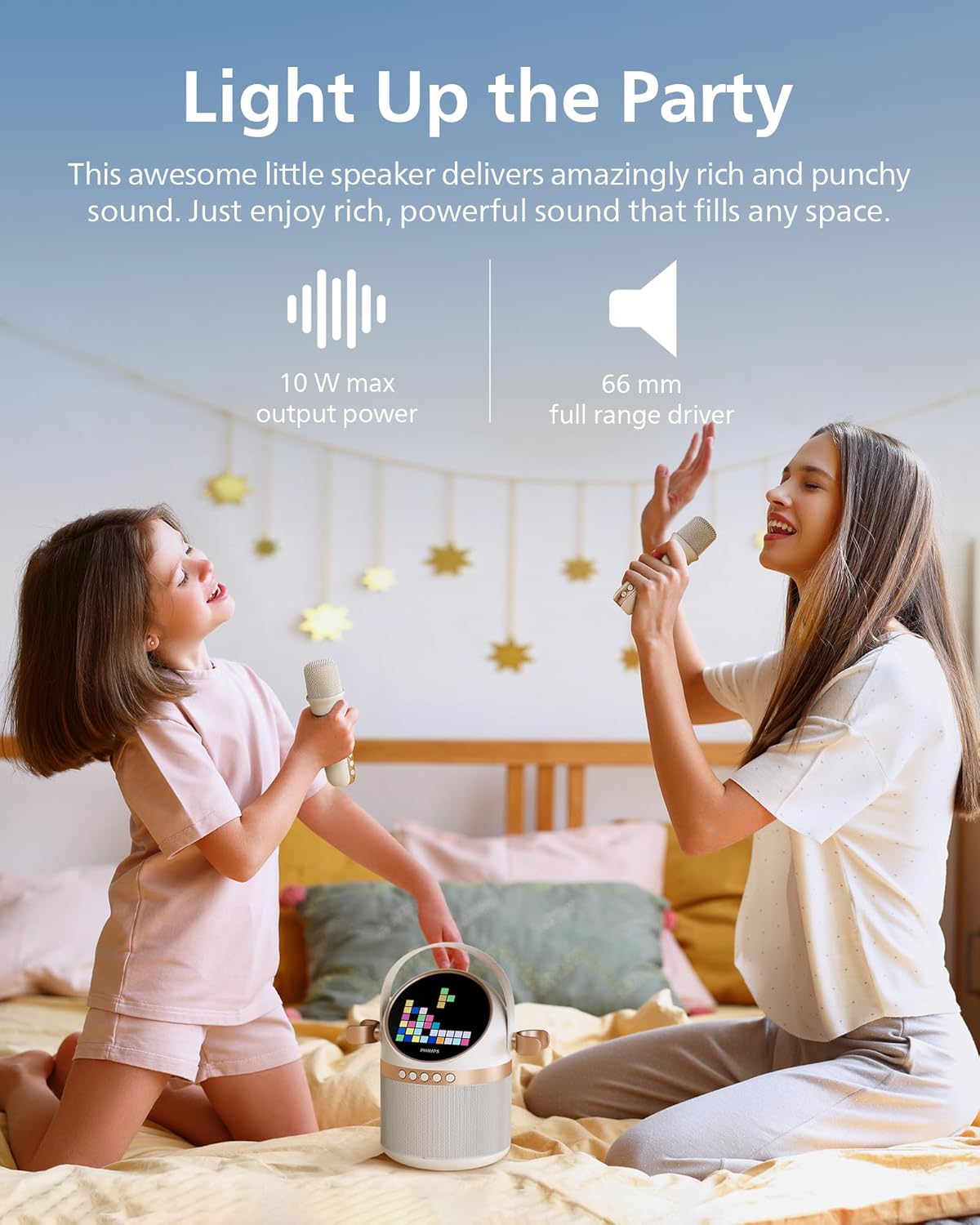
Figure 3: Rear panel with various input and charging ports.
- AUX inntak: Connect external audio devices via 3.5mm cable.
- TF kortarauf: Play music directly from a TF (microSD) card.
- USB tengi: Spilaðu tónlist af USB-drifi.
- DC 5V hleðslutengi: Til að hlaða aðaleininguna.
Uppsetning
1. Hleður tækið
Before first use, fully charge the karaoke machine and microphones.
- Connect the main unit to a 5V DC power source using the provided USB charging cable. The charging indicator will light up.
- Connect each microphone to a 5V DC power source using their respective USB charging cables. The indicator on the microphone will show charging status.
- A full charge provides up to 7 hours of playtime for the main unit.
2. Uppsetning hljóðnema
The two wireless microphones are pre-paired with the main unit. Simply turn them on to connect.
- Press and hold the power button on each microphone until it turns on.
- The microphones will automatically connect to the main unit.
3. Pörun Bluetooth
To play music from your mobile device, connect via Bluetooth:
- Turn on the Philips S2508 karaoke machine. It will automatically enter Bluetooth pairing mode.
- On your mobile device, go to Bluetooth settings and search for
Ask a question about this manual
Ask about setup, troubleshooting, compatibility, parts, safety, or missing instructions. Manuals+ will review the question and use this page’s manual context to help answer it.