
Inngangur
This manual provides detailed instructions for the setup, operation, maintenance, and troubleshooting of your BoxWave SlimKeys Bluetooth Keyboard with Trackpad. Please read this manual thoroughly before using the product to ensure optimal performance and longevity.
Vara lokiðview
The BoxWave SlimKeys Bluetooth Keyboard with Trackpad is a portable, slim keyboard designed for seamless connectivity with various devices. It features responsive chiclet-style keys and a full-functioning trackpad, enhancing productivity on the go.

Mynd: Ofan frá og niður view of the BoxWave SlimKeys Bluetooth Keyboard with Trackpad, showing the full QWERTY layout and integrated trackpad.

Mynd: Hornlaga view of the BoxWave SlimKeys Bluetooth Keyboard with Trackpad, highlighting its slim profile.
Uppsetning
1. Hleðsla lyklaborðsins
Before initial use, fully charge the keyboard. Connect the included charging cable to the keyboard's charging port and to a USB power source. The charging indicator light will illuminate during charging and turn off when fully charged.

Image: The BoxWave SlimKeys keyboard connected to a charging cable, illustrating the charging process.
2. Kveikja / slökkva á
Locate the ON/OFF switch on the side of the keyboard. Slide the switch to the 'ON' position to power on the keyboard. Slide it to 'OFF' when not in use to conserve battery power.
3. Pörun Bluetooth
- Gakktu úr skugga um að lyklaborðið sé hlaðið og kveikt á.
- Ýttu á Tengdu button on the keyboard. The Bluetooth indicator light will begin to flash, indicating it is in pairing mode.
- On your device (e.g., HP Spectre X360, Android tablet, iOS device), go to the Bluetooth settings.
- Leitaðu að available devices. You should see "BoxWave SlimKeys Keyboard" or a similar name appear in the list.
- Select the keyboard from the list to initiate pairing. Follow any on-screen prompts, such as entering a pairing code, if required.
- Once successfully paired, the Bluetooth indicator light on the keyboard will stop flashing and remain solid or turn off, depending on the model.

Image: A hand using the integrated trackpad on the SlimKeys keyboard, demonstrating navigation capabilities.
4. Multi-Platform Compatibility
The SlimKeys keyboard is compatible with Android, Windows, and iOS devices. It automatically adapts to the operating system for optimal functionality.
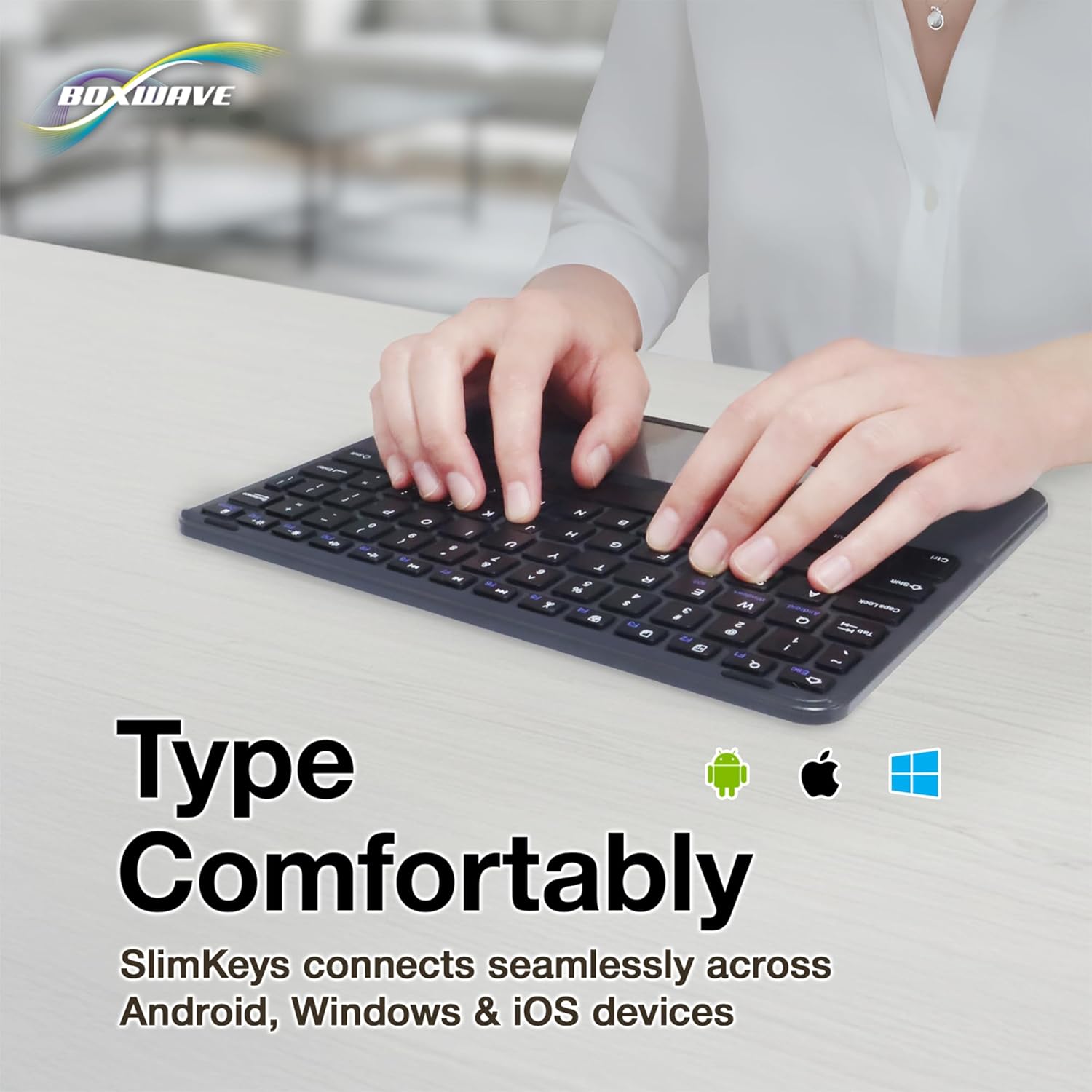
Image: Hands typing on the SlimKeys keyboard, with icons representing Android, Apple (iOS), and Windows operating systems, indicating multi-platform compatibility.
Notkunarleiðbeiningar
1. Basic Keyboard Usage
The keyboard functions like a standard QWERTY keyboard. Simply type as you would on any other keyboard. The chiclet-style keys provide a comfortable and responsive typing experience.
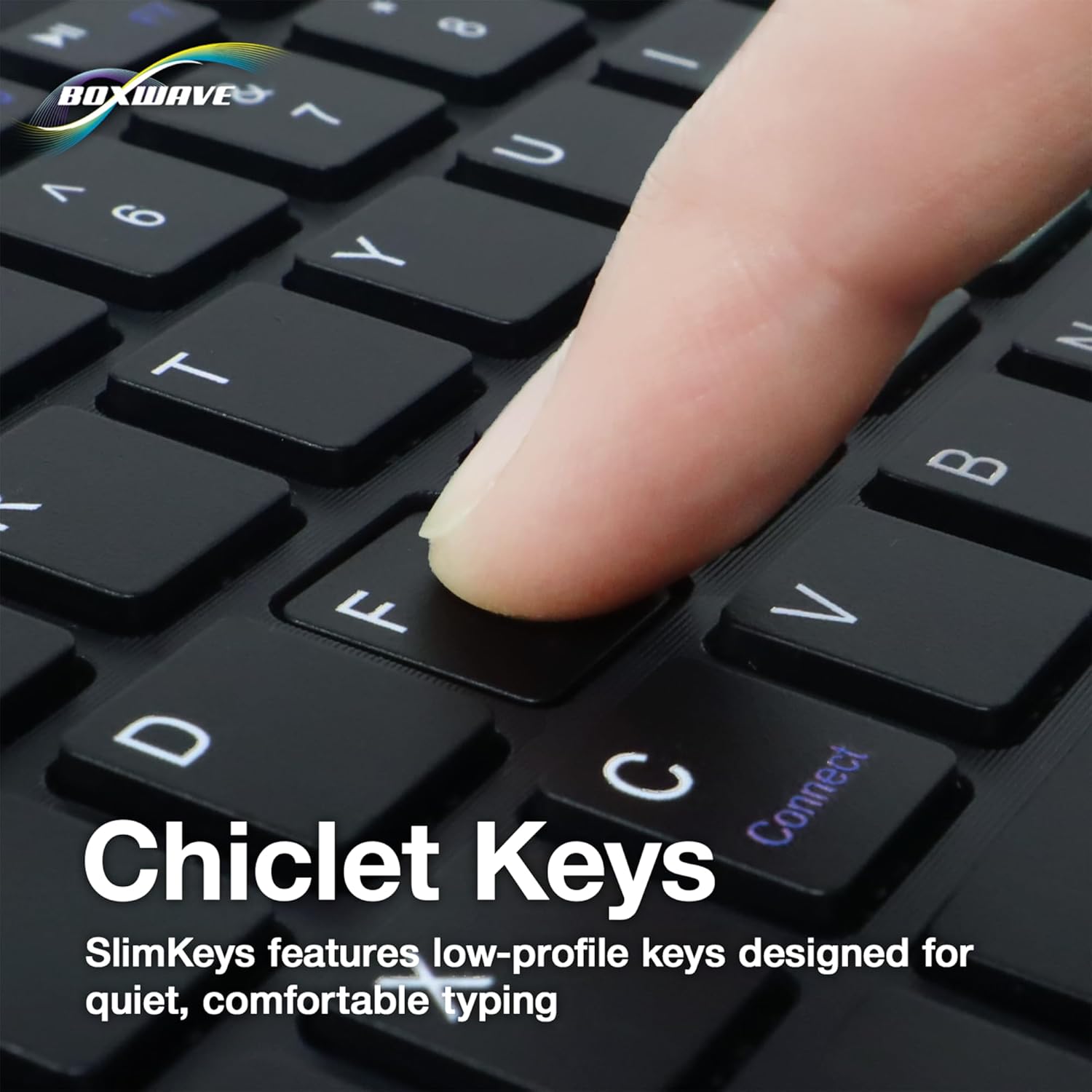
Mynd: Nærmynd view of a finger pressing a key on the SlimKeys keyboard, highlighting the chiclet key design.
2. Trackpad Functionality
The integrated trackpad allows for precise cursor control, similar to a laptop trackpad. Use single-finger gestures for basic navigation and clicking. Multi-touch gestures may be supported depending on your device's operating system.
3. Specialized Function Keys
The keyboard includes a row of specialized function keys (F1-F12) that provide quick access to common commands. These functions may vary slightly depending on the connected device's operating system.
- Esc / Home: Returns to the home screen or acts as Escape.
- F1 / Search: Opens search function.
- F2 / Select All: Velur allt efni.
- F3 / Copy: Afritar valið efni.
- F4 / Paste: Límir inn afritað efni.
- F5 / Cut: Klippir valið efni.
- F6 / Skip Back: Hoppa yfir í fyrra lag/miðil.
- F7 / Play/Pause: Spilar eða gerir hlé á margmiðlun.
- F8 / Skip Forward: Hoppa yfir í næsta lag/miðil.
- F9 / Volume Down: Dregur úr hljóðstyrk.
- F10 / Volume Up: Eykur hljóðstyrk.
- F11 / Brightness Down: Minnkar birtustig skjásins.
- F12 / Brightness Up: Eykur birtustig skjásins.
- Delete / Lock: Deletes characters or locks the device.

Image: A detailed diagram illustrating the specialized function keys and their corresponding actions on the SlimKeys keyboard.
Viðhald
1. Þrif
Til að þrífa lyklaborðið skaltu þurrka yfirborðið varlega með mjúkum klút.amp cloth. Avoid using harsh chemicals or abrasive materials, as these can damage the finish. Ensure no liquid enters the keyboard's internal components.
2. Umhirða rafhlöðu
The keyboard features a long-lasting battery. To maximize battery life:
- Turn off the keyboard using the ON/OFF switch when not in use.
- Recharge the battery when the low battery indicator appears.
- Forðastu að útsetja lyklaborðið fyrir miklum hita.
The keyboard offers up to 30 days of active use and up to 6 months of standby time when powered off.
Úrræðaleit
- Lyklaborð tengist ekki:
- Gakktu úr skugga um að lyklaborðið sé kveikt og fullhlaðið.
- Gakktu úr skugga um að kveikt sé á Bluetooth í tækinu þínu.
- Try re-pairing the keyboard by following the Bluetooth Pairing steps in the Setup section.
- Ensure the keyboard is within the effective Bluetooth range (typically 10 meters or 33 feet).
- Lyklar svara ekki:
- Athugaðu hvort lyklaborðið sé tengt í gegnum Bluetooth.
- Endurræstu bæði lyklaborðið og tækið þitt.
- Gakktu úr skugga um að rafhlaða lyklaborðsins sé ekki mjög lág.
- Rekstrarflöturinn virkar ekki:
- Gakktu úr skugga um að lyklaborðið sé rétt tengt.
- Check your device's settings for any trackpad or mouse-related configurations.
- Hreinsið yfirborð snertifletisins til að fjarlægja allt rusl.
- Stöðug tenging:
- Færðu þig nær tækinu þínu til að draga úr truflunum.
- Ensure no other strong wireless signals are interfering with the Bluetooth connection.
- Aftengdu og tengdu aftur Bluetooth-tenginguna.
Tæknilýsing
| Eiginleiki | Smáatriði |
|---|---|
| Vörumerki | BoxWave |
| Fyrirmynd | SlimKeys Bluetooth Keyboard with Trackpad |
| Litur | Jet Black |
| Efni | Pólýkarbónat |
| Þyngd hlutar | 10.9 aura |
| Bluetooth útgáfa | 3.0 |
| Mál (B x D x H) | 9.5 tommur x 7.0 tommur x 0.2 tommur (23.2 cm x 17.8 cm x 0.5 cm) |
| Rafhlöðulíftími (virk notkun) | Allt að 30 dagar |
| Rafhlöðuending (biðstaða) | Allt að 6 mánuðir |
| ASIN | B0DZ7MNDRF |
| Dagsetning fyrst í boði | 3. desember 2021 |

Image: A diagram illustrating the width, depth, and height of the SlimKeys keyboard.
Ábyrgð og stuðningur
Specific warranty information and detailed support contacts are not provided within this manual. For warranty details, technical support, or further assistance, please refer to the official BoxWave websíðuna eða hafðu samband við þjónustuver þeirra beint.