
Inngangur
Welcome to the user manual for your new DIALN X65 Unlocked Smartphone. This guide provides essential information to help you set up, operate, maintain, and troubleshoot your device. Please read this manual carefully to ensure optimal performance and longevity of your smartphone.
The DIALN X65 features a 6.5-inch display, runs on Android 13, and offers 32GB of internal storage, expandable via microSD. It is equipped with a 13MP camera and a 4500mAh battery.
Hvað er í kassanum
Upon unboxing your DIALN X65, verify that all items are present:
- DIALN X65 snjallsími
- Hleðslusnúra
- Notendahandbók (þetta skjal)
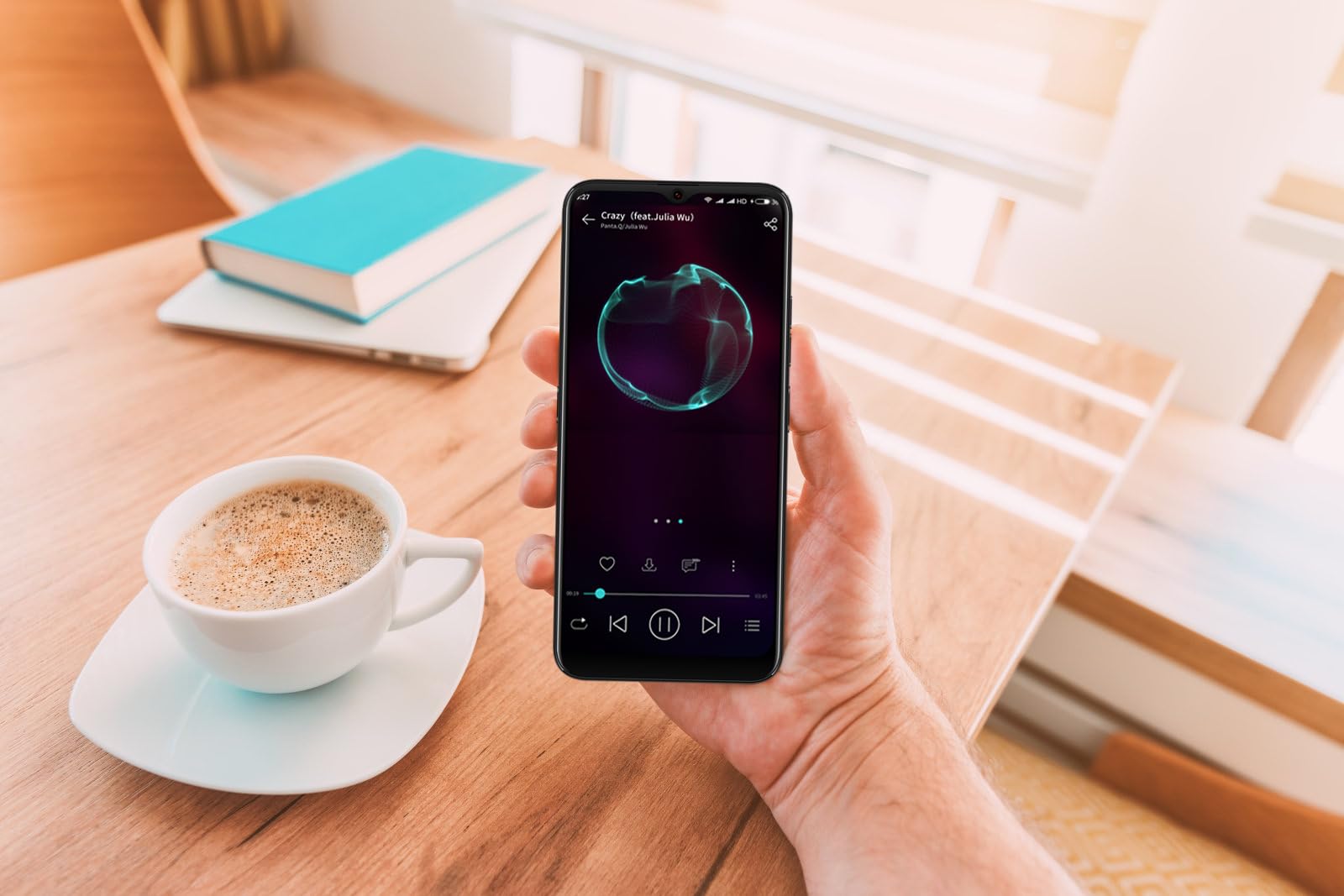
Image: The DIALN X65 smartphone displayed with its charging cable and user manual, as typically found in the product packaging.
Uppsetning
1. Insert SIM Card and MicroSD Card (Optional)
- Finndu SIM-kortaskúffuna á hlið símans.
- Insert the SIM ejector tool (not included, a paperclip can be used) into the small hole on the tray to open it.
- Settu Nano-SIM-kortið/kortin og/eða microSD-kortið í skúffuna með gulllituðu snertingin niður og vertu viss um að þau snúi rétt.
- Ýttu bakkanum varlega aftur í símann þar til hann smellpassar.
2. Upphafleg hleðsla
Before first use, it is recommended to fully charge your DIALN X65. Connect the charging cable to the phone's charging port and plug the other end into a power adapter (not included) or a USB port. The battery indicator on the screen will show charging progress. A full charge typically takes approximately 2 hours.
3. Kveikt/slökkt
- Til að kveikja á: Press and hold the Power button (located on the right side) until the DIALN logo appears on the screen.
- Til að slökkva á: Press and hold the Power button until the power options menu appears. Tap 'Power off' and confirm.
- Til að endurræsa: Press and hold the Power button until the power options menu appears. Tap 'Restart' and confirm.
4. Uppsetningarhjálp
The first time you power on your phone, you will be guided through an initial setup process. Follow the on-screen prompts to:
- Veldu tungumálið þitt.
- Tengstu við Wi-Fi net.
- Skráðu þig inn með Google reikningnum þínum eða stofnaðu nýjan.
- Settu upp skjálás (PIN-númer, mynstur, lykilorð eða andlitsopnun).
- Review og samþykkja skilmála.
Operating Your DIALN X65
1. Grunnleiðsögn
- Snerta: Ýttu á tákn til að opna forrit eða velja hlut.
- Strjúktu: Dragðu fingurinn yfir skjáinn til að fletta eða fletta á milli skjáa.
- Klípa: Notaðu tvo fingur til að stækka eða minnka myndir og web síður.
- Heimaskjár: Miðstöð fyrir forritin þín og búnaðinn. Strjúktu til vinstri eða hægri til að fá aðgang að fleiri heimaskjám.
- Tilkynningarspjald: Strjúktu niður frá efri hluta skjásins til að fá aðgang að tilkynningum og flýtistillingum.
2. Símtöl og tengiliðir
- Hringt: Opnaðu „Sími“ appið, sláðu inn númerið og pikkaðu á símtalatáknið.
- Svara símtali: Swipe up on the green phone icon when a call comes in.
- Stjórna tengiliðum: Open the 'Contacts' app to add, edit, or delete contacts.
3. Skilaboð
Open the 'Messages' app to send and receive SMS/MMS messages. Tap the '+' icon to compose a new message, enter the recipient's number or select from contacts, and type your message.
4. Internet og tengingar
- Wi-Fi: Farðu í Stillingar > Net og internet > Wi-Fi. Kveiktu á Wi-Fi og veldu netið sem þú vilt.
- Bluetooth: Go to Settings > Connected devices > Connection preferences > Bluetooth. Turn Bluetooth on to pair with other devices.
- Farsímagögn: Go to Settings > Network & internet > Mobile network. Ensure mobile data is enabled for internet access via your SIM card.
5. Myndavél
Open the 'Camera' app to capture photos and videos. Tap the shutter button to take a photo. Swipe left or right to switch between photo, video, and other modes. Use the front camera for selfies.
6. Andlitsopnun
To set up Face Unlock, go to Settings > Security & privacy > Device unlock > Face unlock. Follow the on-screen instructions to register your face. Once set up, you can unlock your phone by looking at the front camera.
7. Geymslustjórnun
Your DIALN X65 comes with 32GB of internal storage. You can expand this up to 256GB using a microSD card. To check storage usage, go to Settings > Storage. Regularly clear unnecessary fileog forrit til að viðhalda bestu mögulegu afköstum.
Viðhald
1. Þrif á tækinu
Use a soft, lint-free cloth to clean the screen and body of your phone. Avoid using harsh chemicals or abrasive materials, as these can damage the display and finish. Do not expose the phone to excessive moisture.
2. Hugbúnaðaruppfærslur
Regularly check for and install software updates to ensure your phone has the latest features, security patches, and performance improvements. Go to Settings > System > System update to check for available updates.
3. Umhirða rafhlöðu
- Forðist mikinn hita því hann getur dregið úr endingu rafhlöðunnar.
- Ekki láta rafhlöðuna tæmast alveg oft.
- Use the provided charging cable or a compatible, certified charger.
- Taktu hleðslutækið úr sambandi þegar rafhlaðan er full til að koma í veg fyrir ofhleðslu.
4. Geymsluhagræðing
To keep your phone running smoothly, regularly review and delete unused apps, old photos, videos, and downloaded files. Íhugaðu að flytja stóra miðla files á microSD-kort eða skýgeymslu.
Úrræðaleit
Algeng vandamál og lausnir:
- Síminn kveikir ekki á sér: Gakktu úr skugga um að rafhlaðan sé hlaðin. Tengdu hana við hleðslutæki í að minnsta kosti 15 mínútur og reyndu síðan að kveikja aftur.
- Poor Signal/No Network: Check if your SIM card is properly inserted. Ensure mobile data is enabled in settings. Try restarting the phone. If issues persist, contact your network provider.
- Forrit sem hrynja/frjósa: Close and reopen the app. Clear the app's cache (Settings > Apps > [App Name] > Storage & cache > Clear cache). If the problem continues, uninstall and reinstall the app.
- Rafhlaða tæmist hratt: Minnkaðu birtustig skjásins, slökktu á ónotuðum eiginleikum eins og Bluetooth eða GPS, lokaðu bakgrunnsforritum og athugaðu hvort forrit neyti of mikillar orku í rafhlöðustillingunum.
- Snertiskjár svarar ekki: Restart the phone. If the issue persists, a factory reset might be necessary (see below).
Factory Reset (Data Erase)
Núllstilling á verksmiðjustillingar mun eyða öllum gögnum úr símanum þínum og endurstilla hann í upprunalegar verksmiðjustillingar. Taktu öryggisafrit af öllum mikilvægum gögnum áður en þú heldur áfram.
- Farðu í Stillingar > Kerfi > Endurstillingarvalkostir.
- Tap 'Erase all data (factory reset)'.
- Staðfestu ákvörðun þína og sláðu inn PIN-númer/mynstur/lykilorð ef beðið er um það.
- Síminn mun endurræsa og hefja endurstillingarferlið.
Tæknilýsing
| Eiginleiki | Forskrift |
|---|---|
| Nafn líkans | X65 |
| Stýrikerfi | Android 13.0 |
| Skjárstærð | 6.5 tommur |
| Upplausn | 1280 x 720 |
| Örgjörvi | Quad Core 2.26GHz (MediaTek) |
| vinnsluminni | 3 GB |
| Innri geymsla | 32 GB (Hægt að stækka allt að 256 GB með microSD) |
| Aðal myndavél | 13 MP |
| Rafhlöðugeta | 4500 mAh |
| Tengingar | 4G LTE, Wi-Fi, Bluetooth |
| Sérstakir eiginleikar | Expandable Storage, Face Unlock, Built-in GPS |
| Mál | 6.5 x 3 x 6.5 tommur |
| Þyngd | 6.5 aura |
Ábyrgð og stuðningur
Your DIALN X65 Smartphone is covered by a limited manufacturer's warranty. Please refer to the warranty card included with your product for specific terms and conditions, including warranty period and coverage details. For technical support, service, or further inquiries, please visit the official DIALN website or contact customer service through the contact information provided on the product packaging or official websíða.