
Inngangur
The Samsung 65" Crystal UHD U8000F 4K Smart TV (2025) offers a vibrant and immersive viewing experience with its advanced 4K processor and Crystal UHD display. Designed with a sleek MetalStream design, this television integrates seamlessly into any home theater setup. It features Samsung Knox Security for data protection and various smart features for endless entertainment.
This manual provides essential information for setting up, operating, maintaining, and troubleshooting your new Samsung TV.

Mynd 1: Framan view of the Samsung 65-inch Crystal UHD U8000F 4K Smart TV. This image showcases the television's slim bezel and overall aesthetic.
Uppsetning
Hvað er í kassanum
Before beginning the setup process, ensure all components are present in the packaging:
- Samsung Crystal UHD U8000F 4K Smart TV (2025)
- IR Simple Remote (Model: TM2240A)
- Rafmagnssnúra
- Notendahandbók (þetta skjal)
- Limited Protection documentation

Figure 2: The Samsung 65-inch Crystal UHD U8000F 4K Smart TV shown with its remote, power cable, and other bundled items.
Upphafleg uppsetningarskref
- Upptaka: Carefully remove the TV and all accessories from the packaging. It is recommended to have two people for handling the TV due to its size.
- Staðsetning: Setjið sjónvarpið á stöðugt, slétt yfirborð eða festið það á vegg með samhæfri VESA-festingu (seld sér). Tryggið næga loftræstingu í kringum sjónvarpið.
- Tengistyrkur: Tengdu rafmagnssnúruna við aflgjafainntak sjónvarpsins og síðan í vegginnstungu.
- Að tengja ytri tæki: Connect your external devices such as cable boxes, Blu-ray players, or gaming consoles to the TV's HDMI ports. The bundle includes two Deco Gear 6FT Universal 4K HDMI 2.0 Cables for high-quality connections.
- Fyrsta kveikt á: Press the power button on the remote control or the TV to turn it on. Follow the on-screen instructions to complete the initial setup, including network connection and channel scanning.
For detailed guidance on setting up your home theater system, refer to the included Deco Gear heildarhandbók fyrir byrjendur í heimabíói.

Figure 3: The Deco Gear Television Home Theater Essentials Beginner's Guidebook, a comprehensive resource for setting up your home entertainment system.
Að stjórna sjónvarpinu
Grunnaðgerðir
- Kveikt/slökkt: Notaðu aflhnappinn á fjarstýringunni eða sjónvarpinu.
- Inntaksval: Press the "Source" button on your remote to switch between connected devices (HDMI 1, HDMI 2, etc.).
- Hljóðstyrkur: Notaðu hljóðstyrkshnappana á fjarstýringunni.
- Rásarleiðsögn: Use the Channel Up/Down buttons for broadcast channels.
Snjallsjónvarpseiginleikar
Your Samsung Crystal UHD U8000F is a Smart TV, offering access to a wide range of streaming services and applications. A Samsung Account is required for network-based smart services.
- Samsung TV Plus: Access over 2700 free channels directly through the TV Plus app.
- App Store: Download and install additional streaming apps and services from the integrated app store.
- Web Vafri: Skoðaðu internetið beint í sjónvarpinu þínu.
Mynd- og hljóðbætur
The TV incorporates several technologies to enhance your viewupplifun af heyrn og hlustun:
- Kristal örgjörvi 4K: Optimizes picture quality for stunning 4K resolution.
- 4K uppskalun: Automatically upgrades lower-resolution content to near 4K quality, revealing enhanced details.
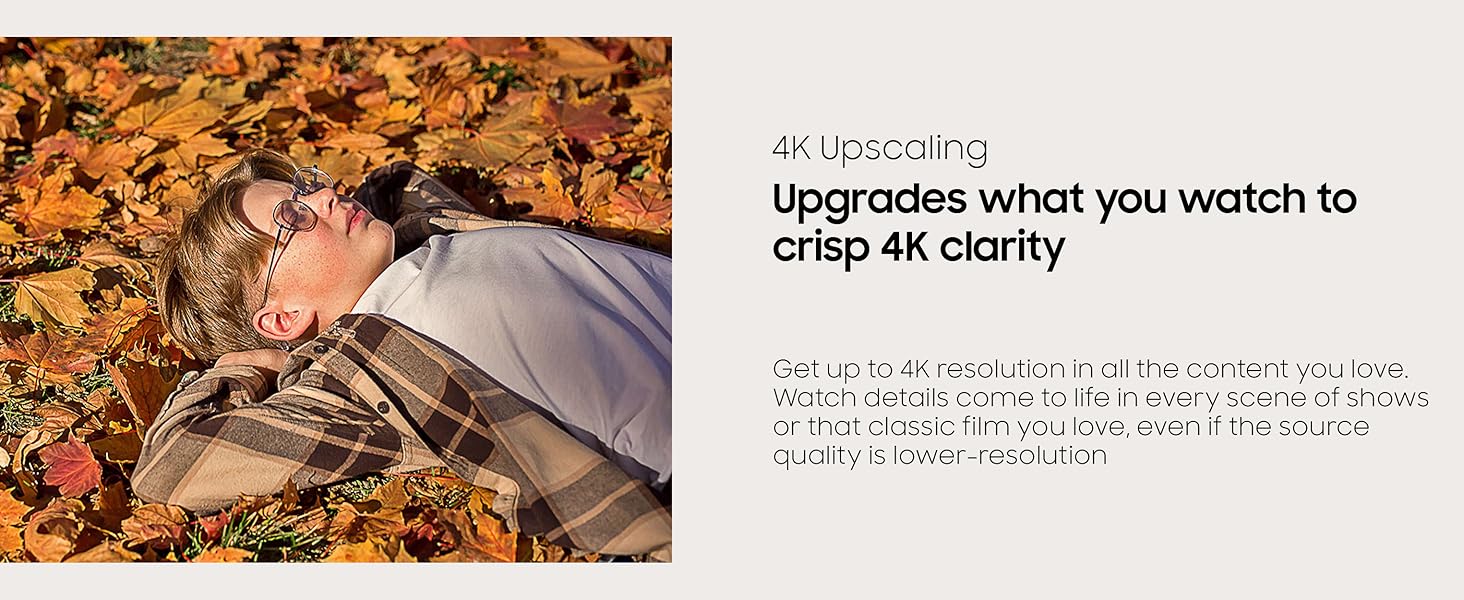
Figure 4: Visual representation of 4K Upscaling, showing how content is upgraded to crisp 4K clarity.
- Motion Xcelerator 60Hz: Ensures clear picture and smooth motion, especially beneficial for fast-paced content like sports and games.
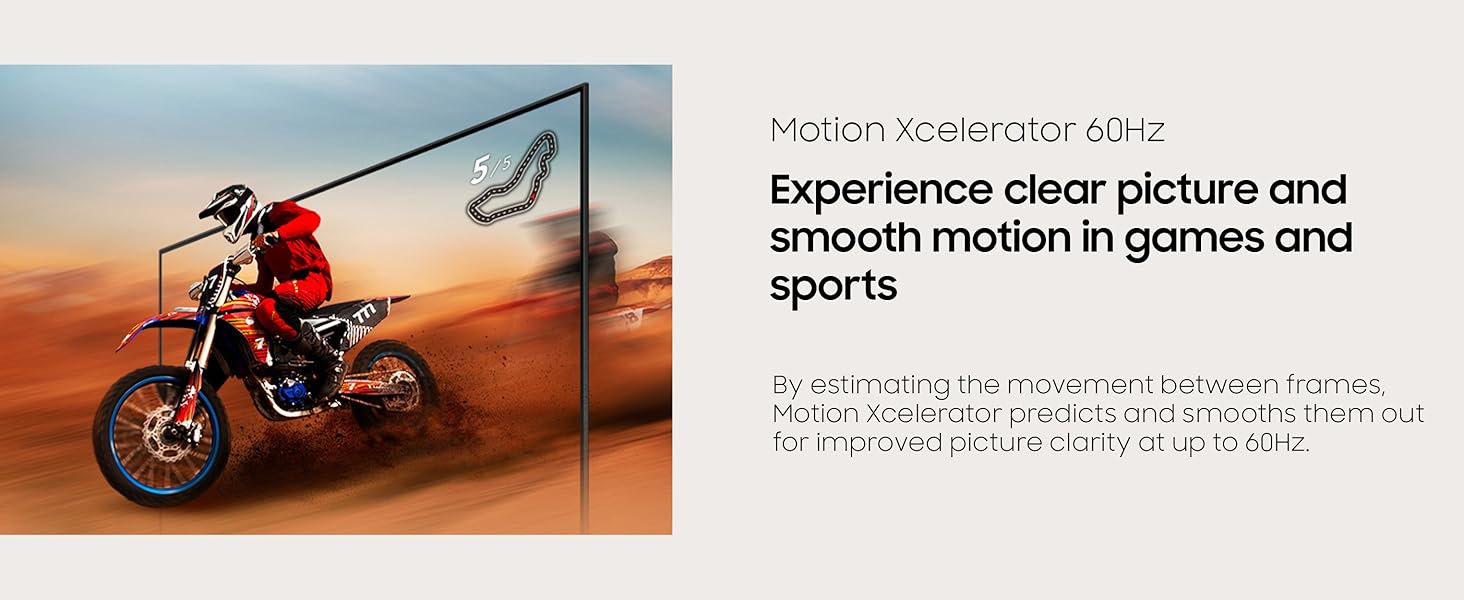
Figure 5: Depiction of Motion Xcelerator 60Hz technology, which predicts and smooths movement between frames for improved clarity.
- HDR (High Dynamic Range): Provides expanded contrast for enhanced visual detail, offering a wider spectrum of colors and greater depth.
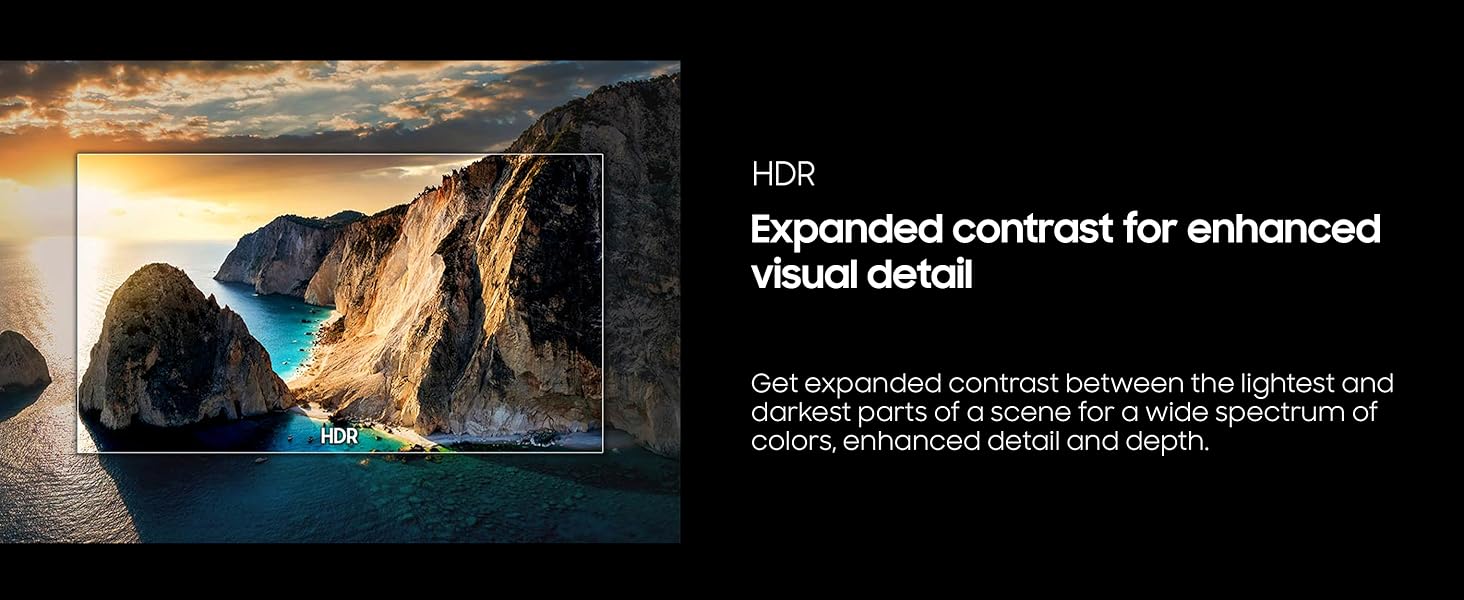
Mynd 6: Example of HDR technology, showcasing enhanced contrast between light and dark areas for richer visual detail.
- Litaörvun: Boosts color expression and adds brilliance to your content, making hues more vibrant and intense.
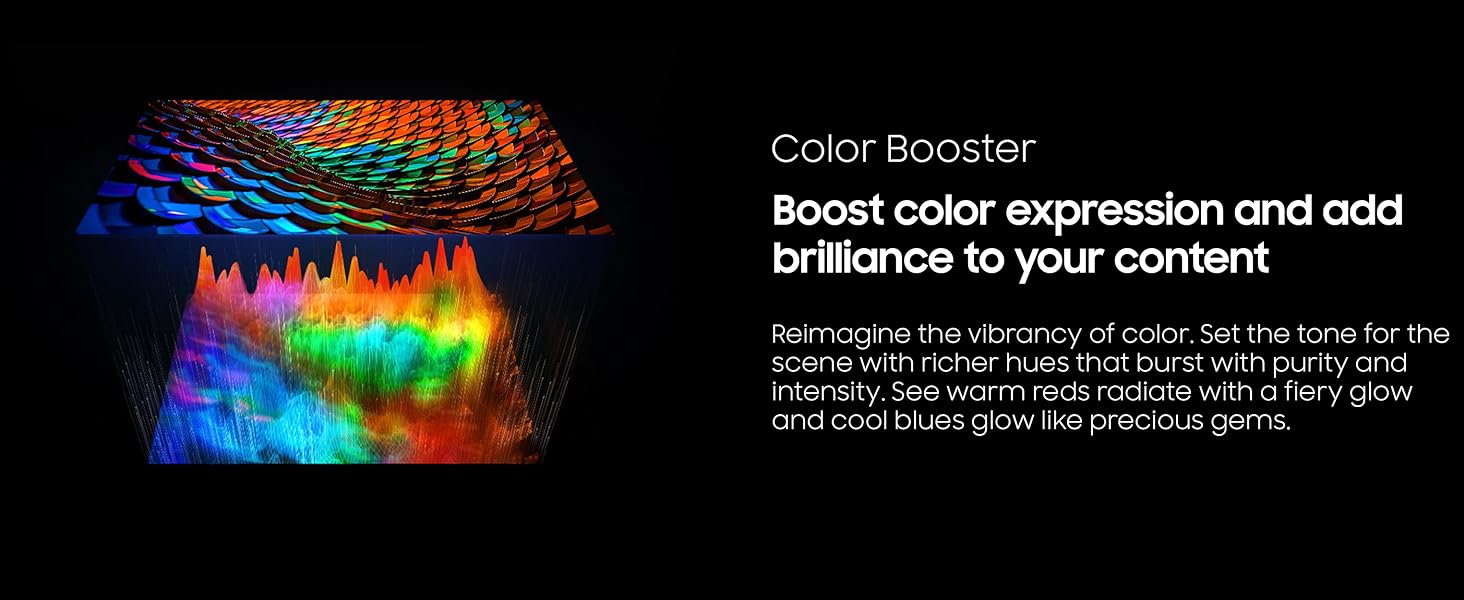
Figure 7: A visual representation of Color Booster technology, enhancing the vibrancy and intensity of colors on screen.
- Q-Sinfónía: Allows the TV and a compatible Samsung soundbar to work together in harmony, enhancing the audio experience without muting the TV's speakers.
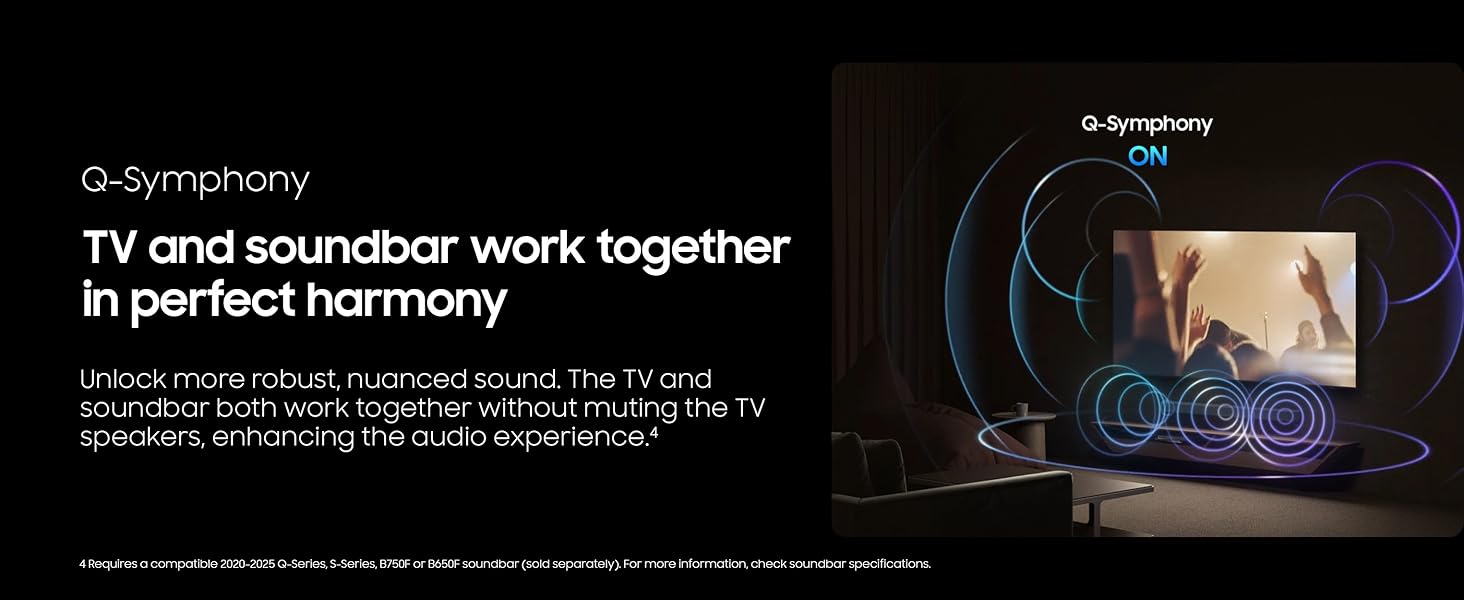
Figure 8: Diagram showing how Q-Symphony enables the TV and a soundbar to produce synchronized audio for a richer soundstage.
Viðhald
Að þrífa sjónvarpið þitt
- Skjár: Þurrkaðu skjáinn varlega með mjúkum, þurrum örfíberklút. Fyrir þrjósk óhreinindi, þurrkaðu örlítiðampÞurrkið klútinn með vatni eða sérstakri hreinsilausn fyrir skjái (aldrei úða beint á skjáinn).
- Líkami: Notið mjúkan, þurran klút til að þurrka af ramma og standi sjónvarpsins. Forðist slípiefni eða leysiefni.
Hugbúnaðaruppfærslur
To ensure optimal performance and security, regularly check for and install software updates. Your TV's Samsung Knox Security features are continuously updated to protect your personal data and connected IoT devices.
- Siglaðu til Stillingar > Stuðningur > Hugbúnaðaruppfærsla on your TV's menu.
- Select "Update Now" to check for and install available updates.
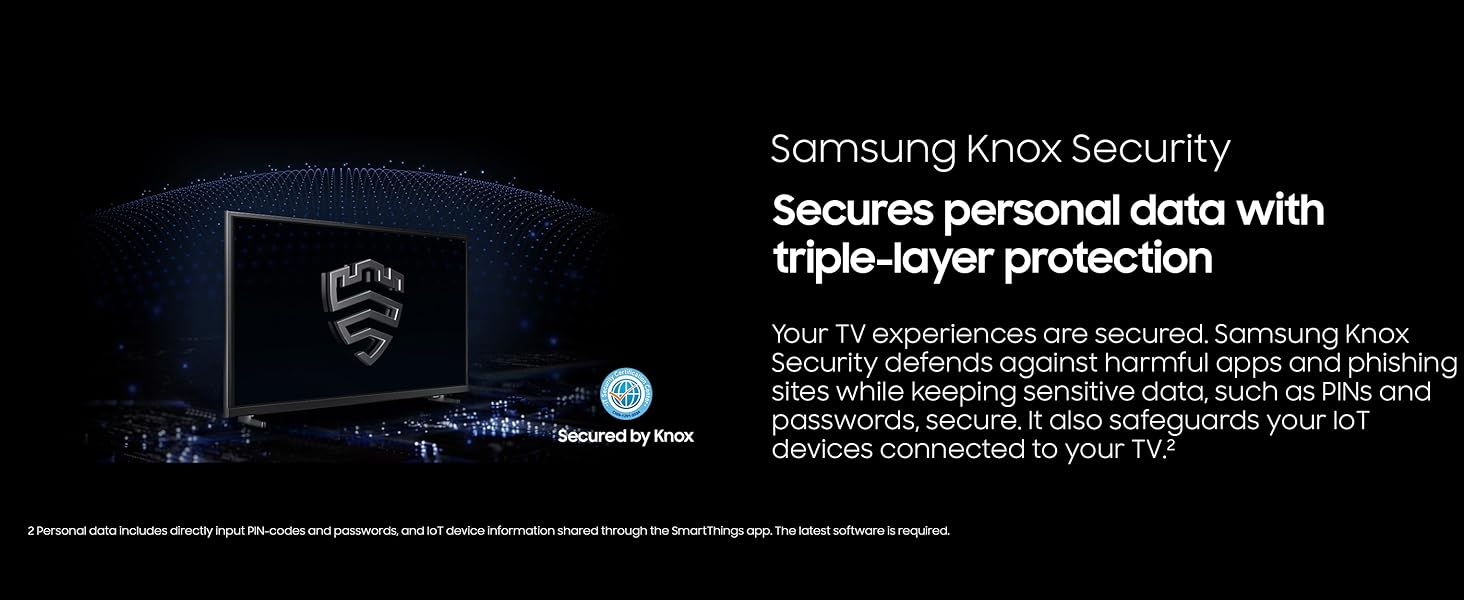
Figure 9: Samsung Knox Security, providing triple-layer protection for your personal data and connected devices.
Úrræðaleit
If you encounter issues with your Samsung TV, refer to the following common troubleshooting tips. For more detailed solutions, consult the full digital user manual accessible via your TV's support menu or the Samsung websíða.
| Vandamál | Möguleg lausn |
|---|---|
| Enginn kraftur | Gakktu úr skugga um að rafmagnssnúran sé vel tengd bæði við sjónvarpið og virkan innstungu. Prófaðu innstunguna með öðru tæki. |
| Engin mynd/hljóð frá utanaðkomandi tæki | Verify the correct input source is selected. Check HDMI cable connections. Ensure the external device is powered on. |
| Fjarstýring virkar ekki | Check the remote's batteries and replace if necessary. Ensure there are no obstructions between the remote and the TV's IR receiver. |
| Léleg myndgæði | Check the source resolution. Adjust picture settings (brightness, contrast, sharpness). Ensure 4K content is being played for optimal 4K display. |
| Vandamál með nettengingu | Restart your router and modem. Reconnect the TV to your Wi-Fi network via the TV's settings menu. |
Tæknilýsing
| Eiginleiki | Smáatriði |
|---|---|
| Vörumerki | Samsung |
| Gerðarnúmer | E1SAMUN65U8000F |
| Skjástærð (ská) | 64.5 tommur |
| Skjátækni | LED |
| Upplausn | 4K UHD (3840 x 2160) |
| Endurnýjunartíðni | 60 Hz |
| Hlutfall | 16:9 |
| Tengitækni | Bluetooth, WiFi |
| Vörumál (DxBxH) | 8.7" D x 56.9" B x 34.7" H |
| Þyngd hlutar | 32 pund |
| Sérstakir eiginleikar | Crystal Processor 4K, Endless Free Content, Filmmaker Mode, MetalStream Design, Samsung Knox Security |
Ábyrgð og stuðningur
Vöruábyrgð
Your Samsung 65" Crystal UHD U8000F 4K Smart TV (2025) includes a full manufacturer protection. Additionally, this product is authorized by SAMSUNG USA and includes an exclusive 26 Months Extended Protection plan. This extended protection, provided by Deco Gear CPS, covers accidental damage and burn-in, offering enhanced peace of mind.

Figure 10: The Deco Gear CPS 26 Month Premium Protection Plan, which includes accidental and burn-in coverage, along with exclusive HDMI cables.
Þjónustudeild
For technical assistance, warranty claims, or general inquiries, please contact Samsung Customer Support. You can find contact information on the official Samsung website or within the TV's support menu.
- Stuðningur á netinu: Heimsæktu opinbera þjónustudeild Samsung webvefsíða fyrir algengar spurningar, leiðbeiningar um bilanaleit og niðurhal á hugbúnaði.
- Símastuðningur: Refer to your warranty documentation or the Samsung websíða fyrir svæðisbundnar símanúmer þjónustuver viðskiptavina.