
1. Inngangur
Thank you for choosing the PEJE ZW01 Pro Smartwatch. This manual provides essential information for setting up, operating, and maintaining your device. Please read it carefully to ensure optimal performance and longevity of your smartwatch.
2. Hvað er í kassanum
Upon opening your PEJE ZW01 Pro Smartwatch package, you should find the following items:

Image: Contents of the PEJE ZW01 Pro Smartwatch package.
- PEJE ZW01 Pro Smartwatch
- One (1) Spare Watch Band
- One (1) USB Magnetic Fast Charging Cable
- Notendahandbók (þetta skjal)
3. Uppsetning
3.1. Hleðsla snjallúrsins
Before initial use, fully charge your smartwatch. Connect the provided USB magnetic fast charging cable to the charging contacts on the back of the watch and to a standard USB power adapter (not included). A full charge typically takes approximately 2 hours.

Image: Smartwatch connected to its magnetic charging cable, showing charging status and battery life.
3.2. Uppsetning og pörun appa
To unlock the full functionality of your PEJE ZW01 Pro Smartwatch, you need to install the companion 'PEJE' app on your smartphone. The watch is compatible with both Android and iOS devices.
- Sækja appið: Leitaðu að 'PEJE' in your smartphone's app store (Google Play Store for Android or Apple App Store for iOS) and download the official application.
- Búðu til reikning: Opnaðu appið og fylgdu leiðbeiningunum á skjánum til að búa til nýjan notandareikning eða skrá þig inn ef þú ert þegar með einn.
- Virkja Bluetooth: Gakktu úr skugga um að kveikt sé á Bluetooth á snjallsímanum þínum.
- Paraðu tækið: Within the PEJE app, navigate to the device pairing section. Select your ZW01 Pro Smartwatch from the list of available devices. Follow any prompts on both your phone and watch to complete the pairing process.
4. Notkunarleiðbeiningar
4.1. Grunnleiðsögn
The PEJE ZW01 Pro Smartwatch features a 1.83-inch full-color touchscreen for intuitive navigation.

Image: Smartwatch displaying various watch faces and customization options.
- Strjúktu upp/niður: Fletta í gegnum valmyndir og tilkynningar.
- Strjúktu til vinstri/hægri: Aðgangur að flýtivirkni eða mismunandi búnaði.
- Bankaðu á: Veldu hlut eða opnaðu forrit.
- Ýttu á hliðarhnappinn: Fara aftur á heimaskjáinn eða kveikja/slökkva á tækinu.
4.2. Bluetooth-símtöl
Once paired with your smartphone via the PEJE app, you can make and receive calls directly from your smartwatch.
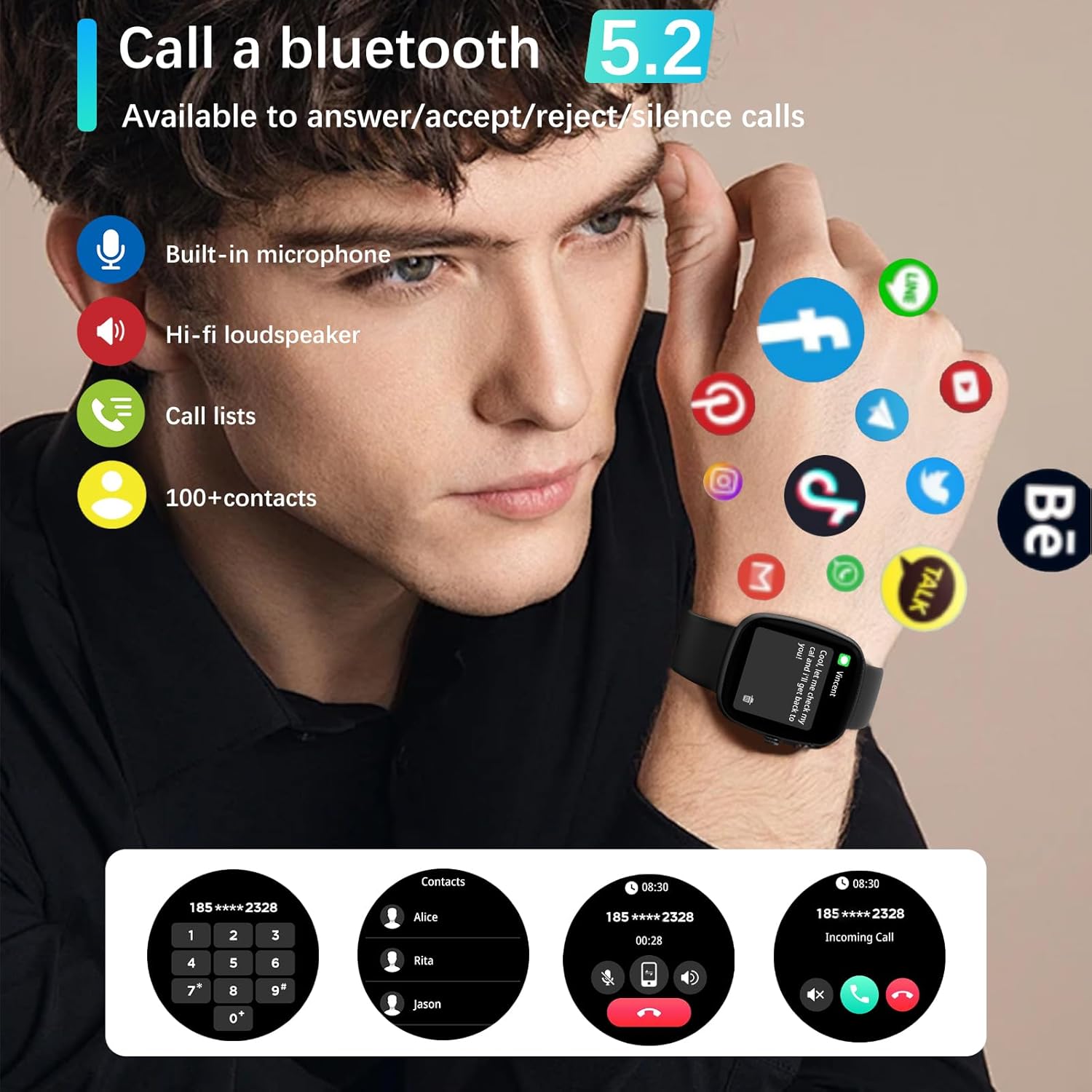
Image: Smartwatch demonstrating Bluetooth call functionality and app notifications.
- Hringing: Opnaðu upphringingarforritið eða tengiliðalistann á úrinu þínu til að hefja símtal.
- Að taka á móti símtölum: When a call comes in, you can answer, reject, or silence it directly from your watch.
4.3. Tilkynningar
The smartwatch can display notifications from various apps on your smartphone, including text messages, Skype, WhatsApp, Facebook, Messenger, Twitter, Line, and Instagram. Ensure app notifications are enabled in the PEJE app settings.
4.4. Heilsufarseftirlit
The ZW01 Pro Smartwatch offers comprehensive health tracking features:
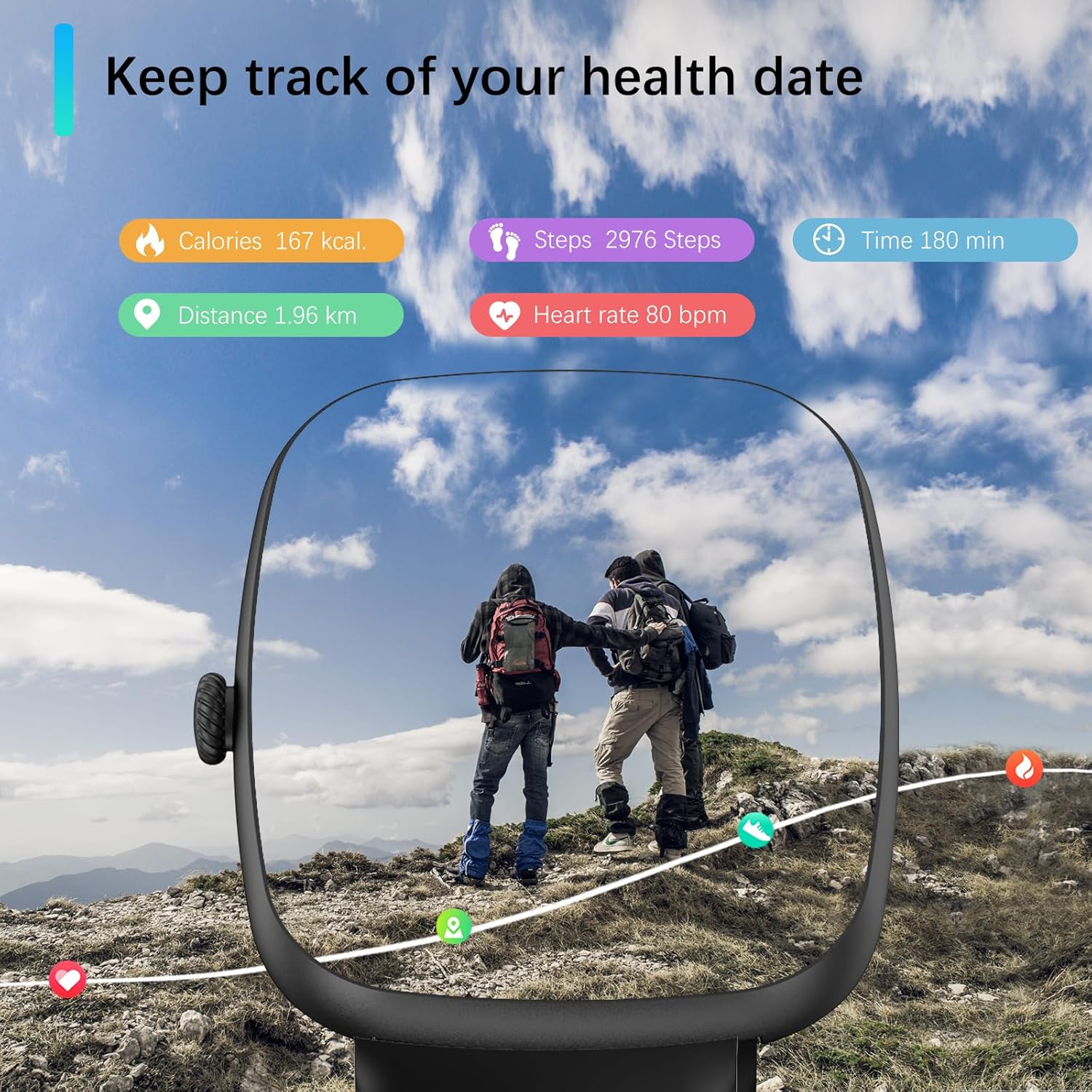
Image: Smartwatch displaying various health metrics during an outdoor activity.
- Hjartsláttartíðni: Veitir hjartsláttarmælingar allan sólarhringinn.
- Vöktun á súrefni í blóði (SpO2): Helps you understand your blood oxygen levels.
- Svefnmæling: Analyzes your sleep quality, including light sleep, deep sleep, and REM cycles.
- Streitueftirlit: Fylgstu með streitustigi þínu yfir daginn.
- Áminningar: Includes sedentary reminders, water intake reminders, and menstrual cycle reminders for females.

Image: Smartwatch displaying detailed sleep tracking data.
Athugið: Measurement data from this device is for reference only and should not be used for medical purposes.
4.5. Íþróttastillingar
The smartwatch supports over 120 sports modes, allowing you to track various activities. During exercise, it automatically records daily steps, heart rate, and calories burned.
- Aðgerðir sem studdar eru: Running, walking, badminton, tennis, basketball, table tennis, cycling, yoga, rope skipping, rock climbing, elliptical machine, rowing machine, stationary bike, and many more.
- Gagnamælingar: View your exercise data directly on the watch or in the PEJE app for a visual understanding of your performance.
Athugið: This device is intended for sports use or aviation environments only, not for medical use.
4.6. Islamic Features
The PEJE ZW01 Pro Smartwatch includes unique Islamic features:
- Prayer Time Alarm: Set alarms for daily prayer times.
- Automatic Prayer Notifications: Receive automatic notifications for Fajr, Sunrise, Dhuhr, Asr, Maghrib, and Isha.
- Adhan Reminder: Includes an Adhan reminder with the '99 Names of Allah'.
- Qibla átt: Provides Qibla direction functionality.
4.7. Aðrir snjallir eiginleikar
The smartwatch offers additional features to enhance your daily life:
- Veðurspár
- NFC Access Control (if supported by your region/system)
- Tónlistarstýring
- Skrefmælir
- Finndu símann minn
- Tímamælir
- Skeiðklukka
- Siri Personal Voice Assistant (requires connected iOS device)
- Fjarljósmyndun
5. Viðhald
5.1. Vatnsþol
The PEJE ZW01 Pro Smartwatch is rated IP68 for water and dust resistance. This means it can withstand splashes, rain, and brief immersion in shallow water. You can wash your hands and dishes while wearing the watch.

Image: Smartwatch demonstrating water resistance.
Mikilvæg athugasemd: While IP68 rated, it is ekki mælt með for diving, sauna use, hot showers, or exposure to high-pressure water jets, as this may compromise the water seal over time.
5.2. Þrif
To maintain your smartwatch, regularly clean the screen and strap with a soft, dry cloth. If necessary, use a slightly damp cloth for the strap, then dry thoroughly. Avoid using harsh chemicals or abrasive materials.
6. Bilanagreining
If you encounter issues with your PEJE ZW01 Pro Smartwatch, try the following common troubleshooting steps:
- Úrið kveiknar ekki á sér: Gakktu úrið úr fullhlaðið. Tengdu það við hleðslusnúruna og láttu það hlaða í að minnsta kosti 30 mínútur áður en þú reynir að kveikja á því aftur.
- Ekki er hægt að para við síma:
- Gakktu úr skugga um að Bluetooth sé virkt í símanum þínum og úrinu.
- Gakktu úrið úr innan seilingar símans.
- Endurræstu bæði símann og snjallúrið.
- Try unpairing and re-pairing the device through the PEJE app.
- Tilkynningar birtast ekki:
- Check the notification settings within the PEJE app to ensure they are enabled for the desired applications.
- Verify that your phone's operating system allows the PEJE app to send notifications.
- Gakktu úr skugga um að úrið sé rétt tengt í gegnum Bluetooth.
- Ónákvæm heilsufarsgögn:
- Gakktu úrið úr því að sitja þétt á úlnliðnum, en ekki of þröngt.
- Hreinsið skynjarann aftan á úrinu.
- Note that environmental factors and movement can affect accuracy.
- Stuttur rafhlaðaending:
- Minnka birtustig skjásins.
- Disable unnecessary features or frequent heart rate monitoring if not needed.
- Ensure background app usage on your phone is optimized.
Ef þessi skref leysa ekki vandamálið skaltu hafa samband við þjónustuver viðskiptavina til að fá frekari aðstoð.
7. Tæknilýsing
| Eiginleiki | Forskrift |
|---|---|
| Fyrirmynd | ZW01 Pro |
| Skjástærð | 1.83 tommur |
| Skjár Tegund | LCD, Touchscreen |
| Stýrikerfi | AndroidOS |
| Geymslugeta minni | 128 MB |
| Tengitækni | Bluetooth |
| Þráðlaus samskiptastaðall | Bluetooth |
| Rafhlöðugeta | 230 mAh litíum fjölliður |
| Hleðslutími rafhlöðu | U.þ.b. 2 klst |
| Dæmigert notkun rafhlöðuending | 5-7 dagar |
| Rafhlöðuending í biðstöðu | 7-15 dagar |
| Einkunn fyrir vatnsþol | IP68 |
| GPS | GPS í gegnum snjallsíma |
| Heilbrigðiseftirlit | Heart Rate, SpO2, Sleep Duration, Stress |
| Íþróttastillingar | 120+ stillingar |
| Samhæf tæki | iOS og Android snjallsímar |
| Mannviðmótsinntak | Snertiskjár, hljóðnemi |
| Tegund hljómsveitarefnis | Kísill |
| Tegund læsingar | Sylgjur |
| Stærðir hlutar | 16 x 10 x 3 cm |
| Litur | Svartur |
8. Ábyrgð og stuðningur
For warranty information, please refer to the warranty card included with your product or visit the official PEJE website. If you require technical support or have questions not covered in this manual, please contact PEJE customer service through the contact information provided on the product packaging or the official websíða.