Inngangur
This manual provides essential information for setting up, operating, maintaining, and troubleshooting your HP 15-fd series laptop. Please read this guide thoroughly to ensure optimal performance and longevity of your device.
The HP 15-fd laptop is equipped with a 13th Gen Intel Core i3-1315U processor, 15.6-inch HD touchscreen display, 8GB DDR4 RAM, and a 512GB SSD, running on Windows 11 Pro. It is designed for productivity and includes various connectivity options and accessories.
1. Uppsetning
1.1 Upppakkning og fyrsta skoðun
Fjarlægið alla íhluti varlega úr umbúðunum. Gakktu úr skugga um að allir hlutir sem eru taldir upp á pakklistanum séu til staðar og óskemmdir. Ef einhverjir hlutir vantar eða eru skemmdir skal hafa samband við söluaðila tafarlaust.
1.2 Tenging við rafmagn
- Tengdu straumbreytinn við rafmagnstengið á fartölvunni þinni.
- Stingdu riðstraumsbreytinum í jarðtengda rafmagnsinnstungu.
- Leyfðu rafhlöðunni að hlaðast í að minnsta kosti 30 mínútur fyrir fyrstu notkun, eða þar til rafhlöðuvísirinn sýnir fulla hleðslu.
1.3 Initial Power On and Windows 11 Pro Setup
- Ýttu á rofann sem er staðsettur á lyklaborðinu til að kveikja á fartölvunni.
- Fylgdu leiðbeiningunum á skjánum til að ljúka uppsetningarferlinu fyrir Windows 11 Pro. Þetta felur í sér að velja svæði, tungumál, tengjast við Wi-Fi net og stofna notandareikning.
- Ensure you have an active internet connection for Windows updates and software activation.
1.4 Meðfylgjandi fylgihlutir
Your laptop package includes the following accessories to enhance your experience:
- 5-in-1 Docking Station: Provides additional ports including HDMI video output, USB 3.0, USB Type-C/PD, and RJ45 Ethernet.
- HDMI kapall: Til að tengjast við ytri skjái.
- 128GB Portable SSD: For additional storage and data transfer.
- Lifetime Office: Pre-installed or provided with activation instructions for Microsoft Office suite.

Figure 1: Included accessories, including the 5-in-1 docking station, HDMI cable, 128GB portable SSD, Windows 11 Pro, and Lifetime Office.
2. Notkun fartölvunnar
2.1 Kveikja/slökkva og svefnhamur
- Kveikt á: Ýttu á rofann.
- Lokaðu: Smelltu á Start hnappinn, síðan á Power > Shutdown.
- Svefnhamur: Lokaðu lokinu eða smelltu á Start hnappinn, síðan á Power > Sleep.
2.2 Notkun snertiskjás
Your HP 15-fd laptop features a responsive 15.6-inch multi-touch display. You can interact with the system using various touch gestures:
- Bankaðu á: Jafngildir músarsmelli.
- Ýttu tvisvar: Opens applications or selects items.
- Klípaðu til aðdráttar: Notaðu tvo fingur til að stækka eða minnka aðdrátt.
- Strjúktu: Navigate through content or switch between applications.
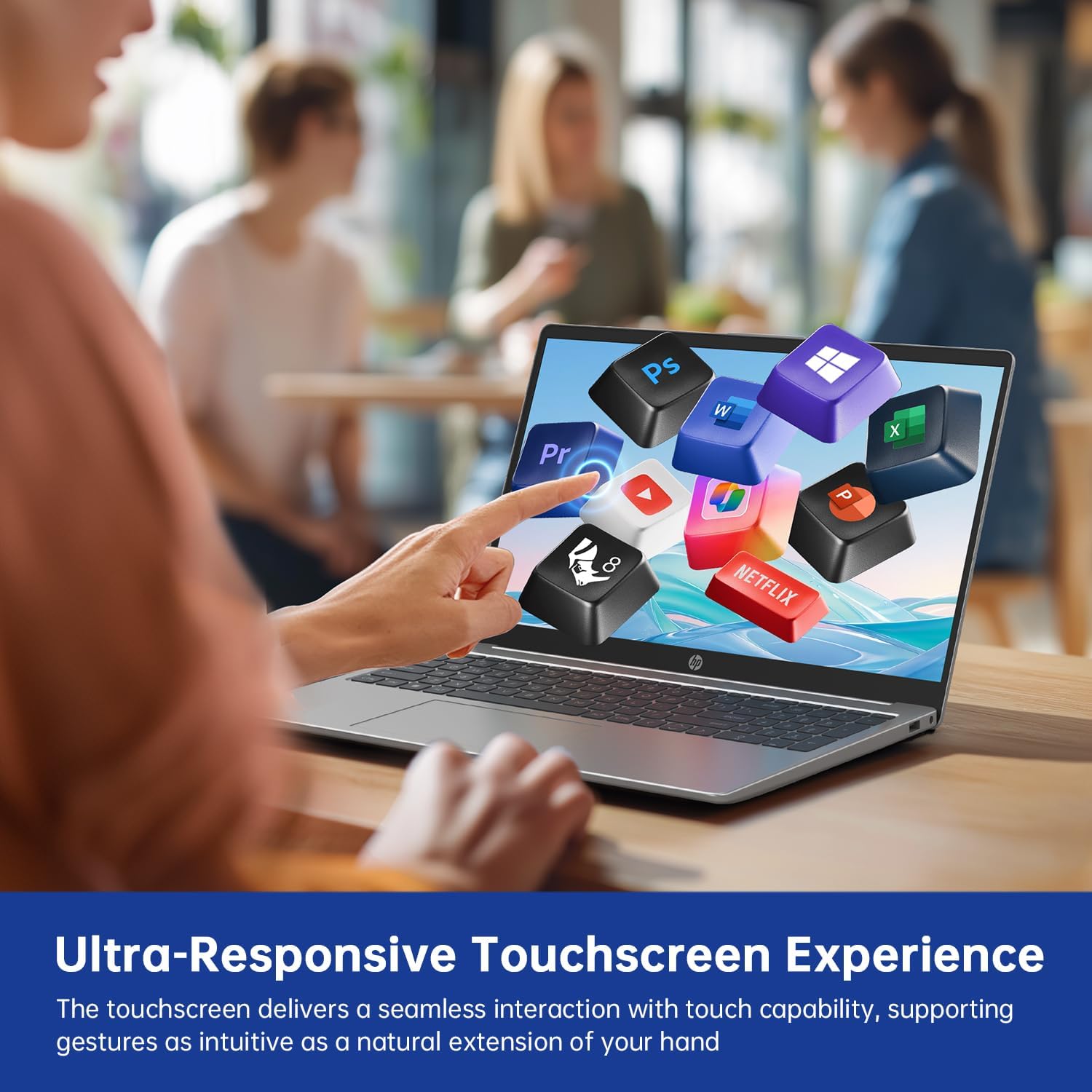
Figure 2: Demonstrating the ultra-responsive touchscreen experience with various application icons.
2.3 Lyklaborð og tölustafir
The full-size keyboard includes a dedicated numeric keypad for efficient data entry. Function keys (F1-F12) provide quick access to system controls when pressed in combination with the Fn key.
2.4 Tengimöguleikar og tengimöguleikar
Fartölvan býður upp á fjölbreytt úrval af tengjum fyrir tengingu við utanaðkomandi tæki:
- USB-A 3.0 tengi (x2): Til að tengja USB tæki eins og mýs, lyklaborð eða ytri diska.
- USB-C 3.0 tengi (x1): Versatile port for data transfer, charging, or connecting compatible peripherals.
- HDMI tengi (x1): Til að tengja við ytri skjái eða skjávarpa.
- 3.5mm Audio Jack (x1): Fyrir heyrnartól eða ytri hátalara.
- DC-in Port (x1): For connecting the AC adapter to charge the laptop.
Wireless connectivity includes Wi-Fi 6E for high-speed internet access and Bluetooth 5.0 for connecting wireless accessories.

Mynd 3: Yfirview of multiple available ports on the HP 15-fd laptop.
2.5 Camera Privacy Switch
Your laptop features a 720p HD webcam with a built-in privacy switch. To ensure your privacy, slide the physical switch to cover the camera lens when not in use. Slide it back to uncover the lens when you need to use the camera for video calls or other applications.

Figure 4: The camera privacy switch provides control over webcam access.
2.6 AI Copilot Functionality
The integrated AI Copilot assists in automating tasks, generating insights, and streamlining workflows. It learns from your actions to provide smarter suggestions, enhancing productivity for tasks such as coding, writing, or data analysis.
3. Viðhald
3.1 Þrif á fartölvunni
- Skjár: Notaðu létt mjúkan, lólausan klút dampÞvoið með vatni eða skjáhreinsiefni. Ekki úða vökva beint á skjáinn.
- Lyklaborð og undirvagn: Notið mjúkan, þurran klút. Fyrir þrjósk óhreinindi, örlítið þurranamp Hægt er að nota klút með mildri sápulausn og tryggja að vökvi komist ekki inn í op.
- Hafnir: Notið þrýstiloft til að fjarlægja ryk varlega úr tengjunum.
3.2 Umhirða rafhlöðu
- Forðastu að tæma rafhlöðuna alveg oft.
- Geymið fartölvuna á köldum og þurrum stað ef hún er ekki notuð í langan tíma.
- Ekki láta fartölvuna verða fyrir miklum hita.
3.3 Hugbúnaðaruppfærslur
Regularly check for and install updates for Windows 11 Pro and HP drivers to ensure optimal performance, security, and compatibility. You can typically find these updates through Windows Update settings and the HP Support Assistant application.
4. Bilanagreining
This section addresses common issues you might encounter with your HP 15-fd laptop.
4.1 Rafmagnsvandamál
- Tölvan kveikir ekki á sér: Ensure the AC adapter is securely connected to both the laptop and a working power outlet. Check if the battery is charged. Try a different power outlet.
- Rafhlaða hleðst ekki: Verify the AC adapter is functioning correctly. Check the power cable for damage.
4.2 Skjávandamál
- Screen is blank or dark: Ensure the laptop is powered on. Adjust screen brightness using function keys. Connect an external monitor via HDMI to check if the issue is with the laptop's display.
- Snertiskjár svarar ekki: Endurræstu fartölvuna. Gakktu úr skugga um að skjáreklarnir séu uppfærðir.
4.3 Tengingarvandamál
- Þráðlaust net tengist ekki: Check if Wi-Fi is enabled in Windows settings. Restart your router and laptop. Ensure correct Wi-Fi password is entered.
- Bluetooth tæki parast ekki: Ensure Bluetooth is enabled on both devices. Place devices close to each other. Check device compatibility.
4.4 Almenn afköst
- Hæg frammistaða: Close unnecessary applications. Check for malware. Ensure sufficient free space on the SSD. Update drivers and Windows.
- System freezes or crashes: Perform a system restart. Check for recent software installations that might be causing conflicts.
If you are unable to resolve an issue using these steps, please refer to the Support section for further assistance.
5. Tæknilýsing

Figure 5: Key display and physical dimensions of the HP 15-fd laptop.
| Eiginleiki | Forskrift |
|---|---|
| Nafn líkans | 15-fd |
| Örgjörvi | 13. kynslóð Intel Core i3-1315U (allt að 4.5 GHz) |
| Grafík | Intel UHD grafík (innbyggð) |
| Skjár | 15.6 tommu HD snertiskjár (1366 x 768) |
| vinnsluminni | 8 GB DDR4 |
| Geymsla | 512 GB SSD |
| Stýrikerfi | Windows 11 Pro |
| Þráðlaus tenging | Wi-Fi 6E, Bluetooth 5.0 |
| Hafnir | 2x USB-A 3.0, 1x USB-C 3.0, 1x HDMI, 1x 3.5mm Audio Jack, 1x DC-in |
| Mál (LxBxH) | 14.17 x 9.29 x 0.73 tommur |
| Þyngd | Um það bil 3.52 lbs (1.6 kg) |
| Litur | Náttúrulegt silfur |
| Sérstakir eiginleikar | Numeric Keypad, Fingerprint Reader, HD Audio, Camera Privacy Switch |
6. Upplýsingar um ábyrgð
Your HP 15-fd laptop comes with a 12 mánaða ábyrgð from the date of purchase. This warranty covers manufacturing defects and hardware malfunctions under normal use. Please retain your proof of purchase for warranty claims.
The warranty does not cover damage caused by misuse, accidents, unauthorized modifications, or external factors. For detailed warranty terms and conditions, please refer to the documentation included with your product or visit the official HP support websíða.
7. Stuðningur
Vinsamlegast hafið samband við þjónustuver HP ef þið viljið fá tæknilega aðstoð, bilanaleit umfram þessa handbók eða ábyrgðarþjónustu.
- Stuðningur á netinu: Visit the official HP Support website for drivers, manuals, and troubleshooting guides.
- Símastuðningur: Refer to the contact information provided in your product packaging or on the HP Support websíðu fyrir þitt svæði.
When contacting support, please have your laptop's serial number and model number (15-fd) ready. This information can usually be found on a label on the bottom of your laptop.