
Inngangur
Thank you for choosing the Rii RK211 Wireless Keyboard and Mouse Combo. This product provides a reliable 2.4G wireless connection for your computer, laptop, or other compatible devices. This manual will guide you through the setup, operation, maintenance, and troubleshooting of your new wireless keyboard and mouse.
Uppsetningarleiðbeiningar
Follow these steps to set up your Rii RK211 Wireless Keyboard and Mouse Combo:
- Settu rafhlöður upp: The keyboard requires 1 AAA battery, and the mouse requires 1 AA battery. Open the battery compartments on both devices and insert the batteries, ensuring correct polarity.
- Finndu USB móttakarann: The tiny nano USB receiver is stored in the compartment next to the mouse battery slot. Open the mouse battery cover to find it.
- Tengdu móttakarann: Tengdu USB-móttakarann í lausu USB-tengi á tölvunni þinni eða fartölvu.
- Kveikt á: Turn on the mouse using the ON/OFF switch located on its underside. The keyboard does not have a separate power switch and will activate upon battery installation and key press.
- Sjálfvirk tenging: The keyboard and mouse will automatically connect to your device. No additional drivers are required for most operating systems.
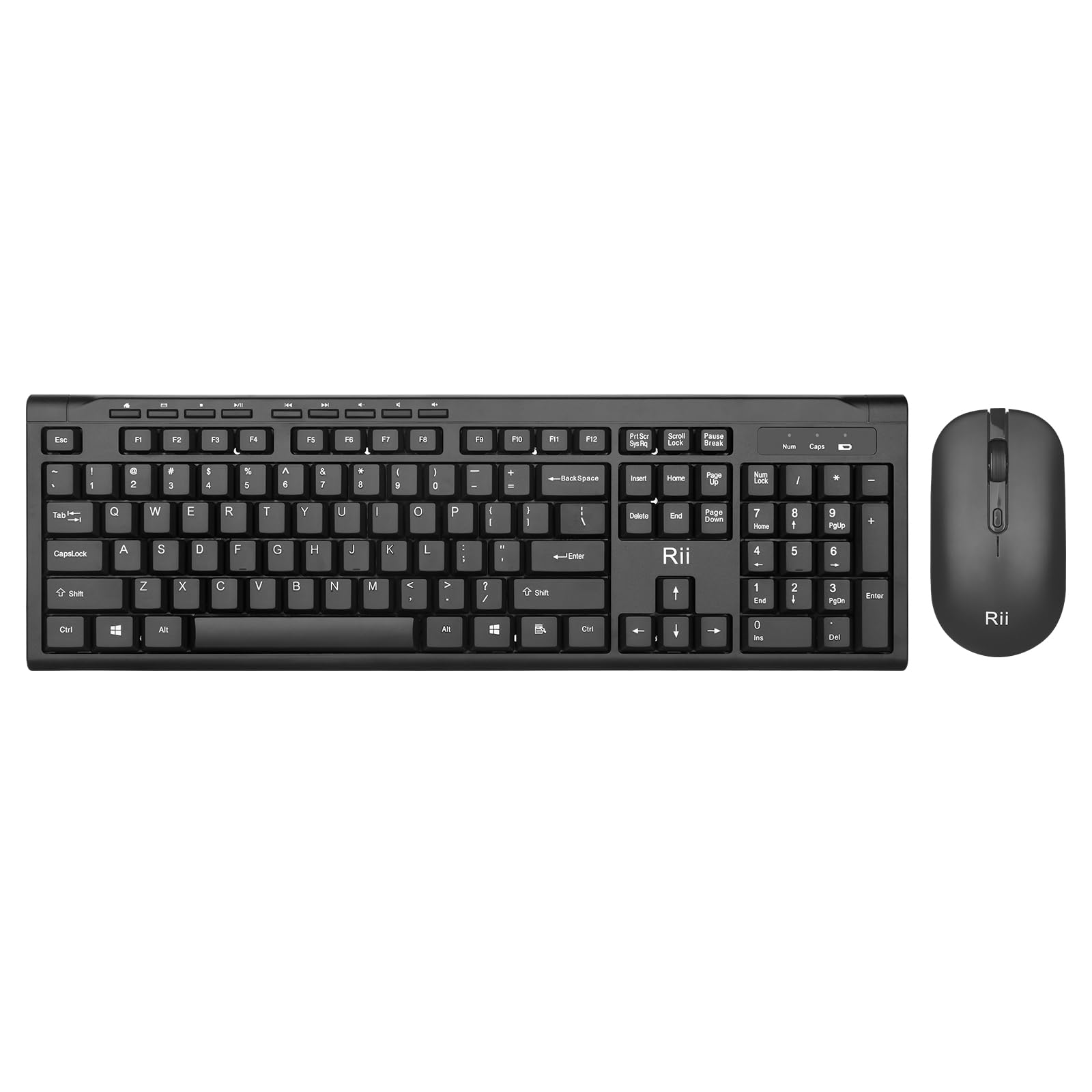
Image: The Rii RK211 wireless keyboard and mouse connected to a laptop using a single unifying nano receiver for plug-and-play functionality.

Image: The USB receiver is conveniently stored inside the mouse's battery compartment for safekeeping.
Notkunarleiðbeiningar
This section details the usage of your Rii RK211 Wireless Keyboard and Mouse Combo.
Eiginleikar lyklaborðs:
- Full-Sized Layout: The keyboard features a standard US QWERTY layout with a numeric keypad for efficient typing.
- Stillanlegt hallahorn: Utilize the adjustable legs on the underside of the keyboard to set a comfortable typing position and reduce wrist fatigue.
- Margmiðlunar flýtilyklar: Access 9 dedicated multimedia hotkeys for quick control over media playback, email, internet browser, volume, and more. Note: These shortcuts may have limited compatibility with Mac operating systems.

Image: The keyboard features an ergonomic design with adjustable legs to enhance typing comfort.
Músareiginleikar:
- Vistvæn hönnun: The mouse is contoured to fit comfortably in your hand, supporting extended use.
- Stillanleg DPI: Cycle through DPI settings of 800, 1000, 1200, and 1600 to adjust cursor sensitivity and precision on various surfaces. The DPI button is typically located near the scroll wheel.

Mynd: Músin er með vinnuvistfræðilegri hönnun fyrir þægilega notkun.
Viðhald
Proper maintenance ensures the longevity and optimal performance of your wireless combo.
- Skipt um rafhlöðu: Replace batteries when performance degrades. The keyboard uses 1 AAA battery, and the mouse uses 1 AA battery.
- Þrif: Notið mjúkan, þurran klút til að þrífa yfirborð lyklaborðsins og músarinnar. Fyrir þrjósk óhreinindi, þurrkið örlítið.amp cloth can be used, ensuring no moisture enters the internal components. Avoid harsh chemicals.
- Geymsla: Þegar músinni er ekki í notkun í langan tíma skal slökkva á henni til að spara rafhlöðuendingu. Geymið USB-móttakarann í rafhlöðuhólfi músarinnar til að koma í veg fyrir að hann týnist.
- Sjálfvirk orkusparnaður: Both devices feature an automatic sleep function. If inactive for more than 10 minutes, they will enter sleep mode. To reactivate, simply click any mouse button or press any key on the keyboard.
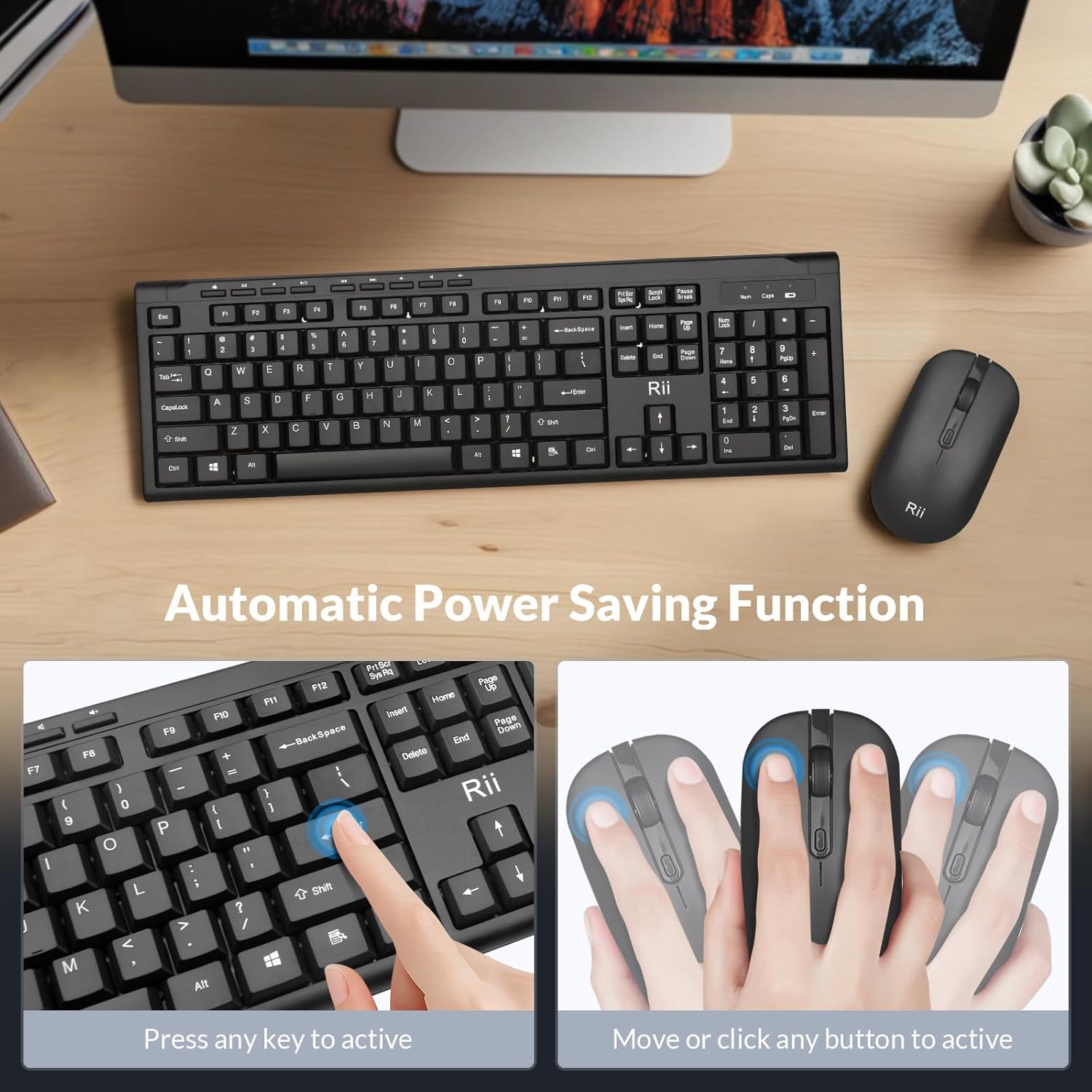
Image: The keyboard and mouse feature an automatic power saving function, activated by pressing any key or moving/clicking the mouse.
Úrræðaleit
Ef þú lendir í vandræðum skaltu skoða eftirfarandi ráðleggingar um úrræðaleit:
- Engin tenging/töf:
- Gakktu úr skugga um að USB-móttakarinn sé örugglega tengdur við virkan USB-tengi.
- Athugaðu hvort músin sé kveikt.
- Skiptu um rafhlöður bæði í lyklaborðinu og músinni.
- Move the devices closer to the USB receiver to rule out range issues (max 33 ft).
- Prófaðu að stinga USB-móttakaranum í aðra USB-tengi á tölvunni þinni.
- Mouse Cursor Jumps/Inaccurate:
- Change the DPI setting using the DPI button on the mouse.
- Gakktu úr skugga um að músin sé notuð á viðeigandi yfirborði (ekki mjög endurskinsfullt eða gegnsætt).
- Hreinsið ljósnemann á neðri hlið músarinnar.
- Keyboard Not Typing:
- Ýttu á hvaða takka sem er til að vekja lyklaborðið úr svefnstillingu.
- Replace the AAA battery in the keyboard.
- Ensure the USB receiver is connected.
- Multimedia Keys Not Working on Mac:
- Some multimedia shortcuts may not be fully compatible with Mac OS. This is expected behavior.
Tæknilýsing
| Vörumerki | Rii |
| Gerðarnúmer | RK211 |
| Litur | Svartur |
| Tengitækni | 2.4G þráðlaust |
| Sérstakur eiginleiki | Vistvæn hönnun |
| Samhæf tæki | Laptop, Desktop, PC, Chromebook, Notebook (Windows 11/10/8/7/Vista/XP, Chrome OS, Linux, Mac OS) |
| Rafhlöður nauðsynlegar | Yes (1 AAA for keyboard, 1 AA for mouse - Not Included) |
| Þyngd hlutar | 0.7 kíló |
| Lýsing á lyklaborði | Margmiðlun |
| Mús DPI stillingar | 800-1000-1200-1600 DPI |

Image: Detailed dimensions of the Rii RK211 keyboard and mouse.
Upplýsingar um ábyrgð
The Rii RK211 Wireless Keyboard and Mouse Combo comes with a 365 daga ábyrgð frá kaupdegi. Þessi ábyrgð nær yfir framleiðslugalla og tryggir að varan virki eins og til er ætlast við eðlilega notkun. Vinsamlegast geymið kaupkvittunina vegna ábyrgðarkröfu.
Stuðningur
For further assistance, technical support, or warranty inquiries, please refer to the contact information provided with your product packaging or visit the official Rii websíða. Þú getur líka heimsótt Rii Store on Amazon fyrir frekari upplýsingar og vöruúrræði.