

1. Inngangur
This manual provides essential information for the safe and efficient use of your URAO 14-inch Android 15 Tablet, model G140L. Please read this manual thoroughly before operating the device to ensure proper setup and functionality. Keep this manual for future reference.
2. Innihald pakka
Gakktu úr skugga um að allir hlutir séu til staðar í pakkanum:
- URAO 14-inch Android 15 Tablet (G140L)
- Bluetooth lyklaborð
- Bluetooth Mouse (Note: Batteries not included)
- Stíllpenni
- Hlífðarmál
- Heyrnartól
- USB Type-C hleðslusnúra
- Rafmagnsbreytir (hleðslutæki)

Image: A visual representation of the URAO G140L tablet, highlighting its ports and buttons, alongside all standard accessories provided in the retail package.
3. Uppsetning
3.1 Byrjunarkveikt
- Press and hold the Power ON/OFF button located on the side of the tablet until the screen illuminates.
- Fylgdu leiðbeiningunum á skjánum til að velja tungumál, tengjast Wi-Fi neti og setja upp Google reikninginn þinn.
3.2 Hleðsla spjaldtölvunnar
Before first use, fully charge the tablet. Use the provided USB Type-C charging cable and power adapter.
- Tengdu USB Type-C snúruna við hleðslutengi spjaldtölvunnar.
- Stingdu straumbreytinum í innstungu.
- The battery indicator on the screen will show charging status. A full charge typically takes approximately 2.5 hours with the 30W fast charging capability.
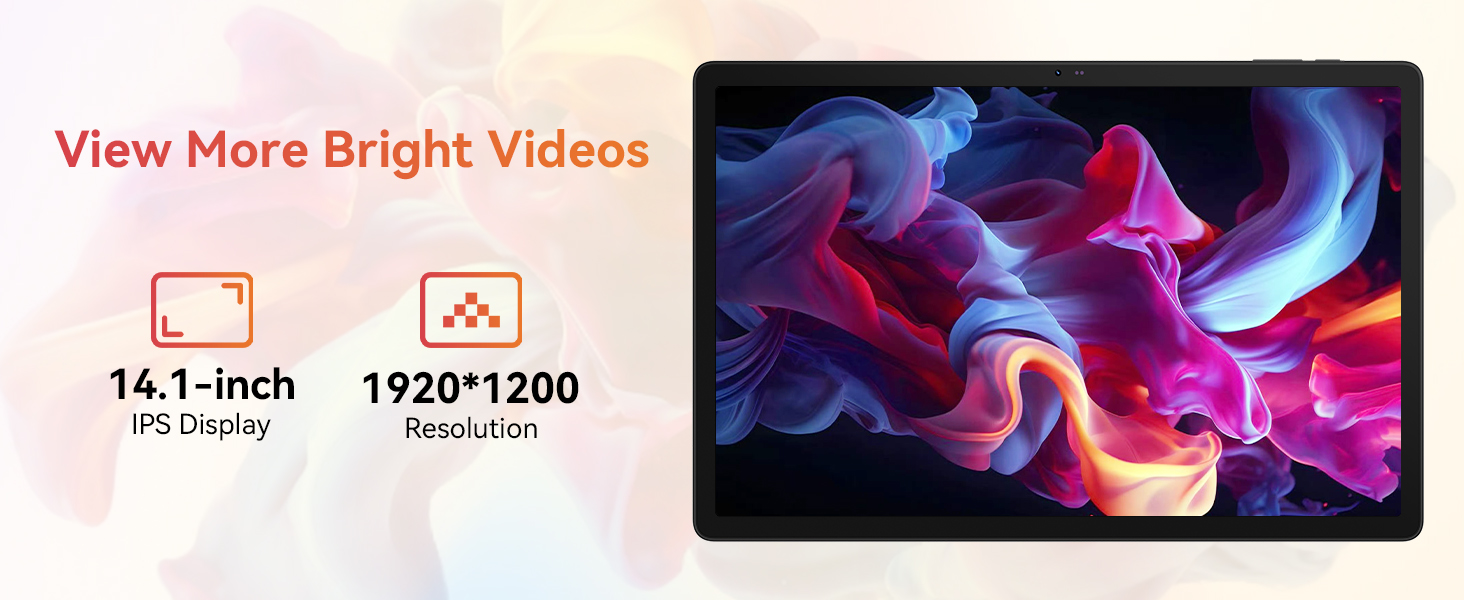
Image: The URAO tablet connected to a charger via its Type-C port, illustrating the 10000mAh battery and 30W fast charging feature.
3.3 Tenging jaðartækja (lyklaborð, mús, stíll)
The included keyboard, mouse, and stylus connect via Bluetooth.
- Farðu til Stillingar > Tengd tæki > Bluetooth á spjaldtölvunni þinni.
- Gakktu úr skugga um að Bluetooth sé kveikt On.
- Put the keyboard, mouse, or stylus into pairing mode (refer to each accessory's individual instructions for specific pairing steps).
- Veldu aukabúnaðinn af listanum yfir tiltæk tæki á spjaldtölvunni þinni til að para.
3.4 Nettenging (Wi-Fi)
Tengstu við Wi-Fi net fyrir internetaðgang.
- Farðu til Stillingar > Net og internet > Internet.
- Snúa Wi-Fi á.
- Select your desired Wi-Fi network from the list and enter the password if required. The tablet supports Wi-Fi 6 (802.11ax) for faster and more stable connections.
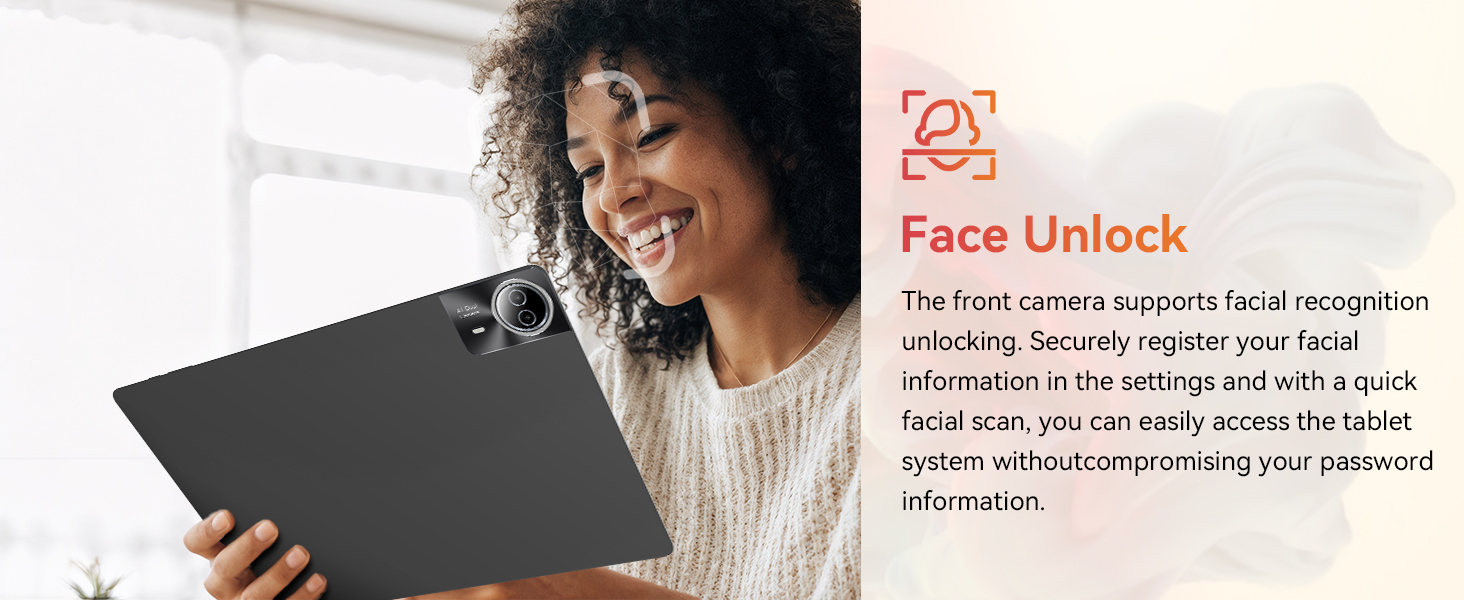
Image: The URAO tablet screen showing icons for dual-band Wi-Fi (2.4G+5G) and Bluetooth 5.4, indicating its connectivity features.
4. Notkunarleiðbeiningar
4.1 Grunnleiðsögn (Android 15)
Your tablet runs on Android 15, offering an intuitive user interface. Use touch gestures for navigation:
- Bankaðu á: Veldu hlut.
- Strjúktu: Fletta í gegnum síður eða lista.
- Klípa: Aðdráttur eða minnkun á myndum og web síður.
- Langt ýtt: Opnaðu samhengisvalmyndir eða færðu tákn.
4.2 Skjárstillingar
The 14.1-inch IPS FHD display offers a resolution of 1920x1200 pixels for clear visuals. Adjust display settings via Stillingar > Skjár.
- Birtustig: Stilltu birtustig skjásins.
- Myrkt þema: Enable for reduced eye strain in low light.
- Augnverndarstilling: Minnkar bláa ljósgeislun.
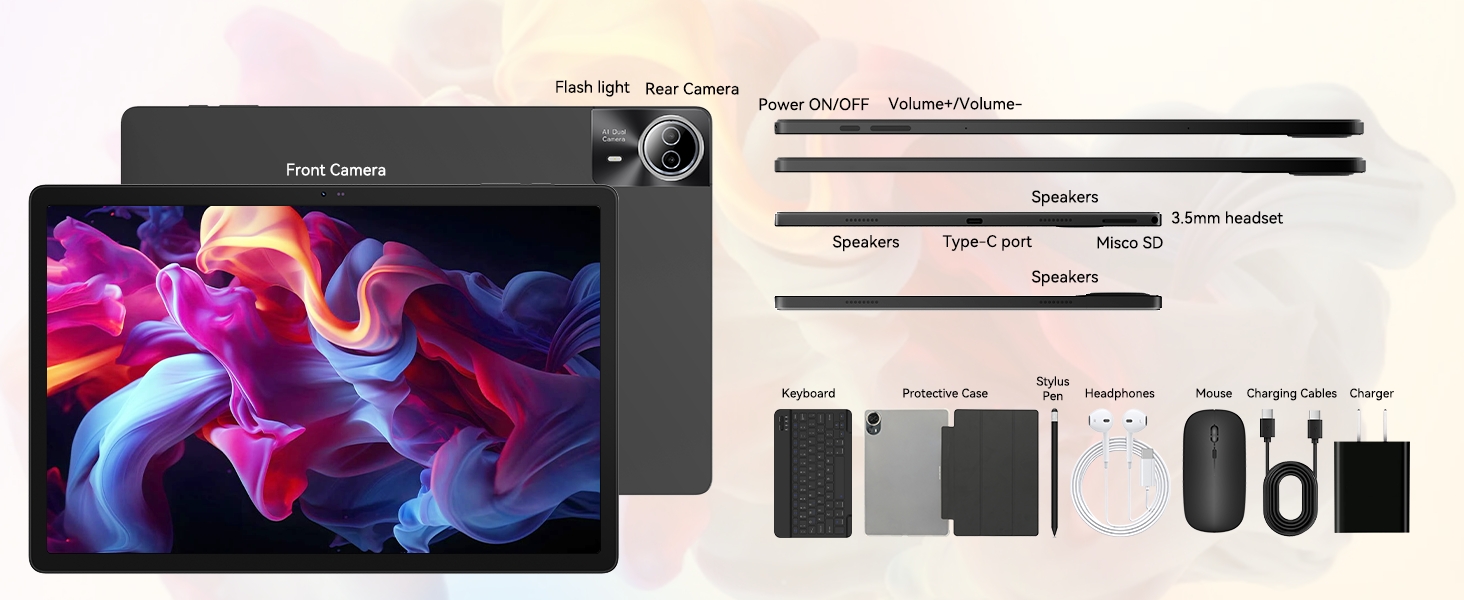
Image: The URAO tablet displaying a high-resolution image, emphasizing its 14.1-inch IPS display and 1920x1200 pixel resolution for bright and clear visuals.
4.3 Notkun myndavélar
Spjaldtölvan er með 5MP myndavél að framan og 8MP myndavél að aftan.
- Opnaðu Myndavél forritið af heimaskjánum eða forritaskúffunni.
- Ýttu á myndavélartáknið til að skipta á milli fram- og aftari myndavélar.
- Ýttu á lokarahnappinn til að taka myndir eða hefja/stöðva myndbandsupptöku.
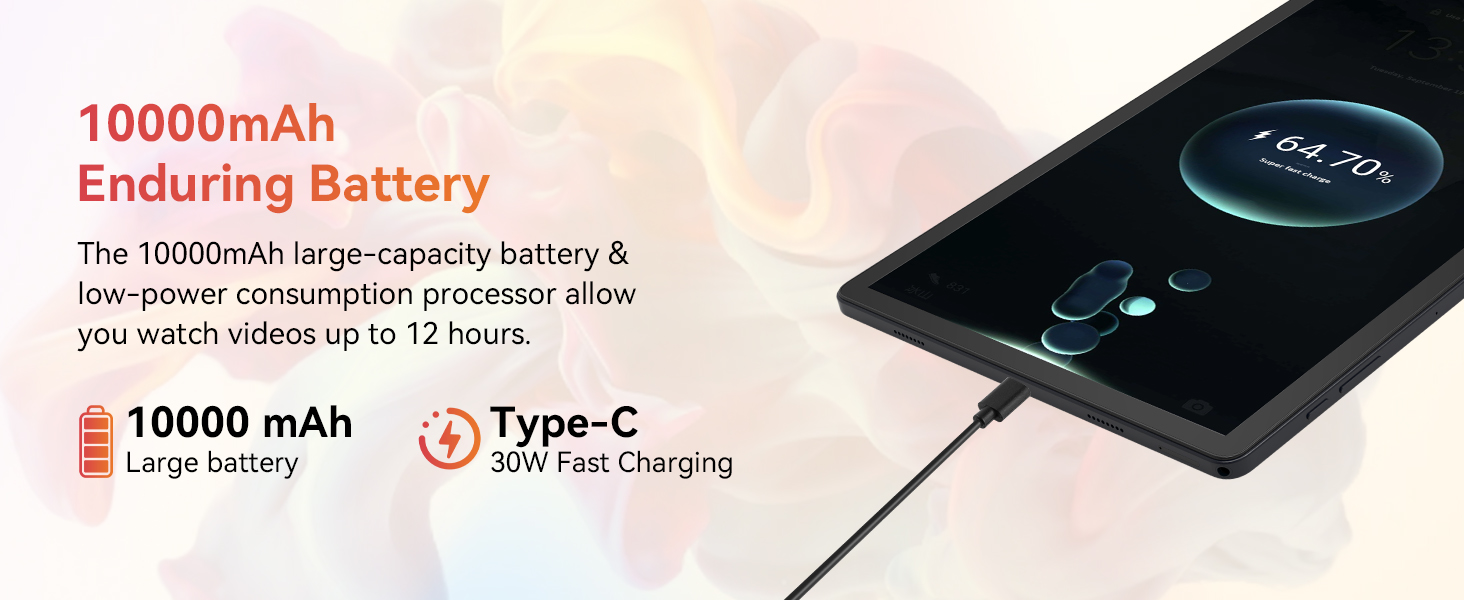
Image: A collage demonstrating the photo capabilities of the URAO tablet, featuring images taken with its 8MP rear camera and 5MP front camera, suitable for video calls and capturing moments.
4.4 Hljóð
The tablet is equipped with Stereo 4 Speakers for an immersive audio experience. Volume can be adjusted using the Volume +/- buttons on the side of the tablet or through the on-screen controls.
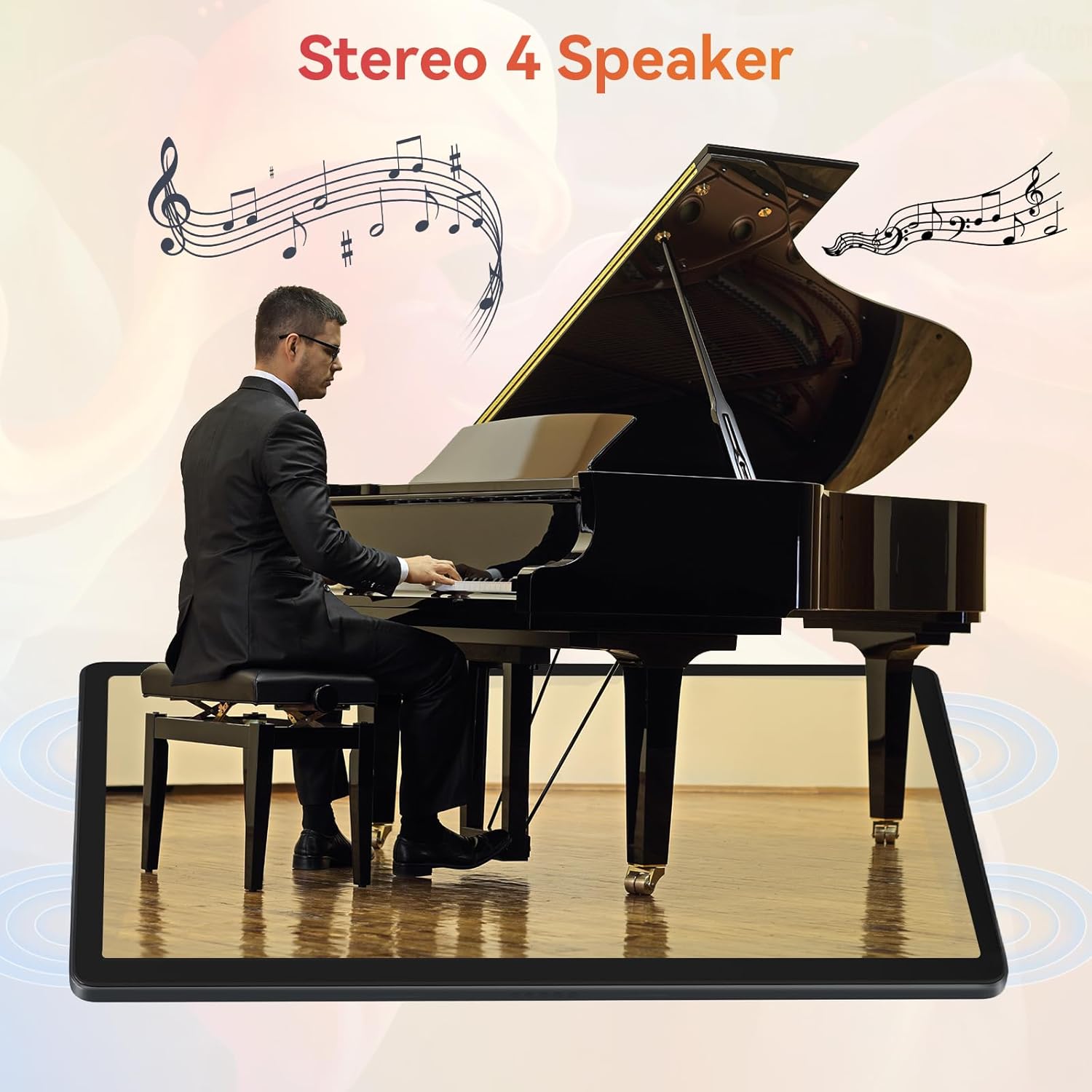
Image: The URAO tablet positioned in front of a piano player, with a graphic overlay indicating the presence of Stereo 4 Speakers for enhanced sound.
4.5 Geymslustjórnun
Your tablet comes with 256GB of internal storage and 30GB of RAM (6GB physical + 24GB virtual expansion). Storage can be expanded up to 1TB using a TF (Micro SD) card (not included).
- To insert a TF card, locate the card slot on the side of the tablet and gently push the card in until it clicks.
- Manage storage via Stillingar > Geymsla.
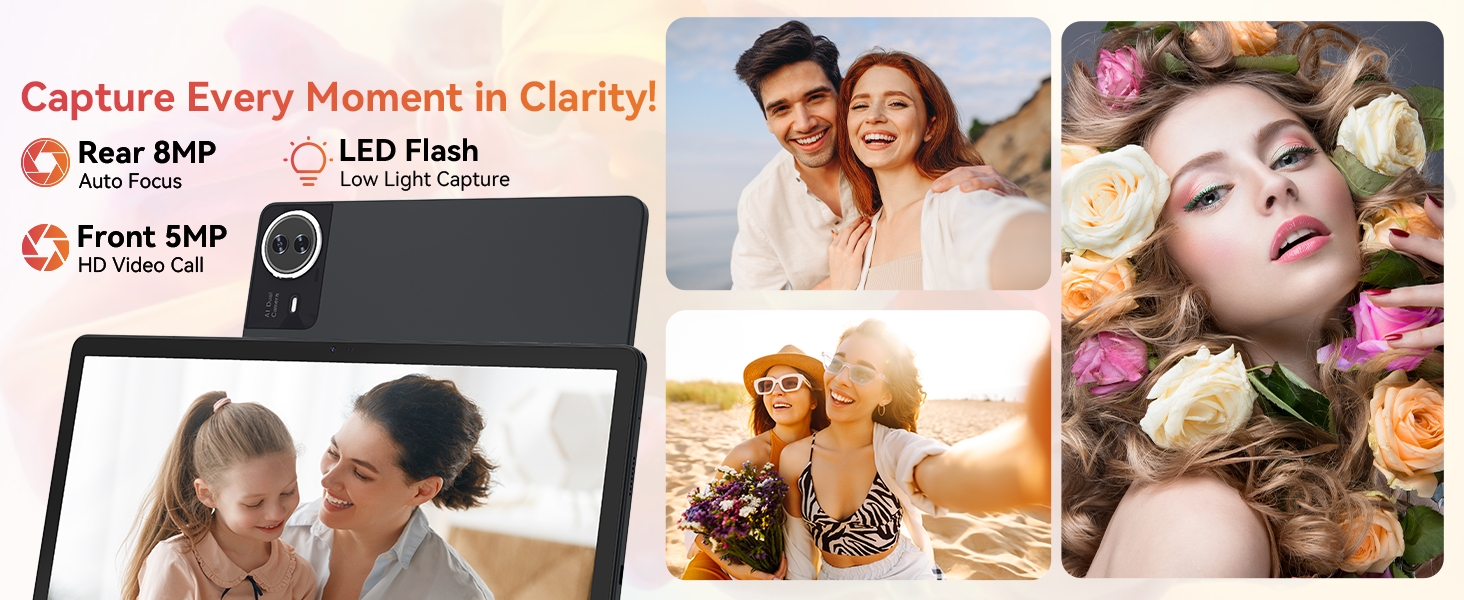
Image: The URAO tablet displaying multiple application icons, with graphics indicating its 30GB RAM (6+24GB), 256GB ROM, and support for up to 1TB external storage.
4.6 2-in-1 Mode
Transform your tablet into a laptop-like experience by connecting the Bluetooth keyboard and mouse. The protective case can also function as a stand.

Image: A multi-panel image showing the URAO tablet in different usage scenarios, including note-taking with a stylus, typing with the keyboard and mouse, and watching videos, demonstrating its versatility.
4.7 Andlitsgreining
The front camera supports facial recognition for convenient unlocking.
- Farðu til Stillingar > Öryggi og næði > Andlitsopnun.
- Follow the on-screen instructions to register your facial data.
- Once set up, you can unlock your tablet by simply looking at the front camera.
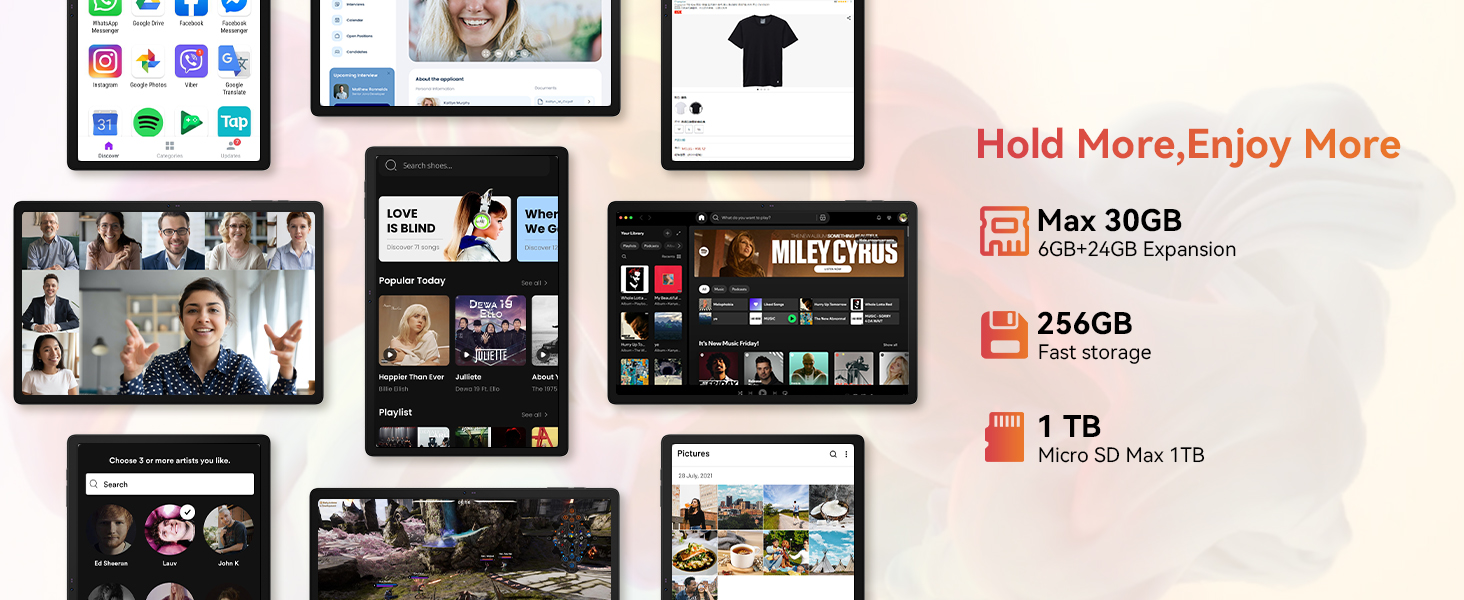
Image: A woman demonstrating the face unlock feature of the URAO tablet, with an icon indicating facial recognition technology.
5. Viðhald
5.1 Þrif á tækinu
- Notið mjúkan, lólausan klút til að þrífa skjáinn og spjaldtölvuna.
- Forðist að nota sterk efni eða slípiefni.
- Ekki úða hreinsiefnum beint á skjáinn.
5.2 Hugbúnaðaruppfærslur
Periodically check for system updates to ensure optimal performance and security.
- Farðu til Stillingar > Kerfi > Kerfisuppfærsla.
- Fylgdu leiðbeiningunum á skjánum til að hlaða niður og setja upp allar tiltækar uppfærslur.
5.3 Umhirða rafhlöðu
Til að lengja líftíma rafhlöðunnar:
- Forðist að láta spjaldtölvuna verða fyrir miklum hita.
- Ekki leyfa rafhlöðunni að tæmast alveg oft.
- Notið aðeins hleðslutækið og snúruna sem fylgir.
6. Bilanagreining
6.1 Tækið kveikir ekki á sér
- Ensure the tablet is sufficiently charged. Connect it to the charger for at least 30 minutes.
- Press and hold the Power ON/OFF button for 10-15 seconds to perform a forced restart.
6.2 Vandamál með Wi-Fi tengingu
- Endurræstu Wi-Fi leiðina og spjaldtölvuna.
- Gakktu úr skugga um að þú sért innan seilingar Wi-Fi merkisins.
- Staðfestu að Wi-Fi lykilorðið sé rétt slegið inn.
6.3 Peripherals Not Connecting (Keyboard/Mouse/Stylus)
- Ensure Bluetooth is enabled on the tablet and the accessory is in pairing mode.
- Check if the accessory has sufficient battery (e.g., replace mouse batteries).
- Unpair and re-pair the accessory from the tablet's Bluetooth settings.
6.4 Touchscreen Unresponsiveness
- Endurræstu spjaldtölvuna.
- Gakktu úr skugga um að skjárinn sé hreinn og laus við óhreinindi eða vökva.
- If the issue persists, a factory reset may be necessary (back up your data first).
7. Tæknilýsing
Technical Specifications for URAO G140L Tablet:
| Fyrirmynd | G140L |
| Stýrikerfi | Android 15 |
| Skjástærð | 14.1 tommur |
| Skjáupplausn | 1920 x 1200 pixlar (FHD IPS) |
| Örgjörvi | 2.0 GHz áttkjarna |
| vinnsluminni | 30GB (6GB líkamlegt + 24GB sýndar) |
| Innri geymsla (ROM) | 256GB |
| Stækkanlegt geymsla | Up to 1TB (TF card, not included) |
| Rafhlöðugeta | 10000mAh |
| Hleðsla | 30W Fast Charging, USB Type-C |
| Meðal rafhlöðuending | Up to 12 hours (mixed use) |
| Þráðlaus tenging | Wi-Fi 6 (802.11ax), Bluetooth 5.4 |
| Myndavél að framan | 5MP |
| Myndavél að aftan | 8MP |
| Hljóð | Stereo 4 Speakers |
| Skynjarar | Þyngdarhröðunarskynjari |
| Mál (LxBxH) | 12.8 x 8.39 x 0.39 tommur |
| Þyngd hlutar | 4.29 pund |
8. Ábyrgð og stuðningur
8.1 Upplýsingar um ábyrgð
Your URAO G140L Tablet is covered by a manufacturer's warranty. Please refer to the warranty card included in your package for specific terms and conditions. Keep your proof of purchase for warranty claims.
8.2 Þjónustuver
For technical assistance, troubleshooting, or warranty inquiries, please contact URAO customer support through the retailer where the product was purchased or visit the official URAO websíða fyrir upplýsingar um tengiliði.