
Rossetta Rossetta 3D Projector
Rossetta 3D Galaxy Projector with Bluetooth Speaker & Remote User Manual
Model: Rossetta 3D Projector
Inngangur
This manual provides detailed instructions for the safe and effective use of your Rossetta 3D Galaxy Projector. Please read this manual thoroughly before operation and retain it for future reference.

Image: The Rossetta 3D Galaxy Projector and its remote control, projecting a nebula scene.
Öryggisupplýsingar
Til að tryggja örugga notkun, vinsamlegast fylgdu eftirfarandi varúðarráðstöfunum:
- Ekki taka í sundur eða breyta tækinu.
- Haltu tækinu frá vatni og miklum raka.
- Avoid direct eye exposure to the projector light.
- Notaðu aðeins meðfylgjandi straumbreyti.
- Gakktu úr skugga um rétta loftræstingu til að koma í veg fyrir ofhitnun.
Innihald pakka
Gakktu úr skugga um að allir hlutir séu til staðar í pakkanum:
- 1 x Rossetta 3D Projector
- 1 x fjarstýring
- 1 x straumbreytir
- 1 x Notendahandbók (þetta skjal)
Vara lokiðview
Kynntu þér helstu íhluti skjávarpans:

Mynd: Ítarleg view of the projector's HD lens and focus wheel.
- Myndvarpslinsa: Emits the visual themes.
- Fókushjól: Stillir skýrleika varpaðrar myndar.
- Stjórnhnappar: Located on the device for basic functions (Power, Volume, Bluetooth, Timer).
- Stillanlegur standur: Allows for angle adjustment of the projection.
- Bluetooth hátalari: Innbyggður hátalari fyrir hljóðspilun.
- Fjarstýring: Provides full control over all projector functions.
Uppsetning
- Staðsetning: Settu skjávarpann á stöðugan, sléttan flöt. Fyrir bestu mögulegu viewing, place it 10 to 20 feet away from the projection surface (wall or ceiling). The projector covers an area of 130-385 sq. ft.
- Rafmagnstenging: Connect the provided power adapter to the projector's power input and then to a standard electrical outlet.
- Stilla vörpun horn: Utilize the 220-degree adjustable stand to direct the projection to your desired surface.
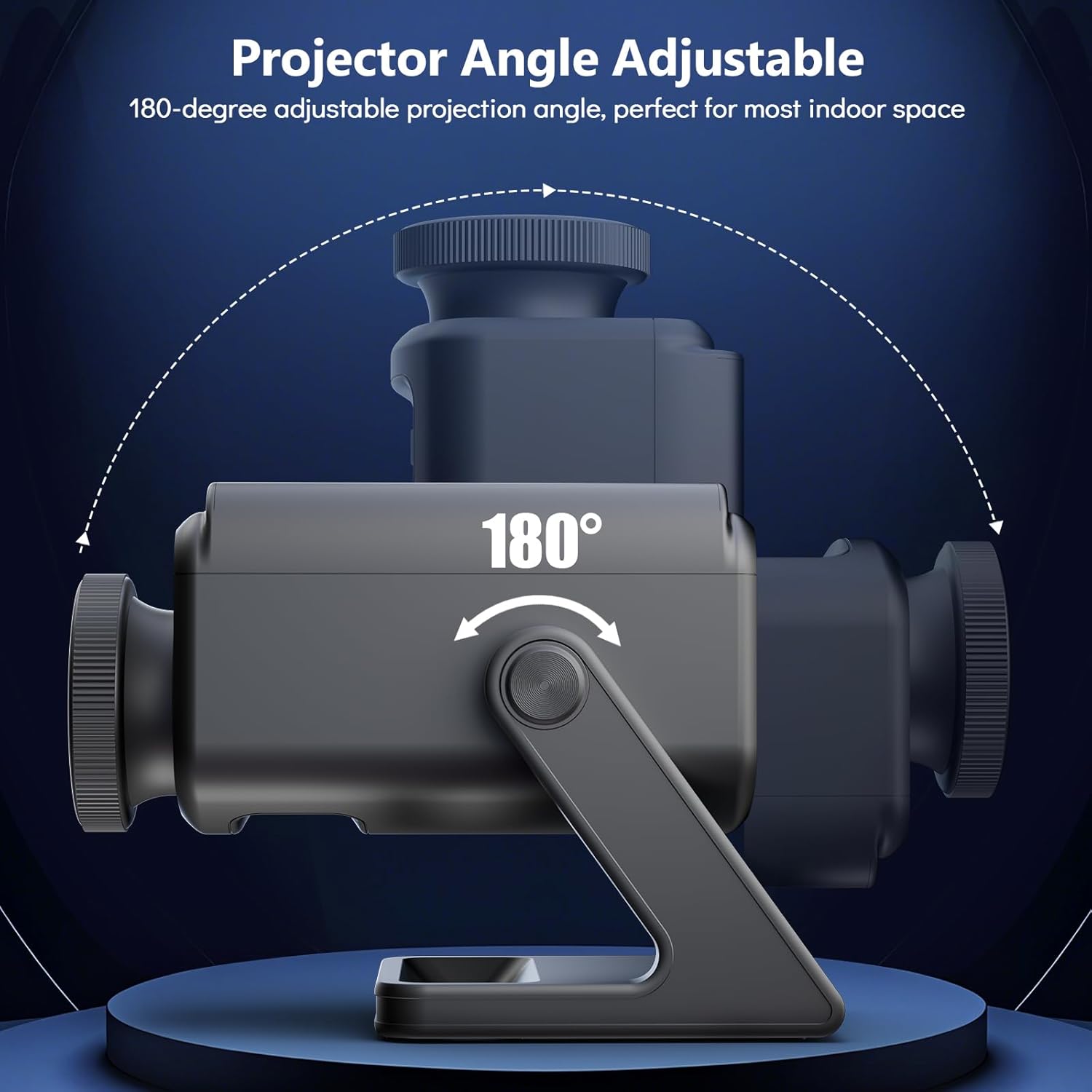
Image: Illustration of the projector's adjustable angle for versatile placement.
- Fókusstilling: Turn the focus wheel on the projector lens to achieve a clear and sharp image.
Notkunarleiðbeiningar
Kveikt/slökkt
- Ýttu á rofann á skjávarpanum eða fjarstýringunni til að kveikja eða slökkva á tækinu.
Þemaval
The projector features 60 dynamic 3D scenes across 12 captivating themes.

Image: A selection of the 60 dynamic 3D themes available with the projector.
- Use the remote control to browse and select desired themes.
- Themes include oceans, wildlife, cosmic wonders, and festivals.
Birtustilling
- Adjust the projection brightness using the dedicated buttons on the remote control.
Tímamælir aðgerð
Set an automatic shut-off timer for convenience and energy saving.
- Press the "1H" or "2H" button on the remote control to set the projector to turn off after 1 or 2 hours, respectively.
Bluetooth hátalari
The integrated Bluetooth speaker allows for audio playback.
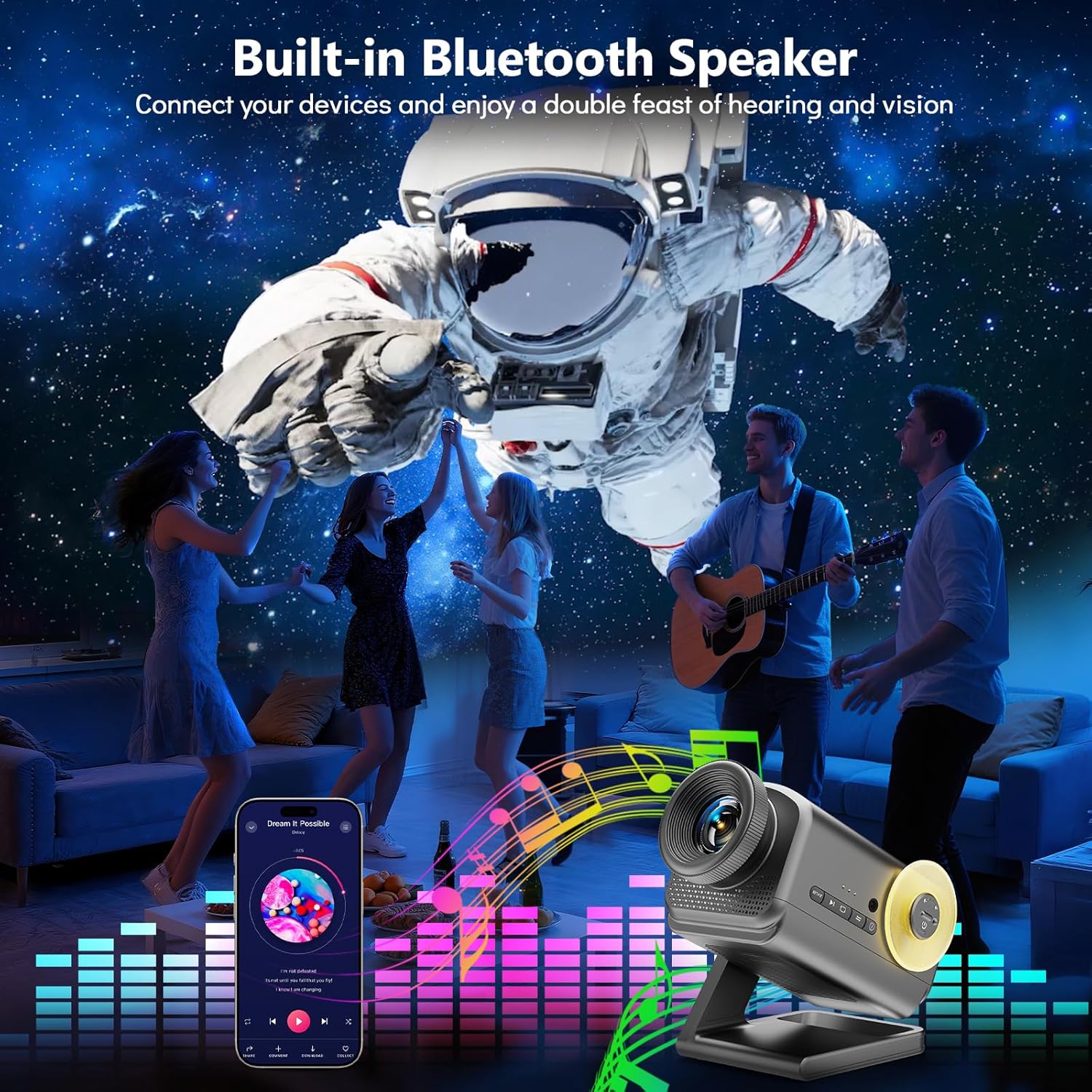
Image: The projector in use, highlighting its Bluetooth speaker capability during a social gathering.
- Virkjaðu Bluetooth á farsímanum þínum.
- Leitaðu að "Rossetta Projector" in your device's Bluetooth settings and pair.
- You can now stream audio from your device or use the projector's built-in theme-matched background sounds.
Notkun fjarstýringar
The remote control provides comprehensive access to all features.
- Aflhnappur: Kveikt/slökkt.
- Theme Selection Buttons: Navigate through the 60 themes.
- Hnappur fyrir birtustig: Auka eða minnka birtustig vörpunar.
- Timer Buttons (1H/2H): Set automatic shut-off.
- Hljóðstyrkshnappar: Stilltu hljóðstyrk hátalara.
- Bluetooth hnappur: Toggle Bluetooth mode.
Samþætting fjölmiðla
Opinbert vörumyndband
Watch this video for a visual demonstration of the Rossetta 3D Galaxy Projector's features and capabilities.
Myndband: Opinbert vörumyndbandssýningasing the Rossetta 3D Theme Projector and its various projections.
Viðhald
- Þrif: Use a soft, dry cloth to clean the exterior of the projector. Do not use liquid cleaners or abrasive materials.
- Linsuumhirða: Gently wipe the projector lens with a microfiber cloth designed for optics. Avoid touching the lens with bare hands.
- Geymsla: Þegar skjávarpinn er ekki í notkun skal geyma hann á köldum, þurrum stað, fjarri beinu sólarljósi og miklum hita.
Úrræðaleit
| Vandamál | Möguleg orsök | Lausn |
|---|---|---|
| Skjávarpinn kveikir ekki á sér. | Engin aflgjafi. | Gakktu úr skugga um að rafmagnsbreytirinn sé vel tengdur bæði við skjávarpann og virkan rafmagnsinnstungu. |
| Myndin er óskýr. | Fókusinn er ekki rétt stilltur. | Rotate the focus wheel on the projector lens until the image is clear. |
| Bluetooth hátalari tengist ekki. | Bluetooth is not enabled or device is out of range. | Ensure Bluetooth is enabled on your device and the projector, and that they are within pairing range. Restart both devices if necessary. |
| Fjarstýring virkar ekki. | Lítil rafhlaða eða hindrun. | Skiptu um rafhlöður í fjarstýringunni. Gakktu úr skugga um að engar hindranir séu á milli fjarstýringarinnar og skjávarpans. |
Tæknilýsing
| Eiginleiki | Smáatriði |
|---|---|
| Litur | Grátt |
| Efni | Plast |
| Tegund ljósgjafa | Ljósdíóða (LED) |
| Aflgjafi | Rafmagn með snúru |
| Voltage | 19 volt (DC) |
| Ljósgjafi Wattage | 28 Watt |
| Vörumál | 7.76" L x 5" B x 5.59" H |
| Þyngd hlutar | 3.06 pund |
| Geislahorn | 220 gráður |
| Eiginleikar | Dimmable, Bluetooth Speaker, 60 Themes, 1H/2H Timer |
| Vottanir | CE, FCC, RoHS |
Ábyrgð og stuðningur
Rossetta is committed to providing quality products and customer satisfaction.
- Skil/skipti: Easy return and replacement options are available. Please refer to your purchase platform's return policy for details.
- Faglegur stuðningur: Rossetta offers lifetime professional support for its products. For assistance, please contact customer service through the vendor's contact information provided at the point of purchase.
Ask a question about this manual
Ask about setup, troubleshooting, compatibility, parts, safety, or missing instructions. Manuals+ will review the question and use this page’s manual context to help answer it.