
Rossetta BL-3D02
Rossetta BL-3D02 3D Galaxy Projector User Manual
Model: BL-3D02 | Brand: Rossetta
Mikilvægar öryggisupplýsingar
- Lestu allar leiðbeiningar fyrir notkun.
- Haltu tækinu frá vatni og raka.
- Ekki reyna að taka tækið í sundur eða gera við það sjálfur. Hafðu samband við hæft þjónustufólk.
- Notaðu aðeins meðfylgjandi straumbreyti.
- Avoid direct eye exposure to the projection lens.
- Gakktu úr skugga um rétta loftræstingu til að koma í veg fyrir ofhitnun.
- Geymið þar sem lítil börn ná ekki til.
Innihald pakka
Gakktu úr skugga um að allir hlutir séu til staðar í pakkanum:
- Rossetta 3D Projector (Model: BL-3D02)
- Fjarstýring
- Rafmagns millistykki
- Notendahandbók (Þetta skjal)
Vara lokiðview
The Rossetta BL-3D02 is a versatile 3D galaxy projector featuring a built-in Bluetooth speaker, timer functions, and adjustable projection capabilities. It is designed to create immersive visual and auditory experiences.
Aðaleining og íhlutir

Image: The Rossetta 3D Projector, its remote control, and a smartphone displaying music playback, illustrating the device's features.
- Myndvarpslinsa: Emits the 3D visual effects.
- Fókushjól: Located around the lens, used to adjust image clarity.
- Stjórnhnappar: On the device for basic functions (power, mode, volume).
- Bluetooth hátalari: Innbyggt fyrir hljóðspilun.
- Aflhöfn: Til að tengja straumbreytinn.
Fjarstýring
The included remote control provides convenient access to all projector functions, including power, theme selection, brightness, volume, and timer settings.
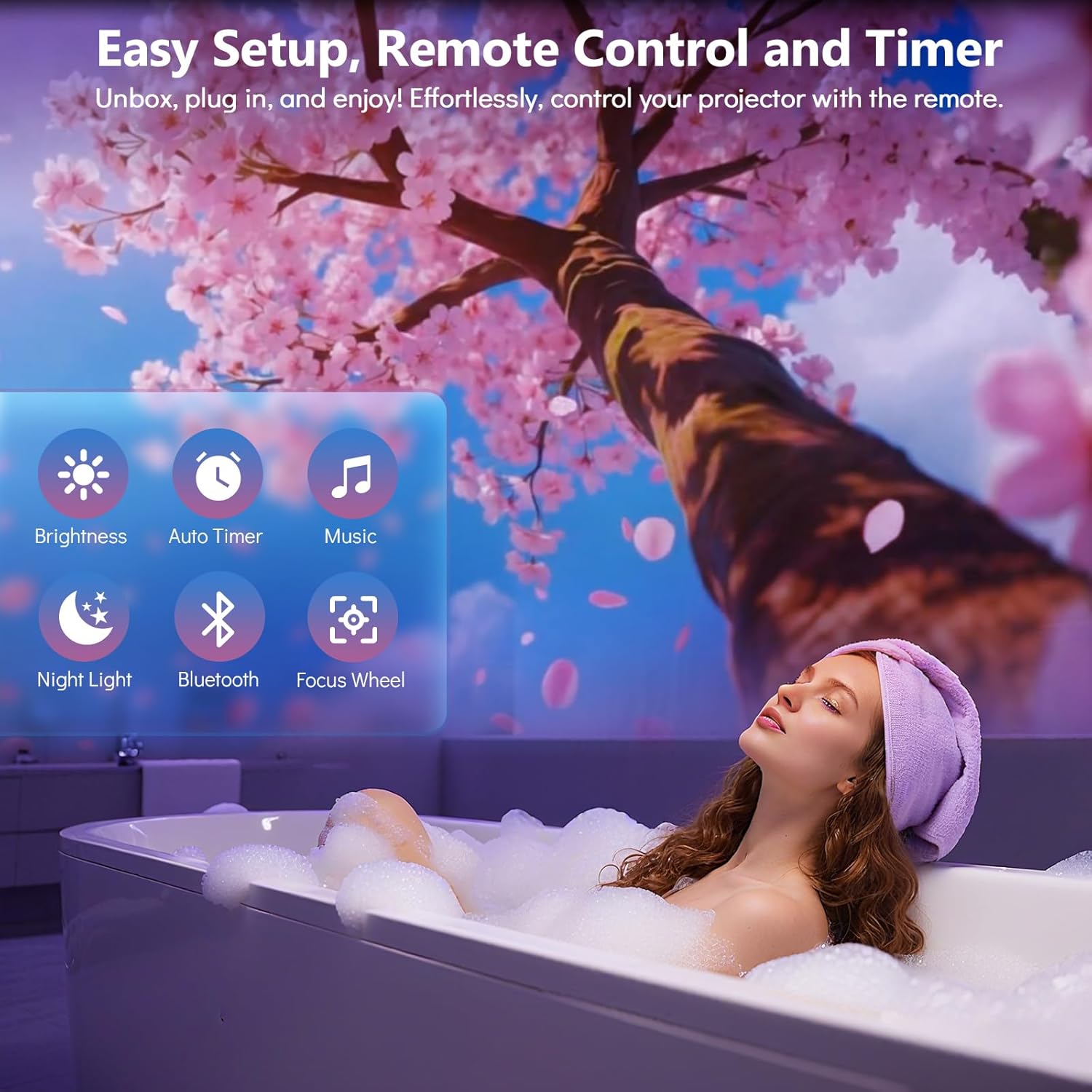
Image: A woman relaxing in a bath with a cherry blossom projection on the wall, highlighting the remote control's ease of use for various functions like brightness, timer, music, night light, Bluetooth, and focus wheel.
Uppsetningarleiðbeiningar
- Staðsetning: Position the projector on a stable, flat surface. For optimal projection, place the device 10 to 20 feet away from the desired projection surface (wall or ceiling). This distance covers an area of approximately 130-385 sq. ft.
- Rafmagnstenging: Connect the provided power adapter to the projector's power port and then plug it into a standard electrical outlet.
- Upphafleg kveikt á: Ýttu á rofann á skjávarpanum eða fjarstýringunni til að kveikja á tækinu.
- Stilla vörpun horn: The projector features a 220-degree adjustable angle. Tilt the projector to direct the projection onto your desired surface.
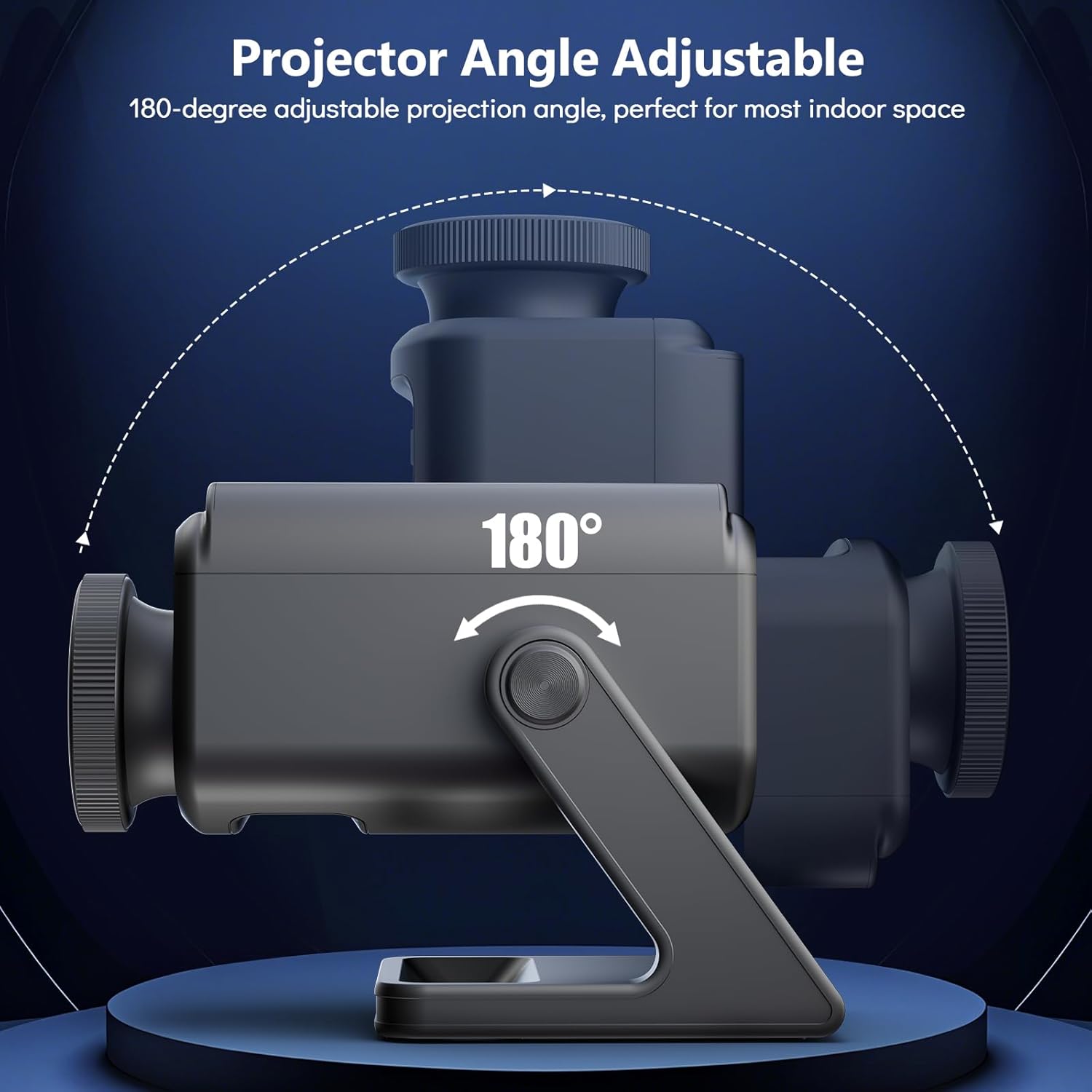
Image: A diagram showing the Rossetta 3D Projector's base and main body, with arrows indicating a 220-degree range of motion for adjusting the projection angle.
- Stilla fókus: Rotate the focus wheel around the projection lens until the image appears clear and sharp on the surface.

Mynd: Ítarleg view of the projector's HD lens assembly, with an inset showing the focus wheel and its adjustment directions for clarity.
Notkunarleiðbeiningar
Kveikt/slökkt
Ýttu á Kraftur button on the remote control or the device to turn the projector on or off.
Selecting Projection Themes
The projector comes with 60 dynamic 3D projections across 12 captivating themes. Use the Þemaval buttons on the remote to cycle through the available themes. Themes include oceans, wildlife, cosmic wonders, and festive scenes.

Image: A man and a child observing a projected galaxy scene on a ceiling, surrounded by thumbnails of various available themes such as planets, astronauts, jellyfish, and seasonal scenes.
Bluetooth Speaker Functionality
- Virkjaðu Bluetooth: Ýttu á Bluetooth button on the remote or device. The projector will enter pairing mode.
- Para tæki: On your smartphone or other Bluetooth-enabled device, search for "Rossetta Projector" (or similar name) in the Bluetooth settings and select it to pair.
- Spila hljóð: Once paired, you can stream music or other audio through the projector's built-in speaker.
- Innbyggt hljóð: The projector also features theme-matched background tracks that sync with the projections. You can switch between Bluetooth audio and built-in sounds using the remote.
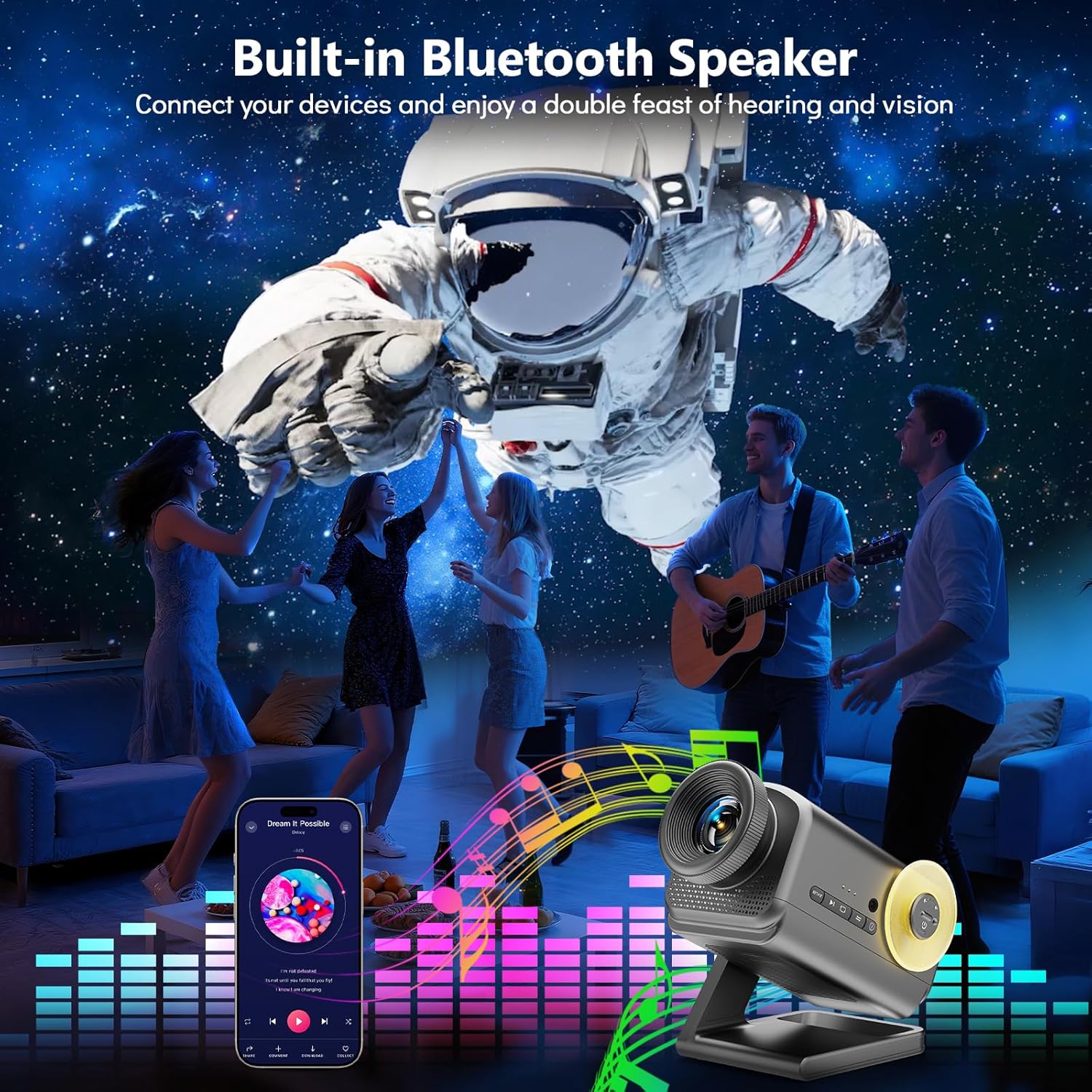
Image: A group of people dancing in a room with an astronaut projection on the wall, accompanied by a graphic equalizer, demonstrating the projector's Bluetooth speaker capability.
Tímamælir aðgerð
The projector includes a 1-hour (1H) and 2-hour (2H) timer function. Press the corresponding timer button on the remote control to set the projector to automatically turn off after the selected duration.
Birtustilling
Adjust the projection brightness using the Birtustig buttons on the remote control to suit your environment and preference.
Creating Ambiance
The Rossetta 3D Projector can create various atmospheres for relaxation, sleep, or themed parties. Experiment with different themes and audio settings to find your preferred ambiance.

Image: A woman in a yoga pose in a dimly lit room, with a serene, glowing tree-like projection on the wall, illustrating the projector's ability to create a tranquil atmosphere.

Image: A family (father, mother, and child) sitting on the floor opening gifts, with a festive Christmas-themed projection on the wall, demonstrating its use for holiday decor.
Viðhald
- Þrif á linsunni: Use a soft, dry, lint-free cloth to gently wipe the projection lens. Do not use liquid cleaners or abrasive materials.
- Þrif á tækinu: Wipe the exterior of the projector with a soft, slightly damp klút. Gakktu úr skugga um að tækið sé tekið úr sambandi áður en það er hreinsað.
- Geymsla: Þegar skjávarpinn er ekki í notkun í langan tíma skal geyma hann á köldum, þurrum stað, fjarri beinu sólarljósi og miklum hita.
Úrræðaleit
| Vandamál | Möguleg orsök | Lausn |
|---|---|---|
| Skjávarpinn kveikir ekki á sér. | Engin aflgjafi; laus tenging. | Ensure the power adapter is securely connected to both the projector and the power outlet. Verify the outlet is functional. |
| Myndin er óskýr. | Focus not adjusted; projector too far/close. | Rotate the focus wheel on the lens until the image is clear. Adjust the distance of the projector from the projection surface. |
| No sound from Bluetooth speaker. | Bluetooth not paired; volume too low; incorrect audio source. | Ensure your device is correctly paired with the projector. Increase volume on both the projector and your device. Check if the projector is set to Bluetooth audio mode. |
| Fjarstýring virkar ekki. | Batteries depleted; obstruction; out of range. | Replace remote control batteries. Ensure there are no obstructions between the remote and the projector. Operate within effective range. |
Tæknilýsing
| Eiginleiki | Smáatriði |
|---|---|
| Gerðarnúmer | BL-3D02 |
| Vörumerki | Rossetta |
| Litur | Dökkgrár |
| Efni | Plast |
| Tegund ljósgjafa | Ljósdíóða (LED) |
| Aflgjafi | Rafmagn með snúru |
| Voltage | 19 volt (DC) |
| Birtustig | 160 lúmen |
| Ljósgjafi Wattage | 28 Watt |
| Hvaðtage (Samtals) | 38 Watt |
| Vörumál | 7.76" L x 5" B x 5.59" H |
| Þyngd hlutar | 3.08 pund |
| Meðallíf | 20000 klukkustundir |
| Sérstakir eiginleikar | 3D Projection Effects, Bluetooth Speaker, HD Projection Lens, Adjustable Focus, Adjustable Projection Angle (220°), Remote Control, Auto Timer (1H/2H), Night Light Mode |
| Vottanir | CE, FCC, RoHS |
Opinbert vörumyndband
Video: An official product video from Rossetta demonstrating the 3D Projector Planetarium Projector in action, showcasing various projection effects and features.
Ábyrgð og stuðningur
For warranty information and technical support, please refer to the contact details provided on the product packaging or visit the official Rossetta websíða.
Geymið kaupkvittunina vegna ábyrgðarkröfu.
Ask a question about this manual
Ask about setup, troubleshooting, compatibility, parts, safety, or missing instructions. Manuals+ will review the question and use this page’s manual context to help answer it.