1. Vöru lokiðview
Vim-inntag CP1 is a wireless IP video monitoring surveillance security camera designed for remote home or business monitoring. It features high-definition video, pan/tilt functionality, two-way audio, and night vision capabilities.
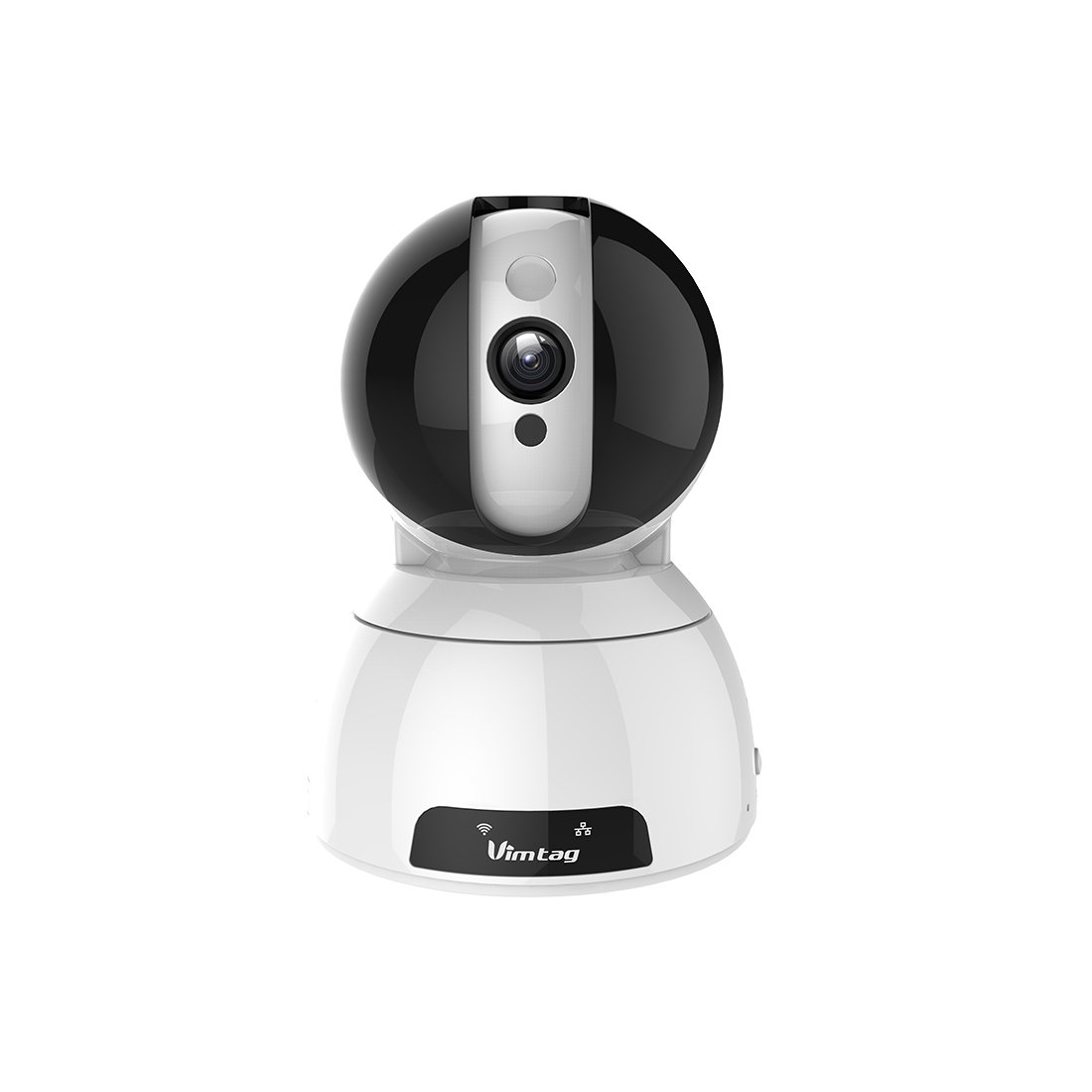
Figure 1: Vimtag CP1 Camera Front View
Helstu eiginleikar:
- HD Video Quality: 1280 x 720p at 25 frames per second for clear monitoring.
- Snúnings- og hallavirkni: 350-degree horizontal rotation and 100-degree vertical tilt to cover a wide area.
- Tvíhliða hljóð: Innbyggður hljóðnemi og hátalari fyrir samskipti.
- Nætursjón: Infrared LEDs provide clear visibility up to 10 meters in low-light conditions.
- Hreyfiskynjun: Alerts with snapshots and video clips upon detecting movement.
- Staðbundin og skýjageymsla: Supports Micro SD cards up to 64GB and optional cloud storage.
- Auðveld uppsetning: Quick Wi-Fi setup via the Vimtag farsímaforrit.

Figure 2: Vimtag CP1 Key Features
2. Uppsetningarleiðbeiningar
2.1 Innihald pakka
Áður en byrjað er, vertu viss um að allir hlutir séu til staðar í pakkanum:
- 1 x Vimtag CP1 Camera
- 1 x Camera Rack
- 1 x rafmagnssnúra
- 1 x Ethernet snúru
- 1 x Notendahandbók (þetta skjal)
2.2 Upphafleg uppsetningarskref
- Kveikt á: Connect the power cable to the camera and plug it into a power outlet. The camera will initiate its startup sequence.
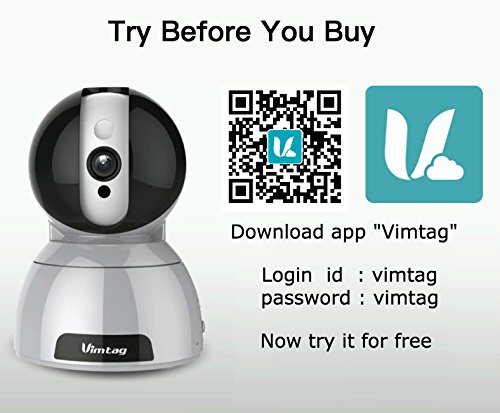
- Sækja appið: Download the free Vimtag appið úr appverslun snjallsímans þíns (iOS App Store eða Google Play Store).
- Reikningsskráning: Opnaðu Vimtag app and register for a new account or log in if you already have one.
- Bæta við myndavél: Follow the in-app instructions to add your new CP1 camera. This typically involves scanning a QR code on the camera or entering its device ID.
- Wi-Fi stillingar: Configure the camera to connect to your Wi-Fi network using the app. Ensure your Wi-Fi network is 2.4GHz, as 5GHz networks may not be supported.
- Festing (valfrjálst): Use the included camera rack to mount the camera on a wall or ceiling if desired.
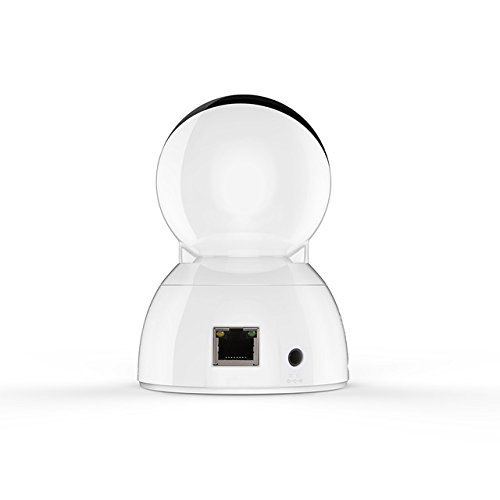
Figure 3: Vimtag CP1 Back View með höfnum
For detailed visual guidance, refer to the video tutorials available on the official Vimtag stuðning websíða.
3. Notkunarleiðbeiningar
3.1 Í beinni View og snúnings-/hallastýring
Once the camera is connected, open the Vimtag app to access the live video feed. Use the on-screen controls to pan the camera horizontally (350 degrees) and tilt it vertically (100 degrees) to adjust the viewing horn.

Figure 5: Pan and Tilt Control via App
3.2 Tvíhliða hljóð
The camera supports two-way audio. Tap the microphone icon in the app to speak through the camera's speaker, and listen to audio from the camera's built-in microphone.
3.3 Nætursjón
The CP1 camera automatically switches to night vision mode in low-light conditions, providing clear black and white video up to 10 meters using its infrared LEDs.
3.4 Hreyfiskynjun og viðvaranir
Configure motion detection settings within the Vimtag app. You can set sensitivity levels and define specific areas for detection. When motion is detected, the camera can send instant notifications to your smartphone, including snapshots or short video clips.
3.5 Myndbandsupptaka og geymsla
The camera supports two primary storage methods:
- Micro SD kort: Insert a Micro SD card (up to 64GB, not included) into the camera's designated slot for local recording. Recordings can be accessed and managed through the app.
- Skýgeymsla: Optional cloud storage services are available through Vimtag for remote backup and access to recorded footage.
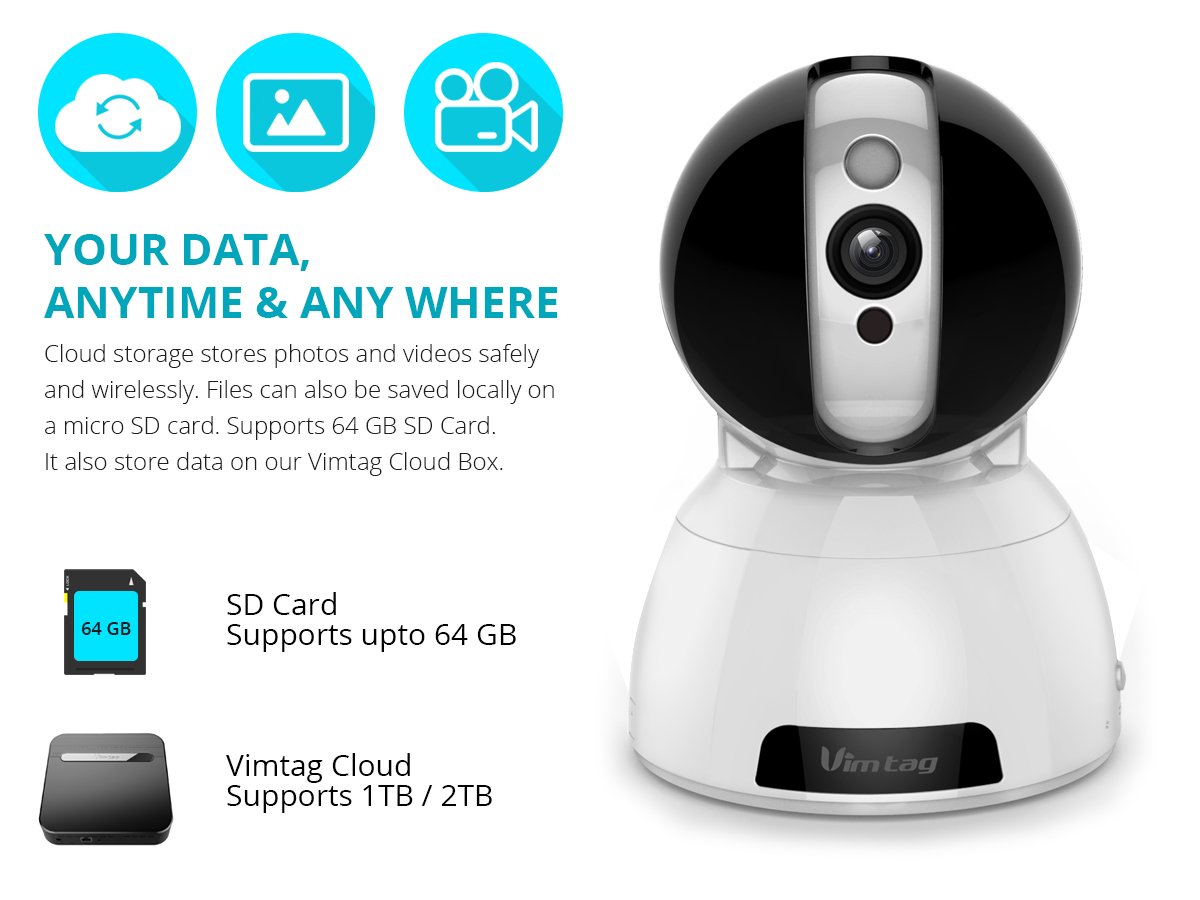
Figure 6: Storage Options for Vimtag CP1
4. Viðhald
4.1 Þrif
To maintain optimal performance, periodically clean the camera's lens and exterior. Use a soft, dry cloth. Avoid abrasive cleaners or solvents that could damage the camera's finish or lens coating.
4.2 vélbúnaðaruppfærslur
Vimtag may release firmware updates to improve camera performance, add features, or enhance security. Check the Vimtag app regularly for available updates and follow the in-app instructions to install them. Ensure the camera remains powered during the update process.
4.3 Umhverfissjónarmið
Vim-inntag CP1 camera is designed for indoor use. Avoid exposing it to extreme temperatures, direct sunlight, high humidity, or water, as it is not water-resistant.
5. Bilanagreining
This section addresses common issues you might encounter with your Vimtag CP1 myndavél.
5.1 Myndavél tengist ekki við Wi-Fi
- Athugaðu Wi-Fi band: Ensure your Wi-Fi network is 2.4GHz. The camera may not support 5GHz networks.
- Merkjastyrkur: Place the camera closer to your Wi-Fi router to ensure a strong signal.
- Rétt lykilorð: Double-check that you are entering the correct Wi-Fi password in the app.
- Endurstilla myndavél: Locate the reset button on the camera (often a small pinhole) and press it for 5-10 seconds until the camera resets. Then, attempt the setup process again.
- Leiðsstillingar: Verify that your router's firewall or security settings are not blocking the camera's connection.
5.2 Léleg myndgæði
- Bandbreidd nets: Ensure your internet connection has sufficient upload speed for streaming HD video.
- App Stillingar: Check the video quality settings within the Vimtag app; you might be able to adjust it.
- Hreinlæti linsunnar: Hreinsaðu myndavélarlinsuna með mjúkum, þurrum klút.
5.3 Vandamál með tvíhliða hljóð
- Hljóðstyrkur: Check the volume settings on your smartphone and within the Vimtag app.
- Hindrun fyrir hljóðnema/hátalara: Gakktu úr skugga um að hljóðnemi og hátalari myndavélarinnar séu ekki hindraðir.
- Netleynd: High network latency can affect audio quality and introduce delays.
5.4 Hreyfiskynjun virkar ekki
- Virkja eiginleika: Verify that motion detection is enabled in the Vimtag stillingar forritsins.
- Næmi: Adjust the motion detection sensitivity. If it's too low, it might miss events.
- Uppgötvunarsvæði: Ensure the areas you want to monitor are correctly configured as detection zones.
6. Tæknilýsingar
| Nafn líkans | Vimtag CP1 |
| Tegundarnúmer vöru | 6970167642228 |
| Myndbandsupplausn | 720p (1280 x 720 pixlar) |
| Rammahlutfall | 25 rammar á sekúndu |
| Pant/halla svið | 350 degrees (Pan) x 100 degrees (Tilt) |
| Stafræn aðdráttur | 4x |
| Nætursjón fjarlægð | Allt að 10 metra (innrautt) |
| Geymsluvalkostir | Micro SD (allt að 64GB), skýgeymsla |
| Tengingar | Wireless (Wi-Fi IEEE802.12b/g/n) |
| Aflgjafi | AC Power Adapter (7 Watts) |
| Mál (L x B x H) | 40 x 30 x 40 millimetrar |
| Þyngd hlutar | 450 grömm |
| Inni/úti notkun | Innandyra |
| Vatnsþolsstig | Ekki vatnsheldur |
| Eftirlitsaðferð | App (Android, iOS), Voice |
7. Ábyrgð og stuðningur
7.1 Vöruábyrgð
Vim-inntag CP1 camera comes with a 6 mánaða endurnýjunarábyrgðÞessi ábyrgð nær yfir framleiðslugalla og bilanir við eðlilega notkun. Vinsamlegast geymið kaupkvittunina vegna ábyrgðarkröfu.
7.2 Þjónustuver
For any queries, technical assistance, or warranty claims, please contact Vimtag customer support. Support is available via telephone, chat, Skype, and email. Refer to the official Vimtag websíðu fyrir nýjustu tengiliðaupplýsingar.
Step-by-step setup instructions and video tutorials are also available on the Vimtag support portal to assist you with installation and operation.


