1. Inngangur
This manual provides detailed instructions for the installation, operation, and maintenance of your CP Plus CP-UVR-0401E1-S 4 Channel Digital Video Recorder (DVR). This device is designed for surveillance applications, allowing you to record and manage video footage from up to four cameras. Please read this manual thoroughly before using the product to ensure proper and safe operation.
2. Öryggisupplýsingar
- Aflgjafi: Notið aðeins tilgreindan straumbreyti. Rangt hljóðstyrkurtage getur skemmt tækið og ógilt ábyrgðina.
- Loftræsting: Ensure adequate ventilation around the DVR. Do not block ventilation openings.
- Umhverfi: Avoid exposing the DVR to extreme temperatures, humidity, dust, or direct sunlight.
- Meðhöndlun: Handle the device with care. Avoid dropping or subjecting it to strong vibrations.
- Þjónusta: Do not attempt to open or service the DVR yourself. Refer all servicing to qualified personnel.
3. Innihald pakka
Gakktu úr skugga um að allir hlutir séu til staðar í pakkanum:
- CP Plus CP-UVR-0401E1-S 4 Channel DVR Unit
- Rafmagns millistykki
- USB mús
- Screws for Hard Disk Drive (HDD) Installation
- Flýtileiðarvísir
4. Uppsetning
4.1. Uppsetning á harða diski (HDD)
The CP-UVR-0401E1-S DVR is supplied without a pre-installed hard disk drive. An HDD is required for recording video footage.
- Unscrew and remove the top cover of the DVR unit.
- Connect the SATA data cable and power cable from the DVR to the corresponding ports on your 3.5-inch SATA HDD.
- Festið harða diskinn við botn DVR-grindarinnar með meðfylgjandi skrúfum.
- Settu efri hlífina aftur á og festu hana með skrúfum.
4.2. Tenging myndavéla
Connect your analog surveillance cameras to the BNC video input ports on the rear panel of the DVR. The DVR supports up to 4 cameras.
4.3. Connecting a Monitor
Connect a monitor to the DVR using either the VGA or HDMI output port on the rear panel. This allows you to view beina útsendingu og stilla stillingar.
4.4. Nettenging
Fyrir fjarstýringu viewing and network features, connect an Ethernet cable from your router or network switch to the LAN port on the DVR's rear panel.
4.5. Rafmagnstenging
Connect the provided power adapter to the DC 12V input port on the DVR, then plug the adapter into a power outlet. The DVR will power on automatically.
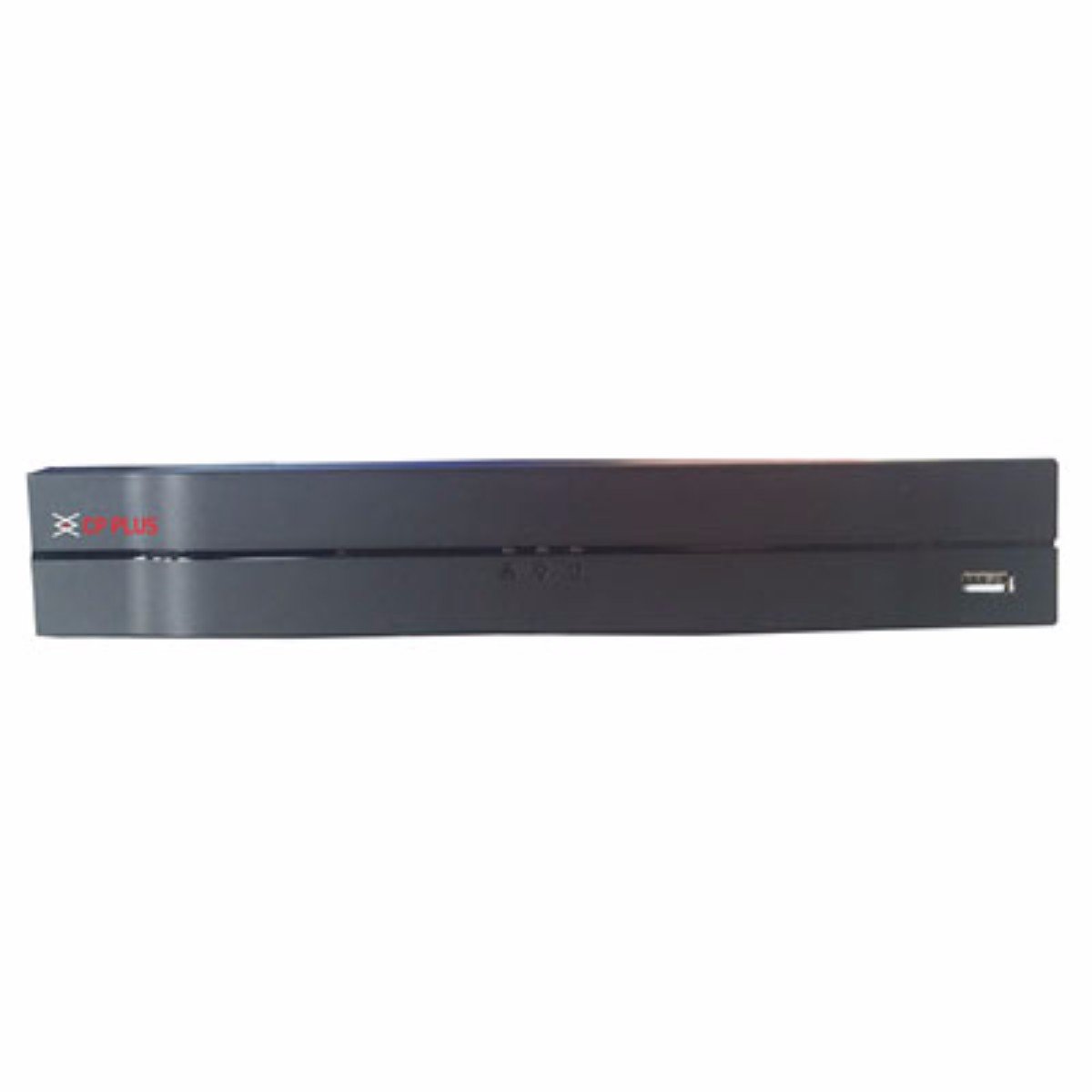
Mynd: Framan view of the CP Plus CP-UVR-0401E1-S 4 Channel DVR unit, showing its compact black design and front panel indicators.
5. Rekstur
5.1. Upphafleg ræsing og uppsetningarhjálp
Upon first power-on, the DVR will guide you through an initial setup wizard. This typically includes setting the date/time, network configuration, and creating an administrator password. Follow the on-screen prompts.
5.2. Leiðsögn notendaviðmóts
Use the included USB mouse to navigate the DVR's graphical user interface (GUI). Right-click to access the main menu, and left-click to select options.
5.3. Lifandi View
Eftir uppsetningu mun DVR-tækið sýna beina útsendingu view from connected cameras. You can switch between single-camera view og fjölmyndavélarnet views.
5.4. Upptökustillingar
Access the 'Record' settings from the main menu to configure recording schedules, motion detection, and other recording parameters for each camera. Ensure your HDD is formatted and recognized by the system.
5.5. Spilun
Að endurtakaview skráð footage, select 'Playback' from the main menu. You can search for recordings by date, time, and camera channel. Use the playback controls to fast forward, rewind, and pause.
5.6. Network Access / Remote Viewing
Configure network settings (IP address, port forwarding, or P2P cloud service) to enable remote access to your DVR via a web browser or mobile application. Refer to the DVR's network settings menu for specific options.
6. Viðhald
6.1. Regluleg þrif
Periodically clean the exterior of the DVR with a soft, dry cloth. Ensure ventilation openings are free from dust and debris to prevent overheating.
6.2. HDD Management
Regularly check the status of your Hard Disk Drive (HDD) through the DVR's system settings. Ensure there is sufficient storage space and that the HDD is functioning correctly. The DVR may automatically overwrite older footage when the disk is full, depending on your settings.
6.3. Fastbúnaðaruppfærslur
Check the manufacturer's official website for available firmware updates. Firmware updates can improve performance, add new features, or fix bugs. Follow the provided instructions carefully when performing an update.
7. Bilanagreining
7.1. Enginn kraftur
- Gakktu úr skugga um að rafmagnsbreytirinn sé vel tengdur við DVR og virkan rafmagnsinnstungu.
- Staðfestu að rafmagnsinnstungan virki með því að stinga í samband annað tæki.
7.2. No Video Signal on Monitor
- Check the VGA or HDMI cable connection between the DVR and the monitor.
- Gakktu úr skugga um að skjárinn sé kveikt á og stilltur á rétta inntaksuppsprettu.
- Gakktu úr skugga um að myndavélarnar séu rétt tengdar og að þær séu knúnar.
7.3. Upptökuvandamál
- Confirm that an HDD is installed and properly formatted within the DVR's settings.
- Check the recording schedule and ensure it is enabled for the desired channels.
- Verify that the HDD has sufficient free space.
7.4. Vandamál með nettengingu
- Ensure the Ethernet cable is securely connected to the DVR and your router/switch.
- Check the network settings in the DVR to confirm correct IP address configuration (DHCP or static IP).
- Verify your router is functioning correctly and providing network access.
8. Tæknilýsing
| Eiginleiki | Forskrift |
|---|---|
| Gerðarnúmer | CP-UVR-0401E1-S |
| Fjöldi rása | 4 |
| Tengitækni | USB-Ethernet |
| Samtals USB tengi | 4 |
| Fjölmiðlasnið Stafrænt myndband | HDD (Hard Disk Drive, not included) |
| Stærðir pakka | 33.6 x 30.6 x 8.6 cm |
| Þyngd hlutar | 1.44 kg |
| Rafhlöður nauðsynlegar | Nei |
9. Upplýsingar um ábyrgð
This product is covered by a manufacturer's warranty. For specific warranty terms, conditions, and duration, please refer to the warranty card included with your product or visit the official CP Plus webGeymið kaupkvittunina sem sönnun fyrir kaup vegna ábyrgðarkröfu.
10. Stuðningur
For technical assistance, troubleshooting beyond this manual, or service inquiries, please contact CP Plus customer support. Contact details can typically be found on the manufacturer's websíðuna eða í vöruumbúðunum.