Notendahandbók fyrir DALI IO-6 Premium þráðlaus heyrnartól með ANC hljóðnema
Gerð: IO-6
Inngangur
Welcome to the user manual for your DALI IO-6 Premium Wireless Over-The-Ear ANC Headphones. These headphones are designed to deliver exceptional audio quality with the convenience of wireless connectivity and advanced Active Noise Cancellation (ANC) technology. This manual provides essential information on setup, operation, maintenance, and troubleshooting to ensure you get the most out of your DALI IO-6 headphones.
Innihald pakka
Áður en þú byrjar skaltu ganga úr skugga um að allir hlutir séu til staðar í pakkanum:
- DALI IO-6 heyrnartól
- USB hleðslusnúra
- 3.5 mm hljóðsnúra
- Travel Case (if included)
- Flýtileiðarvísir
- Eyrnapúðar
Note: The specific contents may vary slightly based on regional packaging.
Uppsetning
1. Hleðsla heyrnartólanna
Before first use, fully charge your DALI IO-6 headphones. A full charge provides approximately 30 hours of battery life with ANC enabled.
- Connect the supplied USB charging cable to the USB-C port on the headphones.
- Connect the other end of the cable to a USB power adapter (not supplied) or a powered USB port on a computer.
- The LED indicator on the headphones will show charging status. It typically takes about 2 hours for a full charge.

Figure 1: DALI IO-6 headphones, Army Green color, showing the overall design. The USB-C port is located on one of the earcups.
2. Pörun Bluetooth
Pair your DALI IO-6 headphones with your Bluetooth-enabled device (smartphone, tablet, laptop, etc.).
- Gakktu úr skugga um að slökkt sé á heyrnartólunum.
- Press and hold the Power/Bluetooth button on the headphones for approximately 5 seconds until the LED indicator flashes blue and red, indicating pairing mode.
- Farðu í Bluetooth-stillingar í tækinu þínu og virkjaðu Bluetooth.
- Select "DALI IO-6" from the list of available devices.
- Once paired, the LED indicator on the headphones will turn solid blue.

Mynd 2: Framan view of the DALI IO-6 headphones, showcasing the earcups and headband. The control buttons are located on the right earcup.
3. Þráðlaus tenging
For a wired connection, use the supplied 3.5mm audio cable.
- Connect one end of the 3.5mm audio cable to the audio input jack on the headphones.
- Tengdu hinn endann við 3.5 mm hljóðútganginn á tækinu þínu.
- Heyrnartólin skipta sjálfkrafa yfir í snúrutengda stillingu.
Notkunarleiðbeiningar
Kveikt/slökkt
- Til að kveikja: Ýttu á og haltu inni aflrofanum í 2 sekúndur.
- Til að slökkva: Haltu inni aflrofanum í 3 sekúndur.
Music Playback and Call Control
| Virka | Aðgerð |
|---|---|
| Spila / gera hlé | Ýttu einu sinni á fjölvirka hnappinn. |
| Næsta lag | Ýttu tvisvar á fjölnotahnappinn. |
| Fyrra lag | Ýttu þrisvar sinnum á fjölnotahnappinn. |
| Hljóðstyrkur upp | Ýttu á hljóðstyrk + hnappinn. |
| Hljóðstyrkur niður | Ýttu á Hljóðstyrkshnappinn -. |
| Svara/slíta símtali | Ýttu einu sinni á fjölvirka hnappinn. |
| Hafna símtali | Ýttu á og haltu Multi-function takkanum í 2 sekúndur. |
| Virkjaðu raddaðstoðarmann | Ýttu á fjölnotahnappinn og haltu honum inni í 2 sekúndur (þegar ekki er verið að tala í hann). |
Virk hávaðadeyfing (ANC) og gegnsæisstilling
The DALI IO-6 features Active Noise Cancellation to reduce ambient noise and a Transparency Mode to allow external sounds to pass through.
- To cycle through ANC modes (ANC On, Transparency Mode, ANC Off): Press the ANC button located on the earcup.
- The LED indicator will change color to indicate the current ANC mode.
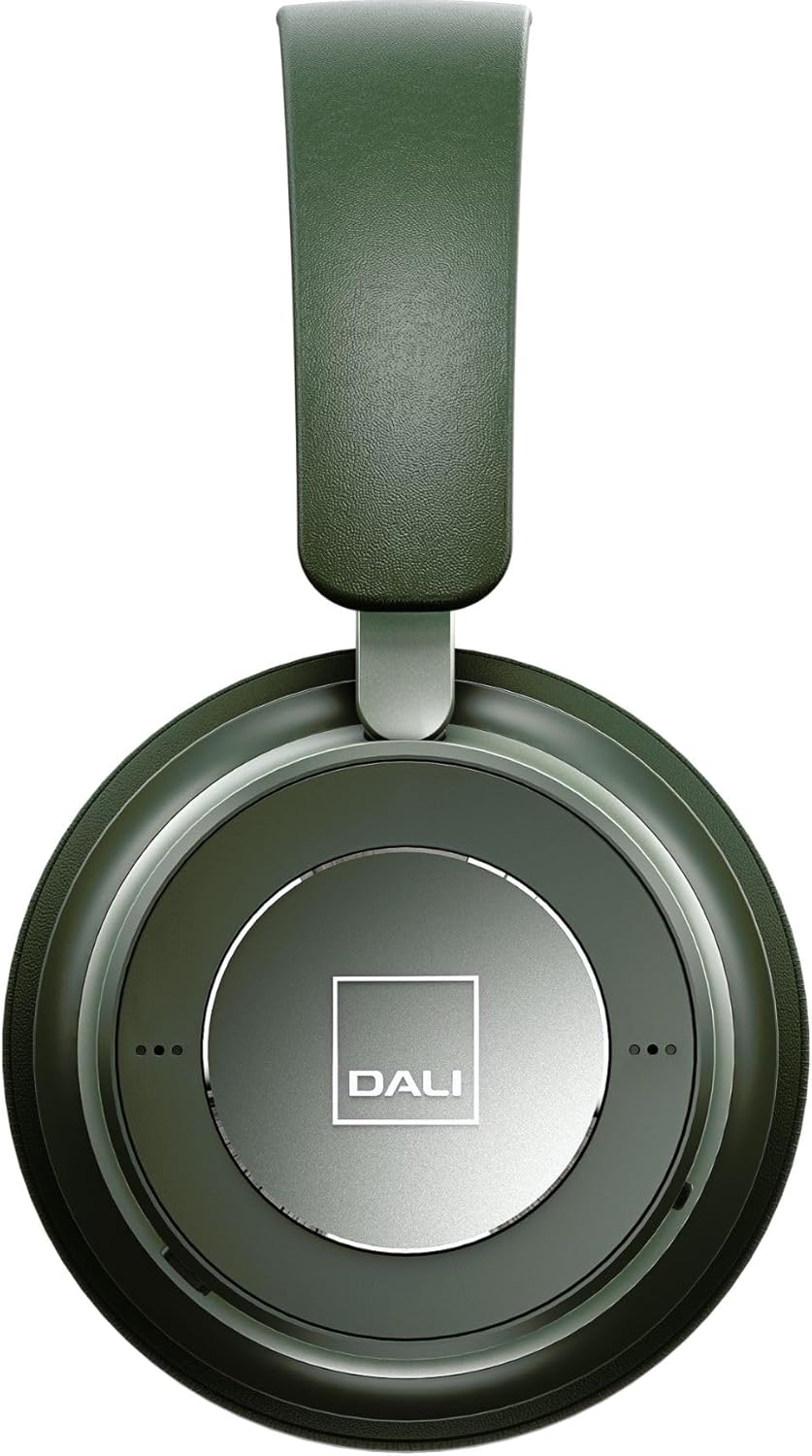
Mynd 3: Nærmynd view of the DALI IO-6 earcup, highlighting the DALI logo and the subtle design details. The control buttons are integrated into the earcup design.
Viðhald og umhirða
Proper care will extend the life and performance of your DALI IO-6 headphones.
- Þrif: Use a soft, dry cloth to clean the headphones. Do not use abrasive cleaners, solvents, or strong chemicals.
- Geymsla: When not in use, store the headphones in their protective travel case to prevent damage.
- Hitastig: Forðist að láta heyrnartólin verða fyrir miklum hita (heitu eða köldu) eða miklum raka.
- Vökvaútsetning: Keep the headphones away from water and other liquids. They are not waterproof.
- Eyrnapúðar: The ear cushions are designed for comfort and can be replaced if worn. Refer to DALI's official webstaður fyrir varahluti.

Figure 4: DALI IO-6 headphones resting on a concrete surface, demonstrating their robust build and design. This image highlights the durable materials used.
Úrræðaleit
If you encounter issues with your DALI IO-6 headphones, try the following solutions:
| Vandamál | Möguleg lausn |
|---|---|
| Enginn kraftur | Gakktu úr skugga um að heyrnartólin séu fullhlaðin. Tengdu þau við aflgjafa og athugaðu hleðsluvísinn. |
| Ekki er hægt að para í gegnum Bluetooth |
|
| Ekkert hljóð |
|
| ANC virkar ekki á skilvirkan hátt |
|
Tæknilýsing
| Eiginleiki | Smáatriði |
|---|---|
| Nafn líkans | IO-6 |
| Tengitækni | Þráðlaust (Bluetooth 5.0) |
| Hávaðastýring | Virk hávaða (ANC) |
| Heyrnartólstengi | 3.5 mm Jack |
| Rafhlöðuending | Allt að 30 klukkustundir (með ANC) |
| Hleðslutími | U.þ.b. 2 klst |
| Tíðnisvið | 10 - 20000 Hz |
| Viðnám | 25 Ohm |
| Stærð hljóðbílstjóra | 50 mm |
| Efni | Plastic, Memory Foam |
| Vörumál | 3.11 x 8.86 x 9.65 tommur |
| Þyngd hlutar | 2.4 pund |
Ábyrgð og stuðningur
DALI products are built to high standards and come with a limited warranty. For specific warranty terms and conditions, please refer to the warranty card included with your product or visit the official DALI websíða.
For technical support, service, or replacement parts, please contact DALI customer support through their official website or authorized service centers. You can find more information and contact details at: www.dali-speakers.com


