Inngangur
This manual provides detailed instructions for the installation, operation, and maintenance of your AXAGON ADSA-ST USB 3.0 Docking Station. This device is designed to connect 2.5" and 3.5" SATA SSDs and HDDs to your computer via a USB 3.0 interface, offering fast data transfer speeds.
Vinsamlegast lesið þessa handbók vandlega áður en varan er notuð til að tryggja rétta virkni og koma í veg fyrir skemmdir.
Innihald pakka
Gakktu úr skugga um að allir íhlutir séu til staðar í pakkanum:
- AXAGON ADSA-ST Docking Station
- USB 3.0 Type-A to Micro-B cable
- Rafmagns millistykki
- Notendahandbók (þetta skjal)

Image: The AXAGON ADSA-ST Docking Station shown alongside its retail packaging, illustrating the product and its box.
Helstu eiginleikar
- Supports 2.5" and 3.5" SATA I/II/III SSDs and HDDs.
- USB 3.0 (USB 3.2 Gen 1) interface with up to 5 Gbps transfer speed.
- SATA 6G (SATA III) support.
- UASP (USB Attached SCSI Protocol) support for enhanced performance.
- TRIM support for SSDs.
- HDD Auto Spindown function.
- LED indication for power and activity.
- Compact design with aluminum body.

Mynd: A view of the AXAGON ADSA-ST Docking Station highlighting its 5 Gbps USB 3.2 Gen 1 speed and compact size.
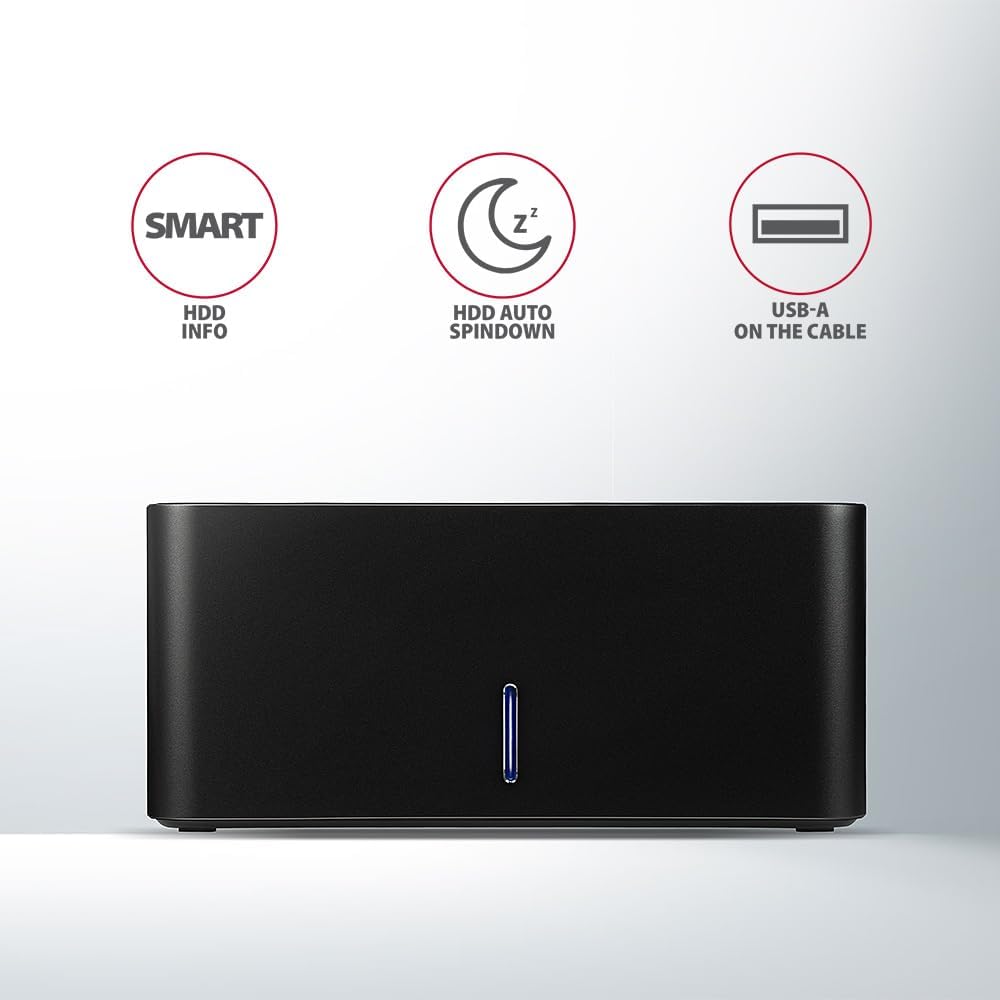
Image: The docking station from the front, indicating features like SMART HDD info, automatic HDD spindown, and USB-A connectivity.
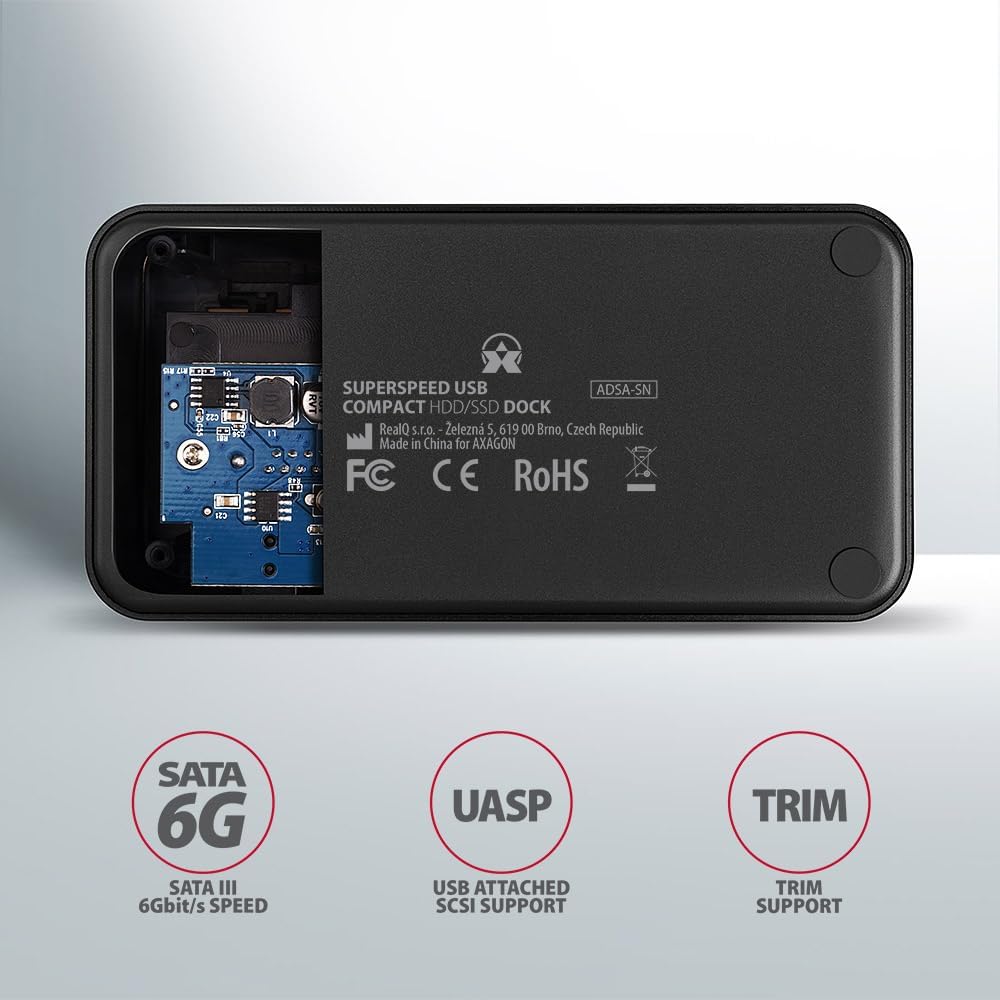
Image: The underside of the docking station, showing internal components and highlighting SATA 6G, UASP, and TRIM support.
Uppsetningarleiðbeiningar
- Tengdu aflgjafa: Plug the included power adapter into the DC IN port on the back of the docking station and then into a power outlet.
- Tengjast tölvu: Connect the USB 3.0 cable from the docking station's Micro-B port to an available USB 3.0 (or higher) port on your computer.
- Insert HDD/SSD:
- For 2.5" SSD/HDD: Gently slide the 2.5" drive into the slot until it connects firmly with the SATA connector.
- For 3.5" HDD: Gently slide the 3.5" drive into the slot until it connects firmly with the SATA connector.
Ensure the drive is inserted correctly with the SATA connector facing the correct direction. Do not force the drive.

Image: A 2.5-inch SSD being inserted into the docking station, demonstrating compatibility with smaller drives.
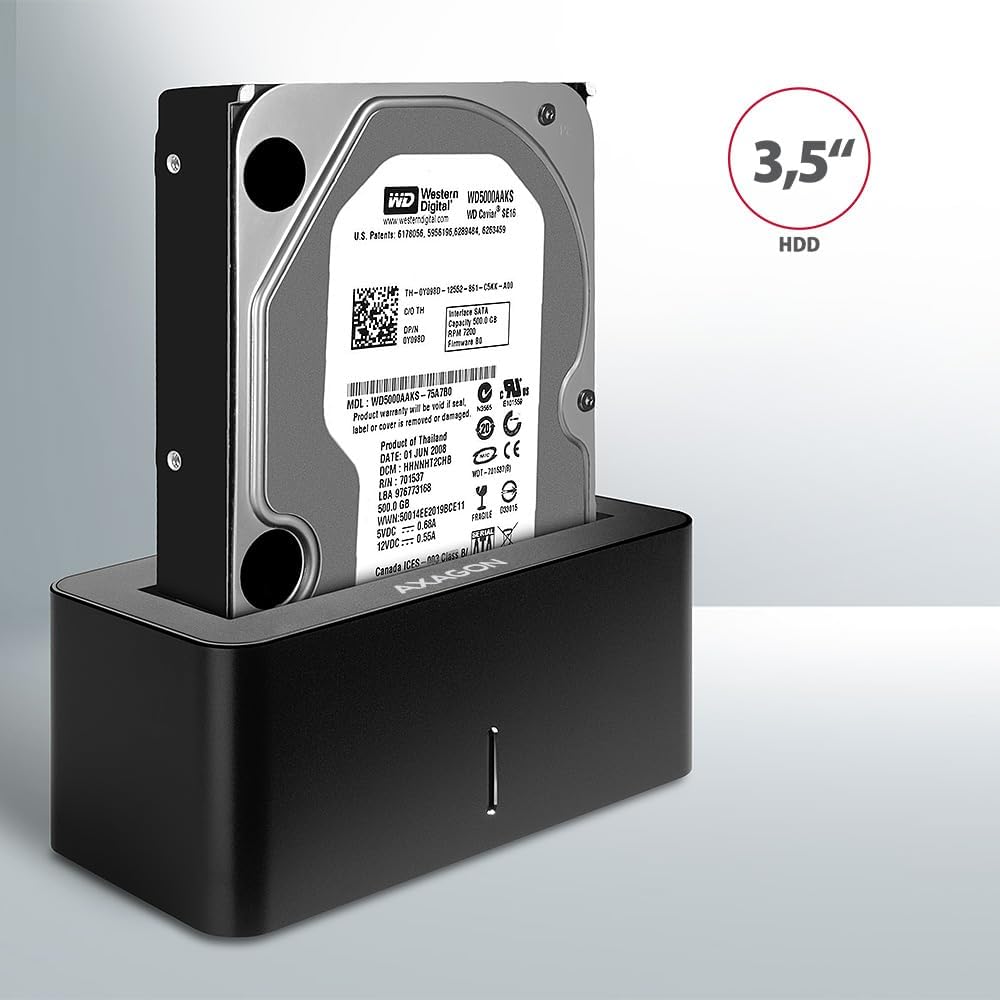
Image: A 3.5-inch HDD being inserted into the docking station, demonstrating compatibility with larger drives.
- Kveikt á: Press the power button located on the back of the docking station. The LED indicator on the front will illuminate.
Image: The rear panel of the docking station, showing the power button, USB Micro-B port, and power input for connection.
Notkunarleiðbeiningar
Drive Recognition
Once powered on and connected, your operating system should automatically detect the inserted drive. If it's a new drive, you may need to initialize and format it through Disk Management (Windows) or Disk Utility (macOS) before it appears in File Explorer/Finder.
LED vísir
The LED indicator on the front of the docking station provides status information:
- Gult blátt: Power on, drive idle.
- Blikkandi blátt: Drive activity (reading or writing data).
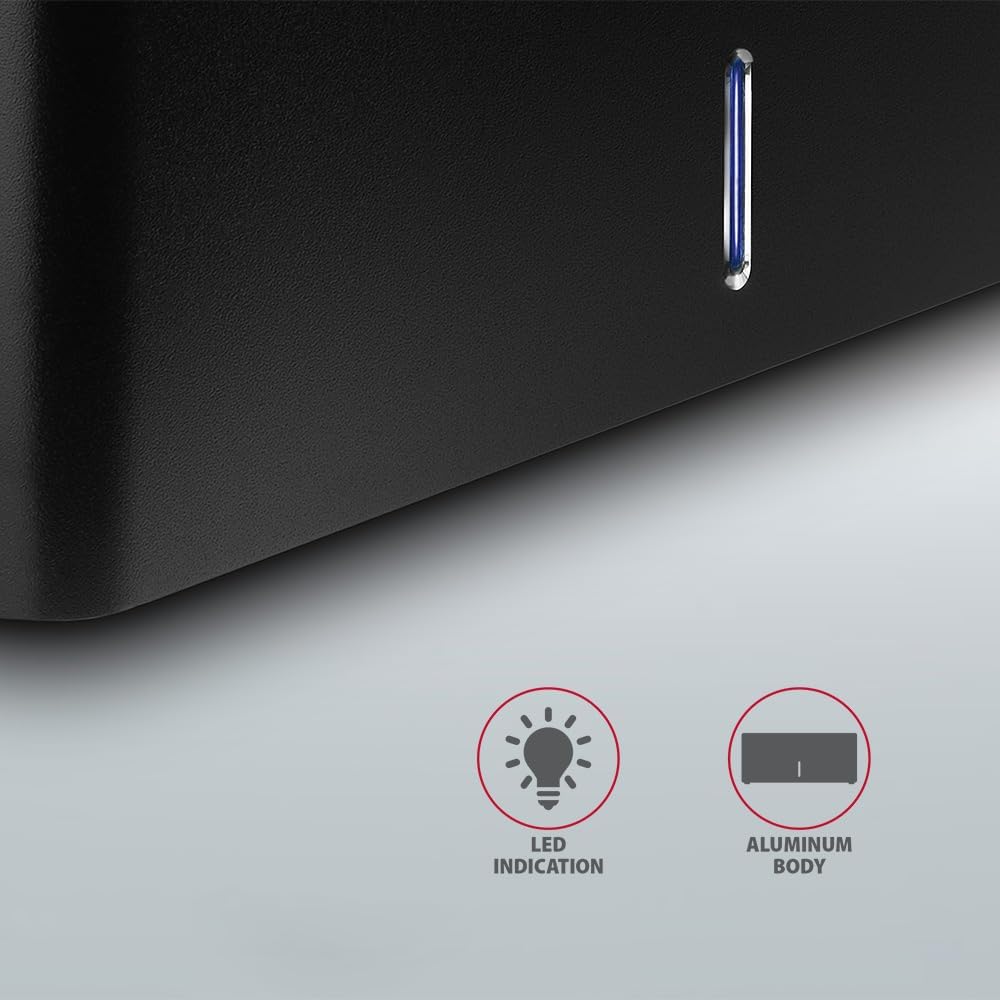
Mynd: Nærmynd view of the docking station's front panel, highlighting the LED indicator light.
Removing a Drive
Before removing a drive, always safely eject it from your operating system to prevent data corruption. After ejection, gently pull the drive straight out of the docking station slot.
Sjálfvirk snúningur harðdisks
The docking station supports automatic spindown of the HDD when it is idle for a certain period, conserving power and extending drive lifespan. This feature is managed by the operating system or the drive itself.
Viðhald
- Haltu tengikvíinni hreinni og ryklausri. Notaðu mjúkan, þurran klút til að þrífa.
- Forðastu að útsetja tækið fyrir miklum hita, raka eða beinu sólarljósi.
- Reynið ekki að taka tækið í sundur eða gera við það sjálfur. Leitið til hæfs þjónustuaðila.
- Tryggið góða loftræstingu í kringum tengikvíina meðan á notkun stendur.
Úrræðaleit
- Drif ekki greint:
- Gakktu úr skugga um að rafmagnsbreytirinn sé vel tengdur og að tengikvíin sé kveikt á.
- Verify the USB cable is properly connected to both the docking station and the computer.
- Prófaðu annað USB tengi á tölvunni þinni.
- Ensure the HDD/SSD is fully seated in the docking station's slot.
- Check Disk Management (Windows) or Disk Utility (macOS) to see if the drive is recognized but uninitialized/unformatted.
- Test with a different HDD/SSD to rule out a drive issue.
- Hægur flutningshraði:
- Ensure the docking station is connected to a USB 3.0 (or higher) port on your computer. USB 2.0 ports will limit speeds.
- Gakktu úr skugga um að stýrikerfið þitt og reklarnir séu uppfærðir.
- The actual speed depends on the drive's performance and your computer's USB controller.
- Drive disconnects randomly:
- Athugaðu allar kapaltengingar.
- Gakktu úr skugga um að straumbreytirinn veiti stöðuga aflgjafa.
- Disable USB power saving features in your computer's operating system settings.
Tæknilýsing
| Eiginleiki | Smáatriði |
|---|---|
| Vörumerki | AXAGON |
| Gerðarnúmer | ADSA-SN |
| Vélbúnaðarvettvangur | PC |
| Samhæf tæki | Fartölva, borðtölva |
| Drive samhæfni | 2.5" / 3.5" SATA I/II/III SSD/HDD |
| Viðmót | USB 3.0 (USB 3.2 Gen 1) |
| Gagnaflutningshraði | Up to 5 Gbps (USB 3.0), 6 Gbps (SATA III) |
| Samtals USB tengi | 1 (Micro-B) |
| Fjöldi Drive Bays | 1 |
| Litur | Svartur |
| Þyngd hlutar | 2.2 pund (u.þ.b. 1 kg) |
| Stærðir pakka | 3.94 x 0.79 x 0.39 tommur (u.þ.b. 10 x 2 x 1 cm) |
| Dagsetning fyrst í boði | 30. mars 2021 |
Ábyrgð og stuðningur
For warranty information and technical support, please refer to the official AXAGON webeða hafið samband við dreifingaraðila á staðnum. Geymið kaupkvittunina vegna ábyrgðarkröfu.