1. Inngangur
Þakka þér fyrir kaupinasing the Finlux FLU5535ANDROID 55-inch 4K Ultra HD Android Smart TV. This manual provides essential information for setting up, operating, and maintaining your new television. Please read this manual thoroughly before using the product and keep it for future reference.
Mikilvægar öryggisupplýsingar
Always follow basic safety precautions when using this television to reduce the risk of fire, electric shock, and injury to persons. Do not expose the TV to rain or moisture. Do not open the cabinet. Refer all servicing to qualified personnel.
- Tryggðu rétta loftræstingu í kringum sjónvarpið.
- Ekki loka fyrir loftræstiop með hlutum eins og dagblöðum, dúkum eða gluggatjöldum.
- Setjið ekki sjónvarpið á óstöðugan vagn, stand, þrífót, festingu eða borð.
- Taktu sjónvarpið úr sambandi í þrumuveðri eða þegar það er ekki notað í langan tíma.
- Keep small components and batteries out of reach of children.
2. Hvað er í kassanum
Upon unpacking your Finlux FLU5535ANDROID TV, please ensure all the following items are present:
- Finlux FLU5535ANDROID 55-inch 4K Ultra HD Android Smart TV
- Fjarstýring með rafhlöðum
- Rafmagnssnúra
- Stand (if applicable, for tabletop placement)
- Notendahandbók (þetta skjal)
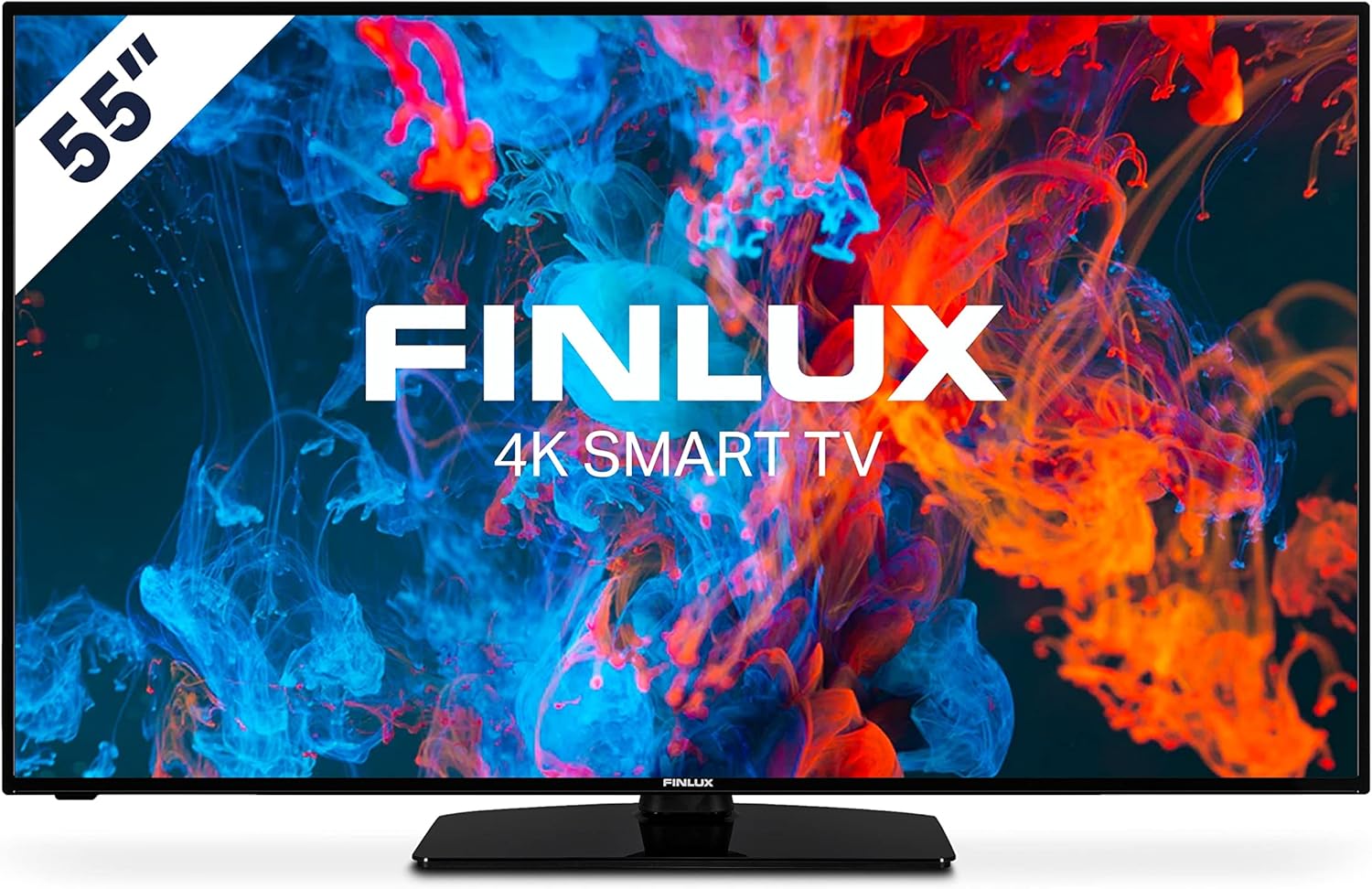
Mynd: Framan view of the Finlux FLU5535ANDROID 55-inch 4K Ultra HD Android Smart TV, showcasing its slim bezel and central stand.
3. Uppsetning
3.1 Staðsetning
The Finlux FLU5535ANDROID TV features a practical size and a slim screen, making it easy to place in various rooms. Its flat back and thin screen design allow for easy wall mounting or placement against a wall.
- Staðsetning borðplötu: Attach the provided stand securely to the TV following the instructions in the separate quick start guide. Place the TV on a stable, level surface.
- Veggfesting: If you plan to wall mount the TV, ensure you use a VESA-compatible wall mount (not included) and follow the wall mount manufacturer's instructions.
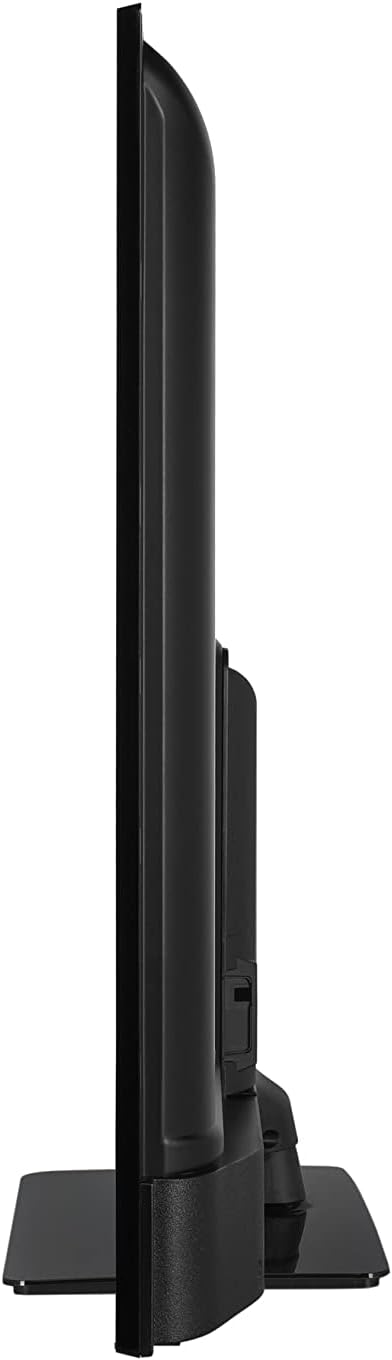
Mynd: Hliðarprófarifile view of the Finlux FLU5535ANDROID TV, highlighting its slim design.
3.2 Tengisnúrur
Connect the power cable to the TV's power input and then to a wall outlet. Connect your external devices such as set-top boxes, gaming consoles, or Blu-ray players to the appropriate ports on the TV.

Mynd: Aftan view of the Finlux FLU5535ANDROID TV, displaying the arrangement of its input ports including HDMI and USB.
- HDMI: Connect high-definition devices using HDMI cables. This TV features 4 HDMI ports.
- USB: Connect USB storage devices for media playback or PVR functionality. This TV has 2 USB ports.
- Loftnet/kapall: Tengdu loftnetið þitt eða kapalsjónvarpsinntakið fyrir útsendingarrásir.
- Ethernet: Fyrir stöðuga nettengingu með snúru.
3.3 Upphafleg kveiking og uppsetningarhjálp
After connecting all necessary cables, plug the TV into a power outlet and press the power button on the remote control or the TV itself. The TV will guide you through the initial setup process, including language selection, network connection, and channel scanning.
4. Að stjórna sjónvarpinu
4.1 Fjarstýring yfirview
The provided remote control allows you to navigate the TV's features and menus. Insert the included batteries into the remote control before use.

Image: The Finlux TV remote control, featuring dedicated buttons for quick access to popular streaming services like Netflix and YouTube, along with standard navigation and number keys.
- Aflhnappur: Kveikir eða slekkur á sjónvarpinu.
- Töluhnappar: Fyrir beint rásval.
- Leiðsöguhnappur (upp/niður/vinstri/hægri/í lagi): To navigate menus and confirm selections.
- Hljóðstyrkur upp/niður: Stillir hljóðstyrkinn.
- Rás upp/niður: Skiptir um sjónvarpsrásir.
- Netflix/YouTube hnappar: Beinn aðgangur að þessum streymiforritum.
- Valmyndarhnappur: Opens the main settings menu.
- Útgangshnappur: Lokar núverandi valmynd eða forriti.
4.2 Android Smart TV Features
This TV runs on the Android operating system, providing access to a wide range of applications and smart features. Popular applications like Netflix, YouTube, and Prime Video are pre-configured for your convenience.
- Straumþjónusta: Enjoy movies and series in high quality from Netflix, YouTube, Prime Video, and Spotify.
- Google Play Store: Download additional apps, games, and content from the Google Play Store.
- Chromecast Innbyggt: Easily cast content from your smartphone or other compatible devices directly to your TV.
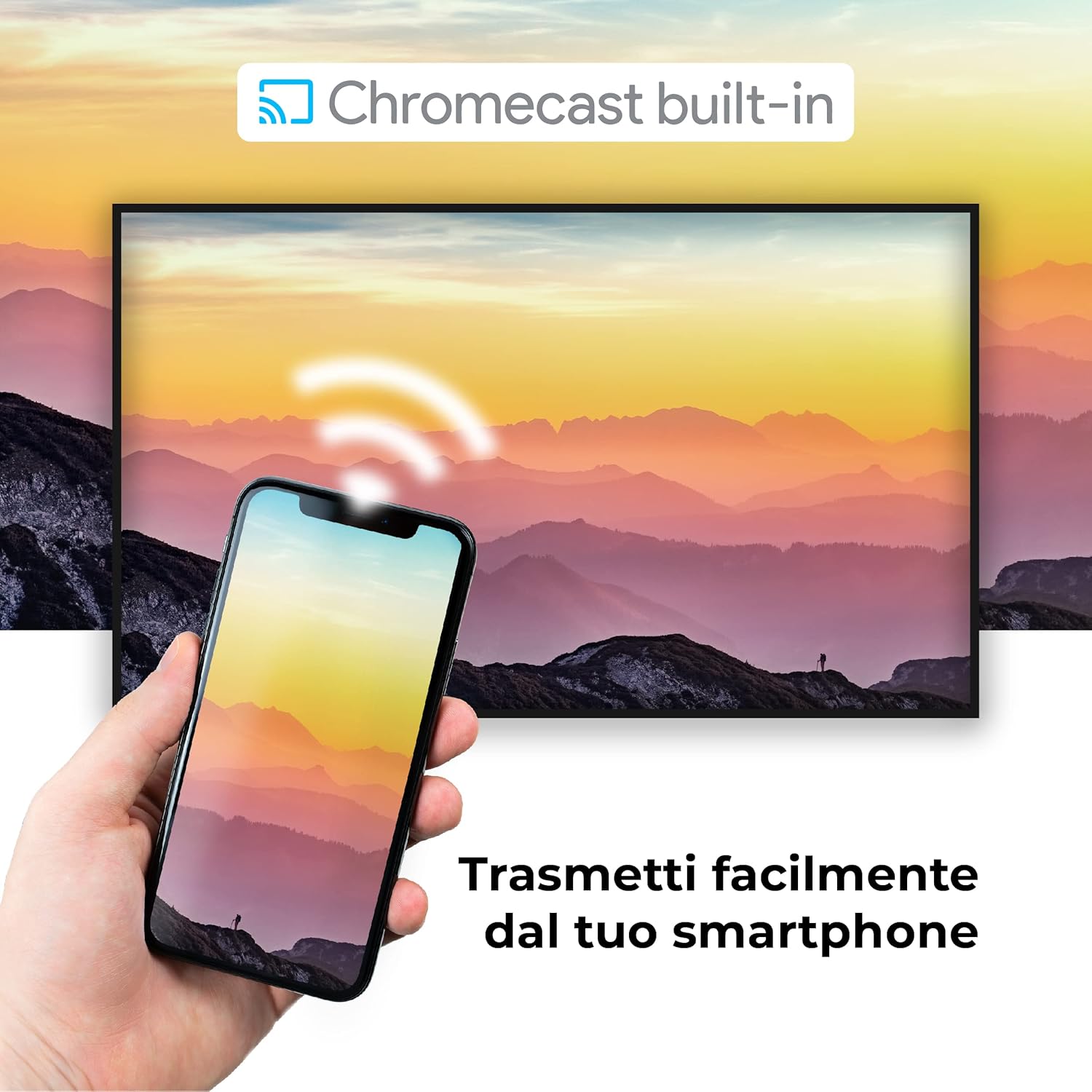
Image: A visual representation of the Chromecast built-in feature, demonstrating how content can be easily streamed from a smartphone to the Finlux TV.
4.3 USB Media Player and PVR
The TV supports USB multimedia playback, allowing you to view photos, play music, or watch videos directly from a USB storage device. It also features PVR (Personal Video Recorder) readiness, enabling you to record TV programs to a connected USB drive.
5. Tengingar
Your Finlux TV offers a variety of connection options for external devices:
- HDMI tengi (x4): For connecting high-definition devices such as Blu-ray players, game consoles, and set-top boxes.
- USB tengi (x2): For connecting USB storage devices (e.g., flash drives, external hard drives) for media playback or PVR functionality.
- Bluetooth: For wireless connection to compatible audio devices like headphones or soundbars.
- Wi-Fi: Innbyggt Wi-Fi fyrir þráðlaust netsamband og snjallsjónvarp.
- Ethernet (LAN): Fyrir stöðuga nettengingu með snúru.
- Loftnetsinntak: For connecting an aerial for digital terrestrial television (DVB-T, DVB-T2).
- Gervihnattainntak: For connecting a satellite dish (DVB-S, DVB-S2).
- Optical Digital Audio Output: For connecting to a soundbar or home theater system for high-quality audio.
6. Viðhald
6.1 Þrif á sjónvarpinu
To ensure the longevity and optimal performance of your TV, regular cleaning is recommended:
- Skjár: Þurrkaðu skjáinn varlega með mjúkum, lólausum klút. Fyrir þrjósk bletti,ampÞurrkið klútinn varlega með vatni eða sérstöku skjáhreinsiefni. Sprautið aldrei hreinsiefni beint á skjáinn.
- Skápur: Notið mjúkan, þurran klút til að þurrka sjónvarpsskápinn. Forðist að nota slípandi hreinsiefni eða leysiefni.
- Fyrir þrif: Taktu sjónvarpið alltaf úr sambandi við rafmagn áður en þú þrífur það.
6.2 Almenn umönnun
- Forðist að setja sjónvarpið í beinu sólarljósi eða nálægt hitagjöfum.
- Ekki láta sjónvarpið verða fyrir miklum hita eða raka.
- Protect the TV from dust by regularly dusting its surface.
- Ekki setja þunga hluti ofan á sjónvarpið.
7. Bilanagreining
Ef þú lendir í vandræðum með sjónvarpið þitt skaltu skoða eftirfarandi algeng vandamál og lausnir áður en þú hefur samband við þjónustuver:
| Vandamál | Möguleg orsök/lausn |
|---|---|
| Enginn kraftur | Ensure the power cable is securely plugged into the TV and the wall outlet. Check if the power outlet is working. Try pressing the power button on the TV itself. |
| Engin mynd / Ekkert hljóð | Check the input source (HDMI, AV, TV) is correctly selected. Ensure external devices are powered on and connected properly. For sound, check volume levels and mute settings. |
| Léleg myndgæði | Check antenna/cable connection. Adjust picture settings (brightness, contrast, sharpness) in the TV menu. Ensure the source content is high quality. |
| Fjarstýring virkar ekki | Athugaðu og skiptu um rafhlöður. Gakktu úr skugga um að engar hindranir séu á milli fjarstýringarinnar og innrauða skynjarans í sjónvarpinu. |
| Get ekki tengst við Wi-Fi | Ensure Wi-Fi is enabled on the TV. Check your router is working and within range. Re-enter the Wi-Fi password. Try restarting both the TV and the router. |
| Snjallsjónvarpsforrit hlaðast ekki | Check your internet connection. Try restarting the TV. Ensure the app is updated to the latest version. Clear app cache if available in settings. |
8. Tæknilýsing
Below are the key technical specifications for the Finlux FLU5535ANDROID TV:
| Eiginleiki | Smáatriði |
|---|---|
| Vörumerki | Finlux |
| Gerðarnúmer | FLU5535ANDROID |
| Skjástærð | 55 tommur (140 cm) |
| Skjátækni | LED |
| Upplausn | 4K Ultra HD (3840 x 2160) |
| Endurnýjunartíðni | 100 Hz (with integrated technology, base 50 Hz) |
| Stýrikerfi | Android |
| Tengingar | Bluetooth, HDMI, USB, Wi-Fi, Ethernet |
| HDMI tengi | 4 |
| USB tengi | 2 |
| Sérstakir eiginleikar | Flat Design, Android Smart TV, Chromecast Built-in, PVR Ready |
| Stydd internetþjónusta | Netflix, YouTube, Prime Video, Spotify |
| Innifalið íhlutir | Power cable, Standard, TV |

Image: EU Energy Label for the Finlux FLU5535ANDROID TV, indicating its energy efficiency class G and power consumption details. For more details, visit the official EPREL database: Upplýsingar um EPREL vöru
9. Ábyrgð og stuðningur
Finlux products are designed for reliability and performance. This product comes with a standard manufacturer's warranty. Please refer to the warranty card included with your product for specific terms and conditions.
For technical support, troubleshooting assistance beyond this manual, or warranty claims, please contact Finlux customer service. Contact information can typically be found on the manufacturer's official websíðunni eða á umbúðum vörunnar.
Note: Information regarding spare parts availability is not provided. Software updates are not guaranteed beyond a certain period.


