1. Inngangur
Þakka þér fyrir kaupinasing the CUPEISI YQ11M Android 13 10.1-inch Tablet. This manual provides essential information for setting up, operating, maintaining, and troubleshooting your device. Please read this manual thoroughly to ensure proper use and to maximize your tablet's performance.
2. Öryggisupplýsingar
To prevent damage to your device or injury to yourself and others, please observe the following safety precautions:
- Ekki láta spjaldtölvuna verða fyrir miklum hita, beinu sólarljósi eða miklum raka.
- Forðist að láta spjaldtölvuna detta eða verða fyrir hörðum höggum.
- Haldið töflunni frá vatni og öðrum vökvum.
- Notaðu aðeins viðurkenndan aukabúnað og hleðslutæki.
- Ekki reyna að taka spjaldtölvuna í sundur eða gera við hana sjálfur. Leitið til hæfs þjónustuaðila.
Varúðarráðstafanir við hleðslu
When charging your CUPEISI YQ11M tablet, it is crucial to use a charger with a 5V / 2.0A framleiðsla. Using chargers with different output specifications may lead to device malfunction or damage. The tablet supports both Type-A and Type-C charging terminals. However, chargers with Type-C on both ends may not be compatible. Avoid using multi-type chargers with outputs exceeding 2.0A, chargers that automatically detect current, fast chargers, or chargers specifically designed for other brands (e.g., Apple, Docomo, au).

Mynd: Charging precautions and pre-applied protective film.
3. Innihald pakka
Vinsamlegast hakaðu við reitinn fyrir eftirfarandi atriði:
- CUPEISI YQ11M Android 13 Tablet
- USB hleðslusnúra
- Rafmagns millistykki
- Notendahandbók (þetta skjal)
4. Tæki lokiðview
Familiarize yourself with the physical features of your CUPEISI YQ11M tablet.
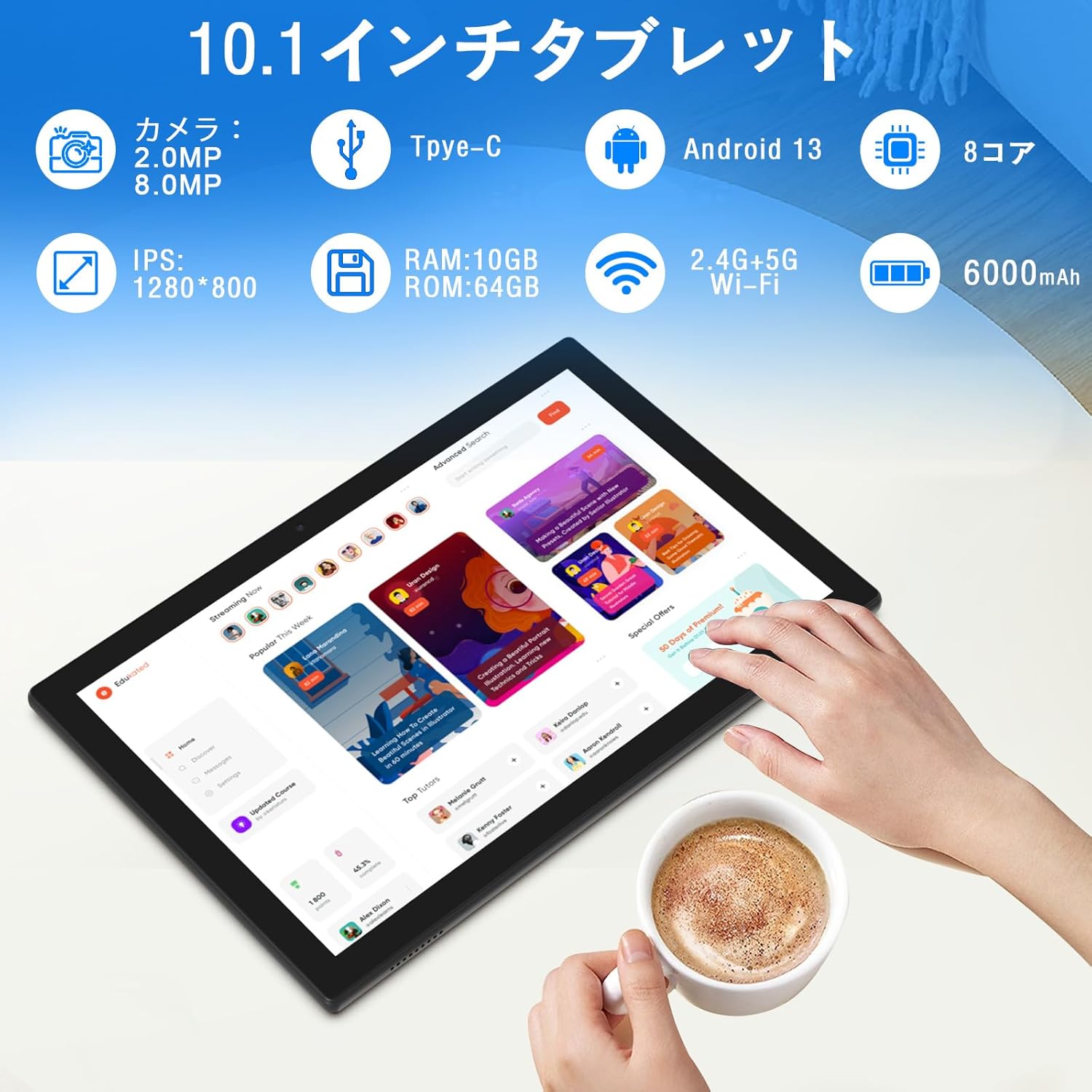
Mynd: Yfirview of tablet features and specifications.
- Myndavél að framan: 2MP fyrir myndsímtöl og sjálfsmyndir.
- Myndavél að aftan: 8MP fyrir myndatöku og myndbönd.
- Skjár: 10.1-inch IPS HD screen (1280x800 resolution).
- Hátalarar: Tvöfaldur hátalari fyrir betri hljóðupplifun.
- Hleðsluport: Tegund-C tengi fyrir hleðslu og gagnaflutning.
- Aflhnappur: Located on the side for turning the device on/off and screen lock.
- Hljóðstyrkshnappar: Located on the side for adjusting volume.
- MicroSD kortarauf: Fyrir stækkanlegt geymslurými allt að 1 TB.

Mynd: Framan og aftan view of the CUPEISI YQ11M tablet.
5. Uppsetning
5.1 Byrjunarkveikt
- Haltu inni Power hnappinum þar til skjárinn logar.
- Fylgdu leiðbeiningunum á skjánum til að velja tungumál og svæði og samþykkja skilmálana.
5.2 Wi-Fi tenging
- During the initial setup, select your preferred Wi-Fi network from the list.
- Sláðu inn Wi-Fi lykilorðið ef beðið er um það og pikkaðu á „Tengjast“.
- The tablet supports both 2.4G and 5G Wi-Fi for stable and fast connections.
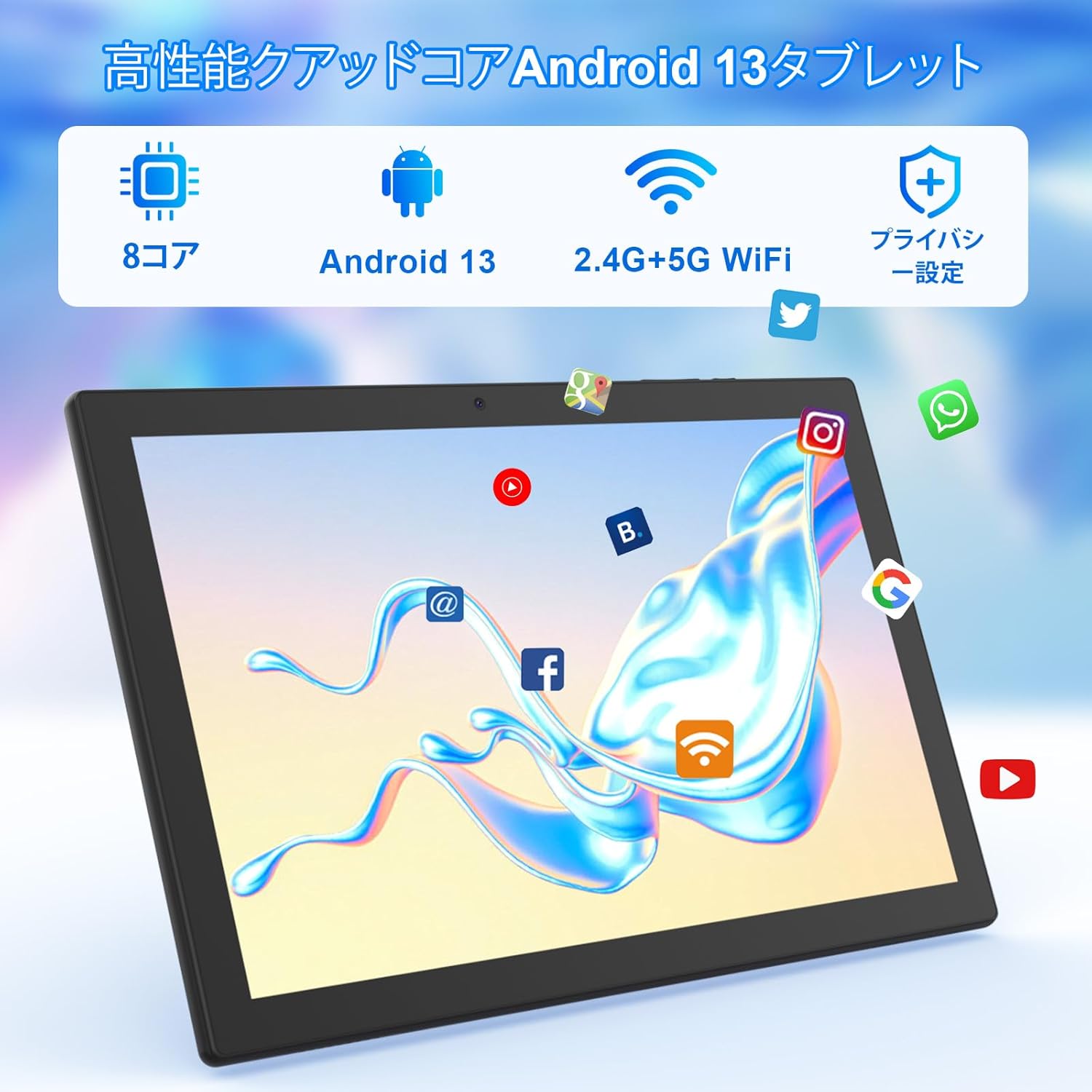
Mynd: Tablet screen showing app icons and connectivity features.
5.3 Uppsetning Google reiknings
Sign in with your Google account or create a new one to access Google Play Store, Gmail, and other Google services.
5.4 Hlífðarfilma
The tablet comes with a simple transparent PET protective film pre-applied. You may choose to keep it on or remove it according to your preference. It is designed for easy application without air bubbles or dust.
6. Notkunarleiðbeiningar
6.1 Grunnleiðsögn
The CUPEISI YQ11M tablet features a 10.1-inch FHD in-cell touchscreen with wide viewing angles and 1280x800 high resolution, offering a clear and vibrant visual experience.

Mynd: Tablet display features.
- Bankaðu á: Veldu hlut eða virkjaðu aðgerð.
- Strjúktu: Fletta í gegnum skjái eða fletta í gegnum efni.
- Klípa: Aðdráttur eða minnkun á myndum og web síður.
6.2 Forritastjórnun
The tablet comes with Google Play pre-installed, allowing you to download and use popular applications such as Facebook, Twitter, YouTube, Line, and Instagram. To install apps:
- Opnaðu „Play Store“ forritið.
- Leitaðu að the desired app.
- Ýttu á „Setja upp“ til að hlaða niður og setja upp appið.
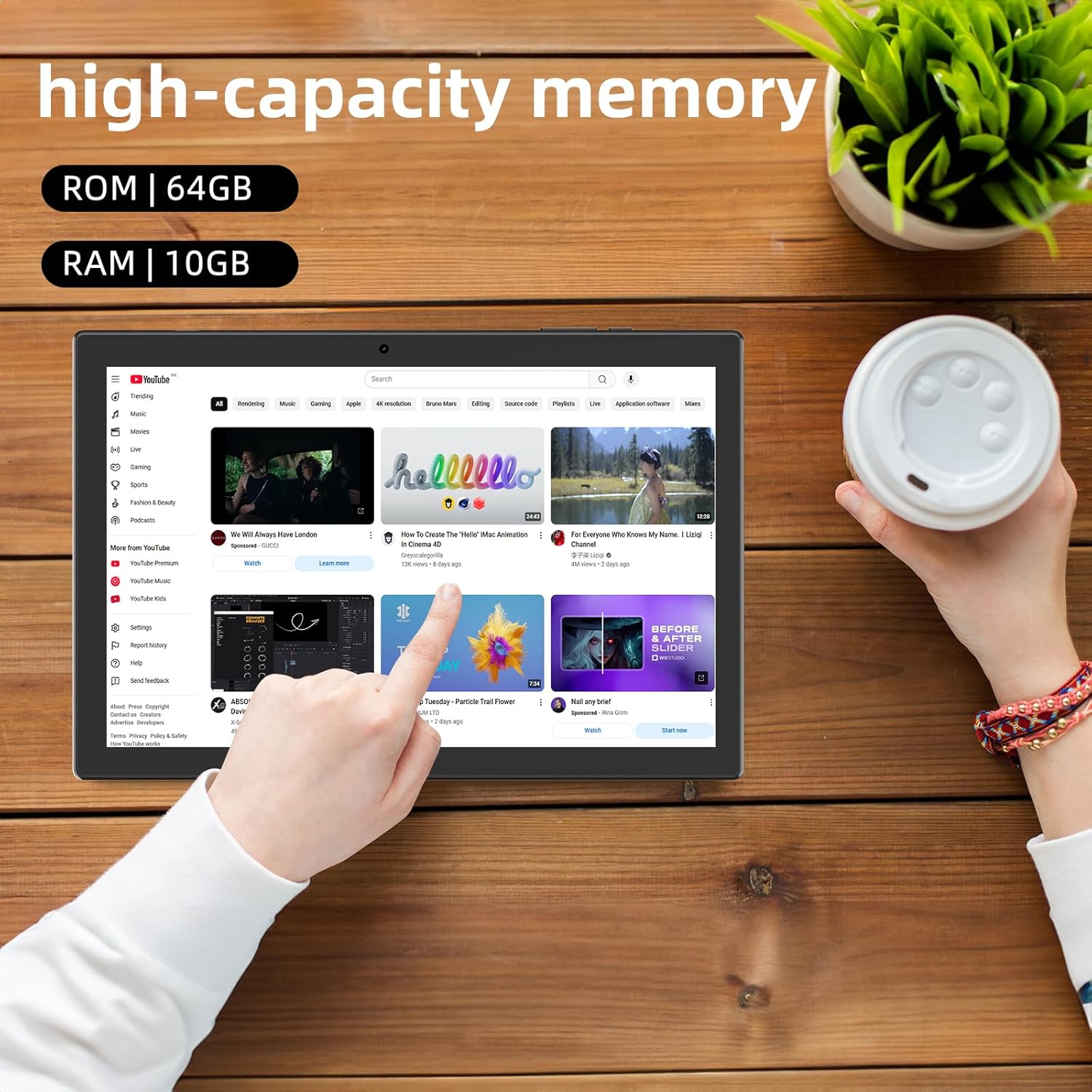
Mynd: Tablet displaying high-capacity memory and app usage.
6.3 Notkun myndavélar
The tablet is equipped with an 8MP main camera and a 2MP front camera. You can use them for capturing beautiful moments, participating in web conferences, or online classes.
- Opnaðu „Myndavél“ appið.
- Skiptu á milli fram- og aftari myndavéla eftir þörfum.
- Ýttu á lokarahnappinn til að taka mynd eða hefja upptöku myndbands.
6.4 GPS-virkni
With built-in GPS functionality, you can download offline maps to your tablet and use it for navigation, even without an internet connection.
6.5 Rafhlöðustjórnun
The tablet features a large 6000mAh battery and AI intelligent power management, allowing for extended use for movies, reading, and browsing.

Mynd: Tablet highlighting its 6000mAh battery capacity.

Mynd: Tablet showing Type-C charging and various entertainment uses.
7. Viðhald
7.1 Þrif á tækinu
Use a soft, lint-free cloth to gently wipe the screen and body of the tablet. Avoid using harsh chemicals or abrasive materials.
7.2 Hugbúnaðaruppfærslur
Athugaðu reglulega hvort kerfisuppfærslur séu til staðar í stillingum spjaldtölvunnar til að tryggja bestu mögulegu afköst og öryggi.
7.3 Geymslustjórnun
The tablet comes with 64GB of internal storage (ROM) and supports MicroSD cards up to 1TB for additional storage. Regularly manage your files and uninstall unused apps to free up space and maintain smooth operation.
8. Bilanagreining
- Kveikir ekki á tækinu: Ensure the battery is charged. Connect the tablet to the charger and wait a few minutes before attempting to power it on again.
- Vandamál með Wi-Fi tengingu: Athugaðu hvort Wi-Fi sé virkt í stillingunum. Endurræstu leiðina og spjaldtölvuna. Gakktu úr skugga um að þú sért innan seilingar Wi-Fi merkisins.
- Hæg frammistaða: Close unused applications. Clear cache and data for frequently used apps. Consider uninstalling unnecessary apps or moving large files to a MicroSD card.
- Skjárinn svarar ekki: Restart the tablet by holding down the power button. If the issue persists, contact support.
9. Tæknilýsing
| Vörumerki | CUPEISI |
| Fyrirmynd | YQ11M (Note: Some specifications may refer to CP31 or UMIDIGI G2 Tab, but YQ11M is the primary model for this product.) |
| Stýrikerfi | Android 13 (GMS vottað) |
| CPU | MediaTek MTK8768 Octa-core, 2.3 GHz |
| vinnsluminni | 10GB (4GB + 6GB útvíkkun) |
| Innri geymsla (ROM) | 64GB |
| Stækkanlegt geymsla | MicroSD allt að 1 TB |
| Skjástærð | 10.1 tommur |
| Skjáupplausn | 1280x800 pixels HD IPS |
| Myndavél að framan | 2MP |
| Myndavél að aftan | 8MP |
| Wi-Fi | 2.4G + 5G Dual-band (802.11ac/b/g/n) |
| Bluetooth | Já |
| GPS | Já |
| Rafhlöðugeta | 6000mAh (22.8 Watt-hours) |
| Hleðsluport | Tegund-C |
| Hátalarar | 2 Rás hátalarar |
| Þyngd hlutar | 516 g |
| Stærðir pakka | 30.9 x 19.3 x 2.9 cm |
10. Ábyrgð og stuðningur
Þessi vara kemur með a eins árs gæðaábyrgð. In the unlikely event that you encounter any issues or defects with your product, please do not hesitate to contact us via email. We are committed to providing a prompt response within 24 hours to address your concerns.
Returns and refunds are also possible for customer convenience. Please purchase with confidence.
For support inquiries, please refer to the contact information provided with your purchase or visit the official CUPEISI websíða.

