Verið velkomin
Thank you for choosing the boAt Nirvana Crystl True Wireless Earbuds. This manual provides essential information for setting up, operating, and maintaining your earbuds. Please read it carefully to ensure optimal performance and longevity of your device.
Vara lokiðview
Myndband: Yfirview of the boAt Nirvana Crystl True Wireless Earbuds, showcasing their design and key features.
Helstu eiginleikar
- Up to 32 dB Active Noise Cancellation for an immersive audio experience.
- boAt 360° Spatial Audio for captivating, cinematic sound.
- Up to 100 hours of total playback time with the charging case.
- Quad Mics with ENx Technology for crystal-clear calls.
- boAt Hearables App compatibility for personalized settings and controls.
- Bluetooth v5.3 for stable and efficient wireless connectivity.
- Multipoint Connectivity to seamlessly switch between two devices.
- boAt Adaptive EQ by Mimi for tailored listening based on your hearing profile.
- In-Ear Detection for automatic play/pause functionality.
- Google Fast Pair for quick and easy initial setup.
Hvað er í kassanum
- TWS heyrnartól
- Hleðslusnúra
- Additional Earbuds (Eartips)
- Notendahandbók
Að byrja
Hleðsla heyrnartólanna og hulstranna
Before first use, fully charge your boAt Nirvana Crystl earbuds and charging case. Connect the provided USB cable to the charging port on the case and a compatible power source. The charging time is approximately 2.5 hours for a full charge. A 10-minute charge provides up to 220 minutes of playback.
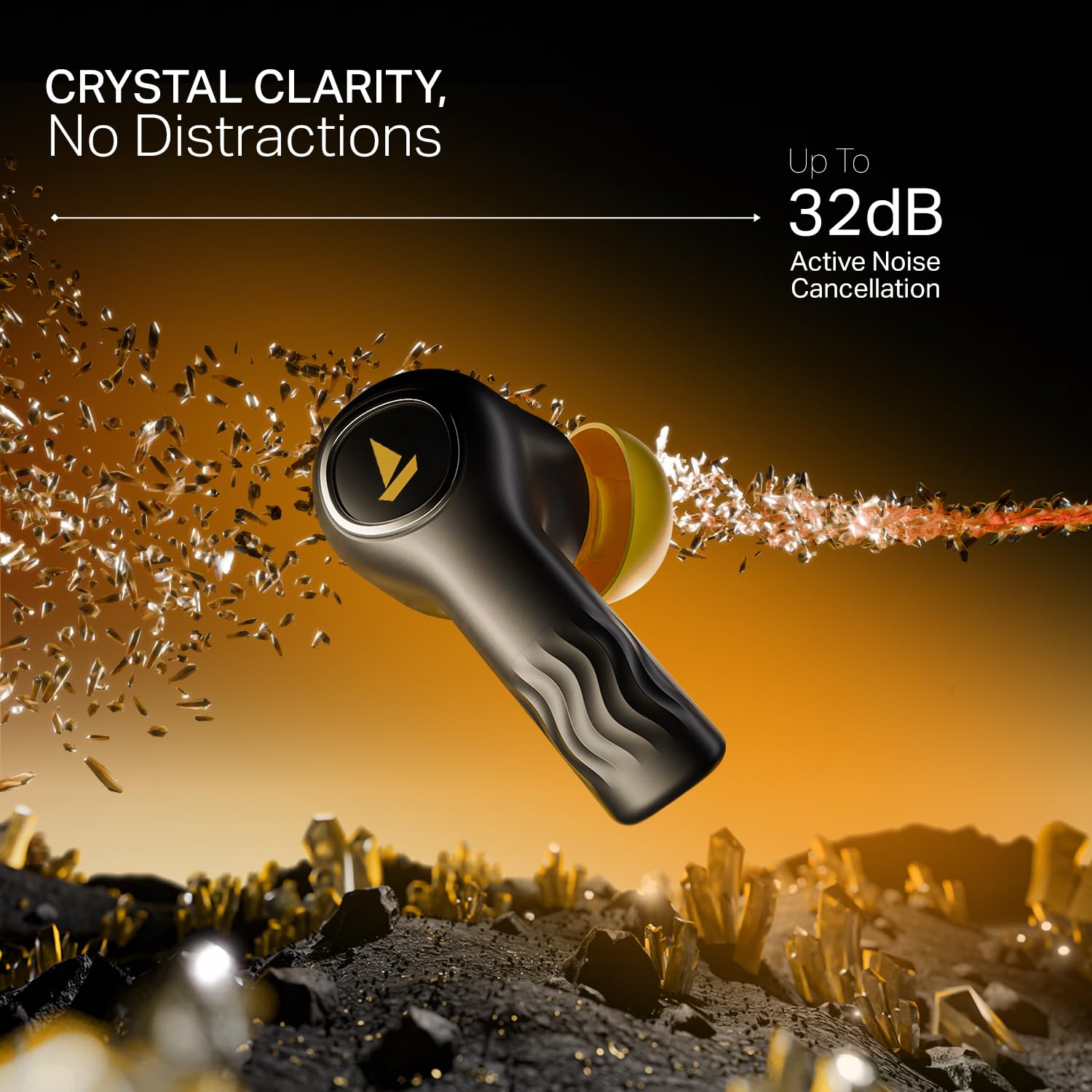
Image: The boAt Nirvana Crystl earbuds and case, illustrating the 100-hour playback and fast charging capabilities.
Að para heyrnartólin þín
Initial Pairing (Google Fast Pair):
- Opnaðu hleðsluhulstrið. Eyrnatólin fara sjálfkrafa í pörunarstillingu.
- On your Android device, a Google Fast Pair notification will appear. Tap to connect.
- For other devices, go to your device's Bluetooth settings and select "Nirvana Crystl" from the available devices.
Endurpörun: Eyrnatólin tengjast sjálfkrafa við síðasta paraða tækið þegar þau eru tekin úr hulstrinu.
boAt Hearables App Compatibility
Download the boAt Hearables App from your device's app store. The app allows you to customize touch functions, enable Spatial Audio, adjust the equalizer with boAt Adaptive EQ by Mimi, view battery levels, and manage connectivity status.
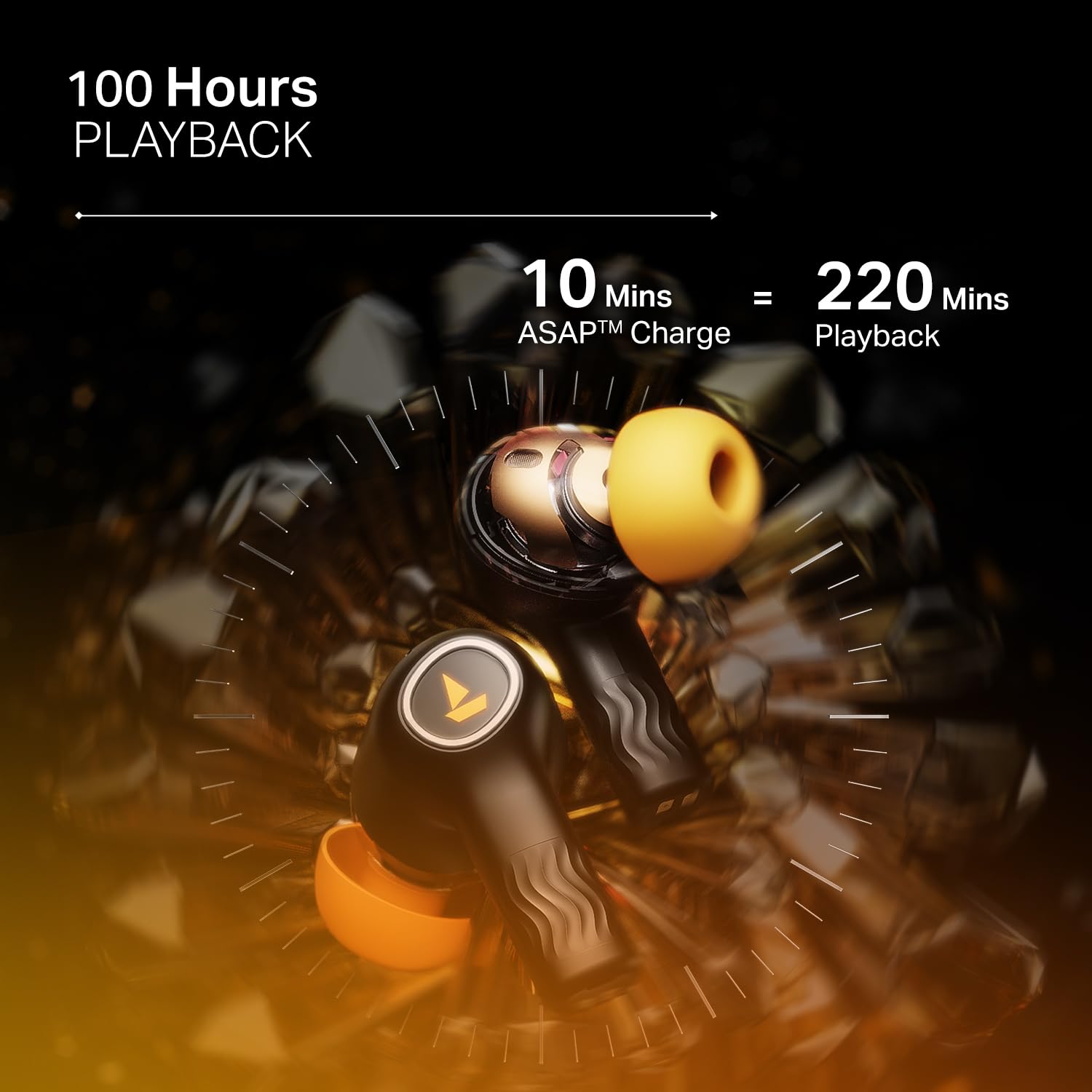
Image: The boAt Hearables App interface, demonstrating options for noise cancellation, equalizer, and spatial audio settings.
Notkun eyrnatappa
Virk hávaða (ANC)
The Nirvana Crystl earbuds feature Active Noise Cancellation up to 32 dB, allowing you to minimize ambient sounds and focus on your audio. Activate or deactivate ANC through the boAt Hearables App or via the earbud touch controls.

Image: A boAt Nirvana Crystl earbud depicted with visual effects representing the active noise cancellation feature.
boAt 360° Spatial Audio
Experience immersive audio with boAt 360° Spatial Audio, creating a rich, multi-dimensional soundscape for music, movies, and games. This feature can be enabled via the boAt Hearables App.

Image: A person experiencing immersive sound with boAt Nirvana Crystl earbuds, illustrating the 360° Spatial Audio feature.
Quad Mics with ENx Technology
The earbuds are equipped with four microphones and ENx Technology to ensure enhanced clarity during calls, effectively reducing background noise for clear communication.
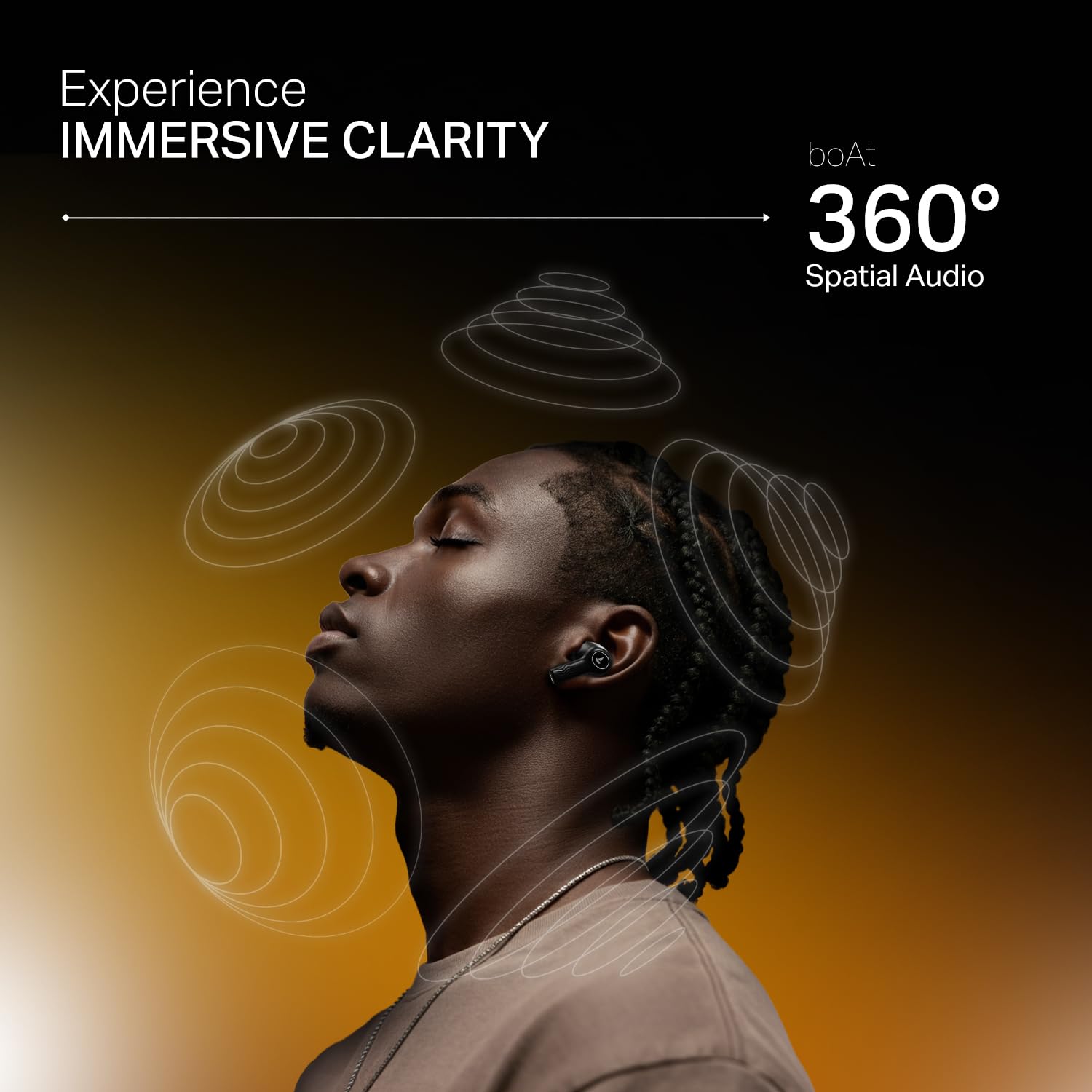
Image: A person making a call with boAt Nirvana Crystl earbuds, emphasizing the clarity provided by 4-mic ENx Technology.
Fjölpunkta tenging
Connect your Nirvana Crystl earbuds to two devices simultaneously and switch between them seamlessly without re-pairing. For example, you can listen to music on your tablet and answer calls on your phone.
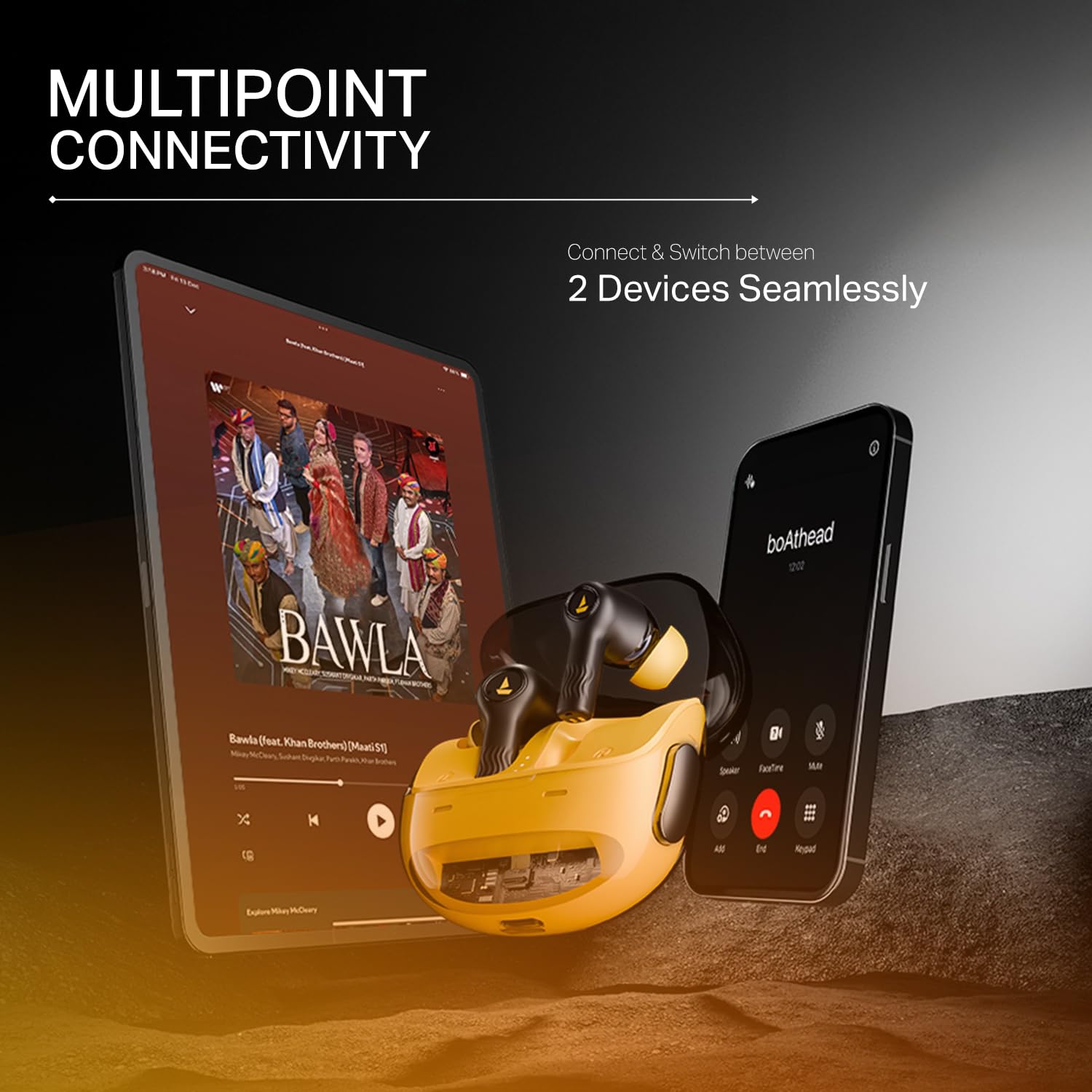
Image: The boAt Nirvana Crystl earbuds shown connected to both a smartphone and a tablet, illustrating multipoint connectivity.
Uppgötvun í eyra
The earbuds feature in-ear detection. Music or video playback will automatically pause when you remove an earbud and resume when you place it back in your ear.
Snertistýringar
The earbuds feature intuitive touch controls for managing playback, calls, and activating features. These controls can be customized through the boAt Hearables App to suit your preferences.
Umhirða og viðhald
- Þrif: Þrífið eyrnatólin og hleðsluhulstrið reglulega með mjúkum, þurrum klút. Forðist að nota sterk efni eða slípiefni.
- Geymsla: Geymið heyrnartólin í hleðslutöskunni þegar þau eru ekki í notkun til að vernda þau og halda þeim hlaðnum.
- Vatnsþol: Eyrnatólin eru vatnsheld. Hins vegar eru þau ekki vatnsheld. Forðist að sökkva þeim í vatn eða láta þau standa í mikilli rigningu. Þurrkið þau vandlega ef þau blotna.
- Hitastig: Forðist að láta eyrnatólin verða fyrir miklum hita (heitu eða köldu) þar sem það getur haft áhrif á endingu og afköst rafhlöðunnar.
Úrræðaleit
- Eyrnatól parast ekki: Gakktu úr skugga um að bæði eyrnatólin séu í hleðsluhulstrinu og opnaðu síðan lokið til að hefja pörunarstillingu. Athugaðu Bluetooth-stillingar tækisins.
- Aðeins einn eyrnatól virkar: Place both earbuds back in the case, close the lid, wait a few seconds, then open it again. This often resets the connection.
- Léleg hljóðgæði: Ensure the earbuds are properly seated in your ears and try different sized eartips for a better seal. Check the audio source and app equalizer settings.
- Eyrnatól hlaðast ekki: Gakktu úr skugga um að hleðslusnúran sé vel tengd bæði við hlífina og aflgjafann. Athugaðu hvort rusl sé í hleðslutenginu.
- Tengingarvandamál: Move closer to your paired device. Ensure there are no major obstructions between the earbuds and your device.
Tæknilýsing
| Eiginleiki | Forskrift |
|---|---|
| Nafn líkans | Nirvana Crystl |
| Hávaðastýring | Virk hávaðadeyfing (allt að 32 dB) |
| Tengitækni | Bluetooth v5.3 |
| Rafhlöðuending | 100 klukkustundir (heildarspilun) |
| Hleðslutími | 2.5 klukkustundir |
| Hljóðnemar | Quad Mics with ENx Technology |
| Eftirlitsaðferð | Snerta |
| Vatnsþolsstig | Vatnsheldur |
| Samhæf tæki | Farsímar, fartölvur, spjaldtölvur |
| Efni | Plast |
| Þyngd hlutar | 120 grömm |
| Vörumál | 6 x 2 x 5 cm |
| Framleiðandi | Ímyndaðu þér markaðssetningu ehf. |
Ábyrgð og stuðningur
For detailed warranty information, product registration, and customer support, please visit the official boAt website or contact their customer service directly. You can reach the manufacturer at info@imaginemarketingindia.com.
Framleiðandi: Ímyndaðu þér markaðssetningu ehf.
Netfang: info@imaginemarketingindia.com


