1. Inngangur
Thank you for choosing the Montech Titan PLA 850W ATX Gaming Power Supply. This manual provides essential information for the proper installation, operation, and maintenance of your power supply unit (PSU). Please read this manual thoroughly before installation and retain it for future reference.
2. Öryggisupplýsingar
VIÐVÖRUN: Röng uppsetning eða notkun getur leitt til skemmda á búnaði, raflosti eða alvarlegra meiðsla. Fylgið alltaf þessum öryggisleiðbeiningum:
- Ensure the power supply is disconnected from the AC power outlet before installation, removal, or any maintenance.
- This product is designed for indoor use only. Do not expose it to moisture, high temperatures, or dusty environments.
- Ekki opna aflgjafann casing. Hátt magntageru til staðar inni í tækinu og ef það er opnað fellur ábyrgðin úr gildi.
- Use only the modular cables provided with this power supply. Using third-party cables may cause damage to the PSU or connected components.
- Ensure proper grounding for your computer system.
- Ef þú ert óviss um einhver uppsetningarskref skaltu ráðfæra þig við hæfan tæknimann.
3. Innihald pakka
Gakktu úr skugga um að allir hlutir séu til staðar í pakkanum þínum:
- Montech Titan PLA 850W Power Supply Unit
- Modular Cable Set (including ATX 24-pin, CPU 8-pin, PCIe 6+2-pin, SATA, Peripheral 4-pin)
- Rafmagnssnúra
- Festingarskrúfur
- Kapalbönd
- Notendahandbók
4. Vöru lokiðview
The Montech Titan PLA 850W is a high-performance, fully modular power supply designed for gaming and high-end PC systems. It features 80 Plus Platinum and Cybenetics Platinum certifications for exceptional efficiency, ATX 3.1 and PCIe 5.1 readiness for next-generation components, and a silent 135mm Fluid Dynamic Bearing (FDB) fan with a Zero RPM mode.
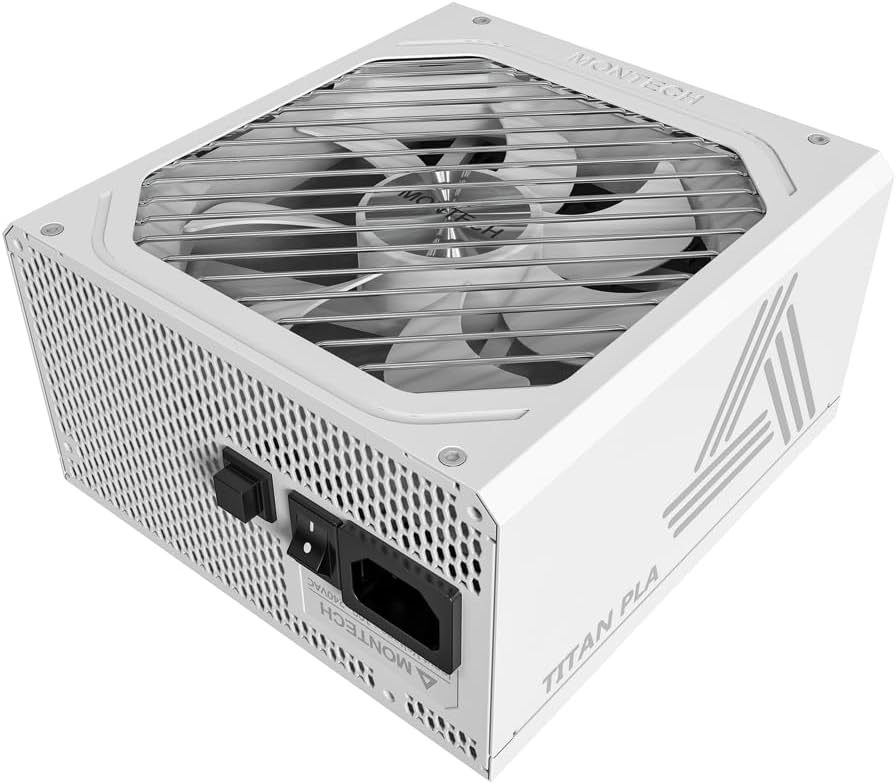
Mynd: Hornlaga view of the Montech Titan PLA 850W Power Supply, showcasing its white chassis and top fan grill.

Mynd: Yfirview of key features including 80 PLUS Platinum, Cybenetics A+ certification, ATX 3.1 & PCIe 5.1 readiness, silent performance, premium build, and ultimate protection.
4.1 Helstu eiginleikar
- 80 PLUS Platinum & Cybenetics Platinum Certified: Achieves up to 90% efficiency, reducing heat and operating costs.
- ATX 3.1 og PCIe 5.1 tilbúið: Fully compliant with the latest power standards for modern GPUs, supporting 2x total power excursion and 3x GPU power excursion.
- Alveg mát hönnun: Allows for clean cable management and improved airflow within your PC case.
- 135mm FDB Silent Fan with Zero RPM Mode: Ensures quiet operation under low to moderate loads by stopping the fan.
- 100% Japanese 105°C Capacitors: Provides enhanced durability, stability, and reliability.
- Alhliða vernd: Includes OVP, OPP, SCP, OCP, UVP, OTP for system safety.

Image: Diagram illustrating ATX 3.1 and PCIe 5.1 readiness, showing support for power and GPU excursions and hold time above 21ms.

Image: Logos for 80 PLUS Platinum and Cybenetics Platinum certifications, indicating high power efficiency.

Mynd: Nærmynd view of internal Japanese 105°C capacitors, highlighting premium component quality.

Image: Cybenetics A+ certification logo alongside a view of the 135mm FDB fan, emphasizing silent operation.
5. Uppsetningarleiðbeiningar
5.1 Gátlisti fyrir uppsetningu
- Gakktu úr skugga um að tölvukassinn þinn sé samhæfur við ATX aflgjafa.
- Gather all necessary tools: screwdriver, cable ties (included).
- Unpack the PSU and all modular cables.
5.2 Líkamleg uppsetning
- Slökktu á tölvunni þinni og aftengdu rafmagnssnúruna úr vegginnstungunni.
- Opnaðu tölvuhulstrið þitt.
- Carefully place the Montech Titan PLA 850W PSU into the designated PSU bay in your computer case. Ensure the fan is facing the correct direction (typically facing down if your case has a bottom vent, or up if it draws air from inside the case).
- Festið aflgjafann við kassann með meðfylgjandi festingarskrúfum.
5.3 Kapaltengingar
The Montech Titan PLA 850W is a fully modular power supply, allowing you to connect only the cables you need. Refer to the diagram below for connector types and locations.

Mynd: Aftan view of the Montech Titan PLA power supply showing the fully modular cable connection ports, labeled for M/B, CPU/PCI-E, Peripheral-IDE/SATA/Molex, and 12V-2x6.
- Motherboard (M/B) Power: Connect the 24-pin ATX cable to the PSU and then to your motherboard's 24-pin connector.
- CPU máttur: Connect the 8-pin (4+4-pin) CPU cable(s) to the PSU and then to your motherboard's CPU power connector(s).
- PCIe aflgjafi: Connect the 6+2-pin PCIe cable(s) to the PSU and then to your graphics card(s). Use separate cables for each high-power GPU connector if possible.
- SATA Power: Connect SATA power cables to the PSU and then to your SSDs, HDDs, or optical drives.
- Peripheral (Molex) Power: Connect peripheral cables to the PSU and then to any components requiring Molex connectors.
- Once all necessary cables are connected, use cable ties to manage them neatly for better airflow and aesthetics.
5.4 Upphafsvirkjun
- Gakktu úr skugga um að allar tengingar séu öruggar.
- Lokaðu tölvukassanum.
- Connect the AC power cord to the PSU's input socket and then to a wall outlet.
- Flip the power switch on the back of the PSU to the 'ON' (I) position.
- Kveiktu á tölvunni þinni.

Image: Rear panel of the Montech Titan PLA 850W Power Supply, showing the AC input, power switch, and input voltage label (100~240VAC).
6. Notkunarleiðbeiningar
6.1 Kveikt/slökkt
To power on your system, ensure the PSU switch is in the 'ON' position and press your computer's power button. To power off, shut down your operating system normally. For complete power disconnection, flip the PSU switch to the 'OFF' (O) position and unplug the AC cord.
6.2 Núll snúningur á mínútu
The Montech Titan PLA 850W features a Zero RPM mode. In this mode, the PSU fan will remain off under low to moderate loads to provide silent operation. The fan will automatically activate when the load increases to maintain optimal temperatures. This is normal operation and not an indication of a fault.
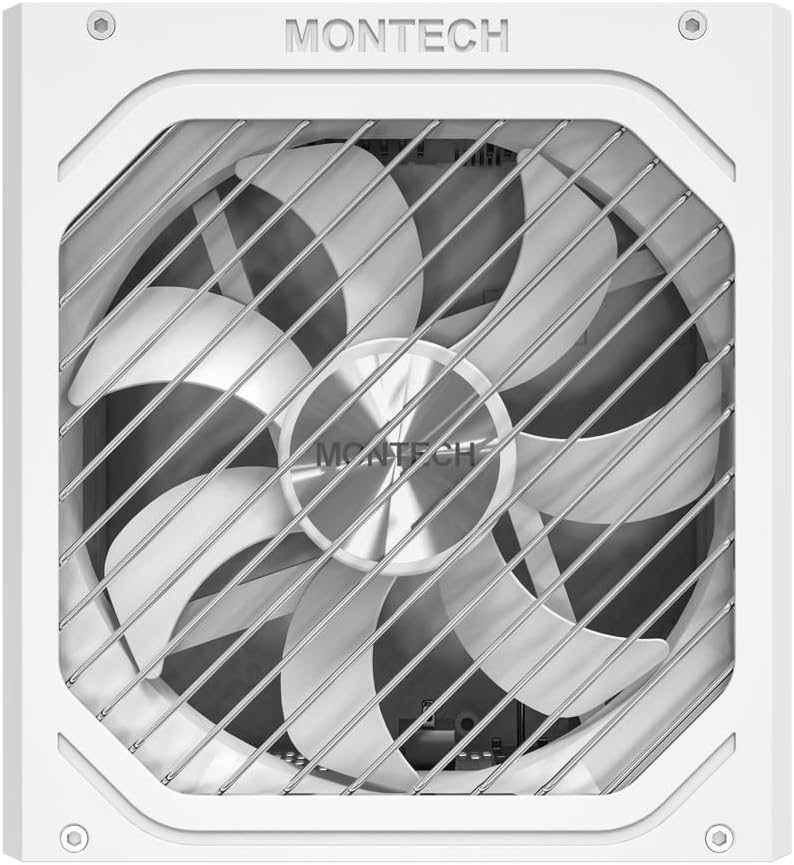
Mynd: Ofan frá og niður view of the Montech Titan PLA 850W Power Supply fan, visible through the protective grill.
7. Viðhald
To ensure the longevity and optimal performance of your Montech Titan PLA 850W PSU, follow these maintenance guidelines:
- Rykhreinsun: Periodically clean the exterior of the PSU and the fan grill to prevent dust buildup. Use compressed air to gently clear dust from the fan blades and internal components. Always disconnect the AC power before cleaning.
- Umhverfisskilyrði: Operate the PSU in a well-ventilated area, away from direct sunlight, heat sources, and excessive humidity.
- Snúruskoðun: Athugið reglulega allar tengingar við mátkapal til að tryggja að þær séu öruggar og óskemmdar.
8. Bilanagreining
If you encounter issues with your Montech Titan PLA 850W PSU, refer to the following common problems and solutions:
| Vandamál | Möguleg orsök | Lausn |
|---|---|---|
| Kerfi kveikir ekki á. | AC power cord disconnected. PSU switch is OFF. Lausar kapaltengingar. Bilaður íhlutur. | Gakktu úr skugga um að rafmagnssnúran sé örugglega tengd. Flip PSU switch to 'ON' (I). Check all modular cable connections. Test PSU with a PSU tester (if available) or try minimal components. |
| System powers on but is unstable/shuts down. | Ofhleðsla. Ofhitnun. Bilaður íhlutur. | Tryggið að allt kerfið sé vatnslausttage fer ekki yfir 850W. Check for proper case ventilation and dust buildup. Staðfestið að allir íhlutir séu rétt uppsettir. |
| Viftan í aflgjafanum snýst ekki. | Zero RPM mode active. Hindrun fyrir viftu. Biluð vifta. | This is normal under low loads. The fan will spin up when needed. Check for any obstructions. Clean dust if necessary. If fan never spins under load, contact support. |
If the problem persists after attempting these solutions, please contact Montech customer support for further assistance.
9. Tæknilýsing
Detailed specifications for the Montech Titan PLA 850W Power Supply:
| Eiginleiki | Forskrift |
|---|---|
| Nafn líkans | TITAN PLA 850W |
| Hvaðtage | 850 Watt |
| Skilvirknivottun | 80 PLUS Platinum, Cybenetics Platinum |
| Form Factor | ATX |
| Mál (L x B x H) | 6.3 x 5.91 x 3.39 tommur (160 x 150 x 86 mm) |
| Tegund viftu | 135mm Fluid Dynamic Bearing (FDB) |
| Þéttar | 100% Japanese 105°C |
| Modular | Alveg Modular |
| ATX staðall | ATX 3.1 |
| PCIe staðall | PCIe 5.1 |
| Vörn | OVP, OPP, SCP, OCP, UVP, OTP |
| Inntak Voltage | 100-240VAC |
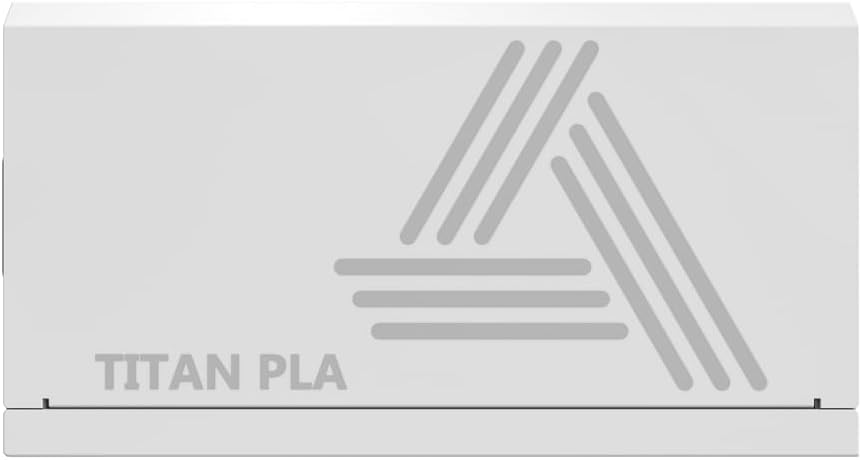
Image: Rating label of a Montech Titan PLA power supply (750W variant shown), detailing AC input and DC output specifications.
10. Ábyrgð og stuðningur
The Montech Titan PLA 850W Power Supply is backed by a 10 árs ábyrgð framleiðanda, covering defects in materials and workmanship under normal use. For warranty claims or technical support, please visit the official Montech webvefsíðu eða hafið samband við þjónustuver þeirra. Geymið kaupkvittunina til að staðfesta ábyrgðina.
For the most up-to-date support information, please refer to the official Montech support channels.


