1. Inngangur
This manual provides essential information for the safe and efficient use of your MESWAO 15.6 Inch Pro Android 14 Tablet. Please read this manual thoroughly before operating the device and retain it for future reference.
2. Öryggisupplýsingar
- Ekki láta spjaldtölvuna verða fyrir miklum hita, beinu sólarljósi eða miklum raka.
- Forðist að missa spjaldtölvuna eða láta hana verða fyrir miklum höggum.
- Use only the provided power adapter and Type-C cable for charging.
- Haldið töflunni frá vatni og öðrum vökvum.
- Ekki reyna að taka spjaldtölvuna í sundur eða gera við hana sjálfur. Hafðu samband við þjónustuver viðskiptavina til að fá aðstoð.
- Ensure proper ventilation when using the tablet for extended periods.
3. Innihald pakka
Gakktu úr skugga um að allir hlutir séu til staðar í pakkanum:
- 1 x MESWAO 15.6 inch Android Tablet
- 1 x straumbreytir
- 1 x gerð C kapall
- 1 x Notendahandbók
- 1 x Type-C til USB millistykki
- 1 x Stuck pin
4. Tæki lokiðview
Familiarize yourself with the physical components of your MESWAO tablet.
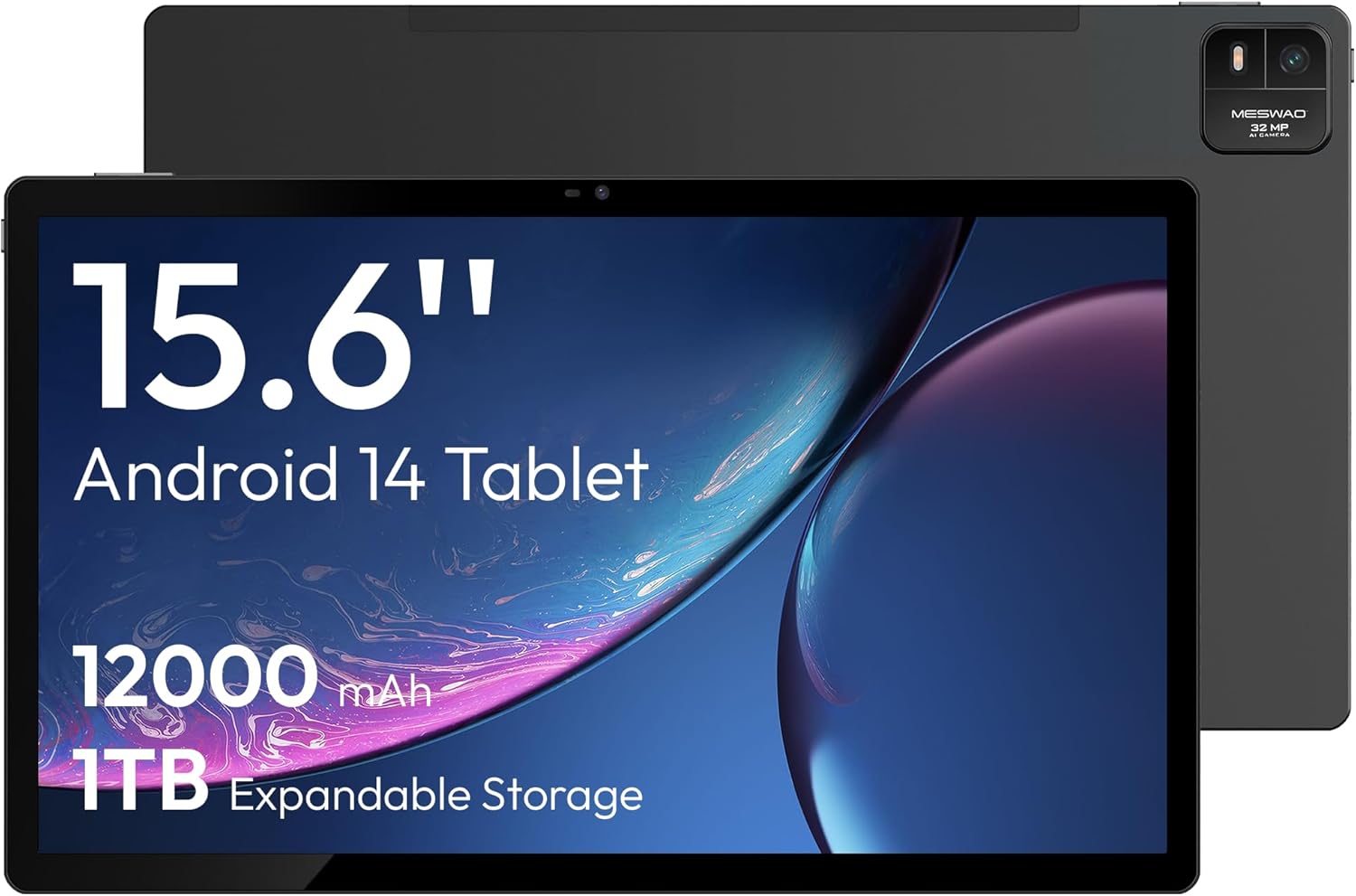
Mynd 4.1: Framan view of the MESWAO 15.6-inch Android 14 Tablet, highlighting the large display and key specifications such as 12000mAh battery and 1TB expandable storage.
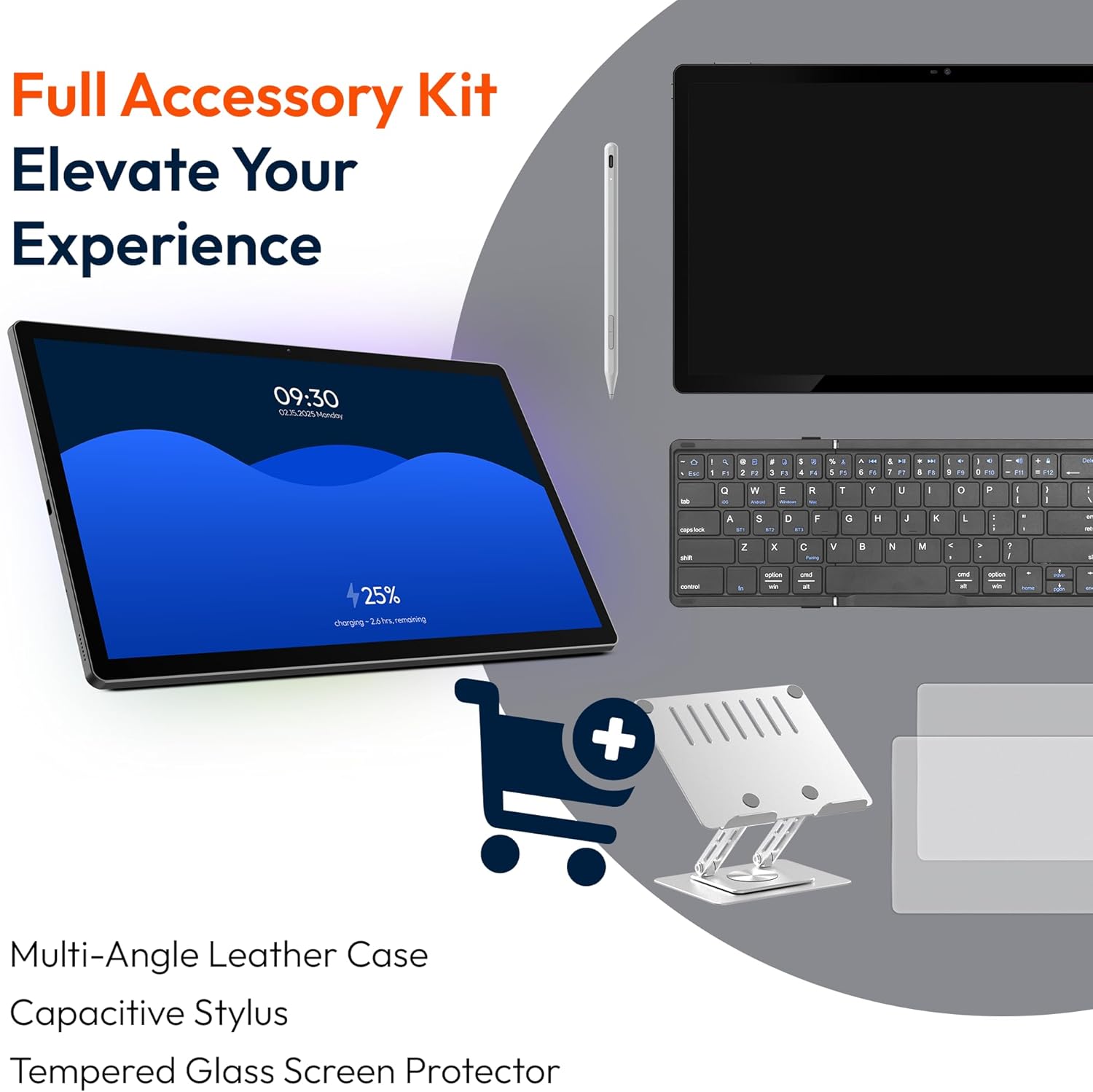
Mynd 4.2: Hlið og aftan view of the tablet, indicating the location of the quad speakers, Type-C port, TF card slot, power button, volume controls, and front/rear cameras.
Lykilhlutir:
- 15.6 tommu FHD IPS skjár: Large screen for immersive viewing.
- Myndavél að framan: Fyrir myndsímtöl og sjálfsmyndir.
- Afturmyndavél (32MP): Til að taka myndir og myndbönd.
- Aflhnappur: To turn the tablet on/off or put it to sleep.
- Hljóðstyrkshnappar: To adjust audio levels.
- Type-C höfn: Fyrir hleðslu og gagnaflutning.
- TF kortarauf: For expandable storage (MicroSD card).
- Fjórir hátalarar: Fyrir hljóðúttak.
5. Uppsetning
5.1 Upphafshleðsla
Before first use, fully charge the tablet. Connect the provided Type-C cable to the tablet's Type-C port and the power adapter to a wall outlet. The tablet supports 30W fast charging.

Mynd 5.1: The tablet connected to its charger, showing the charging indicator on the screen.
5.2 Kveikt/slökkt
- Til að kveikja á: Haltu inni Power hnappinum þar til skjárinn logar.
- Til að slökkva á: Haltu inni aflrofann og veldu síðan „Slökkva“ úr valkostunum á skjánum.
- Að sofa/vaka: Ýttu stuttlega á rofann.
5.3 Upphafleg stilling
Upon first power-on, follow the on-screen prompts to set up your Android 14 operating system. This includes selecting your language, connecting to Wi-Fi, and signing in with your Google account.
5.4 Wi-Fi tenging
- Farðu til Stillingar > Net og internet > Wi-Fi.
- Kveikja á Wi-Fi On.
- Veldu netið sem þú vilt af listanum.
- Sláðu inn lykilorðið ef beðið er um það og pikkaðu á Tengdu. The tablet supports dual-band Wi-Fi (2.4GHz and 5GHz).
5.5 Að setja inn microSD-kort
To expand storage up to 1TB, insert a MicroSD card:
- Finndu TF-kortaraufina á hlið spjaldtölvunnar.
- Use the provided stuck pin to gently press into the small hole next to the slot to eject the tray.
- Place the MicroSD card into the tray with the gold contacts facing down.
- Carefully reinsert the tray into the tablet.

Mynd 5.2: Illustration of the tablet's internal storage and the option for expandable storage via MicroSD card.
6. Notkun spjaldtölvunnar
6.1 Grunnleiðsögn
The Android 14 operating system uses touch gestures for navigation:
- Bankaðu á: Veldu hlut eða opnaðu forrit.
- Strjúktu: Fletta í gegnum skjái eða lista.
- Klípa: Aðdráttur eða minnkun á myndum og web síður.
- Langt ýtt: Opnaðu samhengisvalmyndir eða færðu tákn.
6.2 Skjáreiginleikar
The 15.6-inch FHD IPS display offers a resolution of 1920 x 1080 pixels, providing clear and vibrant visuals for various applications.

Mynd 6.1: Comparison of the MESWAO 15.6-inch display size to an A4 sheet of paper and a smaller tablet, emphasizing its expansive viewing svæði.
6.3 Frammistaða
Powered by the Helio G99 octa-core processor and 8GB RAM, the tablet delivers efficient performance for multitasking, gaming, and media consumption.

Mynd 6.2: An illustration of the Helio G99 Octa-Core chipset, detailing its technical specifications and performance benefits.
6.4 Notkun myndavélar
The tablet features a 32MP rear camera and a 5MP front camera. Open the Camera app to capture photos and videos.
6.5 Hljóð
The quad speakers provide clear audio. You can connect Bluetooth headphones or use the Type-C port for audio output with a suitable adapter.
6.6 Eiginleikar Android 14
The tablet runs on Android 14, offering features such as:
- Smooth Multitasking: Efficiently switch between applications.
- Foreldraeftirlit: Manage content and usage for children.
- Enhanced Privacy & UI: Improved security and user interface experience.

Mynd 6.3: The Android 14 operating system interface, showcasing various applications and system features.
7. Viðhald
7.1 Þrif á tækinu
Notið mjúkan, lólausan klút til að þrífa skjáinn og spjaldtölvuna. Forðist að nota sterk efni eða slípiefni.
7.2 Hugbúnaðaruppfærslur
Athugaðu reglulega hvort kerfisuppfærslur séu til staðar til að tryggja bestu mögulegu afköst og öryggi. Farðu á Stillingar > Kerfi > Kerfisuppfærsla.
7.3 Umhirða rafhlöðu
Til að lengja líftíma rafhlöðunnar:
- Forðastu að tæma rafhlöðuna alveg oft.
- Do not expose the tablet to high temperatures.
- Taktu hleðslutækið úr sambandi þegar rafhlaðan er full.
8. Bilanagreining
8.1 Spjaldtölvan kveikir ekki á sér
- Gakktu úr skugga um að rafhlaðan sé hlaðin. Tengdu hleðslutækið og bíddu í nokkrar mínútur áður en þú reynir að kveikja á því.
- Ýttu á aflrofann og haltu honum inni í að minnsta kosti 10-15 sekúndur til að þvinga fram endurræsingu.
8.2 Vandamál með Wi-Fi tengingu
- Endurræstu Wi-Fi leiðina þína.
- Gleymdu netkerfinu í stillingum spjaldtölvunnar og tengdu aftur.
- Gakktu úr skugga um að spjaldtölvan sé innan seilingar Wi-Fi merkisins.
8.3 Hæg afköst
- Lokaðu óþarfa bakgrunnsforritum.
- Hreinsa skyndiminni fyrir forrit.
- Tryggið nægilegt laust geymslurými.
8.4 Skjárinn svarar ekki
- Endurræstu spjaldtölvuna.
- Gakktu úr skugga um að skjárinn sé hreinn og laus við óhreinindi.
9. Tæknilýsing
| Eiginleiki | Forskrift |
|---|---|
| Nafn líkans | MES-B3 |
| Stýrikerfi | Android 14 |
| Skjárstærð | 15.6 tommur |
| Skjáupplausn | 1920 x 1080 pixlar (FHD) |
| Örgjörvi | MediaTek Helio G99 átta kjarna örgjörvi |
| Grafískur hjálpargjörvi | Mali-G75 |
| vinnsluminni | 8GB |
| Innri geymsla (ROM) | 256GB |
| Stækkanlegt geymsla | Allt að 1 TB með MicroSD korti |
| Myndavél að aftan | 32MP |
| Myndavél að framan | 5MP |
| Rafhlöðugeta | 12000mAh |
| Hleðsla | 30W hraðhleðsla |
| Þráðlaus tenging | Dual-Band Wi-Fi (802.11a/b/ac/ad/ax), Bluetooth |
| Þyngd hlutar | 4.55 pund |
| Vörumál | 14.49 x 8.66 x 0.39 tommur |
10. Ábyrgð og stuðningur
10.1 Upplýsingar um ábyrgð
Your MESWAO tablet comes with a 12 mánaða ábyrgð sem nær yfir framleiðslugalla. Vinsamlegast geymið kaupkvittunina vegna ábyrgðarkröfu.
10.2 Þjónustuver
For technical assistance, troubleshooting, or warranty inquiries, please contact MESWAO customer support. Our support team is available to assist you.
- 24-tíma þjónustuver: Aðstoð er í boði allan sólarhringinn.
- Local After-sales Centers: Service centers are available in regions including the US, Germany, Japan, and more.
- Quick Response Flow: Issues reported receive a team response within 24 hours, aiming for prompt problem resolution or replacement.