1. Inngangur
This manual provides detailed instructions for the setup, operation, maintenance, and troubleshooting of your Phomemo D520BT Bluetooth Thermal Label Printer. Please read this manual thoroughly before using the device to ensure proper functionality and to extend the product's lifespan.

Figure 1: Phomemo D520BT printer in purple, printing a shipping label, with a smartphone displaying a label design connected via Bluetooth. This image illustrates the printer's compact design and wireless printing capability.
2. Innihald pakka
Gakktu úr skugga um að allir hlutir sem taldir eru upp hér að neðan séu innifaldir í pakkanum þínum. Ef einhverjir hlutir vantar eða eru skemmdir skaltu hafa samband við þjónustuver.
- Phomemo D520BT Thermal Printer
- Roll Label (sample)
- Flýtileiðarvísir
- Notendahandbók (þetta skjal)
- Rafmagnssnúra
- USB snúru
- Tegund-C millistykki
- Rafmagns millistykki

Figure 2: All components included in the Phomemo D520BT product package.
3. Uppsetningarleiðbeiningar
3.1 Upptaka
- Takið prentarann og allan fylgihluti varlega úr umbúðunum.
- Remove any protective films or packing materials from the printer.
3.2 Hleðsla merkimiða
The Phomemo D520BT supports both roll paper and folding paper labels.
- Open the printer cover by gently lifting it.
- Fyrir rúllupappír: Place the label roll into the internal paper holder, ensuring the labels feed from the bottom and the printing side faces upwards. Guide the first label through the output slot until it is slightly visible.
- For Folding Paper: Place the stack of folding labels behind the printer, ensuring the labels feed smoothly into the rear input slot and the printing side faces upwards. Guide the first label through the output slot until it is slightly visible.
- Lokaðu prentaralokinu örugglega.

Figure 3: The Phomemo D520BT printer supports both folding paper and roll paper labels.
3.3 Tenging prentarans
The D520BT offers both USB and Bluetooth connectivity.
3.3.1 USB Connection (Windows, Mac, Chrome OS, Linux)
- Connect one end of the USB cable to the printer and the other end to your computer.
- Tengdu straumbreytinn við prentarann og tengdu hann í rafmagnsinnstungu.
- Kveiktu á prentaranum.
- Install the necessary printer drivers for your operating system. Drivers can typically be found on the official Phomemo websíða.
3.3.2 Bluetooth Connection (Android, iOS, iPad)
- Tengdu straumbreytinn við prentarann og tengdu hann í rafmagnsinnstungu.
- Kveiktu á prentaranum.
- Sæktu og settu upp “Labelife” appið úr appverslun tækisins.
- Open the Labelife app and follow the in-app instructions to pair your device with the D520BT printer via Bluetooth.

Figure 4: The Phomemo D520BT supports both Bluetooth and USB connectivity for various devices and operating systems.
4. Notkunarleiðbeiningar
4.1 Kveikt/slökkt
- Kveikt á: Press the power button located on the printer. The indicator light will illuminate.
- Slökkva á: Ýttu á og haltu inni rofanum þar til vísirljósið slokknar.
4.2 Printing a Label
- Ensure the printer is powered on and connected to your device (computer via USB or mobile device via Bluetooth).
- Opnaðu skjalið eða forritið sem þú vilt prenta úr.
- Select the Phomemo D520BT as your printer.
- Adjust print settings as needed (e.g., label size, orientation). The printer supports a width range of 1 to 4.6 inches.
- Hefja prentskipunina.
The Labelife app provides various free templates for customizing shipping labels, address labels, barcode labels, and thank-you stickers.
4.3 Helstu eiginleikar
- High Speed Printing: The D520BT can print up to 72 labels per minute (150mm/s), suitable for high-volume printing tasks.
- Há upplausn: Prints at 203 DPI, ensuring sharp and precise details on each label.
- Wide Printing Range: Supports label widths from 1 inch to 4.6 inches, accommodating various label types including 4x6 inch shipping labels.
- Ink-Free Thermal Technology: Utilizes direct thermal printing, eliminating the need for ink or toner cartridges.
- Plásssparandi hönnun: Features a built-in paper holder, reducing the need for external label racks and optimizing desktop space.
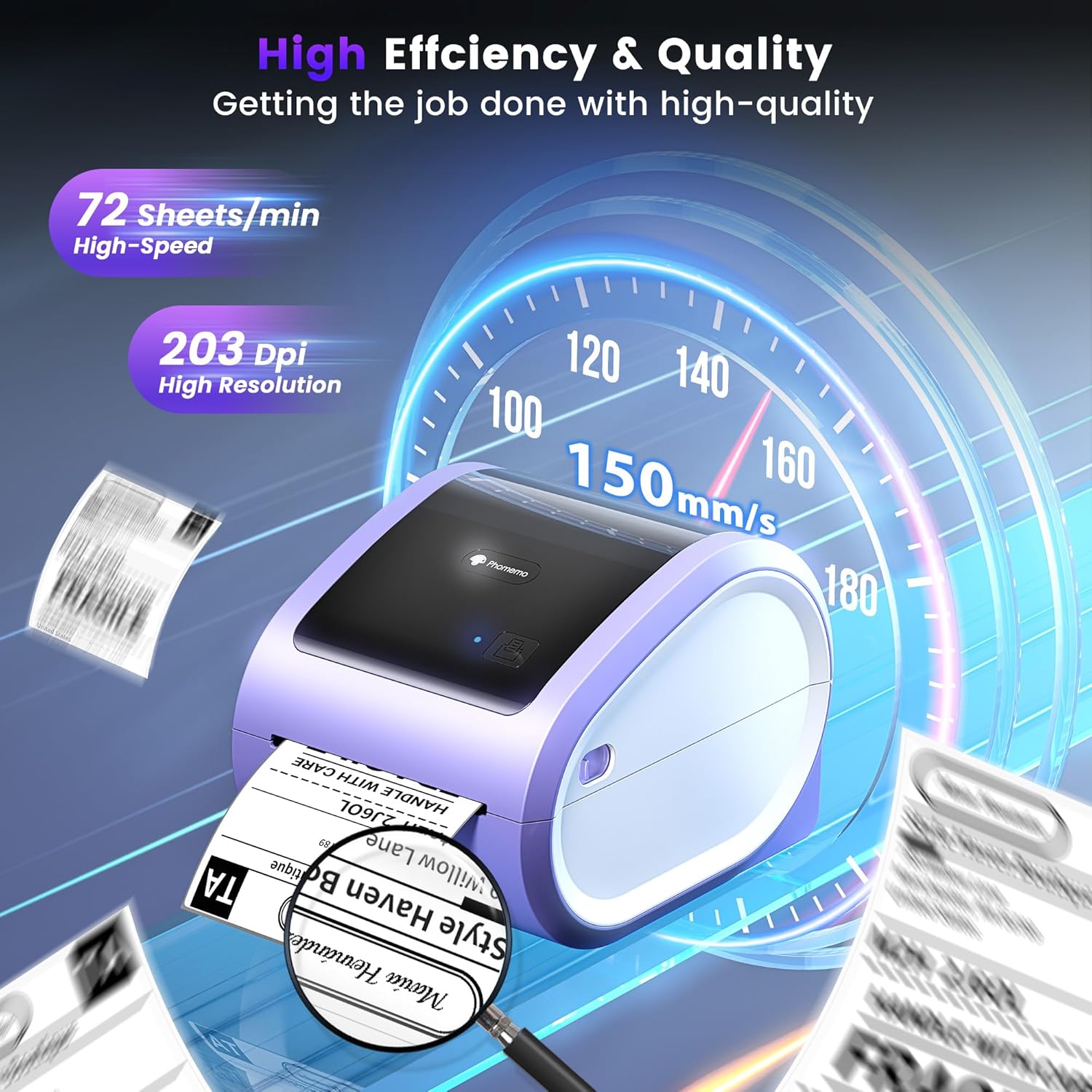
Figure 5: The Phomemo D520BT offers high efficiency and quality with a print speed of 150mm/s and 203 DPI resolution.

Figure 6: The Phomemo D520BT is compatible with various label sizes, from 1 inch to 4.6 inches wide.

Figure 7: The Phomemo D520BT supports multi-scenario applications for various labeling needs.

Figure 8: The Phomemo D520BT is compatible with all major shipping and sales platforms.
5. Viðhald
5.1 Þrif á prenthaus
Regular cleaning of the print head ensures optimal print quality and extends the printer's life.
- Slökktu á prentaranum og taktu rafmagnssnúruna úr sambandi.
- Opnaðu prentaralokið.
- Gently wipe the print head with an alcohol swab or a soft, lint-free cloth lightly dampendað með ísóprópýlalkóhóli.
- Leyfðu prenthausnum að þorna alveg áður en þú lokar lokinu og kveikir á prentaranum.
5.2 Geymsla
Store the printer in a cool, dry place away from direct sunlight and extreme temperatures. Avoid exposing the printer to dust or moisture.
6. Bilanagreining
If you encounter issues with your Phomemo D520BT printer, refer to the following common problems and solutions:
- Prentarinn kveikir ekki á sér:
- Ensure the power adapter is securely connected to both the printer and a working power outlet.
- Check if the power button has been pressed firmly.
- Labels not printing or feeding incorrectly:
- Verify that labels are loaded correctly with the printing side facing up.
- Ensure there are no obstructions in the label path.
- Check if the label roll or stack is depleted.
- Poor print quality (faded, streaky, or blank labels):
- Hreinsið prenthausinn eins og lýst er í kafla 5.1.
- Ensure you are using high-quality thermal labels.
- Check print density settings in your printer preferences.
- Vandamál með Bluetooth-tengingu:
- Ensure Bluetooth is enabled on your mobile device and the printer.
- Restart both the printer and your mobile device.
- Ensure you are within the Bluetooth range.
- Re-pair the printer through the Labelife app.
- Vandamál með USB tengingu:
- Verify the USB cable is securely connected to both the printer and the computer.
- Ensure the correct printer drivers are installed.
- Prófaðu aðra USB tengi eða snúru.
For further assistance, refer to the detailed video tutorials and user manuals available online, or contact Phomemo customer support.
7. Tæknilýsing
| Eiginleiki | Forskrift |
|---|---|
| Vörumerki | Phomemo |
| Nafn líkans | D520BT |
| Tengitækni | Bluetooth, USB |
| Prenttækni | Hitauppstreymi |
| Sérstakur eiginleiki | Portable, Built-in Holder |
| Printer Output | Einlita |
| Hámarks prenthraði | 150 mm/s (72 labels/min) |
| Prentaupplausn | 203 DPI |
| Hámarks prentbreidd | 4.6 tommur |
| Þyngd hlutar | 2.4 pund |
| Vörumál | 10.31" D x 10.31" B x 7.87" H |
8. Ábyrgð og stuðningur
Phomemo provides customer support to assist with any questions or issues you may encounter. For detailed warranty information, please refer to the warranty card included with your product or visit the official Phomemo website. Our customer support team is available via phone, email, or remote support.
For additional resources, including video tutorials and updated user manuals, please visit the Phomemo support page.


