Inngangur
Thank you for choosing the HORLAT Projector Tripod Stand TP-01. This stand is specifically designed to provide stable and adjustable support for your HORLAT W10/W11 projectors. It features a 180° rotational capability, allowing for flexible projection angles. Please read this manual carefully before use to ensure proper installation and operation.
Note: This product is a projector stand. The projector itself is not included.
Mikilvægar öryggisupplýsingar
- Gakktu úr skugga um að standurinn sé staðsettur á stöðugu, sléttu yfirborði til að koma í veg fyrir að hann velti.
- Do not overload the stand beyond its intended capacity. This stand is designed for HORLAT W10/W11 projectors only.
- Keep the stand away from heat sources, direct sunlight, and moisture.
- Do not attempt to modify or disassemble the stand.
- Geymið þar sem börn ná ekki til til að koma í veg fyrir slys.
Innihald pakka
Vinsamlegast athugið hvort eftirfarandi atriði séu í pakkanum:
- HORLAT Projector Tripod Stand TP-01
- Millistykki
Note: The term "Adapter" is listed in the product's package contents. This may refer to a specific mounting adapter for the projector.
Vara lokiðview
The HORLAT TP-01 stand is designed for ease of use and stability. It features a sturdy base and a rotatable platform for your projector.

Image: The HORLAT Projector Tripod Stand TP-01, showcasing its sleek design and stable structure.
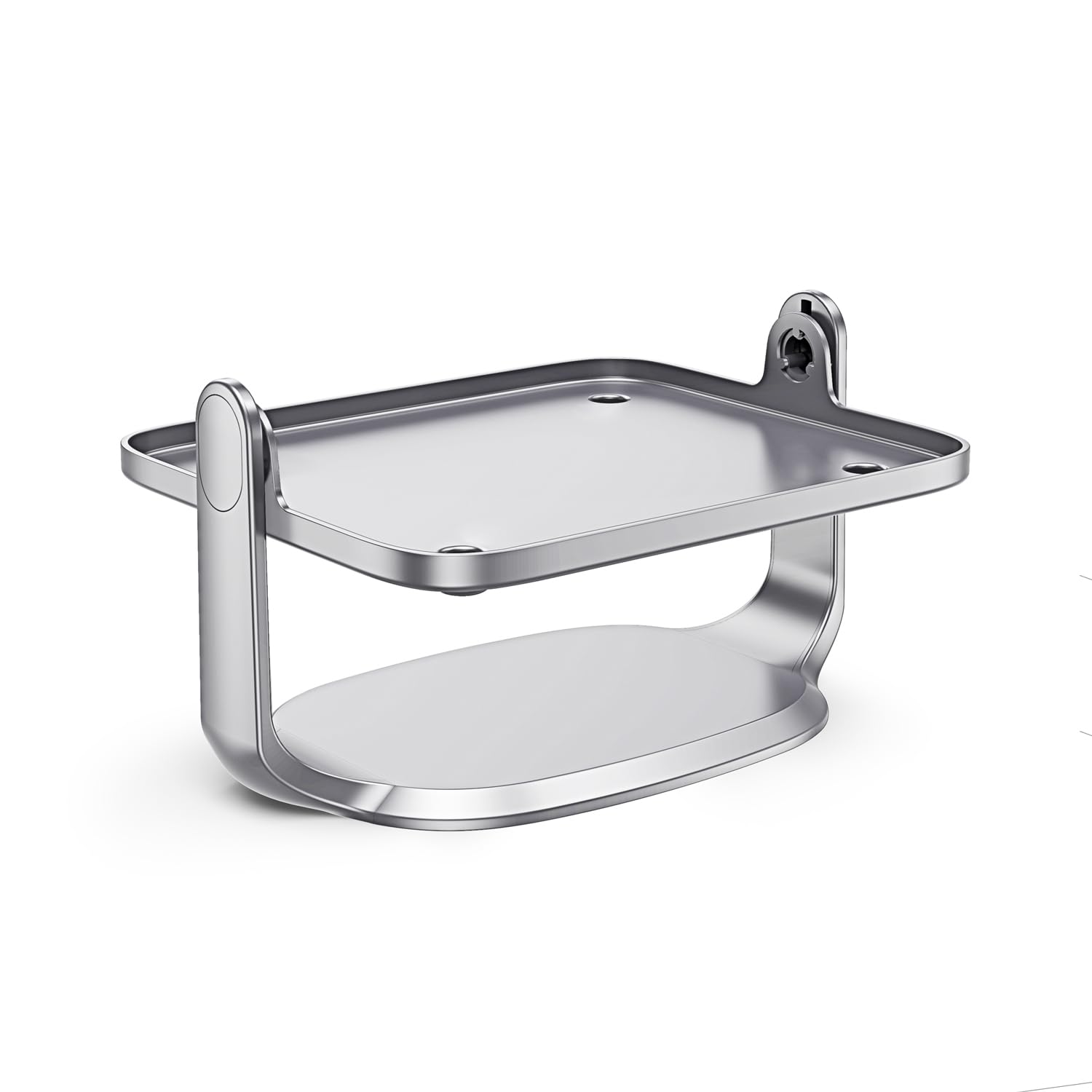
Image: Diagram illustrating the 90-degree and 45-degree rotation capabilities of the projector stand's platform.
Uppsetningarleiðbeiningar
- Taktu upp standinn: Fjarlægðu alla íhluti varlega úr umbúðunum.
- Settu standinn: Position the stand on a flat, stable surface where you intend to use your projector. Ensure there is enough space for the projector and its cables.
-
Festa skjávarpann: Gently place your HORLAT W10 or W11 projector onto the stand's platform. Ensure it is centered and stable.
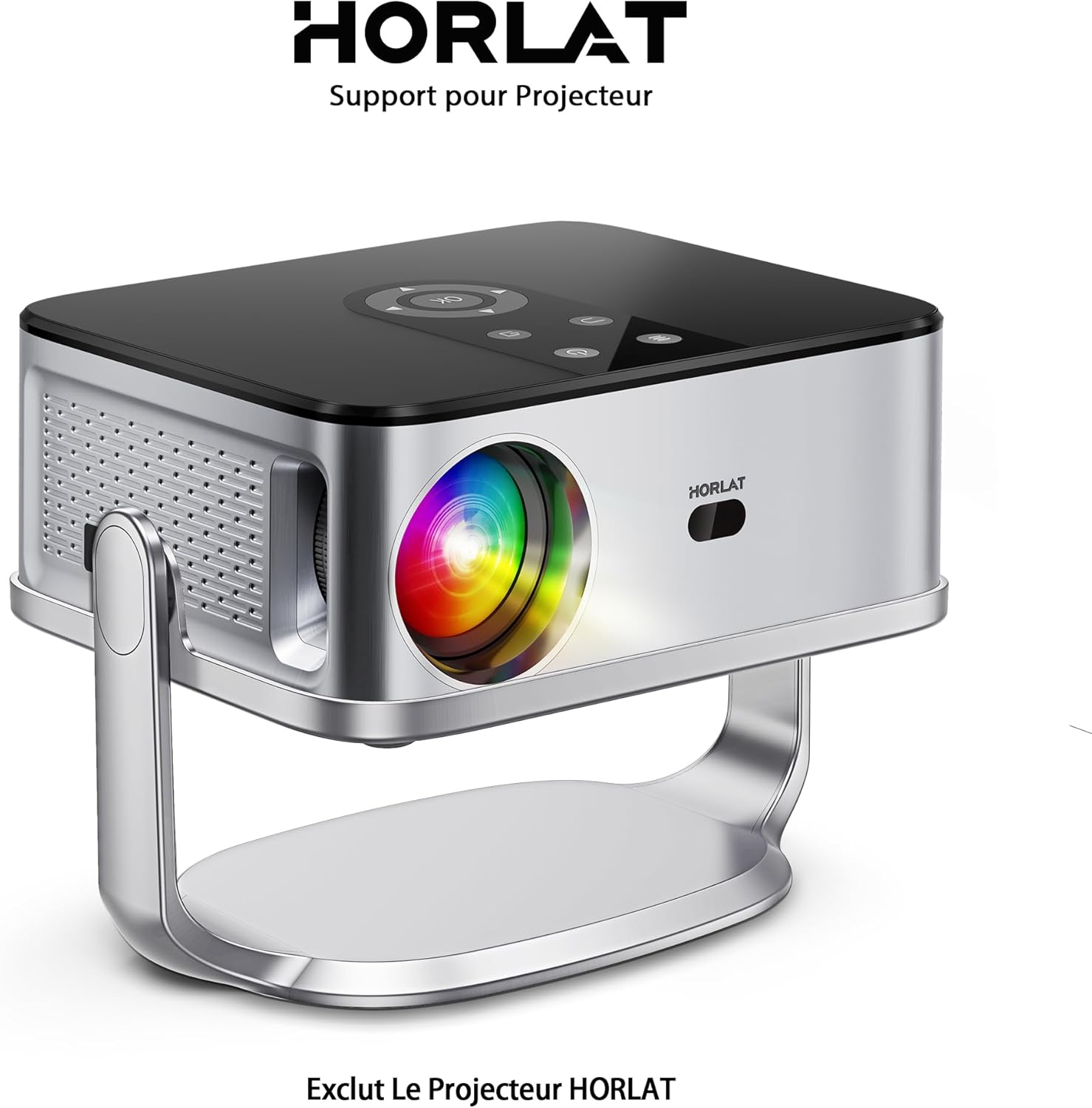
Image: A HORLAT projector securely placed on the TP-01 stand, demonstrating proper mounting.
- Tengja snúrur: Connect all necessary power and video cables to your projector. Route cables neatly to avoid obstruction or tripping hazards.
Notkun standsins
The HORLAT TP-01 stand allows for easy adjustment of your projector's position and angle.
-
Að stilla snúning: The projector platform can be rotated up to 180 degrees. Gently hold the projector and rotate the platform to achieve the desired projection angle. The stand is designed to hold the projector securely at various angles.
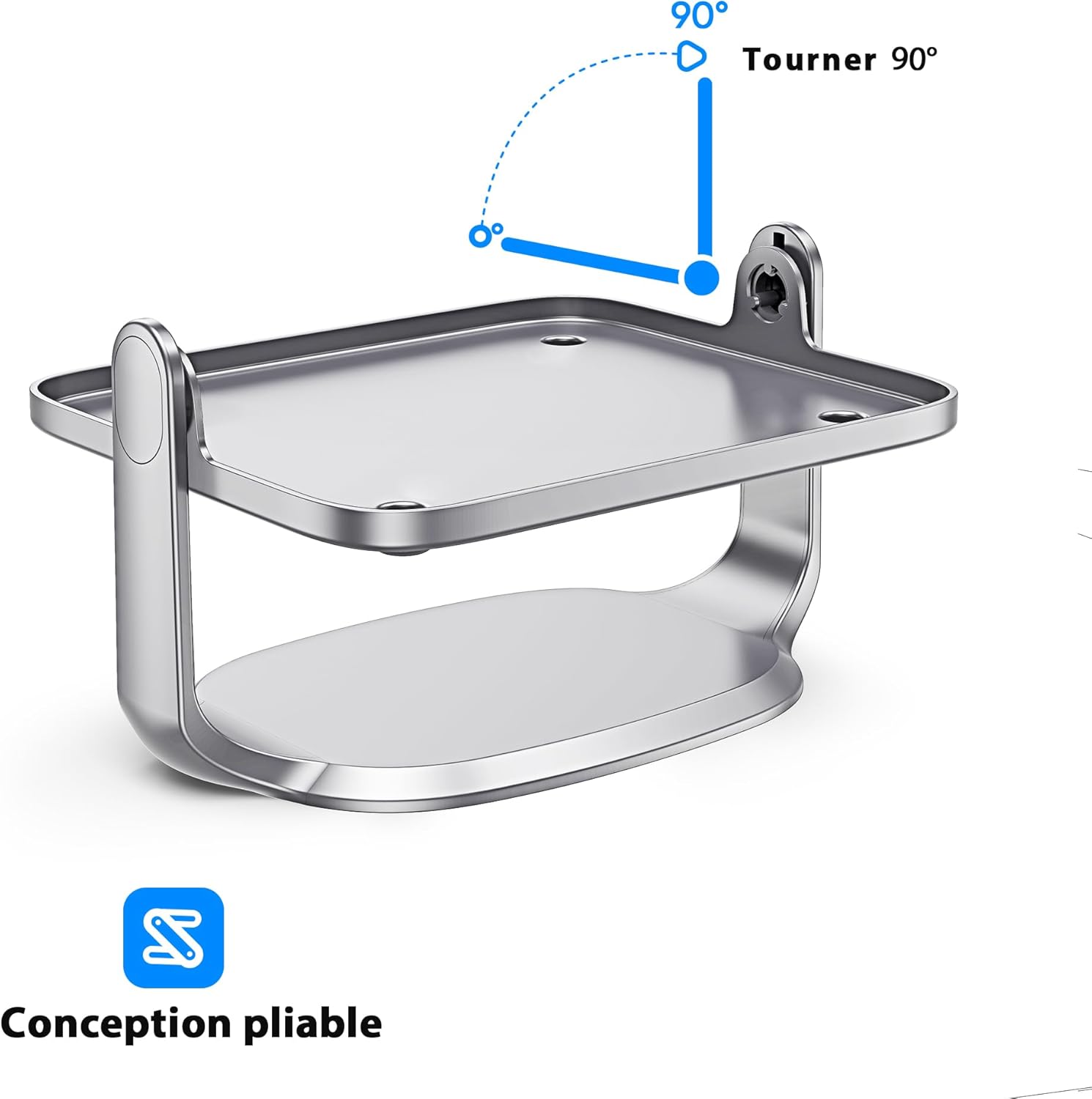
Image: Diagram showing the 90-degree rotation capability of the projector stand, allowing for versatile positioning.
- Staðsetning: Once the desired angle is set, ensure the stand remains stable. The design allows for flexible placement on various surfaces while maintaining stability.
Viðhald
- Þrif: To clean the stand, wipe it with a soft, dry cloth. Do not use abrasive cleaners or solvents, as these may damage the finish.
- Geymsla: When not in use, store the stand in a cool, dry place, away from direct sunlight and extreme temperatures.
- Skoðun: Periodically check the stand for any signs of wear or damage. If any damage is found, discontinue use and contact customer support.
Úrræðaleit
| Vandamál | Möguleg orsök | Lausn |
|---|---|---|
| Standurinn er óstöðugur. | Uneven surface; projector not centered. | Place the stand on a flat, level surface. Ensure the projector is centered on the platform. |
| Difficulty rotating the platform. | Excessive force applied; obstruction. | Ensure no cables or other objects are obstructing the rotation. Apply gentle, even pressure. Do not force rotation. |
| Stand appears damaged. | Physical impact; manufacturing defect. | Discontinue use immediately. Contact HORLAT customer support for assistance. |
Tæknilýsing
| Eiginleiki | Smáatriði |
|---|---|
| Vörumerki | HORLAT |
| Gerðarnúmer | TP-01 |
| Samhæf tæki | HORLAT W10/W11 Projectors |
| Gerð uppsetningar | Þrífótur (skrifborðsstandur) |
| Sérstakur eiginleiki | 180° Rotational Platform |
| Ábyrgð | 1ja ára framleiðandaábyrgð |
Ábyrgð og þjónustuver
The HORLAT Projector Tripod Stand TP-01 comes with a 1ja ára framleiðandaábyrgð. Þessi ábyrgð nær til galla í efni og framleiðslu við venjulega notkun.
For warranty claims, technical support, or any questions regarding your product, please contact HORLAT customer service through the retailer where you purchased the product or visit the official HORLAT websíða fyrir upplýsingar um tengiliði.
Please have your model number (TP-01) and proof of purchase ready when contacting support.


