1. Inngangur
This manual provides essential information for the safe and efficient use of your Lenovo IdeaPad Slim 3 Business Laptop. This model features an AMD Ryzen 7 7730U processor, a 15.6-inch Full HD display, 16GB of RAM, and a 1TB PCIe SSD, running on Windows 11. Please read this manual thoroughly before operating your device.

Figure 1: Lenovo IdeaPad Slim 3 Laptop overview, highlighting key features like Windows 11, AMD Ryzen 7 processor, and the included WOWPC Recovery USB.
2. Uppsetning
2.1 Úrpakkning og fyrsta skoðun
Fjarlægið alla íhluti varlega úr umbúðunum. Gakktu úr skugga um að allir hlutir sem eru taldir upp á pakklistanum séu til staðar og óskemmdir. Ef einhverjir hlutir vantar eða eru skemmdir skal hafa samband við söluaðila tafarlaust.

Mynd 2: Yfirview of the Lenovo IdeaPad Slim 3 Laptop's main specifications, including Operating System, Processor, Graphics, RAM, Storage, Wi-Fi, Bluetooth, and WOWPC Recovery USB.
2.2 Rafmagnstenging
- Tengdu straumbreytinn við aflgjafainntak fartölvunnar.
- Stingdu straumbreytinum í viðeigandi rafmagnsinnstungu.
- Leyfðu rafhlöðunni að hlaðast í að minnsta kosti 30 mínútur fyrir fyrstu notkun, eða þar til rafhlöðuvísirinn sýnir nægilega hleðslu.
2.3 Upphafleg ræsing og uppsetning Windows 11
- Ýttu á rofann til að kveikja á fartölvunni.
- Follow the on-screen instructions to complete the Windows 11 setup process. This includes selecting your language, region, connecting to a network, and creating a user account.
- The included WOWPC recovery USB can be used for system restoration or troubleshooting if needed.
3. Rekstur
3.1 Skjáreiginleikar
Your laptop is equipped with a 15.6-inch Full HD (1920x1080) TN display with 250 nits brightness and an anti-glare coating. This design reduces reflections and enhances visibility, providing a clear and comfortable viewupplifun.
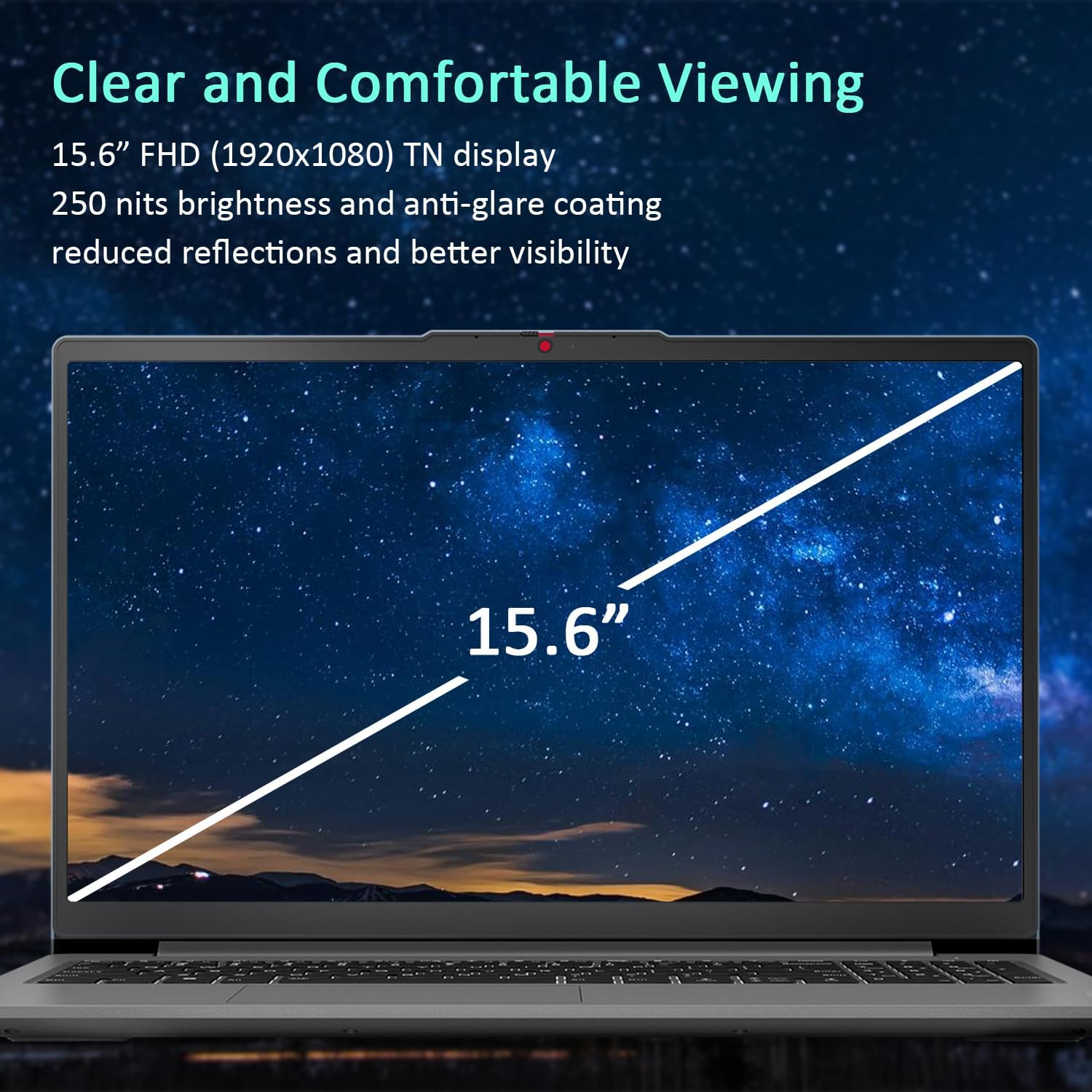
Figure 3: The 15.6-inch Full HD TN display with anti-glare coating for clear and comfortable viewing.
3.2 Örgjörvi og afköst
The AMD Ryzen 7 7730U Processor, with 8 cores and 16 threads, delivers reliable performance for various tasks, from daily productivity to more demanding applications. Coupled with 16GB of DDR4 RAM and integrated AMD Radeon Graphics, the system ensures smooth multitasking and efficient operation.
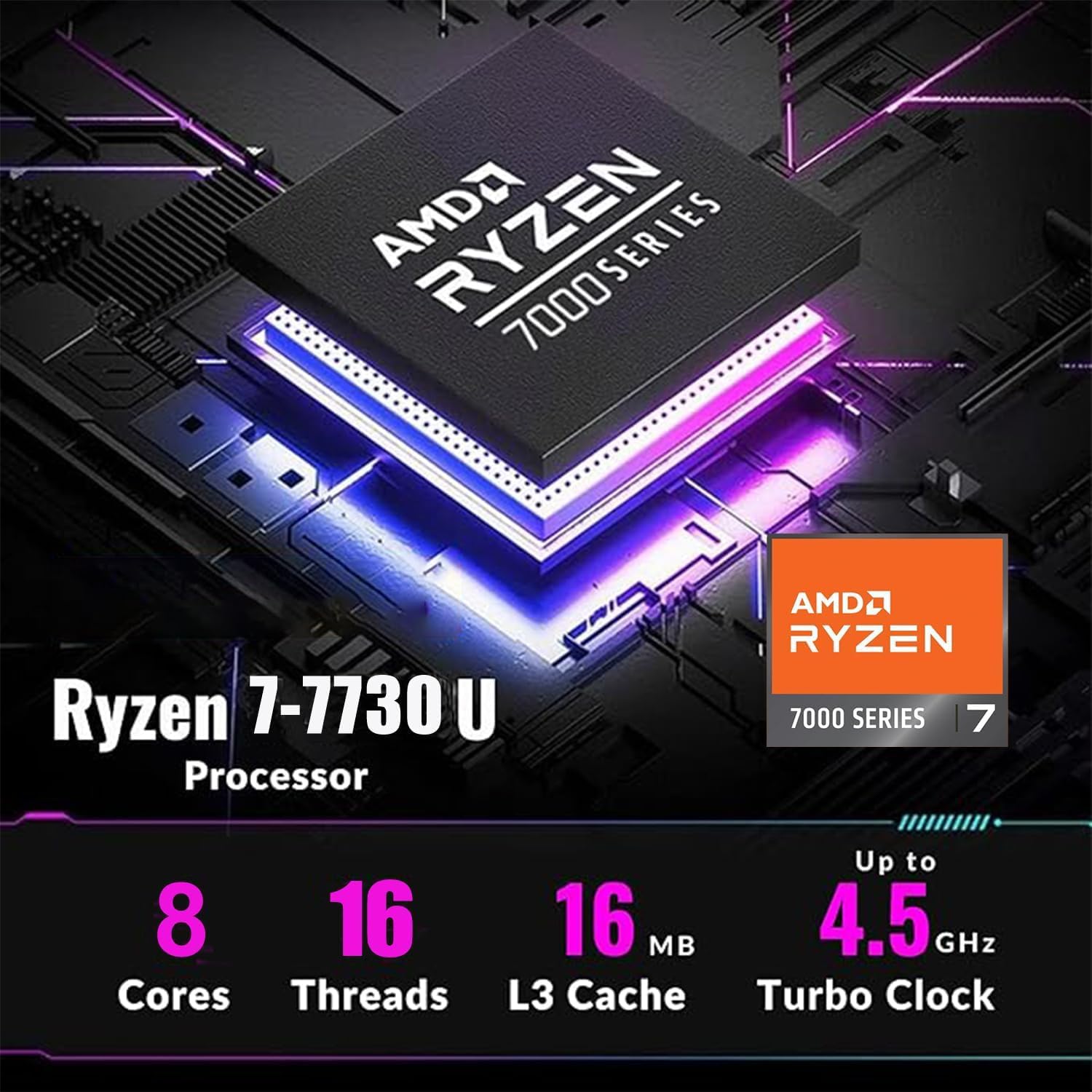
Figure 4: Detailed specifications of the AMD Ryzen 7 7730U Processor, emphasizing its core count, thread count, and turbo clock speed.

Figure 5: The laptop efficiently handles multiple applications simultaneously, showcasing its multitasking capabilities powered by the AMD Ryzen 7 7730U and AMD Radeon Graphics.
3.3 Tengingar
The IdeaPad Slim 3 offers comprehensive connectivity options:
- Hafnir: 1x USB-C 3.2 Gen 1, 2x USB-A 3.2, 1x HDMI 1.4 Output, 1x Headphone/microphone combo jack, 1x SD Card Reader.
- Þráðlaust: Wi-Fi 6 (802.11ax 2x2) and Bluetooth 5.2 for fast and stable wireless connections.

Mynd 6: Hlið view illustrating the available ports for connecting external devices and peripherals.

Figure 7: Highlighting the advanced Wi-Fi 6 and Bluetooth 5.2 capabilities for seamless connectivity.
3.4 Lyklaborð og snertiflötur
The laptop features a US English keyboard and a responsive touchpad for navigation. The keyboard is designed for comfortable typing.
3.5 Webmyndavél með Privacy Shutter
A built-in HD 720p webcam is included for video calls and conferences. For enhanced privacy, a physical privacy shutter is integrated, allowing you to block the camera lens when not in use.
4. Viðhald
4.1 Þrif á fartölvunni
- Notið mjúkan, lólausan klút til að þrífa skjáinn og ytra yfirborð.
- Fyrir þrjósk óhreinindi, þurrkaðu léttampÞurrkið klútinn með vatni eða skjáþolnu hreinsiefni.
- Forðist að nota sterk efni, slípiefni eða leysiefni.
4.2 Umhirða rafhlöðu
- Til að lengja líftíma rafhlöðunnar skal forðast að tæma hana alveg oft.
- Geymið fartölvuna á köldum og þurrum stað þegar hún er ekki í notkun í langan tíma.
4.3 Hugbúnaðaruppfærslur
Athugaðu reglulega hvort uppfærslur á stýrikerfum og bílstjórum séu til staðar og settu upp þær til að tryggja bestu mögulegu afköst og öryggi.
5. Bilanagreining
5.1 Algeng vandamál og lausnir
- Tölvan kveikir ekki á sér: Gakktu úr skugga um að straumbreytirinn sé vel tengdur og að rafhlaðan sé nægilega hlaðin. Prófaðu aðra innstungu.
- Enginn skjár: Tengdu utanaðkomandi skjá til að athuga hvort vandamálið sé með skjá fartölvunnar. Endurræstu fartölvuna.
- Hæg frammistaða: Close unnecessary applications, check for malware, or consider using the WOWPC recovery USB for a system refresh if performance issues persist.
- Vandamál með nettengingu: Verify Wi-Fi is enabled, restart your router, or check network adapter settings in Windows.
5.2 Notkun WOWPC Recovery USB-lykilsins
Your device includes a WOWPC recovery USB. This tool is designed to assist with system restoration, driver installation, and other troubleshooting steps. Refer to the instructions provided with the USB for detailed usage.
6. Tæknilýsing
| Eiginleiki | Smáatriði |
|---|---|
| Örgjörvi | AMD Ryzen 7 7730U (8 kjarnar, 16 þræðir, allt að 4.5 GHz) |
| Grafík | Innbyggð AMD Radeon grafík |
| Stýrikerfi | Windows 11 Pro |
| Minni (RAM) | 16GB Soldered DDR4-3200 RAM |
| Geymsla | 1TB PCIe NVMe SSD (Up to 2TB SSD M.2 PCIe NVMe supported) |
| Skjár | 15.6" FHD (1920x1080) TN 250nits Anti-glare Display |
| Tengingar | Wi-Fi 6 (802.11ax 2x2), Bluetooth 5.2 |
| Hafnir | 1x USB-C 3.2 Gen 1, 2x USB-A 3.2, 1x HDMI 1.4, 1x Headphone/microphone combo jack, 1x Card reader |
| Webkambur | HD 720p með Privacy Shutter |
| Hljóð | Notendavænir stereóhátalarar, 1.5W x2, fínstilltir með Dolby Audio |
| Litur | Arctic Grey |
| Mál (L x B x H) | 14.15 x 9.25 x 0.70 tommur |
| Þyngd | Byrjar á 3.57 lbs |
| Aukabúnaður | WOWPC recovery USB |

Figure 8: Physical dimensions and weight of the Lenovo IdeaPad Slim 3 Laptop, highlighting its slim design.
7. Ábyrgð og stuðningur
7.1 Vöruábyrgð
This product is typically covered by a manufacturer's warranty. For specific warranty terms and conditions, please refer to the documentation included with your purchase or visit the official Lenovo support websíða. Einnig er hægt að kaupa framlengdar verndaráætlanir.
7.2 Þjónustuver
For technical assistance, troubleshooting, or service inquiries, please contact Lenovo customer support. You can find contact information on the official Lenovo webvefsíðu eða í vörugögnum þínum.
Return Policy: This product typically has a 30-day return/replacement policy. Please check with your retailer for specific return details.


