1. Vöru lokiðview
The PGST A519W WiFi Home Alarm System provides comprehensive security for your home or office. This smart system integrates with the Tuya App, offering instant alerts and remote control capabilities. It includes a siren hub, motion sensors, door/window sensors, and remote controls, designed for easy installation and reliable performance.
Helstu eiginleikar:
- Powerful Deterrence: An ear-piercing siren (over 100dB) deters intruders.
- Precise Detection: Advanced magnetic field technology for door/window sensors and state-of-the-art infrared technology for PIR motion detectors.
- Snjalltenging: Instant alerts via Tuya App, compatible with 2.4GHz WiFi networks.
- Raddstýring: Works with Alexa and Google Assistant for convenient arming and disarming.
- Stækkanlegt kerfi: Supports up to 20 sensors and 5 remote controls.
- Vandræðalaus uppsetning: Designed for easy setup without complex wiring.
2. Uppsetning og uppsetning
Follow these steps to set up your PGST A519W WiFi Home Alarm System:
2.1. Powering On the Siren Hub
Connect the siren hub to a power source using the provided USB cable and adapter. Ensure the ON/OFF switch on the side of the siren is in the 'ON' position. The siren will emit a sound and its indicator light will illuminate.
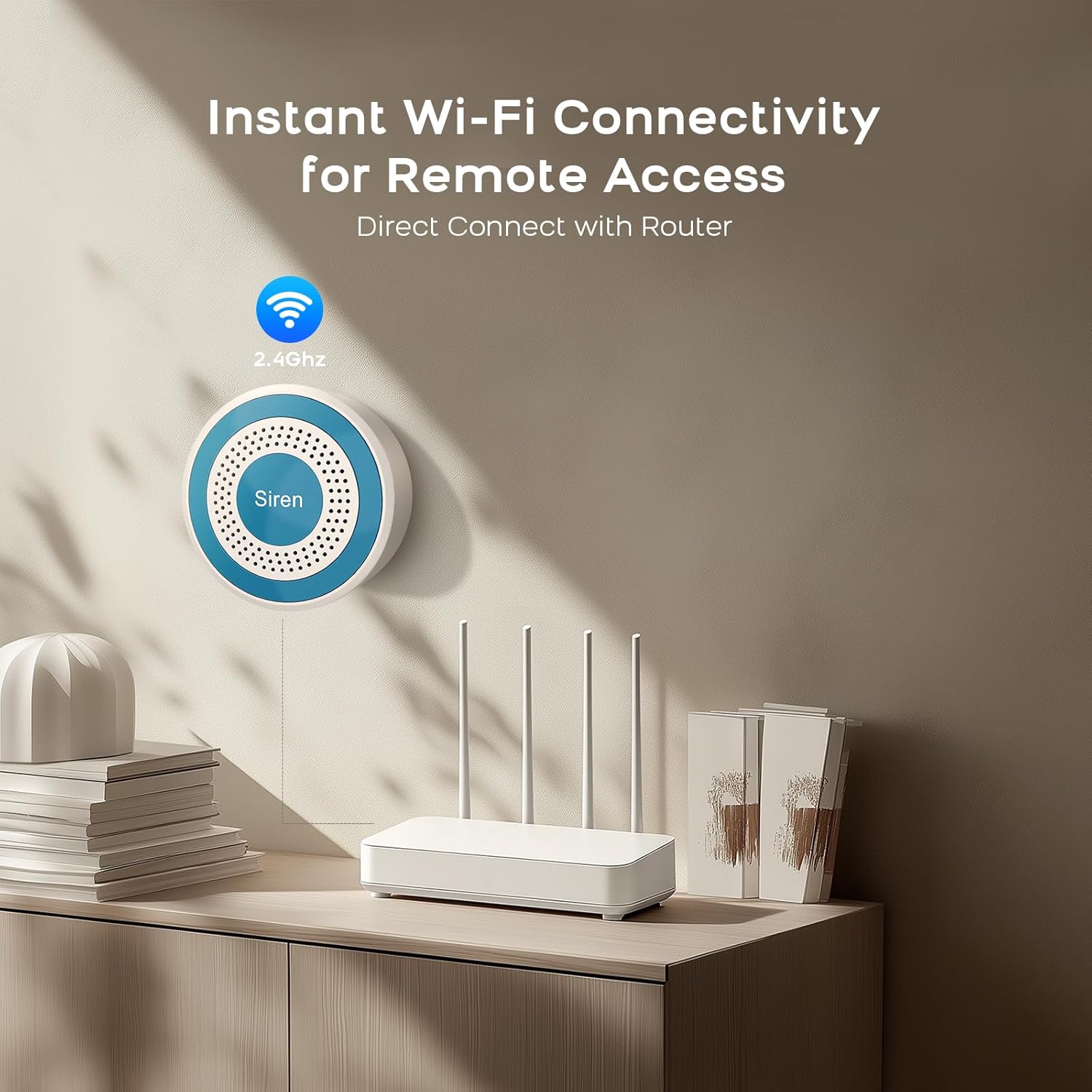
Image: The PGST Siren Hub connected to a router, illustrating instant Wi-Fi connectivity for remote access. The siren is a white circular device with a blue center, labeled 'Siren'.
2.2. Uppsetning og pörun appa
- Sækja Tuya Smart or Snjallt líf app úr appverslun snjallsímans þíns.
- Skráðu þig eða skráðu þig inn á reikninginn þinn.
- In the app, tap the '+' icon to add a device.
- Select 'Alarm (Wi-Fi)' under the 'Sensors' category.
- Ensure your smartphone is connected to a 2.4GHz Wi-Fi network (5GHz networks are not supported). Enter your Wi-Fi password.
- Reset the siren hub by long-pressing the 'SET' button for approximately 5 seconds until the indicator light blinks rapidly. Confirm this in the app by selecting 'Blink Quickly'.
- The app will search for and connect to the siren hub. Once connected, select 'Done'.
2.3. Pairing Accessories (Remote Controls, Door/Window Sensors, Motion Sensors)
To pair accessories with the siren hub:
- On the siren hub, press the 'SET' button three times in a row. The device lights will flash, indicating it's in pairing mode.
- For remote controls: Press any button on the remote control once. The siren will make a sound, confirming successful connection.
- For door/window magnetic sensors: Separate the two parts of the sensor. The siren will make a sound, confirming successful connection.
- For infrared motion sensors: Turn on the infrared sensor switch. Wait for the red light to flash rapidly and continuously twice. The siren will make a sound, confirming successful connection.
- Repeat for all additional accessories.
Video: PGST A519W Alarm System Operation Tutorial. This video demonstrates the step-by-step process of connecting the siren hub to the Tuya app and pairing various accessories like remote controls, door magnetic sensors, and infrared motion sensors.
3. Að stjórna kerfinu
Control your alarm system using the Tuya App, remote controls, or voice commands.
3.1. Virkjun og afvirkjun
- Óvirkjað stilling: Suitable for when you are home and do not want sensors to trigger the alarm.
- Heimastilling: Partially arms the system, typically activating perimeter sensors (e.g., door/window sensors) while allowing free movement inside.
- Fjarstilling: Fully arms the system, activating all connected sensors (door/window, motion, etc.) for maximum security when no one is home.
- SOS virka: Press the SOS button on the remote or in the app to immediately trigger the alarm and send emergency notifications.

Image: The Tuya App interface displaying different security modes: Disarmed, Home, Away, and SOS. This allows users to customize their alarm settings based on their presence.
3.2. Sensor Functionality
- Door/Window Magnetic Sensors: Detect the opening and closing of doors and windows. If armed, an unauthorized opening triggers the siren and sends an alert.
- PIR hreyfiskynjari: Detects movement within its wide-angle range (up to 10 meters). Calibrated to detect human motion, minimizing false alarms from pets or curtains.

Image: An illustration of a door sensor detecting an intruder, leading to an instant notification, a loud siren (over 100dB), and a quick response from the alarm system.
3.3. Samþætting snjallaðstoðarmanns
The PGST A519W system is compatible with Amazon Alexa and Google Assistant. You can use voice commands to arm or disarm your system, providing hands-free convenience.

Image: A scene depicting a child and an adult using an Amazon Alexa device to control the alarm system with voice commands, highlighting compatibility with Alexa and Google Assistant.
3.4. Timing Arm and Disarm
Set schedules within the Tuya App to automatically arm or disarm your system at specific times, such as when you leave for work or go to bed. This feature helps save time and ensures consistent security.

Image: A visual representation of the 'Timing Arm and Disarm' feature, showing automatic arming and disarming schedules for different times of the day, such as waking up, going out, returning home, and going to bed.
4. Viðhald
To ensure optimal performance and longevity of your PGST A519W system:
- Skipt um rafhlöðu: Replace batteries in sensors and remote controls as needed. The app may provide low battery alerts.
- Skynjari hreinsun: Periodically clean the exterior of sensors with a soft, dry cloth to prevent dust buildup from affecting performance.
- Uppfærsla vélbúnaðar: Check the Tuya App regularly for any available firmware updates for the siren hub to ensure the latest features and security enhancements.
- Connectivity Check: Periodically verify that the siren hub is connected to your Wi-Fi network and that all sensors are communicating correctly via the app.
5. Bilanagreining
If you encounter issues with your PGST A519W system, refer to the following common solutions:
5.1. Tengingarvandamál
- Siren Hub not connecting to Wi-Fi: Ensure your Wi-Fi network is 2.4GHz. The system does not support 5GHz Wi-Fi. Check your router settings if unsure.
- Siren Hub offline in app: Verify the siren hub is powered on and within range of your Wi-Fi router. Restart the siren hub and your router if necessary.
5.2. Sensor Malfunctions
- Skynjari kveikir ekki á viðvörun: Check the sensor's battery. Ensure the sensor is properly paired with the siren hub (refer to Section 2.3). Verify the sensor is within the effective range of the siren hub.
- False alarms from motion sensor: Ensure the motion sensor is placed away from direct sunlight, heat sources, or areas with significant air currents (e.g., near vents or curtains) that could cause false triggers. Adjust sensitivity settings in the app if available.
5.3. App-Related Problems
- App not receiving alerts: Check your phone's notification settings for the Tuya Smart/Smart Life app to ensure notifications are enabled. Verify your phone has an active internet connection.
- Difficulty with app setup: If you are unsure how to set up the system after receiving it, contact PGST customer support for additional operation videos and guidance.
6. Tæknilýsing
| Eiginleiki | Forskrift |
|---|---|
| Vörumerki | PGST |
| Gerðarnúmer | PGST A519W |
| Aflgjafi | Battery Powered (Siren Hub: DC5V/1000mA, Battery: 3.7V/280mAh Lithium Polymer) |
| Tengitækni | Wireless (2.4GHz Wi-Fi, IEEE 802.11 b/g/n) |
| Samhæf tæki | Smartphone (Tuya App), Alexa, Google Assistant |
| Viðvörunargerð | Audio & Motion (Siren Sound Pressure: >100dB) |
| Eftirlitsaðferð | App, fjarstýring, rödd |
| Gerð uppsetningar | Screw-In (for sensors) |
| Stærðir hlutar (L x B x H) | 5 x 4 x 3 tommur |
| Þyngd hlutar | 14.9 aura |
| Rekstrarhitastig | -20°C til +55°C |
| Raki í rekstri | 40%RH-80%RH |
7. Ábyrgð og stuðningur
PGST Security is committed to quality and customer satisfaction. We offer a One Year quality warranty from the date of purchase. For any questions, technical assistance, or to request additional operation videos, please contact PGST customer support through the contact information provided with your product or on the official PGST websíða.


