1. Inngangur
Thank you for choosing the Gtheos Captain 370 Wireless Gaming Headset. This manual provides essential information for setting up, operating, and maintaining your new headset. Designed for an immersive audio experience, the Captain 370 offers versatile connectivity and comfortable wear for extended gaming sessions and communication.
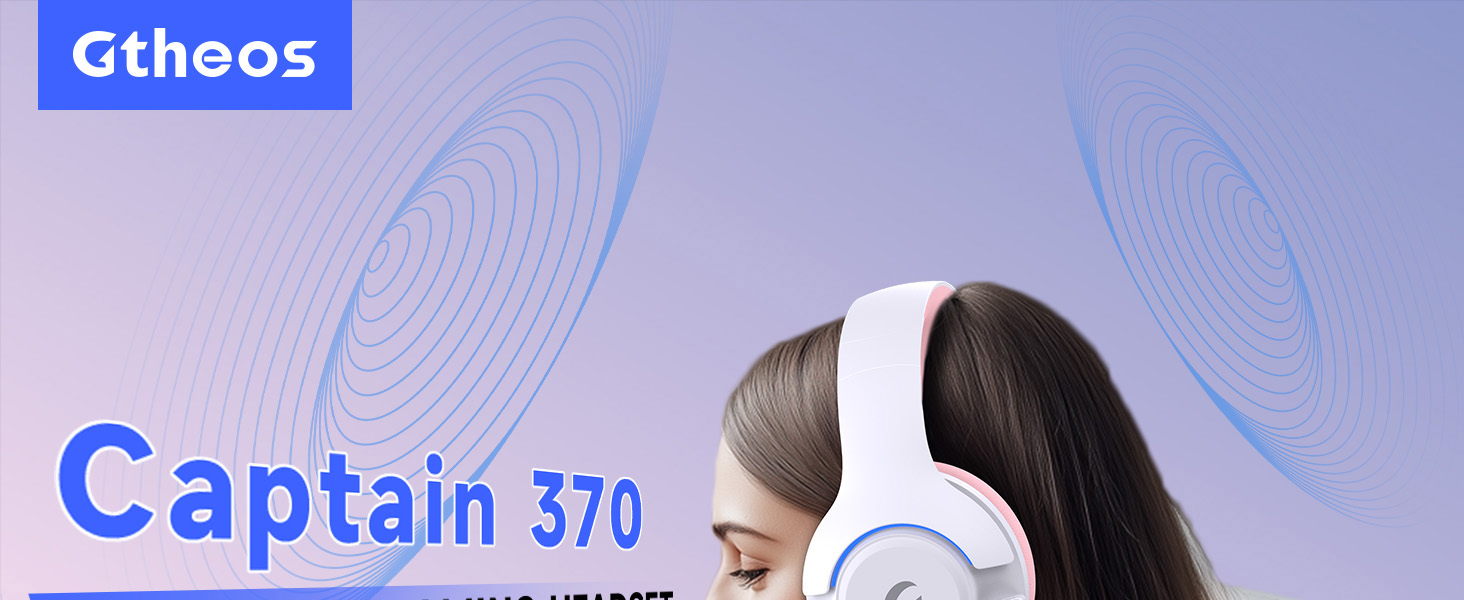
Image 1: The Gtheos Captain 370 Wireless Gaming Headset, showcasinglæsileg hönnun og þægilegir eyrnatappa.
Helstu eiginleikar:
- 4-í-1 tenging: Seamlessly switch between 2.4GHz wireless, Bluetooth 5.3, and 3.5mm wired modes for broad device compatibility.
- 50 mm kraftmiklir ökumenn: Experience realistic and immersive sound quality for gaming and multimedia.
- Hávaðadeyfandi hljóðnemi: Detachable microphone designed to reduce background noise for clear communication.
- Lengri endingartími rafhlöðu: Njóttu allt að 45 klukkustunda samfelldrar notkunar á einni hleðslu.
- Þægileg hönnun: Ergonomically designed earcups and headband for prolonged comfort during use.
- RGB lýsing: Customizable LED lighting effects on the earcups.
2. Uppsetning
2.1 Hvað er í kassanum
- 1 x Gtheos Captain 370 Gaming Headset
- 1 x Detachable Noise Cancelling Microphone
- 1 x Type-C hleðslusnúra
- 1 x USB Transmitter (2.4GHz dongle)
- 1 x 3.5 mm hljóðsnúra
- 1 x Notendahandbók
2.2 Hleðsla heyrnartólanna
Before first use, fully charge the headset. Connect the Type-C charging cable to the headset's charging port and the other end to a USB power source (e.g., computer USB port, USB wall adapter). The LED indicator will show charging status and turn off when fully charged.

Image 2: Headset highlighting the 45-hour battery life and charging port.
2.3 Að festa hljóðnemann
The Captain 370 comes with a detachable noise-canceling microphone. Insert the microphone into the dedicated port on the left earcup until it clicks into place. Ensure it is securely connected for optimal voice pickup.

Image 3: Close-up of the headset showing the detachable noise-canceling microphone.
3. Notkunarleiðbeiningar
3.1 Kveikt/slökkt
To power on the headset, press and hold the Power button located on the earcup until the LED indicator lights up. To power off, press and hold the Power button again until the LED indicator turns off.
3.2 Tengistillingar
The Gtheos Captain 370 supports four connectivity modes:
- 2.4GHz þráðlaus stilling: For PS4, PS5, PC, Mac, Nintendo Switch (via Type-C), and Phones/Pads (via Type-C). Insert the USB transmitter into your device. The headset will automatically connect.
- Bluetooth 5.3 stilling: For Phones, Pads, and Notebooks. Enable Bluetooth on your device, put the headset into pairing mode (refer to device-specific instructions if needed), and select "Gtheos Captain 370" from the available devices.
- 3.5 mm þráðlaus stilling: For PS4, PS5, Xbox, PC, Mac, and Laptops/Tablets with a 3.5mm jack. Connect the included 3.5mm audio cable to the headset and your device.
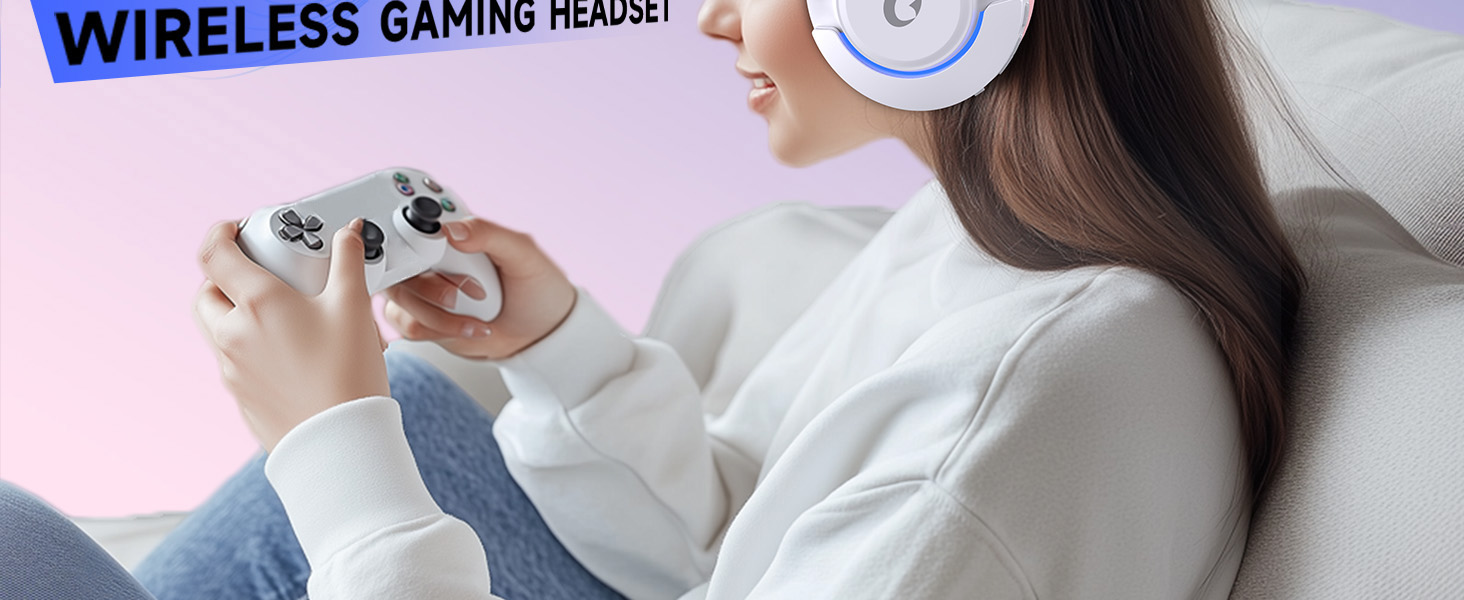
Image 4: Visual representation of the four connectivity modes and compatible devices.

Image 5: Detailed compatibility matrix for voice and microphone functions across 2.4G, Bluetooth, and 3.5mm wired modes.
3.3 Hljóðstyrkur
Adjust the volume using the dedicated volume roller or buttons on the headset's earcup. For optimal sound, also check the volume settings on your connected device.
3.4 Hljóðnemi slökkva
Press the Microphone Mute button on the headset to toggle the microphone on or off. An indicator light (often red) will typically show when the microphone is muted.
3.5 LED lýsingarstýring
The headset features customizable RGB lighting. Press the dedicated LED control button (often integrated with the mic mute button or a separate button) to cycle through different lighting effects or turn them off. A quick press may change colors, while a long press might toggle the lights on/off.
4. Viðhald
To ensure the longevity and performance of your Gtheos Captain 370 headset, follow these maintenance guidelines:
- Þrif: Use a soft, dry cloth to clean the headset. Avoid using harsh chemicals or abrasive materials. For earcups, gently wipe with a damp klút og látið þorna alveg.
- Geymsla: Geymið heyrnartólið á köldum, þurrum stað fjarri beinu sólarljósi og miklum hita.
- Meðhöndlun: Avoid dropping the headset or exposing it to excessive force. Do not pull on cables forcefully.
- Umhirða rafhlöðu: Til að hámarka endingu rafhlöðunnar skaltu forðast að tæma heyrnartólin alveg oft. Hladdu þau reglulega, jafnvel þótt þau séu ekki í stöðugri notkun.
5. Bilanagreining
5.1 Ekkert hljóð eða lágt hljóðstyrkur
- Gakktu úr skugga um að heyrnartólið sé kveikt og fullhlaðið.
- Athugaðu hljóðstyrkinn bæði í heyrnartólunum og tengda tækinu.
- Staðfestu að rétt hljóðúttakstæki sé valið í hljóðstillingum tækisins.
- If using 2.4GHz wireless, ensure the USB transmitter is securely plugged in and recognized by your device.
- Ef þú notar Bluetooth skaltu ganga úr skugga um að heyrnartólið sé rétt parað og tengt.
- If using 3.5mm wired, ensure the cable is fully inserted into both the headset and the device.
5.2 Hljóðnemi virkar ekki
- Gakktu úr skugga um að hljóðneminn sé örugglega festur við heyrnartólið.
- Check if the microphone is muted using the headset's mute button.
- Staðfestu að rétt hljóðnemainntakstæki sé valið í hljóðstillingum tækisins.
- Test the microphone in different applications or with another device.
5.3 Tengingarvandamál
- 2.4GHz: Try unplugging and re-plugging the USB transmitter. Ensure no other 2.4GHz devices are causing interference.
- Bluetooth: Unpair and re-pair the headset with your device. Ensure the headset is within the Bluetooth range (10 meters).
- Almennt: Endurræstu bæði heyrnartólið og tengda tækið.
6. Tæknilýsing
| Eiginleiki | Smáatriði |
|---|---|
| Nafn líkans | Kapteinn 370 |
| Vörumerki | Gtheos |
| Tengitækni | 2.4 GHz þráðlaust, Bluetooth 5.3, 3.5 mm snúra |
| Stærð hljóðbílstjóra | 50 millimetrar |
| Gerð hljóðbílstjóra | Dynamic bílstjóri |
| Tíðni svörun | 20 KHz |
| Viðnám | 32 ohm |
| Hávaðastýring | Sound Isolation, Noise Cancellation (Microphone) |
| Rafhlöðuending | Allt að 45 klst |
| Bluetooth útgáfa | 5.3 |
| Bluetooth svið | 10 metrar |
| Töf á hljóði | 20 millisekúndur |
| Samhæf tæki | PS5, PS4, PC, Mac, Laptop, Tablets, Phones, Nintendo Switch, Xbox (wired) |
| Efni | ABS, leður, PC |
| Þyngd hlutar | 0.51 kíló (1.12 pund) |
| Litur | Dökk bleikur |
7. Ábyrgð og stuðningur
7.1 Upplýsingar um ábyrgð
The Gtheos Captain 370 Wireless Gaming Headset comes with a standard manufacturer's warranty. Please refer to the warranty card included in your product packaging for specific terms and conditions, including warranty period and coverage details.
7.2 Þjónustuver
For technical assistance, troubleshooting, or any questions regarding your Gtheos Captain 370 headset, please contact Gtheos customer support. You can find contact information on the official Gtheos websíðunni eða í gegnum söluaðilann þar sem þú keyptir vöruna.
Heimsæktu Gtheos Store on Amazon fyrir frekari upplýsingar og uppfærslur á vörum.


