1. Inngangur
This manual provides essential information for the safe and efficient operation of your FOXX C10 10.1-inch Android Tablet. Please read this guide thoroughly before using your device to ensure proper functionality and to understand its features. Keep this manual for future reference.
2. Hvað er í kassanum
Gakktu úr skugga um að allir hlutir séu til staðar í pakkanum:
- FOXX C10 Tablet
- Type-C kapall
- Hleðslutæki (10W)
- Notendahandbók
- Protective Cover (pre-applied)
- Screen Protector Film (pre-applied)
3. Vöru lokiðview
The FOXX C10 tablet features a 10.1-inch HD display, dual 8MP cameras, and a robust 6000mAh battery, all powered by an Android 13 operating system.

Mynd: Framan og aftan view of the FOXX C10 tablet, showcasing its sleek design and dual camera module on the rear.

Image: An infographic highlighting key features including the 10.1-inch display, Android 13, 6000mAh battery, 8MP cameras, MediaTek quad-core chipset, 4GB RAM + 64GB storage, 4G LTE bands, Wi-Fi, Bluetooth 5.0, Nano SIM, Type-C, and 3.5mm AUX port.
3.1 Skjár
The tablet is equipped with a 10.1-inch HD TFT V-notch display, offering a resolution of 800x1280 pixels for clear visuals.

Image: Close-up of the tablet's 10.1-inch HD TFT V-notch display, showing vibrant colors and detail.
3.2 myndavélar
The FOXX C10 features dual 8-megapixel cameras, both on the front and rear, enabling high-quality photos and video calls.
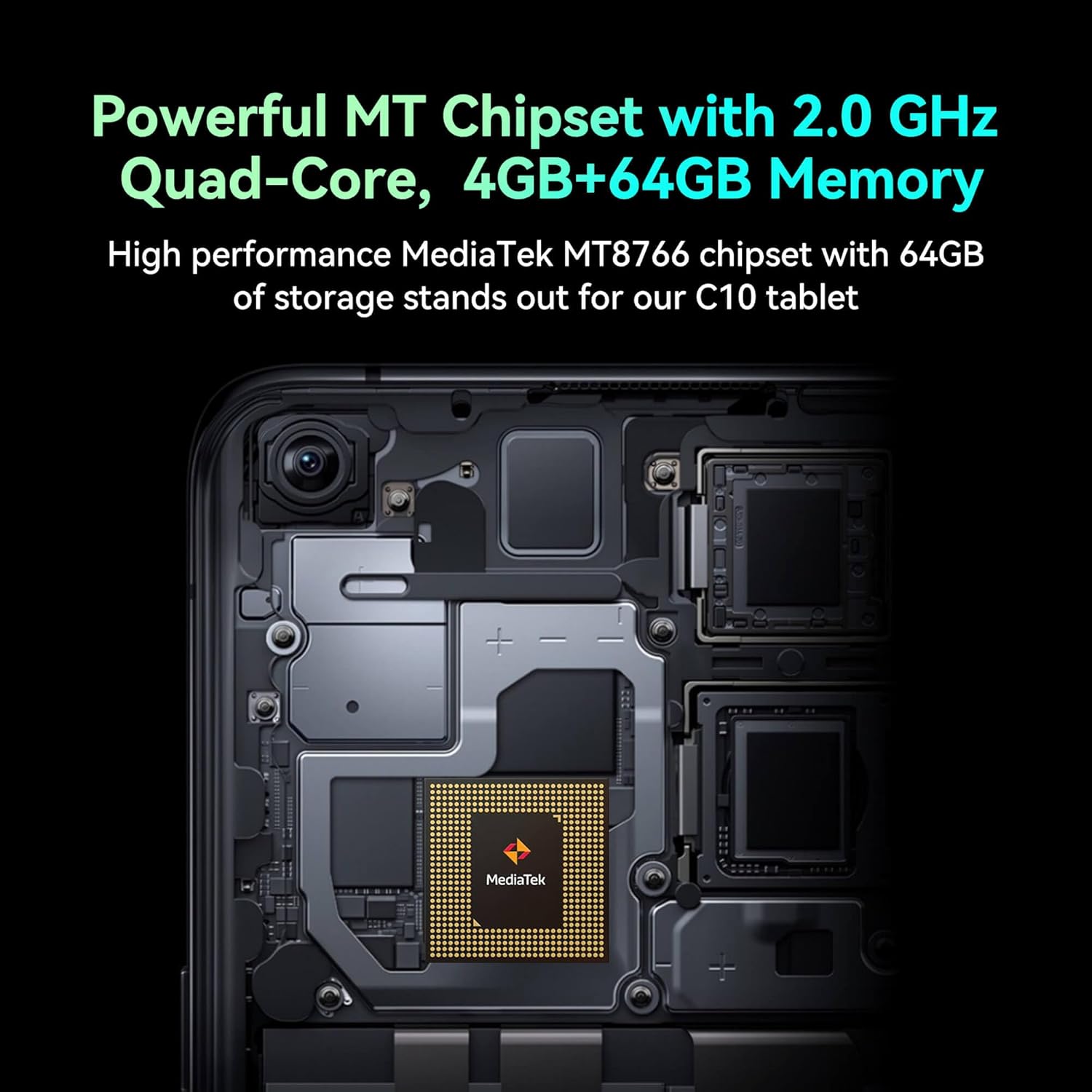
Image: Detail of the tablet's rear camera module, highlighting the 8-megapixel main camera with autofocus capabilities.
3.3 Örgjörvi og minni
It runs on a 2.0 GHz quad-core MediaTek MT8766 chipset, paired with 4GB of RAM and 64GB of internal storage for smooth performance and ample pláss.

Mynd: Innra view of the tablet's motherboard, showcasing the MediaTek MT8766 quad-core chipset.
3.4 Rafhlaða
A 6000mAh battery provides extended usage time, ensuring the device stays powered throughout the day.
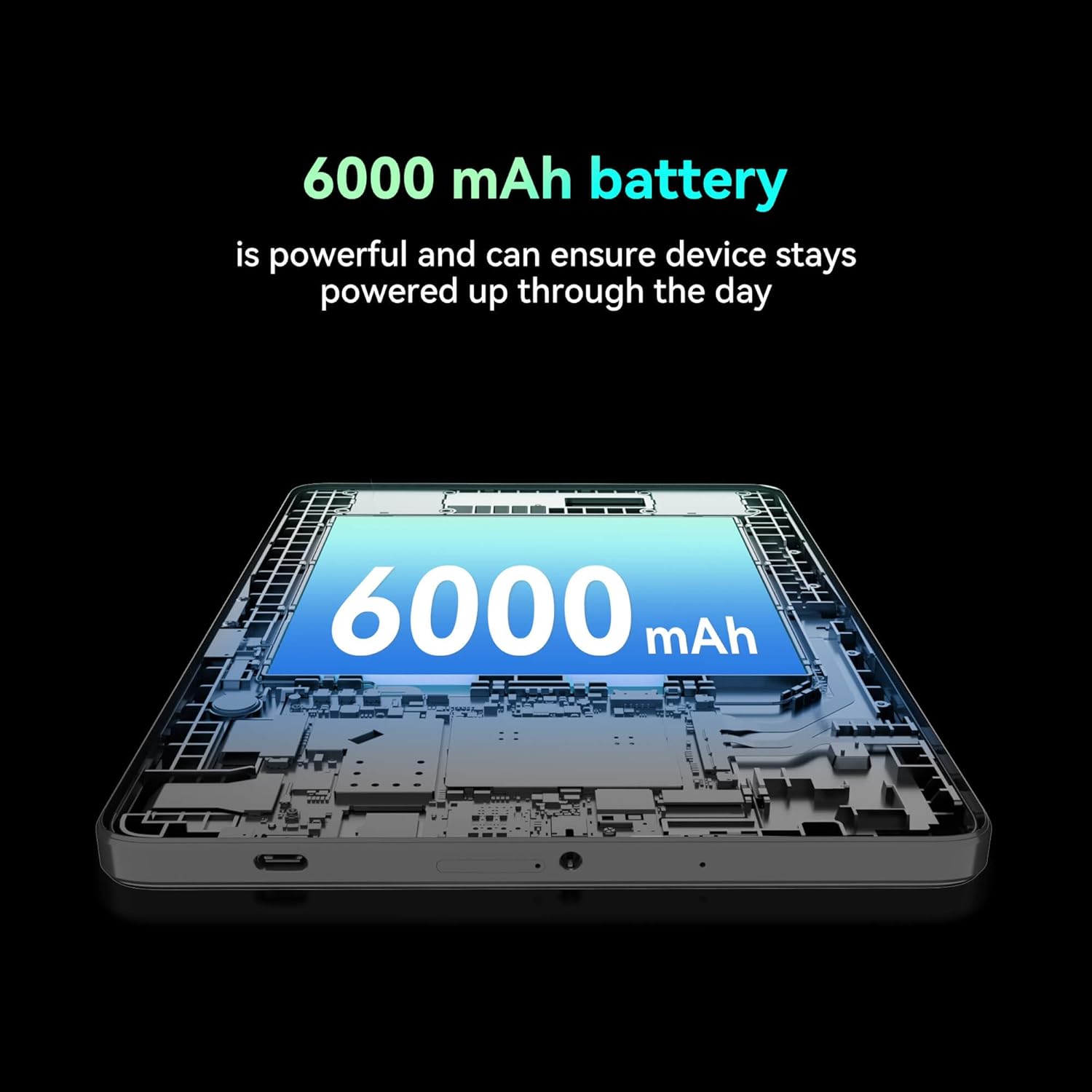
Mynd: Úrklipp view of the tablet highlighting the large 6000 mAh battery component.
4. Uppsetning
4.1 Upphafshleðsla
Before first use, fully charge your tablet using the provided Type-C cable and 10W charger. The battery indicator on the screen will show charging status.
4.2 Kveikt/slökkt
- Til að kveikja á: Haltu inni Power hnappinum þar til skjárinn logar.
- Til að slökkva á: Haltu inni aflrofann og veldu síðan „Slökkva“ úr valkostunum á skjánum.
- Til að endurræsa: Haltu inni aflrofann og veldu síðan „Endurræsa“ úr valkostunum á skjánum.
4.3 Uppsetning SIM -korts
The FOXX C10 supports Nano SIM cards for cellular connectivity. Locate the SIM card tray on the side of the tablet. Use the provided SIM ejector tool to open the tray. Insert the Nano SIM card into the designated slot with the gold contacts facing down. Close the tray securely.
4.4 Uppsetning microSD-korts (valfrjálst)
If your tablet supports expandable storage, locate the MicroSD card slot, often combined with the SIM tray. Insert a MicroSD card (up to 128GB, sold separately) into the slot with the gold contacts facing down. Close the tray securely.
5. Notkunarleiðbeiningar
5.1 Grunnleiðsögn
Spjaldtölvan þín keyrir á Android 13. Notaðu snertihreyfingar til að rata:
- Bankaðu á: Veldu hlut eða opnaðu forrit.
- Strjúktu: Fletta í gegnum skjái eða lista.
- Klípa: Aðdráttur eða minnkun á myndum og web síður.
- Langt ýtt: Opnaðu samhengisvalmyndir eða færðu tákn.
5.2 Tengist við Wi-Fi
- Farðu til Stillingar > Net og internet > Wi-Fi.
- Kveikja á Wi-Fi On.
- Veldu Wi-Fi netið sem þú vilt af listanum.
- Sláðu inn lykilorðið ef beðið er um það og pikkaðu síðan á Tengdu.
5.3 Making Calls (4G LTE)
With a properly installed and activated Nano SIM card, your tablet can make and receive calls.
- Opnaðu Sími app.
- Dial the desired number or select a contact.
- Bankaðu á Hringdu hnappinn.
5.4 Notkun myndavélarinnar
The tablet features dual 8MP cameras for photography and video recording.
- Opnaðu Myndavél app.
- Bankaðu á Lokari hnappinn til að taka mynd.
- Bankaðu á Myndband táknið til að skipta yfir í myndbandsupptökuham.
- Use the camera switch icon to toggle between front and rear cameras.
5.5 Bluetooth pörun
- Farðu til Stillingar > Tengd tæki > Bluetooth.
- Kveiktu á Bluetooth On.
- Ensure the device you want to pair with is in pairing mode.
- Select the device from the list and follow any on-screen prompts to complete pairing.
6. Viðhald
6.1 Umhirða rafhlöðu
- Forðist mikinn hita, sem getur dregið úr endingu rafhlöðunnar.
- Ekki láta spjaldtölvuna vera í hleðslu í langan tíma eftir að hún er fullhlaðin.
- Notið aðeins hleðslutækið og snúruna sem fylgir.
6.2 Þrif
Notið mjúkan, lólausan klút til að þrífa skjáinn og spjaldtölvuna. Forðist að nota sterk efni eða slípiefni. Fyrir þrjósk bletti, þurrkið örlítið.ampÞurrkið klútinn með vatni eða skjáhreinsiefni sem er hannað fyrir rafeindatæki.
6.3 Hugbúnaðaruppfærslur
Athugaðu reglulega hvort hugbúnaðaruppfærslur séu til staðar og settu upp þær til að tryggja að spjaldtölvan þín hafi nýjustu eiginleikana, öryggisuppfærslur og úrbætur á afköstum. Farðu á Stillingar > Kerfi > Kerfisuppfærsla.
7. Bilanagreining
| Vandamál | Lausn |
|---|---|
| Spjaldtölvan kveikir ekki á sér | Gakktu úr skugga um að rafhlaðan sé hlaðin. Tengdu hleðslutækið og bíddu í nokkrar mínútur áður en þú reynir að kveikja aftur. |
| Get ekki tengst Wi-Fi | Athugaðu hvort Wi-Fi sé virkt í stillingunum. Endurræstu leiðina og spjaldtölvuna. Staðfestu Wi-Fi lykilorðið. |
| Forrit eru hæg eða hrynja | Close unused apps. Clear app cache (Settings > Apps > [App Name] > Storage > Clear cache). Restart the tablet. Ensure sufficient storage space. |
| Engin farsímaþjónusta | Ensure the Nano SIM card is correctly inserted and activated. Check your network settings and contact your service provider if necessary. |
| Skjárinn svarar ekki | Restart the tablet. If the issue persists, perform a factory reset (data will be lost). |
8. Tæknilýsing
| Eiginleiki | Smáatriði |
|---|---|
| Nafn líkans | FOXX C10 |
| Stýrikerfi | Android 13 |
| Skjástærð | 10.1 tommur |
| Hámarks skjáupplausn | 800x1280 pixlar |
| Örgjörvi | 2 GHz Quad-Core MediaTek |
| vinnsluminni | 4 GB |
| Innri geymsla | 64 GB |
| Flash Memory Stærð | 8 GB (likely referring to system partition or eMMC base) |
| Myndavélar | Dual 8MP (Front & Rear) |
| Rafhlöðugeta | 6000 mAh |
| Tengingar | 4G LTE, Wi-Fi (802.11 b/g/n/ac), Bluetooth 5.0, USB-C, 3.5mm AUX |
| Þyngd hlutar | 1.26 pund |
| Vörumál | 9.64 x 6.39 x 0.42 tommur |
| Litur | Svartur |
9. Ábyrgð og stuðningur
Til að fá upplýsingar um ábyrgð og tæknilega aðstoð, vinsamlegast skoðið fylgiskjölin sem fylgja kaupunum eða hafið samband við söluaðila. Geymið kaupkvittunina vegna ábyrgðarkröfu.