1. Inngangur
Thank you for choosing the KTC H25T7-3 24.5 Inch 240Hz FHD Gaming Monitor. This manual provides essential information for setting up, operating, and maintaining your monitor. Please read it thoroughly before use to ensure optimal performance and safety.
Öryggisupplýsingar
- Ekki láta skjáinn verða fyrir rigningu eða raka til að koma í veg fyrir eld eða raflosti.
- Ekki opna skjáinn casing. Engir hlutar eru inni í tækinu sem notandinn getur gert við. Látið hæft starfsfólk alla þjónustu.
- Setjið skjáinn á stöðugt, slétt yfirborð til að koma í veg fyrir að hann detti.
- Tryggðu rétta loftræstingu í kringum skjáinn til að koma í veg fyrir ofhitnun.
- Use only the power adapter and cables provided by KTC.
2. Hvað er í kassanum
Verify that all the following items are present in your package:
- KTC H25T7-3 24.5" FHD 240Hz Monitor (x1)
- Monitor Stand (x1)
- Leiðbeiningar fyrir fljótlega notkun (x1)
- DisplayPort (DP) snúra (x1)
- Rafmagnstengi (x1)
- Rafmagnssnúra (x1)
3. Vöru lokiðview
The KTC H25T7-3 is a 24.5-inch Full HD (1920x1080) gaming monitor featuring a Fast IPS panel, 240Hz refresh rate, and 1ms MPRT response time for smooth visuals. It supports HDR400 and Adaptive-Sync technology to enhance your viewing og leikjaupplifun.
Helstu eiginleikar
- 24.5" FHD Fast IPS Panel: Delivers crisp 1080p resolution with wide 178° viewing horn.
- 240Hz endurnýjunartíðni og 1ms MPRT: Ensures ultra-smooth motion and minimal ghosting.
- Adaptive-Sync tækni: Synchronizes the monitor's refresh rate with your GPU for tear-free gameplay.
- HDR400 stuðningur: Provides enhanced contrast and color depth for a more immersive visual experience.
- Vistvæn standur: Offers tilt, pivot, and height adjustments for personalized viewí þægindi.
- Eiginleikar augnhirðu: Low blue light and flicker-free technology reduce eye strain during extended use.
- Margir tengimöguleikar: Includes 2x HDMI 2.0, 1x DisplayPort 1.4, and 1x USB 2.0.

Mynd 3.1: Yfirview of KTC H25T7-3 monitor features including Fast IPS, 240Hz, HDR400, and adjustable stand.
4. Uppsetning
4.1 Samsetning standsins
- Fjarlægið skjáinn og standinn varlega úr umbúðunum.
- Festið standfótinn við hálsinn á standinum með meðfylgjandi skrúfum.
- Stilltu samansetta standinum saman við festingaraufina á bakhlið skjásins og festu hann vel.

Mynd 4.1: Framan view of the KTC H25T7-3 monitor with its stand assembled.
4.2 VESA veggfesting (valfrjálst)
The monitor supports a 100x100mm VESA mount. To wall mount the monitor:
- Fjarlægðu standinn af skjánum ef hann er þegar festur á.
- Attach your VESA-compatible wall mount bracket to the four screw holes on the back of the monitor. Ensure the screws are appropriate for the VESA standard and do not overtighten.
- Follow the instructions provided with your VESA mount for secure installation.

Mynd 4.2: Aftan view of the KTC H25T7-3 monitor, highlighting the input ports and VESA mounting area.
4.3 Tengisnúrur
Connect the necessary cables to the corresponding ports on the monitor and your computer/device:
- Kraftur: Connect the power adapter to the monitor's DC input and then plug the power cord into a power outlet.
- DisplayPort (DP): For optimal performance (240Hz, Adaptive-Sync), connect the provided DisplayPort cable from your graphics card to the monitor's DP 1.4 port.
- HDMI: Alternatively, connect an HDMI cable from your device to one of the monitor's HDMI 2.0 ports.
- USB: The USB 2.0 port can be used for firmware upgrades or connecting peripherals.
5. Notkunarleiðbeiningar
5.1 Kveikt/slökkt
Ýttu á rofann (venjulega staðsettan aftan eða neðst á skjánum) til að kveikja eða slökkva á honum. Rafmagnsljósið lýsir þegar skjárinn er kveiktur.
5.2 Leiðsögn í skjáborðsvalmynd
The On-Screen Display (OSD) menu is controlled by a joystick button, typically located on the back of the monitor. Use the joystick to navigate through the menu options and adjust settings.
- Ýta inn: Enter/Confirm selection.
- Upp niður: Farðu í gegnum valmyndarvalkosti.
- Vinstri/hægri: Stilla gildi eða færa sig á milli undirvalmynda.
5.3 Að stilla skjástillingar
Access the OSD menu to configure various display settings:
- Birtustig / birtuskil: Stilltu heildarbirtu og birtuskil.
- Litastillingar: Fínstilltu litahita, gamma og einstök RGB gildi.
- Myndastilling: Select from preset modes (e.g., Standard, Game, Movie, sRGB) or customize your own.
- Endurnýjunartíðni: Ensure your graphics card output is set to 240Hz for optimal performance.
- Adaptive-Sync: Enable this feature in the OSD menu and your graphics card control panel to eliminate screen tearing.
- HDR: Activate HDR400 for compatible content to experience enhanced dynamic range.
- Lágt blátt ljós: Adjust the blue light filter to reduce eye strain.

Figure 5.1: Visual representation of the 240Hz refresh rate for smooth motion.
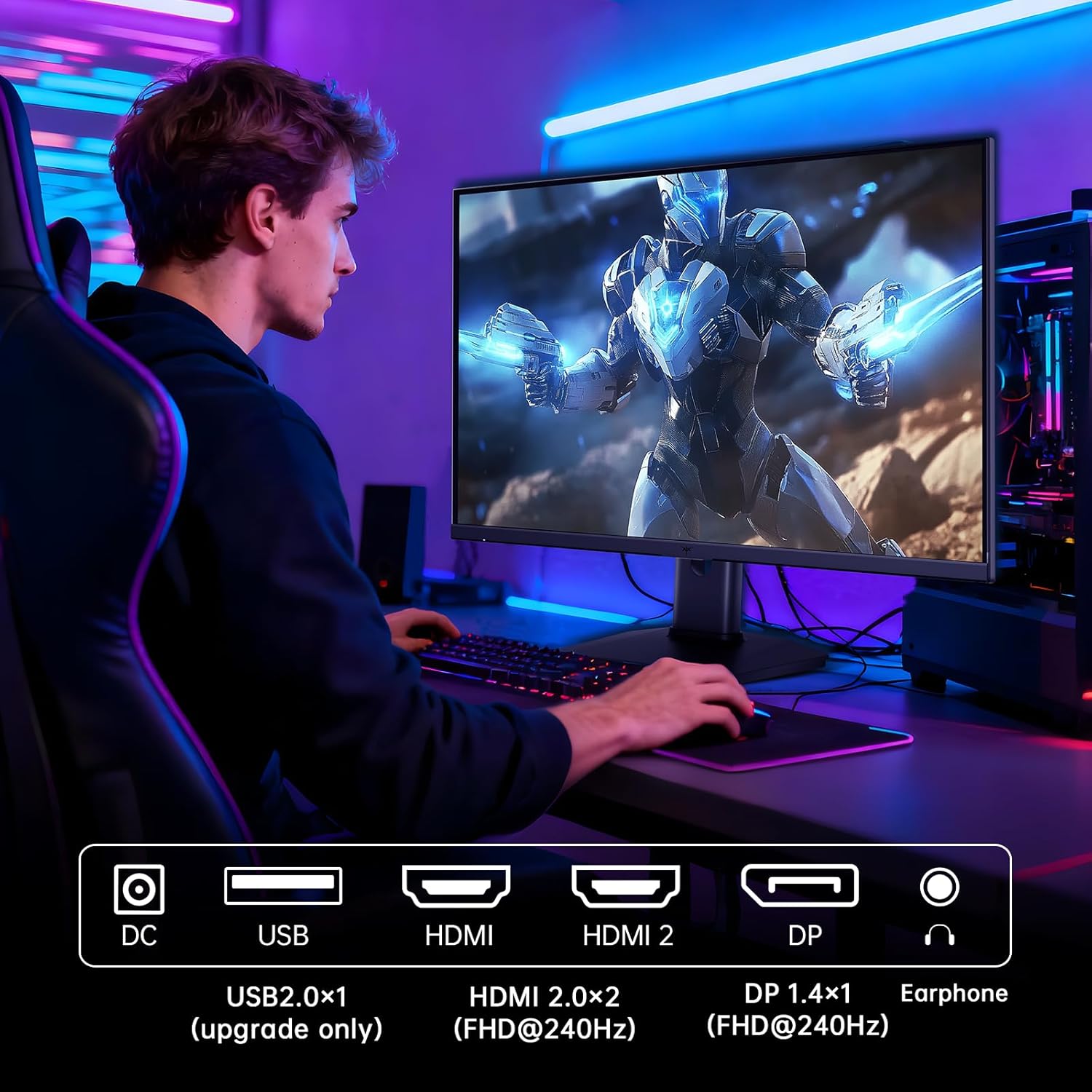
Figure 5.2: Comparison showing the effect of Adaptive-Sync on reducing stuttering and screen tearing.

Figure 5.3: Illustration of HDR400 technology delivering clear details in dark areas compared to HDR10.

Figure 5.4: Diagram illustrating hardware blue light reduction technology to filter harmful blue light bands.
5.4 Ergonomísk stilling
Skjástandurinn býður upp á ýmsar stillingar til að hámarka notkun þína viewstaða:
- Halla: Adjust the screen angle forward or backward (-5° to 20°).
- Pivot: Rotate the screen 90° for portrait mode.
- Hæðarstilling: Raise or lower the screen by up to 110mm.
Figure 5.5: Diagram showing the tilt, pivot, and height adjustment capabilities of the monitor stand.
5.5 Opinbert vörumyndband
Video 5.1: An official product video from KTC-Official showcasing the 24.5 Inch FHD 240Hz Gaming Monitor, demonstrating its features and performance.
6. Viðhald
6.1 Þrif á skjánum
Til að þrífa skjáinn og casing:
- Taktu alltaf skjáinn úr sambandi við rafmagn áður en hann er þrifinn.
- Notaðu létt mjúkan, lólausan klút dampÞvoið með vatni eða skjáhreinsiefni án slípiefna.
- Ekki úða hreinsiefni beint á skjáinn.
- Forðist að nota bensen, þynni, ammoníak-bundin hreinsiefni eða slípiefni.
6.2 Almenn umönnun
- Haldið skjánum frá beinu sólarljósi, miklum hita eða kulda.
- Forðist að setja þunga hluti ofan á skjáinn eða snúrur hans.
- Ekki loka fyrir loftræstiopin á skjánum.
7. Bilanagreining
Ef þú lendir í vandræðum með skjáinn þinn skaltu skoða eftirfarandi algeng vandamál og lausnir:
| Vandamál | Möguleg orsök | Lausn |
|---|---|---|
| Enginn kraftur | Rafmagnssnúra ekki tengd; Rafmagnsinnstungan virkar ekki | Gakktu úr skugga um að rafmagnssnúran sé vel tengd. Prófaðu rafmagnsinnstunguna með öðru tæki. |
| Ekkert merki | Video cable not connected; Incorrect input source selected; Computer/device not powered on | Check video cable connections. Select the correct input source via the OSD menu. Ensure your computer/device is on. |
| Flikrandi skjár | Incorrect refresh rate; Cable issue; Adaptive-Sync not enabled | Set refresh rate to 240Hz. Try a different video cable. Enable Adaptive-Sync in OSD and GPU settings. |
| Image distortion/poor quality | Incorrect resolution; Graphics driver issue; Monitor settings | Set resolution to 1920x1080. Update graphics drivers. Adjust OSD settings (brightness, contrast, color). |
7.1 Factory Reset
If problems persist, you may perform a factory reset through the OSD menu. This will revert all monitor settings to their default values.
8. Tæknilýsing
Detailed technical specifications for the KTC H25T7-3 monitor:
| Eiginleiki | Forskrift |
|---|---|
| Gerðarnúmer | H25T7-3 |
| Skjástærð | 24.5 tommur |
| Tegund pallborðs | Hratt IPS |
| Upplausn | FHD 1080p (1920 x 1080 pixlar) |
| Hlutfall | 16:9 |
| Endurnýjunartíðni | 240Hz |
| Svartími | 1 ms (MPRT) |
| Adaptive Sync | Já |
| HDR stuðningur | HDR400 |
| Litasvið | 114% sRGB |
| Andstæðuhlutfall | 1000:1 |
| Sýna liti | 16.7 milljónir |
| Birtustig | 350 cd/m² |
| Viewí horn | 178° (H/V) |
| Tengingar | 2x HDMI 2.0, 1x DisplayPort 1.4, 1x USB 2.0 |
| Samhæfni við VESA festingu | 100x100mm |
| Vistvænar stillingar | Tilt, Pivot, Height |
| Vöruvídd (með standi) | 7.6 x 21.97 x 18.23 tommur |
| Þyngd hlutar (með standi) | 11.58 pund |
| Voltage | 12 volt (DC) |
9. Ábyrgð og stuðningur
9.1 Upplýsingar um ábyrgð
KTC monitors are designed and manufactured to the highest quality standards. For specific warranty terms and conditions, please refer to the warranty card included with your product or visit the official KTC webGeymið kaupkvittunina sem sönnun fyrir kaup vegna ábyrgðarkröfu.
9.2 Þjónustuver
If you have any questions, require technical assistance, or experience issues not covered in this manual, please contact KTC customer support. Contact details can typically be found on the official KTC websíðunni eða í fljótlegu leiðbeiningunum.


